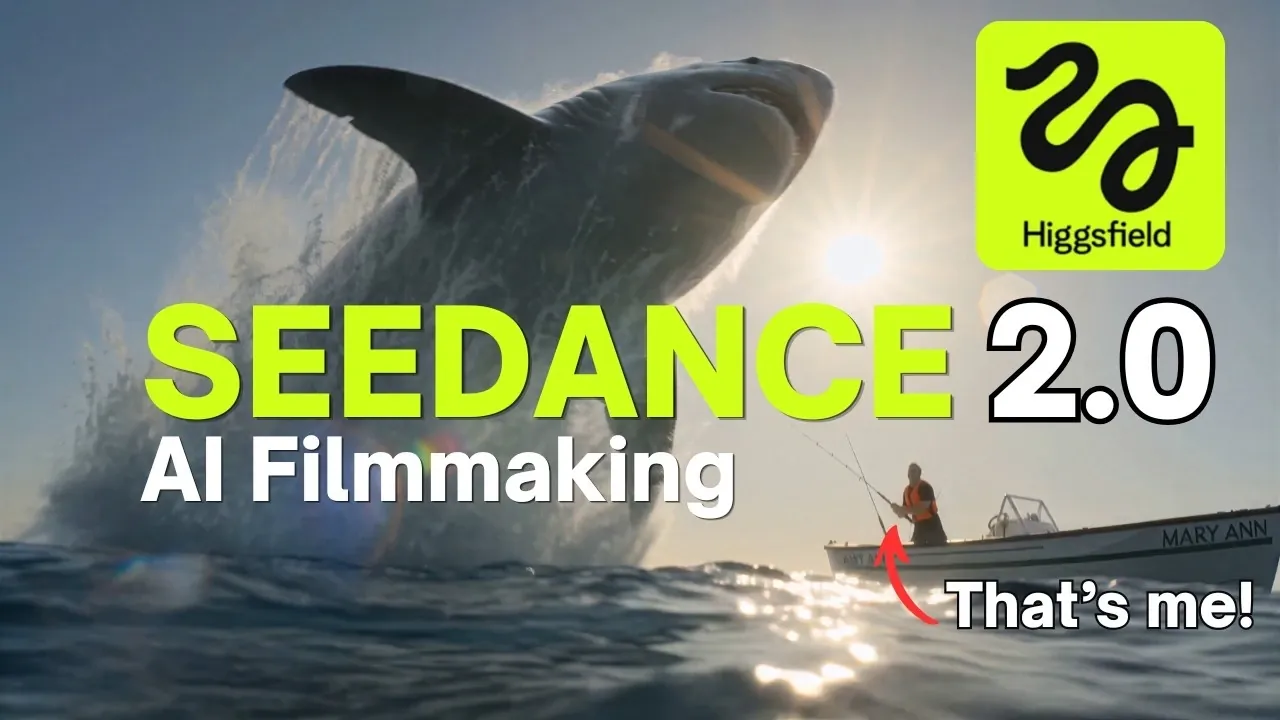
Seedance 2.0 is an AI-driven platform designed to simplify video creation while offering extensive customization options. It’s hosted on the Higgsfield platform and runs entirely within your desktop browser, so there’s no download or installation required. As highlighted in Teacher’s Tech, one of the standout features is multimodal input systemThis allows users to combine text, images, audio, and video into a single prompt for highly customized results. For example, you can upload detailed scripts along with reference images and background audio to help the AI generate accurate and consistent scenes.
Explore how to get the most out of Seedance 2.0’s capabilities, starting with creating lifelike animations. realistic movement and physics Synchronize multilingual narration with lip sync animation. You’ll also learn how to create videos from 4 to 15 seconds in length at up to 4K resolution using a credit-based system for cost-effective use. Whether your goal is to create educational content, business materials, or creative projects, this guide will help you navigate the platform’s features for professional-quality results.
What are the features of Seedance 2.0?
Key points:
- Seedance 2.0 is an AI-powered video creation tool hosted on the Higgsfield platform that provides a user-friendly, browser-based interface for seamless video production with no downloads or installations required.
- The platform supports multimodal input, allowing users to combine text, images, audio, and video into a single prompt for highly customized and realistic video output.
- It features extensive customization options, including detailed prompts, custom elements, adjustable video length, and up to 4K resolution with upscaling capabilities.
- Practical applications include creating educational content, business videos, and creative projects, making it versatile for a variety of industries and purposes.
- Additional tools such as translation, audio customization, and video upscaling enhance functionality to ensure you create professional-quality videos tailored to a global audience.
Seedance 2.0 is designed to run entirely within your browser, ensuring convenience and ease of use. However, the mobile app has not yet been developed and is currently limited to desktop devices. The platform employs a flexible credit-based system that allows users to purchase credits based on their specific usage requirements. This pay-as-you-go model is ideal for both occasional users and those with frequent video production needs, offering scalability and cost-effectiveness.
Key features of Seedance 2.0
Seedance 2.0 offers a robust suite of features that simplify video creation while maintaining high standards of quality and accuracy. These features include:
- Multimodal input: Create highly customized scenes by combining text, images, audio, and video into one prompt. For example, you can upload detailed scripts, reference images, and background audio to guide the AI to generate your video.
- Realistic movement and physics: This platform ensures smooth and lifelike interactions between characters and objects, increasing video realism and immersion.
- Synchronized audio and video: Produce voice-overs and lip-sync animations in multiple languages to make your content accessible to diverse audiences around the world.

Check out the resources below for in-depth content covering more areas on AI video creation.
Extensive customization options
Seedance 2.0 offers a wide range of customization tools, allowing users to customize every aspect of their videos. These options include:
- Detailed prompt: Create a prompt of up to 2,500 characters to accurately describe your scene. Take full creative control by specifying elements such as camera angles, lighting, and character actions.
- Custom elements: Upload your own images to design unique characters, settings, and props. For example, you can create a character based on a photo or add a custom background to match your project’s theme.
- Adjustable video length and resolution: Create videos between 4 and 15 seconds long at up to 720p resolution. A 4K upscaling option is also available for better quality.
Practical application of Seedance 2.0
Seedance 2.0’s versatility makes it suitable for a wide range of applications across a variety of industries and creative endeavors. Here are some practical ways to use this tool.
- Educational content: Create engaging lessons and enhance the learning experience with cinematic introductions, animated explanations, or visually appealing B-roll footage.
- Business applications: Develop professional product videos, promotional content, or advertising with minimal effort and maximum impact.
- Creative project: Create personalized multi-shot scenes for your storytelling, social media campaigns, or artistic endeavors to bring your vision to life.
Additional tools to enhance your video production
To further improve your video projects, Seedance 2.0 includes auxiliary tools that improve both functionality and quality.
- Translation tools: Translate audio and text into multiple languages to ensure your content resonates with audiences around the world.
- Audio customization: Change the tone, pitch, and style of the generated narration to suit the mood and purpose of your video.
- Video upscaling: Increase the resolution of your video with upscaling options for a crisp, professional look.
Why Seedance 2.0 is a worthwhile choice
Seedance 2.0 stands out as a powerful yet accessible tool for AI-driven video creation. The browser-based platform eliminates the need for complex installations and provides unparalleled flexibility with multimodal input capabilities and extensive customization options. Whether you’re creating educational materials, marketing content, or artistic projects, Seedance 2.0 helps you create high-quality videos accurately and efficiently. The combination of advanced technology and user-centered design provides a reliable solution for anyone looking to improve their video production abilities.
Media credit: Teacher’s Tech
Filed Under: AI, Guide
Disclosure: Some articles contain affiliate links. If you buy something through one of these links, Geeky Gadgets may earn an affiliate commission. Learn about our disclosure policy.