
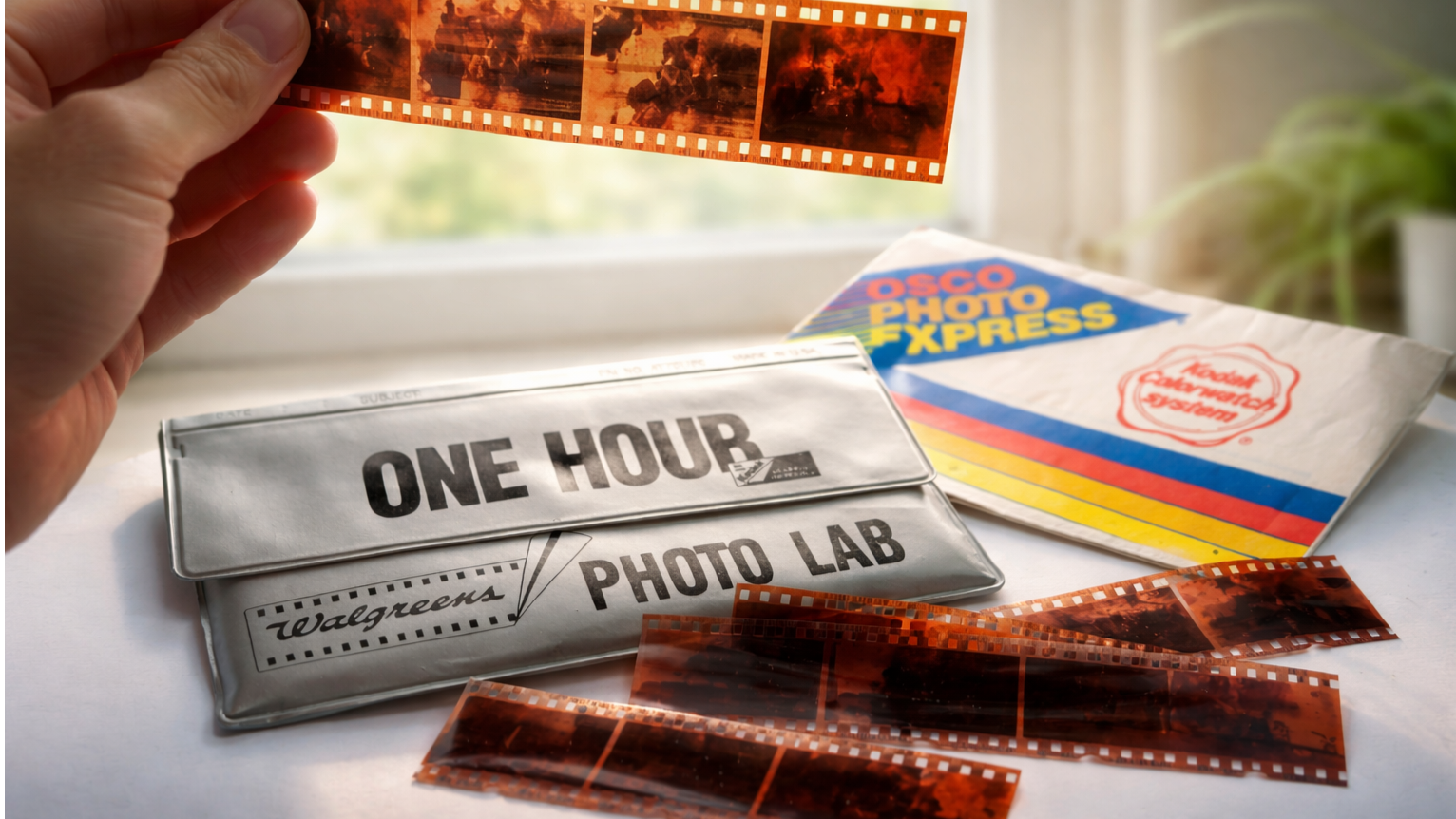
Ever since Google announced Nano Banana Pro, I've been testing it in new and unexpected ways. But I never imagined that my most meaningful test would come from a dusty box in my mother's attic.
While I was helping her clean, I found an old envelope that had “Summer 1997” written on it. Inside was a piece of undeveloped negative film – a moment I thought was lost forever.
Idea: Use Nano Banana Pro as a film scanner
Built into the Gemini app for Android and iOS, Nano Banana Pro is your go-to tool for AI imaging tasks. Sketch directly on your photos and annotate your edits for stunningly realistic results.
But this was different. I wasn't editing the photo, I was trying to reconstruct the photo from the negative.
So I held the negative strip up to the window for natural light, took a photo with my phone, and uploaded it directly to Nano Banana on the Gemini app.
Next, I wrote a simple prompt. “This is a negative photo, but can I convert it into a full-color image that looks like it was developed?”
That's all it took to finally reveal what had been hidden for years.
Result: surprisingly good

Within seconds, Nano Banana produced a full-color version of the negative. It looked like a photo from a 1997 photo album. I tried it again with a photo disc from the 1960s.
There were some adjustments. I asked them to brighten the image, fix the contrast, and sharpen the details around the edges. There was no need to explain how photographic negatives worked. Gemini understood the context from the images and prompts.
I repeated this process for the rest of the strip and ended up with six AI-developed photos of summer photos I hadn't thought about in years. It included pictures of smiling cousins in bathing suits, old backyard pools, and even a childhood dog I had completely forgotten existed.
How to try this yourself
The Nano Banana Pro is not intended to be a film scanner. It just happened to work for me when I tried it. Because it's trained to understand visual input, lighting, and composition, it can reverse engineer how the colors and shadows in a negative translate to a regular photo.
If you have old photo negatives lying around (and you're a little curious), here's how to bring them back to life.
- Place the negative on a white background. Natural light is most effective, so you can also try holding it up to a light source such as a window. Make sure your background is clean and tidy.
- Take a clear photo of the negative. Mobile phone cameras are fine. Stay steady and focused.
- Open the Gemini app and upload your image. Tap the image icon to upload your photo to Nano Banana.
- Use the following prompts: “This is negative film. We convert it into a full-color photo to enhance clarity and detail.”
- Adjust as necessary. You can add “brighten the image,'' “make the background clear,'' and “correct the red tone.'' Gemini continues to improve with each instruction. No need to re-upload.
final thoughts
When this idea first came to me, I didn't think it would actually work. But this test wasn't just an AI test for me, it was a memory I didn't know if I could go back to. Uncovering old negatives with Nano Banana Pro reminded me of what AI is really good at: improving our daily lives in unexpected ways without jumping through technical hurdles.
In my work, I've determined that sometimes the best features of AI are found by understanding what it can do and testing it in unique ways. These discoveries are my favorites, especially those that make the impossible possible, like turning a forgotten moment into something that can be seen again.

to follow Tom's Guide to Google News and Add us as a preferred source Get the latest news, analysis, and reviews in your feed.


