

YouTube is a great source of educational content, but simply watching videos isn’t always the best way to learn and retain knowledge. That’s why many teachers take the time to create video worksheets to share with their students. Workbookly AI lets you do this faster, generating worksheets, quizzes, and exercises from YouTube links in minutes.
Read this Workbookly AI review to find out exactly how it works.
Workbookly AI Overview
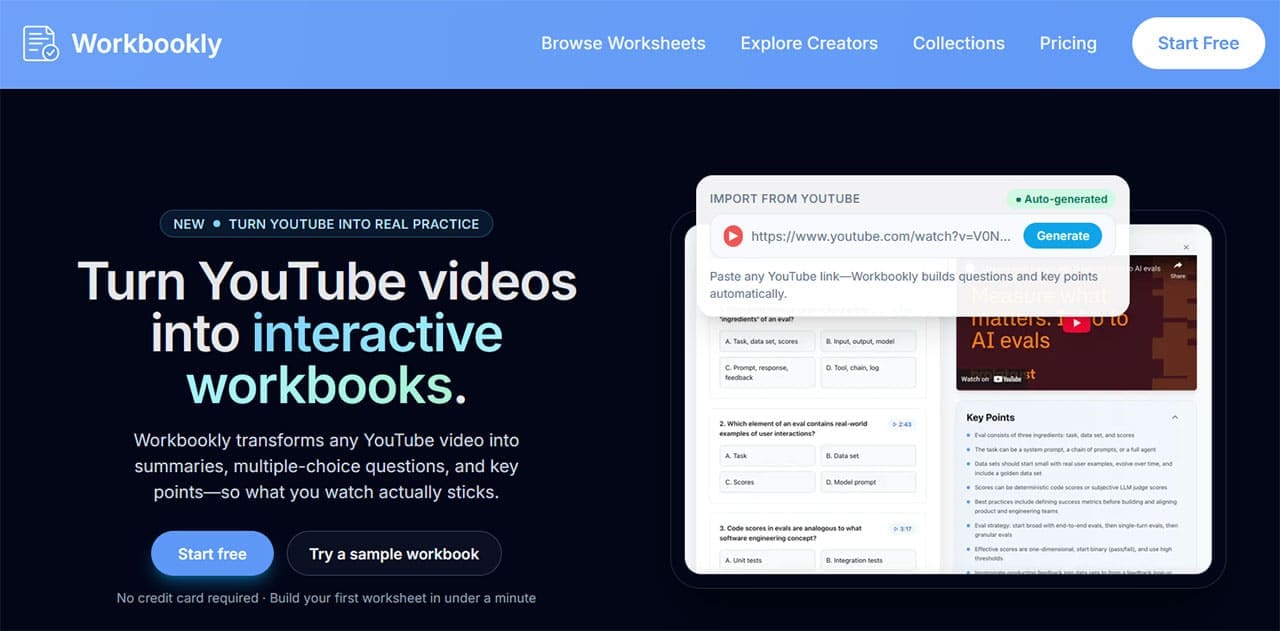
Workbookly AI is an AI-powered platform that turns YouTube videos into worksheets, workbooks, and study guides. This means you can use AI to scan the content of a video and create interactive educational materials around that video. Teachers and other users can share these materials with students to test their knowledge on specific topics.
The developers of Workbookly AI came up with this idea after noticing that people were watching YouTube videos to improve their foreign language skills. They found that despite watching multiple videos, they were not really absorbing the information being shared. So they devised a tool to make video-based learning more effective.
How to turn videos into worksheets using Workbookly AI
Workbookly AI was designed with ease of use in mind. No coding knowledge or technical skills are required to get started. Please follow the steps below.
Step 1. Find the YouTube video you want to create educational content for and copy the link into the box on your Workbookly AI dashboard. Then click the “Import Video” button.
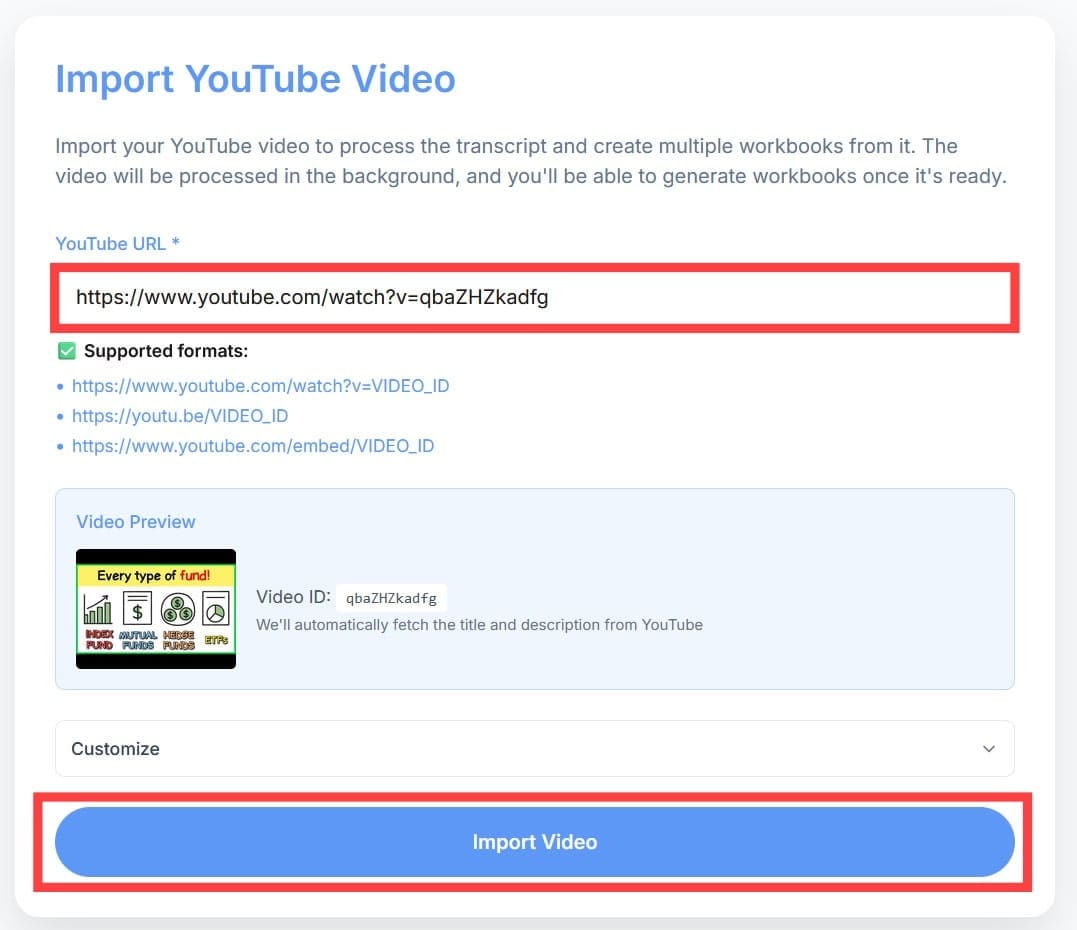
Step 2. Please be patient while the platform finds and processes your video. The generation of the interactive worksheet will start automatically. Depending on the length of the video and the complexity of the topic, it may take several minutes.
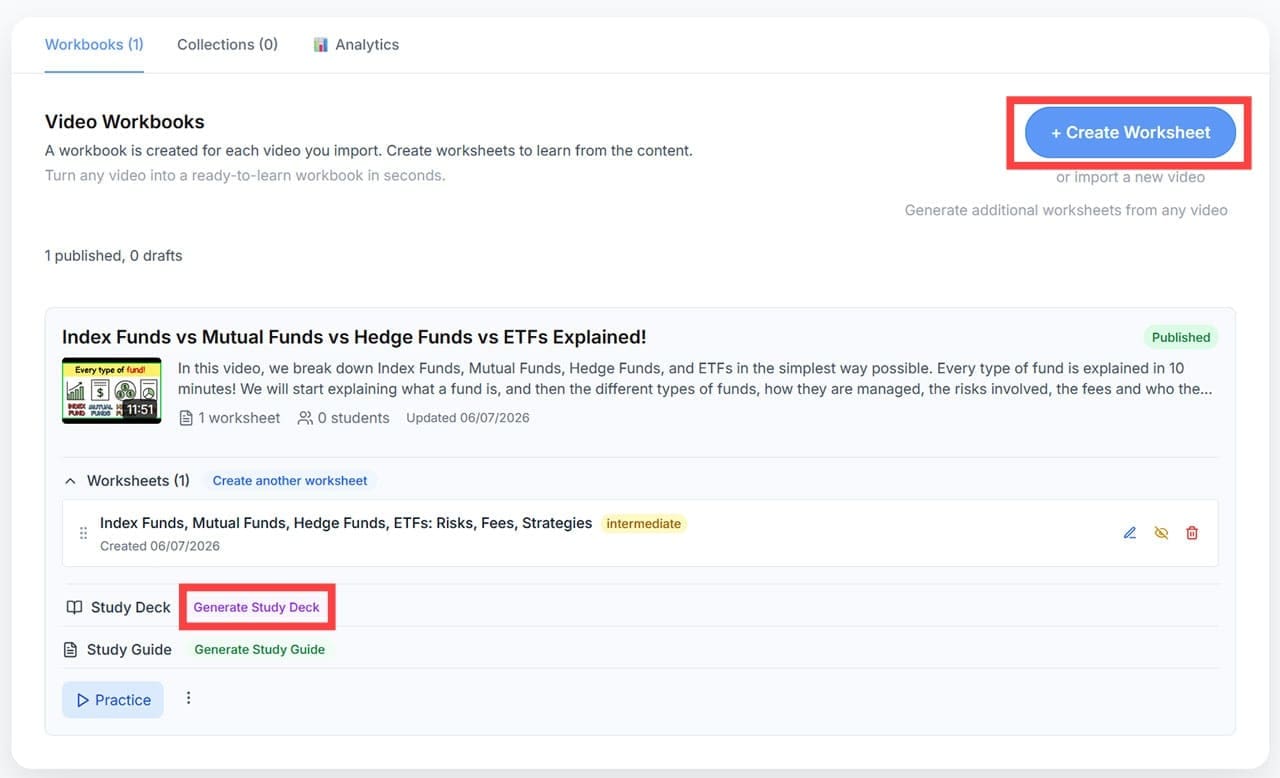
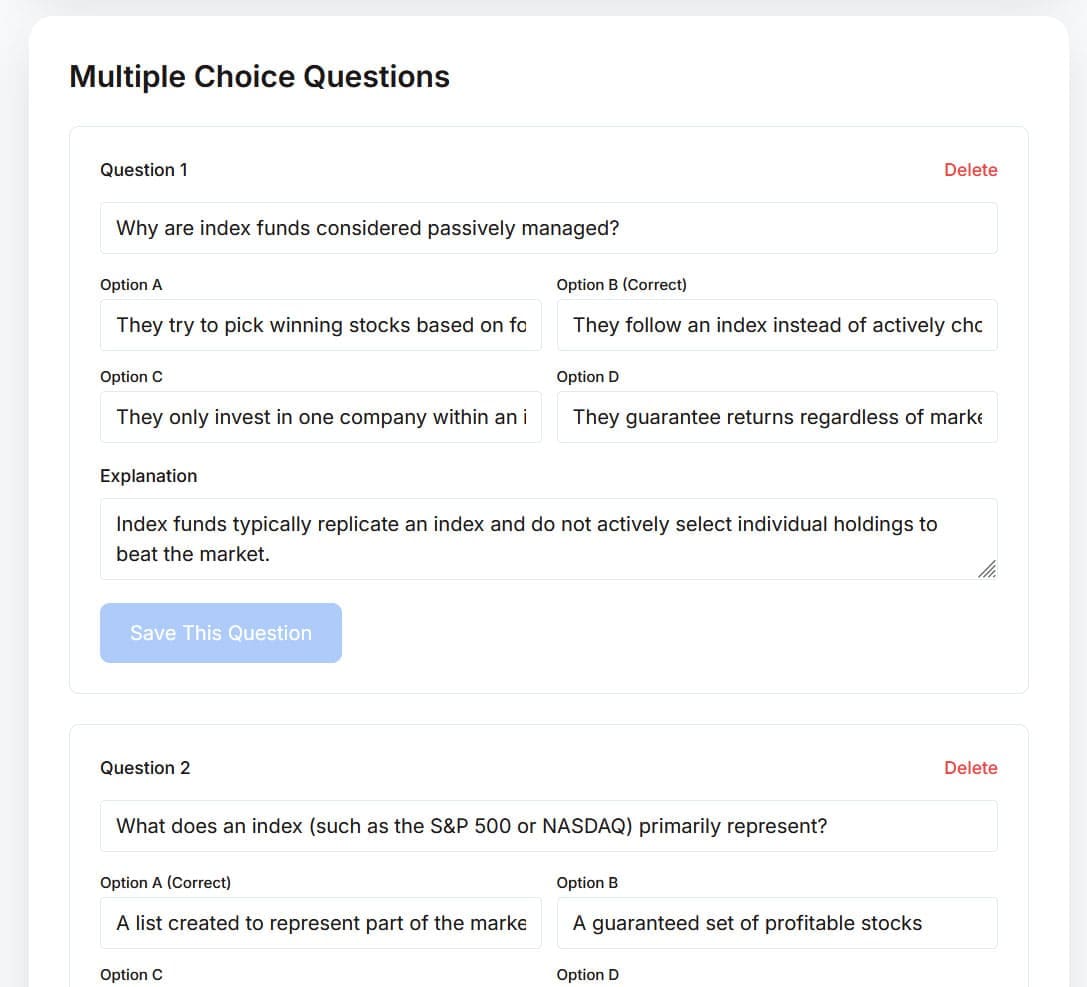
Step 3. Once the initial worksheet is created, you can create additional content by clicking related buttons such as Create another worksheet and Generate learning deck. Or click the Edit button next to the worksheet to make tweaks. Customize your content by removing, adding, and editing questions and answers.
Workbookly AI Pricing

Workbookly AI currently offers three subscription tiers:
- Free: This level is completely free, but you are limited to two videos and worksheets per month.
- Essential: For $4.99 per month or $49 per year, this plan allows you to process up to 15 videos each month and generate unlimited worksheets based on those videos.
- Advanced: The most expensive plan costs $9.99 per month or $99 per year. You can handle up to 30 videos per month, and advanced users also receive priority support.
Workbookly AI Review Final Results
Overall, Workbookly AI is a great tool for people in the education field. It’s intuitive, efficient, affordable, does exactly what it’s intended for, and makes YouTube videos more interactive and engaging from an educational perspective. Even if the results may require some editing, this tool will save teachers and tutors time and effort and make their lives easier.


