
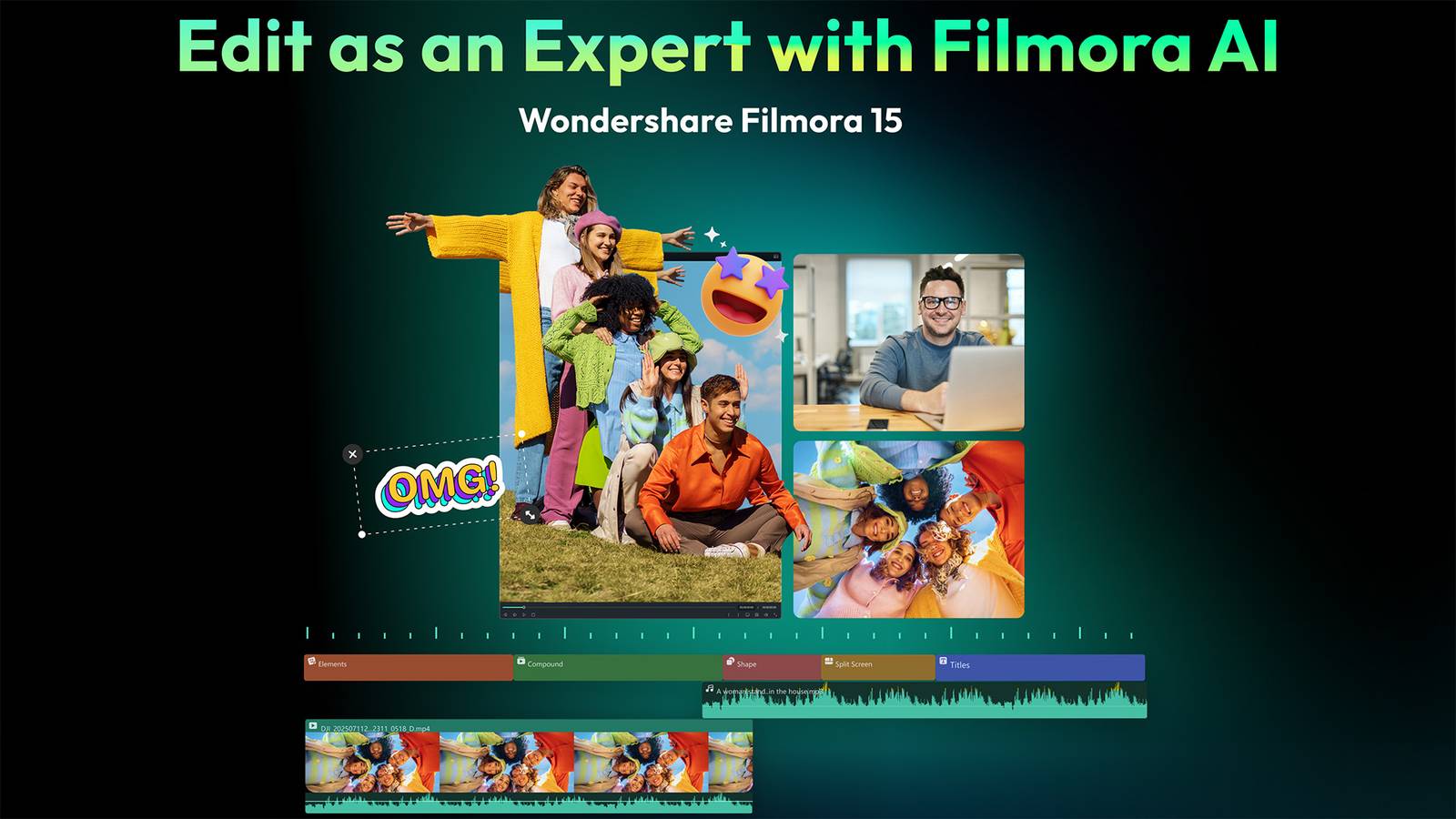
AI has been a hot topic lately and is starting to push the boundaries, especially in creative fields such as image and video creation. But true creators don’t want AI to make art for them. They want to leverage the power of AI to enhance their own creativity, workflow, and output. This is exactly what the newly launched Wondershare Filmora V15, an AI-powered video editing software, does. Filmora V15 combines advanced AI intelligence with precision editing tools, allowing users to work faster, smarter, and create more professional videos without the uphill battle of steep learning curves.
Whether you’re a professional editor looking to optimize your workflow, a busy creator looking for a creative challenge, or an AI enthusiast looking to explore cutting-edge technology, Wondershare Filmora V15 offers a powerful combination of professional control and intuitive editing. This program powers AI-enabled video editing technology that is easy to use and provides professional-level results.
Professional video editing meets AI intelligence

- version
-
15
- AI video enhancer
-
yes
- pen tool
-
yes
- AI retouching
-
yes
Wondershare Filmora V15 is an AI-powered video editing platform that combines advanced automation with precise, professional control to streamline complex tasks and enhance creativity. Deeply integrated AI tools speed up workflows, improve visual quality, and make expert-level editing accessible to beginners and experienced creators.
AI can be a powerful ally in creative fields, if you know how to take advantage of its benefits. New features and upgraded tools in Filmora V15 automate and speed up your workflows by incorporating deeply embedded AI capabilities. AI is part of the software’s core editing experience, rather than a collection of add-on tricks, for a truly seamless approach to modern video editing.
Traditionally time-consuming video creation and editing tasks are now fully handled or significantly accelerated by Filmora’s AI. Stay creatively focused while saving time masking, filling frames, extending clips, and cleaning up visual distractions. Experienced editors will appreciate that AI takes care of the heavy lifting and busywork, and beginners will enjoy the low barrier to entry when creating their first professional video.
Having everything accessible within your main workspace allows you to maintain a steady creative rhythm and go from ideation to fine-tuning with far fewer interruptions.
Great features and upgrades for pro-level control
Wondershare Filmora V15 achieves this by delivering professional editing with easy controls and seamlessly incorporating AI capabilities into the software’s workflow. This new launch is part of Wondershare’s vision for an all-in-one video production ecosystem powered by Filmora and ToMoviee, the company’s AI content creation platform. The brand is building an arsenal of video editing tools that will be an efficient, one-stop, creator-centric hub to bridge the gap between AI content generation and professional editing.
enhance creative expression
Filmora V15’s upgrades and new features are built to complement your creative flow. When given the right tools and permissions to develop and edit your work, your creativity can flourish and expand in ways that weren’t always possible. Upgraded video animation features provide smoother previews, precise duration control, and an expanded library of resources such as masks, particles, and blur elements. Intuitive controls let you quickly adjust keyframes and apply advanced effects without complications. The result is a more efficient, accessible, and creatively flexible animation process that balances beginner-friendly simplicity with professional-level control.
The much-anticipated new Pen tool gives you more precision and artistry, allowing you to adjust stroke thickness, slope, and trim paths for direct control over motion paths and on-screen drawing. Meanwhile, the upgraded text animation feature greatly improves your typography workflow. Automatically sync subtitles to audio rhythm and support batch editing and replacement. Combined with an expanded template library, it’s now much easier and more efficient to create a variety of rhythm-driven text effects.

Sophisticated retouching tools take into account your actual skeletal structure for natural-looking facial corrections. There are also controls for addressing skin texture, tone, and inconsistencies (such as age spots).
Communicating data in new and exciting ways is a special challenge and can sometimes lead to dry and boring results. With Filmora V15’s new Animated Charts feature, you can bring your data to life with animation presets and customizable styles, and import your data with one click.
Accelerate and improve your workflow
Everyone wants to work smarter, not harder. The Filmora V15 update brings just that to your workflow. The UX upgrade introduces an overall smoother, more refined and intuitive editing experience for a seamless creative flow. Save time and energy with features like subprojects, which lets you import multiple project files as compound clips, and dual timeline editing, which lets you switch between primary and secondary timelines to streamline complex edits and encourage material reuse. Additionally, with source and timeline preview editing, you can enjoy a true dual-monitor workflow, making the entire editing process more efficient and immersive.
The new and improved AI Video Enhancer makes it easy to add finishing touches and adjust your videos. Improve low-quality footage by increasing clarity, detail, and resolution for sharper, more cinematic results.
Eliminate the hectic work of video editing.

Filmora V15’s advanced AI works hard behind the scenes to simplify your creative process and workflow. The new AI Extend feature uses powerful generative AI to intelligently extend clips by seconds (5 seconds forward or 8 seconds backward), eliminating the frustration of slightly shorter footage. The same advanced AI can also quickly remove objects including watermarks, subtitles, people, and other unwanted elements while maintaining natural, seamless image quality. The upgraded smart cutout provides more accurate subject recognition, allowing you to easily separate and extract elements with clean edges, greatly reducing the need for time-consuming manual adjustments.
What Filmora V15 means for creators and editors

All new features and upgrades to Filmora’s video editing software have the potential to enhance your expertise and further deepen your visual, stylistic, and artistic abilities. Creative endeavors are often fraught with mental hurdles and technical hurdles, but with AI working in the background, the entire process becomes smoother. It simplifies complex editing tasks so you can confidently try new things while producing professional-quality content. You can push your limits and challenge yourself creatively.
Edit like an expert with Filmora AI
As the leader in AI-driven video editing, Wondershare Filmora continues to expand possibilities for users and opens new avenues for everyday creators and professional editors alike. AI intelligence is seamlessly integrated into your editing workflow, giving you more time for creative play and exploration. Explore Wondershare Filmora V15 and see where your creativity can go when you put the power of AI on your side.


