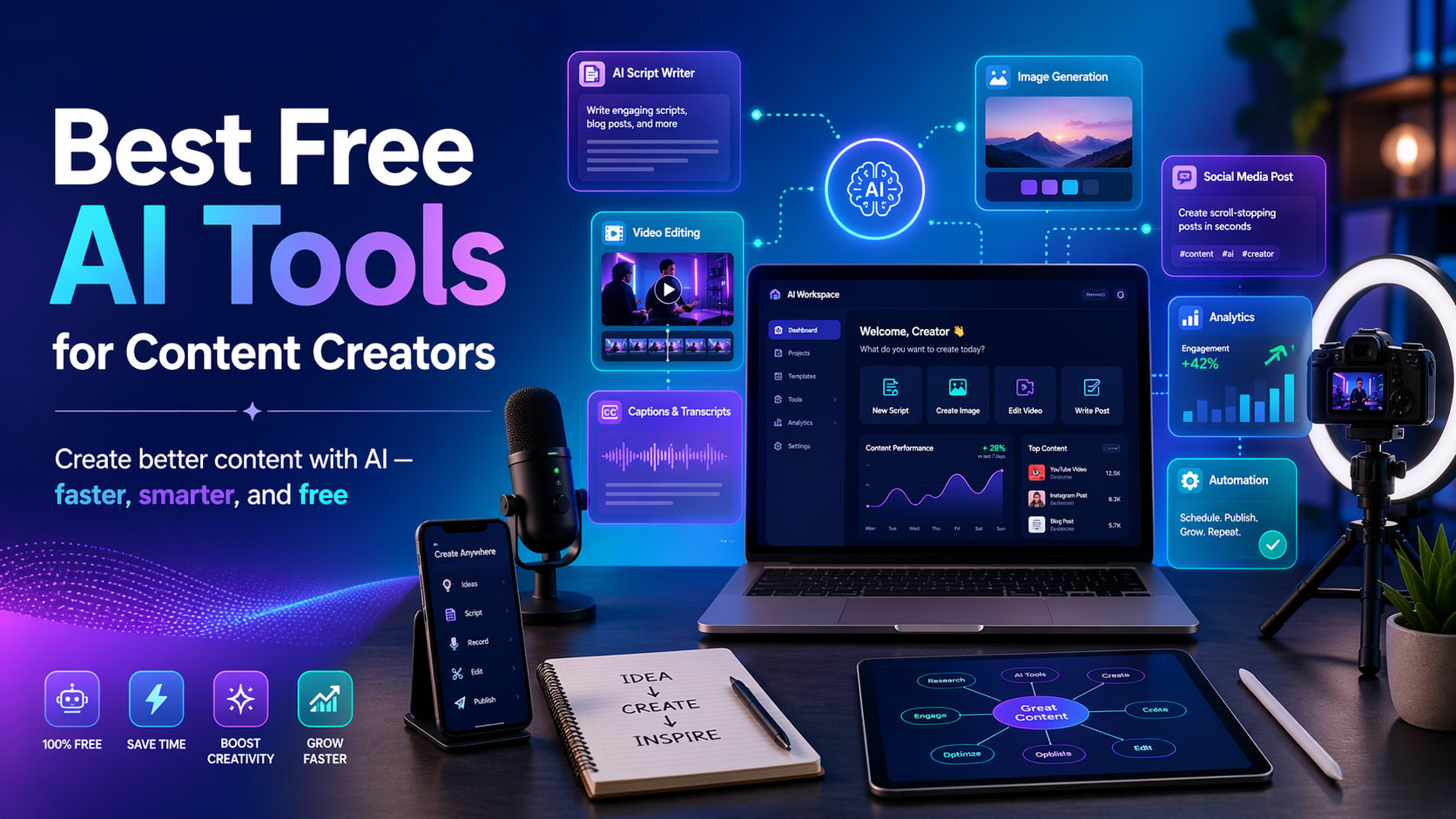
Content creation is growing very rapidly. Today, creators do more than just create simple posts and videos. We create YouTube Shorts, Instagram Reels, TikTok videos, blogs, thumbnails, captions, voiceovers, and full content plans. Doing all of this manually can take a significant amount of time.
This is where AI tools can help. AI tools help content creators write scripts, generate ideas, edit videos, design thumbnails, create social media posts, improve captions, and save time.
The good thing is that many powerful AI tools also offer free plans and features. In this blog, we will discuss the best free AI tools for content creators that beginners can use to create professional-looking content.
Why content creators should use AI tools
AI tools don’t replace creativity. They support creativity.
Content creators still need ideas, style, editorial flair, and an understanding of their audience. But AI makes the job faster and easier.
For example, AI can help:
- Generate video ideas
- Create a YouTube script
- Create an Instagram caption
- design thumbnail
- edit short videos
- Remove background from image
- Generate designs for social media posts
- AI image creation
- Improve your grammar and writing
- Plan content calendar
So creators can focus more on quality and consistency instead of spending hours on small tasks.
1. ChatGPT: Great for ideas, scripts, captions, and content planning
ChatGPT is one of the most useful AI tools for content creators. It helps you brainstorm content ideas, write captions, write video scripts, rewrite text, summarize information, and plan content. OpenAI describes ChatGPT as a tool that allows users to explore ideas, solve problems, write, brainstorm, edit, and learn faster.
Best use for content creators
ChatGPT can be used for:
- youtube video ideas
- Script for YouTube Shorts
- Blog overview
- instagram captions
- TikTok hook ideas
- content calendar
- Product Description
- How to write an email
- hashtag ideas
Rewrite boring text into attractive text
Example prompt
- What are 10 viral ideas for YouTube shorts about AI tools for students?
- Keep your ideas simple, interesting, and beginner-friendly.
Why is it useful?
ChatGPT is very helpful when you’re stuck and don’t know what to post. It helps you come up with ideas quickly and write content in a clear way.
Free plan
According to OpenAI’s pricing page, ChatGPT has a free plan with regular quality and speed updates as models improve.
2. Canva AI: Perfect for thumbnail, poster, logo, and social media designs
Canva is one of the easiest design tools for beginners. Very useful for creators who need to design thumbnails, Instagram posts, banners, logos, presentations, and short videos.
Canva offers AI-powered tools for creating social posts, videos, presentations, and other designs, and lets users get started for free. Canva’s Magic Design can automatically generate design templates from text and media, and Canva also offers an AI image generator to create images from prompts.
Best use for content creators
Canva AI can be used to:
- YouTube thumbnail
- Instagram post
- Facebook post
- YouTube banner
- logo design
- presentation slides
- AI generated image
- short video template
- social media advertising
Canva AI prompt examples
- CCreate modern YouTube thumbnail designs for videos with the following titles.
- The best free AI tools for content creators
Why is it useful?
Canva is beginner-friendly. No advanced graphic design skills required. Choose a template, edit text, and add images to quickly create professional designs.
Ideal for these people
Canva AI is perfect for content creators who want stunning visuals without having to learn Photoshop or advanced design software.
3. CapCut AI: Perfect for short video editing
CapCut is one of the best tools for creators to create YouTube Shorts, TikTok videos, Instagram Reels, and Facebook Reels. It is equipped with many video editing functions that utilize AI.
CapCut says its AI video editor will help users create and edit videos, and its AI video generator can support tasks such as script writing, AI narration, scene generation, and editing. CapCut also describes its Video Studio as an all-in-one AI video maker that can generate scripts, images, avatars, clips, subtitles, and music.
Best use for content creators
CapCut AI can be used for:
- short video editing
- automatic captions
- text to video
- AI narration
- video template
- background removal
- subtitle
- transition
- effect
- Editing reels and shorts
Why is it useful?
Short-form video content is extremely popular. However, editing videos is very time consuming. CapCut helps creators edit faster by providing templates, captions, effects, and AI features.
Ideal for these people
CapCut AI is perfect for YouTubers, TikTok creators, Instagram creators, and anyone else who creates short videos.
4. Adobe Express AI : Perfect for quick social media content
Adobe Express is also a great tool for creators. It helps you create social media posts, videos, flyers, logos, images, and other creative content.
Adobe describes Adobe Express as an all-in-one design, photo, and video tool for creating social content, videos, logos, flyers, and more. Adobe also says Adobe Express uses AI to generate images, videos, social posts, and other content, allowing users to customize the results.
Best use for content creators
Adobe Express AI can be used to:
- social media posts
- poster
- flyer
- logo
- video editing
- AI image generation
- presentation design
- marketing content
Free plan
Adobe says Adobe Express offers a free plan that includes basic AI design tools, templates, and design assets.
Why is it useful?
Adobe Express is for creators who want fast, sophisticated designs. This is especially useful for social media posts and branded content.
The perfect combination of AI tools for beginners
If you’re a novice content creator, you don’t need to use all the tools. Start with just a few tools.
Here’s a simple setup for beginners:
For YouTube Shorts and Reels
- ChatGPT ideas and scripts
- CapCut AI for editing
- Canva AI for thumbnails
- Eleven Lab for narration
For Instagram and Facebook content
- ChatGPT for captions
- Canva AI for post design
- Create branded content quickly with Adobe Express
- Grammar for writing neatly
For blog
- ChatGPT for overview and draft
- research Perplexity AI
- When editing grammatically
- Canva AI for blog images
Tips for properly using AI tools
AI tools are powerful, but you shouldn’t blindly copy everything. Always add your own creativity.
Here are some important tips.
- Check the facts before publishing
- AI can make mistakes, so review important information.
- Add your own style
- Don’t make your content look completely robotic.
- Use AI for support rather than full replacement
- Your personal experience and creativity are important.
- Make your content simple and useful
- People like content that quickly solves a problem.
- Start by using our free tools
Don’t buy a paid plan until you understand your content needs.
FAQ
1. Can I use free AI tools for my YouTube content?
Yes, you can use free AI tools for ideas, scripts, thumbnails, captions, editing, and narration on YouTube. However, be sure to check the usage rules for each tool, especially for commercial use.
2. Which AI tool is best for YouTube Shorts?
For YouTube Shorts, a great combination is ChatGPT for scripts, CapCut AI for editing, and Canva AI for thumbnails.
3. Which AI tool is best for Instagram posts?
Canva AI and Adobe Express AI are great for Instagram posts because they offer templates, design tools, and AI-powered creative features.
4. Can AI tools help you grow faster?
AI tools can save time and improve quality, but growth relies on consistency, good ideas, understanding your audience, and strong content.
5. Are free AI tools good enough for beginners?
Yes, free AI tools are sufficient for beginners. You can start with a free plan and upgrade later only if you need more advanced features.
conclusion
AI tools are now very useful for content creators. It can save time, improve quality, and ease the content creation process. Whether you’re creating YouTube videos, Instagram posts, TikTok videos, blogs, or thumbnails, AI tools can help you with your work.
For beginners, the best free AI tools to start with are ChatGPT, Canva AI, CapCut AI, Adobe Express AI, Grammarly, and Perplexity AI.
Let’s start simple. Use ChatGPT for ideas, Canva for design, CapCut for videos, and Grammarly for writing. Once you get used to it, you can try out more advanced tools like Celebrities, Leonardo AI, and Notion AI.
AI will never replace your creativity. It helps you create things faster, better, and more consistently.