
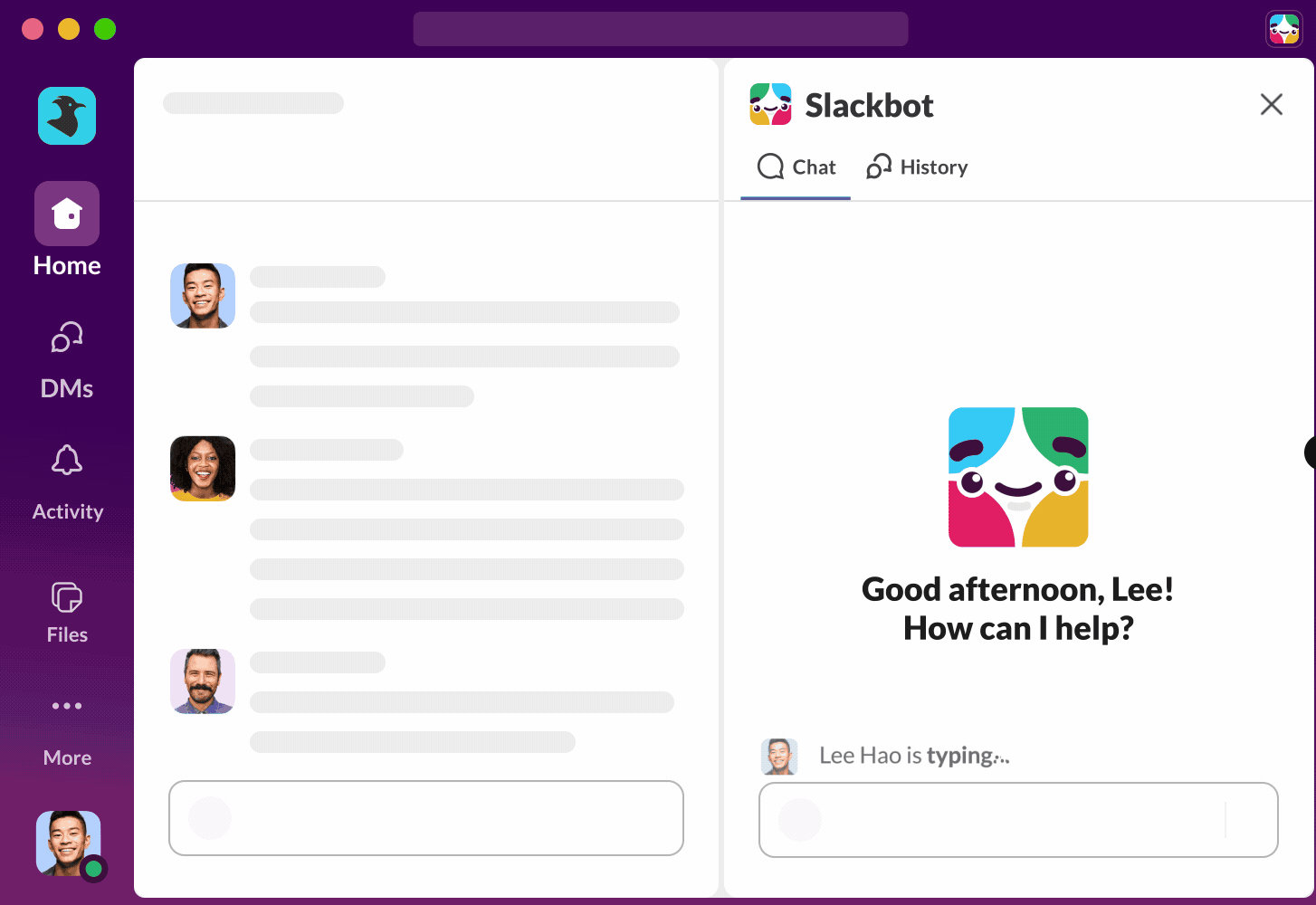
Slack has improved Slackbot to act as a business AI assistant that is integrated into many of the business processes you interact with every day. This is the next step for Slackbot, but it’s certainly not the last.
The development of AI is progressing rapidly this year as well. This year we will see more and more business AI assistants Direct support for daily processes. You might be thinking, “I already have Copilot, ChatGPT, or Claude, right?” But the key word for the new AI assistant is integration.
A new generation of business AI assistants
The idea behind the new generation of business AI assistants is to integrate with a wide range of applications to help them get more done. You can think of Slackbot as a personal assistant with exactly the same permissions as you. Slackbot can see all the messages in your DMs and the channels you’re a member of in Slack. They also have access to the same data as you. If Google Calendar or Outlook is linked to Slack at the organization level, Slackbot can also access your calendar and your coworkers’ calendars. Slack has built a number of native integrations for Slackbot, including Google Calendar/Outlook and Salesforce.
The new Slackbot is also built differently, according to Slack. This is especially true if your organization uses Slack extensively for work, projects, and conversations with colleagues. By providing all your data as context to Slackbot, the bot knows everything about your work, what you’re doing, what you still need to do, and what you’ve forgotten. This allows you to work faster and more efficiently.
What does that actually mean?
Before your vacation, you held a meeting and made decisions with several colleagues about budget rounds and investments. But once the vacation is over, you won’t remember exactly what was decided. Just ask Slackbot a single question, and within seconds you’ll know exactly what was decided and what questions are still open. Previously, you had to manually search your conversation history.
You are part of a project team of five colleagues, and you need to hold a meeting for everyone next week. You can set the date using Slackbot. Slackbot has access to all your calendars and can suggest several possible dates within seconds.
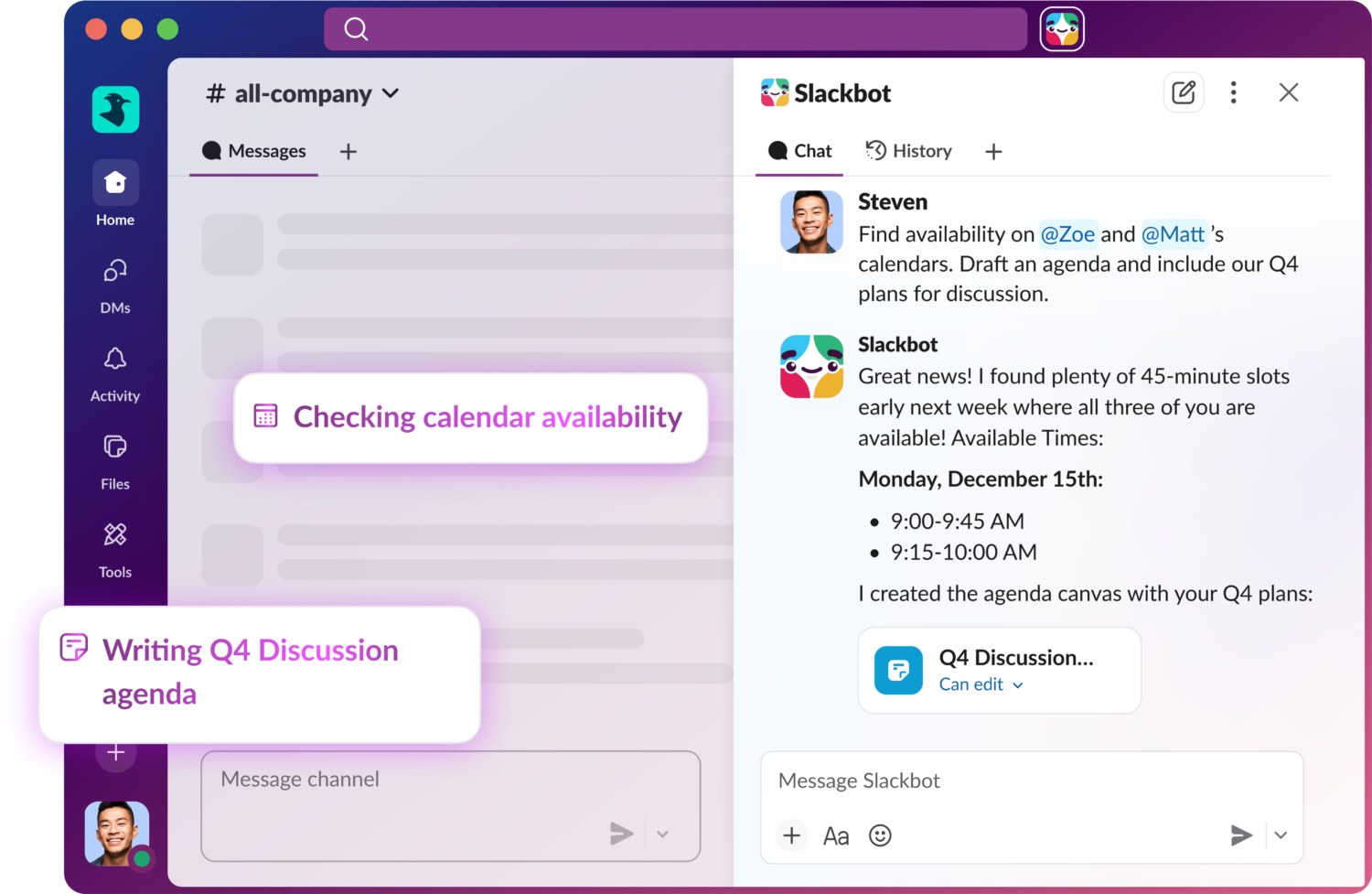
Slackbot can also be used for analytics Whether you want to create a document, prepare a conversation with a coworker, or draft a report for your manager about a project’s progress, Slackbot can extract all the information and context you need from Slack by asking simple questions.
This is just the beginning. Must continue to focus on integration and MCP
Slackbot is actually just a glimpse of what’s really possible. Especially if you’re a Salesforce customer and use some of its solutions. Slackbot will also have access to CRM, sales, and service data that Slack users also have access to. So you can ask questions about your customers and even have Slackbot prepare conversations with them based on their recent orders and service requests.
During a call with Salesforce, I was told that Slackbot will be supporting MCP (Model Context Protocol) in the near future. This means Slackbot can communicate with other MCP servers and agents, access more data, and perform actions via MCP. Using a third-party CRM or ERP solution with MCP Server makes integration quick and easy. You will have to wait a little longer until MCP is available. The same applies to the actions that Slackbot can perform. For example, Slackbot can currently read your calendar, but it can’t yet schedule events.
Where can I find MuleSoft?
Salesforce’s portfolio also includes MuleSoft. This is an iPaaS platform that can quickly expose many third-party actions and data to Slackbot, but it currently does not play a role. Although Slack says it offers MCP support. It would be a big mistake to ignore Mulesoft. Not all applications support MCP in the short term. This is where Mulesoft can make a difference. We’ve seen other SaaS platforms add tools and data very quickly, for example with MuleSoft’s much smaller competitor Pipedream.
Finally, while Slackbot is currently focused entirely on internal data, we believe Perplexity integration could also be valuable with the right guardrails. This also makes available external data that can be very useful.
Of course, it’s only a matter of time before Slackbot becomes more popular. This April, Salesforce will host a developer conference, TrailheadDX. New announcements about Slack and Slackbot may be made there.
moving forward one small step at a time
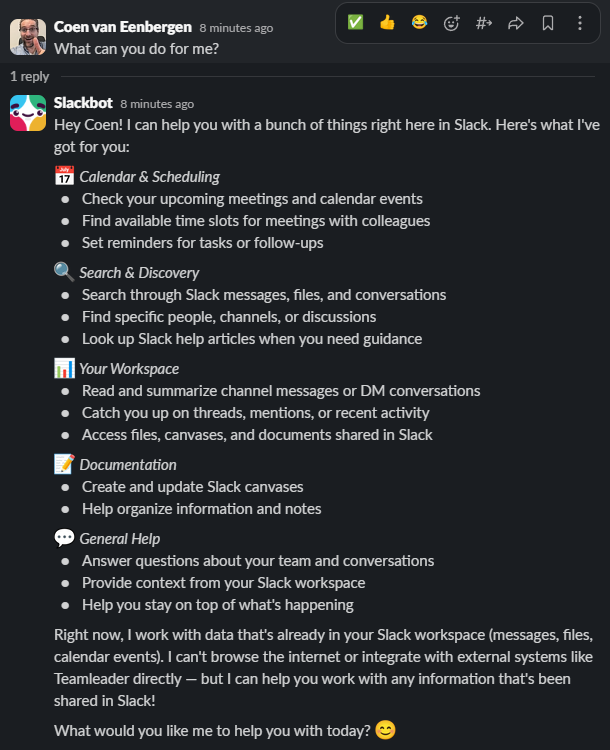
What we’re positive about is that Slack has chosen to improve Slackbot incrementally. What this means is that we’re not saying, “We built Slackbot to be your personal assistant to help you with everything.” Instead, clearly communicate how Slackbot was trained, what it can and cannot do, and what it’s working on. This makes it clear to the user what is possible and what is not. The actions that Slackbot can perform work properly, which is critical for user trust. You can also ask Slackbot itself, “What can I do for you?”
In comparison, we also see tech giants offering AI assistants that can supposedly do everything and can be integrated anywhere. Then there will be massive publicity and organizations will be more or less forced to implement it. Users start using it, but the results are disappointing over and over again. AI often ends up costing you more time than it saves. These assistants will likely improve, but the question is whether users will have the patience to keep trying something again and again if the results are disappointing.
Slack gets a head start thanks to active users
Many technology companies are trying to provide users with personal business assistants. Salesforce is doing this with Slack, Google is doing this with Gemini, Microsoft is doing this with Copilot, SAP is doing this with Joule, and Workday and ServiceNow are following suit. It’s not entirely clear if ChatGPT and Claude will also be involved in this, but it’s not illogical. There are still countless startups with ambitions.
Of course, Slack has the advantage of already having users. Organizations using Slack already have employees who spend hours each day in the application. If you add Slackbot to this, it will be used automatically. However, Slack needs to make sure that it continues to improve every few months.
In our opinion, the lack of access to external data and actions should not be delayed for too long. Currently, you can develop your own Slack application and bot and integrate it with your own CRM or ERP application, for example, but this will work completely parallel to Slackbot and the two bots won’t work together.
We hope that MCP and MuleSoft integration will be available soon.
Slackbot is available in many languages and is available with a Business+ subscription
In my opinion, Slack AI’s biggest drawback to date is its limited support for transcription languages. Slack only supports a few languages for this purpose. For example, if you hold a huddle in Dutch, you won’t get a decent summary. I was a little worried that this would apply to Slackbot as well, but luckily Slackbot speaks almost every language. You can also analyze conversations in all types of languages in your DMs and channels. Additionally, Slack has decided not to charge additional fees for the new Slackbot, which is only available with Business+ subscriptions. Pro subscribers will have to make do with the very simple (dumb) version.
Also read: Slack claims conversation data is a treasure trove for AI agents


