Introduction: AI technology for souvenirs
Home movies are eternal family memories, including gatherings, childhood events, nostalgic holidays. However, due to the very grainy, low quality nature these moments tend to lose their luster. These videos on VHS tapes, early digital camcorders, or obsolete devices tend to be of the quality needed to post to the Internet or other online services such as YouTube and Instagram. CapCut Desktop Video Editor provides a solution to this problem by leveraging AI Video Upscalerto. Apply text to speech tools to give your memories a professional narration feel, and upscale your videos using advanced upscaling features. This article will bring home movies to life, colorful, playable, and suitable for use in family archives, social media, or as a sentimental gift.
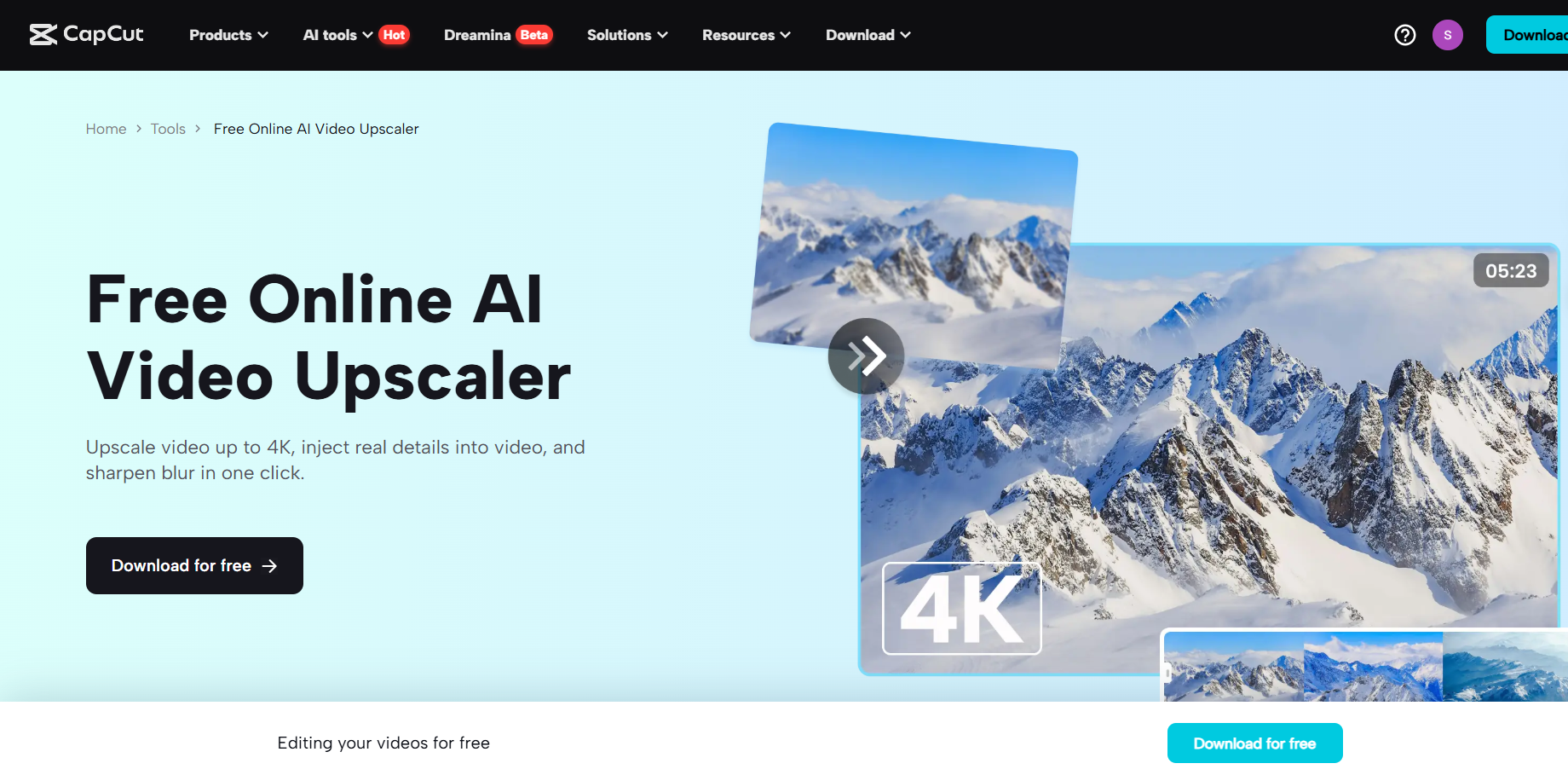
Why use Capcut's AI functions to restore home video?
Restoring old home movies not only enhances visualization, but also serves as a way to keep your memories alive for future generations. Capcut's AI tools simplify this process by increasing the quality of low-resolution videos and adding exciting sound effects, making your videos look new and professional. No special skills or expensive equipment are required to use the platform's intuitive interface that can be accessed by both beginners and experienced editors. With AI features that upscale video resolution and provide additional narration, you can turn blurry clips into clear, emotional videos, share them with your loved ones and the internet for viewing to large communities.
How-to: Revive your home movie with a cap cut
CapCut Desktop features AI-driven applications that can easily repair and improve the quality of your old home videos. The list below outlines four simple steps to help you achieve your memory with the right visuals and professional voice over.
Open the cap cut and start a new project.
To download CapCut, go to the official website and download the desktop application for Windows or Mac. Once installed, open CapCut and press the “Create Project” button on the main screen to create a new project. This creates a blank timeline that allows for organizing video assets.
Import home movie footage
Locate the Import button in the Media panel of the CapCut interface. It is usually on the left side. You can upload it by clicking on a digital home movie clip in MP4, AVI, MOV, and more formats. After importing, drag and drop the clip into the timeline at the bottom of the screen. Organize them in their chronological text or based on how you want to tell your story.
Personalize using AI Video Upscaler and Text-to-Peach
Improve video quality and sound using Capcut's AI audio generator and upscaling capabilities. Go to the Video tab, select Basic at the top, enable options to enhance quality, and expand the recording to HD (1080p) or UHD (4K) resolutions, making the details you need more clear, whether it's a face or a landscape. Use the slider to increase or decrease brightness and contrast, if necessary.
Next, go to the Text panel, copy a line such as “Speech from Text”, then paste it into the text describing the memory or context (such as the 1995 Family Picnic). Choose voices such as warm women and nostalgic men, adjust the pitch, speed, and preview, and use timeline markers to synchronize the dialogue with key scenes.
Export the restored movie
Once the correction is complete, press the button in the top right, called “Export.” For example, select the MP4 format and make sure the quality is 1080p or 4K. Edit the frame rate as needed and save it to your device. Post your restored home movies to YouTube or Instagram, share them with family group chats, or feel nostalgic and burn them on DVD. CapCut's cloud storage also allows you to access projects in the future and coordinate between devices.
Important Cap Cut Functions for Restoring Home Movies
Some cup-cut tools that bring old images to life are equipped with AI. AI Video Upscaler is an Upscaler that enhances low resolution or poorly defined selection and improves face and background landscapes, and works perfectly with VHS tapes or early video replicas. Text-to-Speech Afeature provides access to a variety of AI voices that can be used to provide contextual or emotional narration with customizable pitch and speed, making it as personal as possible. The Timeline Editor also enables smooth stacking overlays of sounds, images and text, including annotations that display dates and last name, while real-time previews provide accurate synchronization. Move to a paid subscription to eliminate watermarks and allow for full HD/4K exports, taking your restored memories to a new pro level.
Benefits of AI Home Movie Repair
AI Video Upscaler Capcut turns blurry video clips into high quality videos, bringing old memories back to sharp. This is especially useful for sharing on social media where great visuals increase reception. Narration generated by AI Voice generators time savings, as voices are not recorded manually. Still, this process has the potential for several linguistic concepts targeting a wide audience, and can be used to create a nostalgic atmosphere. This software is for beginners and requires no prior editing experience. It also eliminates the need to hire a restoration specialist. Capcut offers affordable solutions for families, content makers and archivists looking for an accessible way to access and share valuable memories.
Conclusion: Use CapCut AI to save moments
Capture desktop AI features such as text-to-speech and AI video upscalars can help everyone revive last year's home movie. Improve your visual quality and professional narration allows you to tell family history or create emotionally inspiring videos that will attract followers online. Bringing 90's birthday parties and vintage vacations to life is easy with Capcut thanks to ease of use and the ability to customize deeply. This will satisfy your entire adventure. Restore your old home movies now and make your grainy footage look gorgeous with high quality results.