

Many small video ideas stall before anyone even opens the camera app. Someone says, “Let’s make this a clip.” Below are some frequently asked questions: Who’s filming it? Who’s editing it? Is it worth spending half a day on what could only be a six-second post?
Image-to-video tools are useful because they allow people to start with materials they already have. This is a product shot. travel photos. Portrait. A photo from the campaign shoot that didn’t make it into the final cut. Rather than asking an AI model to create a scene from a paragraph, the user gives it an actual image and asks it to move.
Seadance 2.0 It falls into that category. This is an image-to-video model originally trained by ByteDance and available through the browser playground at seedance2.so. The workflow is simple. Upload a still image, create a short prompt of movement, and generate a clip. The result is a short video, typically around 5 to 10 seconds, built around the original frames.
5-10 seconds may sound small. For reels, ad tests, product page loops, or simple teasers, this is often sufficient.
Why starting with a photo is effective
Text to video conversion is impressive if the prompts are good. The problem is that most people are bad at writing these prompts. They don’t think about camera lenses, lighting settings, blocking, focal length, scene continuity, etc. They only know what they want when they see what they don’t want.
Image to video conversion relieves some of that burden. For a photo, you have already decided on the subject, composition, colors, and atmosphere. The model does not guess what the room is like or where a person should stand. All you have to do is answer one small question: “What should I move?”
The prompt can also be left embarrassingly simple.
- “Push slowly towards the product.”
- “Blow the wind through your hair and don’t move your face.”
- “The camera gently pans across the building.”
- “Let’s move the water in the background.”
Short prompts like this are often more effective than longer prompts. The more you try to change the prompt, the more likely the model will misinterpret the frame.
What does the Seedance 2.0 workflow look like?
Seedance 2.0 is built for rapid iteration, not full video editing. There’s no need to adjust schedules or install local software. Users upload images to their browser, add motion prompts, and wait for the output.
The first rendering is still a draft. In some cases, the model may select the wrong part of the image to animate. In some cases, you may exceed the limits of your camera. Although the movement is good, the faces and hands can start to look weird towards the end.
The actual workflow is to generate several versions and keep the cleanest version. For short marketing clips, social posts, listing videos, and quick creative tests, it’s often faster than opening the editor.
Where short AI videos are best
Most useful jobs are ordinary jobs.
E-commerce sellers can turn static product photos into detail pages or loops for ad testing. Real estate agents can add slow pans to exterior shots. Musicians can animate their press photos for Reels or Spotify Canvas. Smaller agencies can create several variations of the same visual concept without having to book another shoot.
These jobs don’t require a one-minute video. You need eye-catching movement without changing the subject matter.
Putting the tools in the appropriate boxes makes more sense. Whether your concept relies on performances, dialogue, choreography, or real locations, good cinematography wins. Seedance 2.0 is suitable for productions that are too small to justify shooting in the first place.
the limits are still real
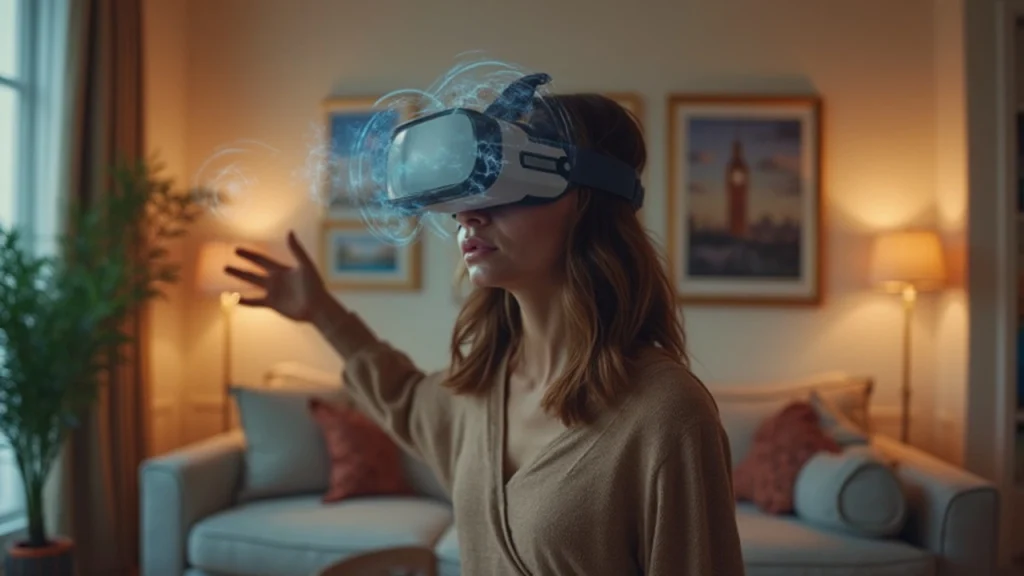
Short clips hide many problems, but they cannot be removed. If the prompt requires too much movement, the face may shift. My hands remain stiff. The background sometimes lights up. A product’s logo may remain sharp in one generation and blurry in the next.
The solution is suppression. Use clean source images. Ask about one main movement. Please move the camera slowly. Avoid prompts that change the subject’s identity or ask multiple people to interact.
There are limits, yes. But most users aren’t trying to create a movie from a single image. They are trying to get one useful short clip out of a photo that would otherwise remain static.
simple first test
The best way to judge Seedance 2.0 is to try it out with photos you already understand. Choose one that has a clear subject and adequate lighting. Avoid crowded images on the first run.
Write one simple prompt. If the output is too high, reduce the motion. If the wrong part of the image moves, please name the subject more clearly. After a few tries, a pattern will become apparent. Image-to-video conversion works best when the photo does most of the work and the prompts are modest.
The value at this point is very simple. Before an idea is buried, a still image becomes a usable video.



