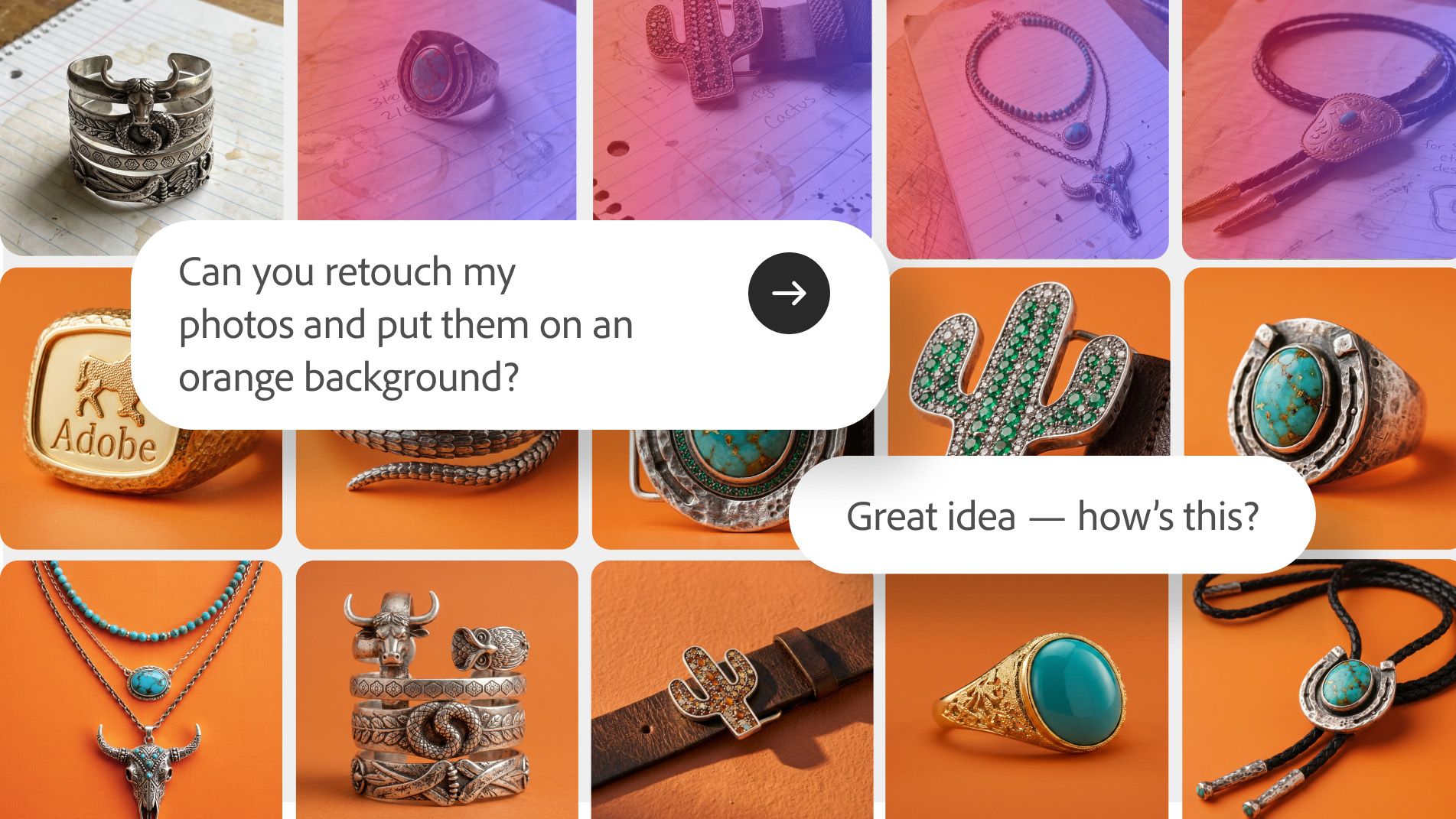
In Photoshop, you can now rename and organize your layers, resize your project, or replace your background with a simple text prompt. On June 18, Adobe introduced an AI agent to several Creative Cloud apps, including Photoshop and Premiere, allowing the long-standing editing program to perform multi-step processes using text prompts.
The AI Assistant within Photoshop and Premiere is being rolled out in public beta starting today, June 18th, after Adobe previously teased during Adobe Max that the feature would return in October.
Photoshop’s AI Assistant was previously only available as a beta feature in Photoshop Web, a browser-based photo editor with a more limited number of tools. I tested the AI assistant in Photoshop Web, and while it sometimes felt like an overeager intern, the experience left me with the impression that AI assistants might one day be able to handle more tedious photo editing tasks.

That’s exactly what Adobe is doing with the public beta rollout of AI Assistant across several Creative Cloud apps. For example, within Photoshop, the AI assistant can run the process of resizing photos for different formats and platforms, and even rename and organize layers.
In a demonstration, Adobe showed how its AI assistant proofreads graphic designs within Photoshop, detecting not only spelling but also factual inaccuracies.

The AI assistant within Premiere helps video editors organize assets into bins, bulk rename clips based on content, add markers, and more. Creators working with multiple camera angles of the same scene can also ask AI to synchronize the timecode of those files and stack them in the timeline.
When I tried out an early beta version within Photoshop Web, the potential to have AI perform more boring and repetitive tasks felt like a modern AI take on Actions, a Photoshop tool that can record editing steps and repeat them on different images. Only AI doesn’t require you to perform the steps manually first.

But another feature that impressed me about the Photoshop web version of AI Assistant is that it can also be used as a learning tool. When you ask a chatbot how to do something, it shows you the steps and where to find a tool. The AI assistant doesn’t necessarily need to perform the full edit.
When we tried its initial AI assistant in March, the AI had some flaws and limitations. For example, when I asked the chatbot to help me edit my flyaway hair, it deleted the entire person, but at least apologized for doing so.
As a public beta, I think Photoshop’s AI assistant still has room for improvement. However, one of my main complaints was that the AI bots were often slow to use. We hope that the expansion to full-fledged Photoshop, which is 100% independent of an internet connection, will help create a faster experience.
Photo and video editors will be able to test out the AI assistant once its features are available in public beta.
The June 18th announcement also included the news that Adobe is bringing Creative Agents to Google Gemini. Similar to tools already built into ChatGPT, Claude, and Copilot, the upcoming changes will allow Gemini users to ask AI to perform tasks using Adobe software, such as simple photo editing.
You might also like…
Get more inspiration from our Photoshop tips. Or browse the best photo editing software.