

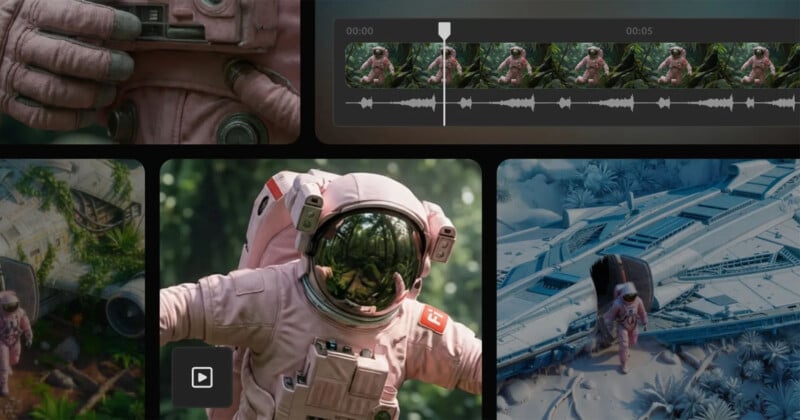
Adobe launched Firefly Video in February following criticism. In the months since then, the company has continued to update its platform and today announced new AI video editing capabilities and partner AI models within Firefly.
When Firefly Video came out, creators could only generate AI video clips using prompts. Once the video was created, it had to be used as-is or started all over again. At the recent Adobe MAX, Adobe introduced new editing tools in Firefly that allow users to edit their video creations without starting from scratch. These tools are now available to everyone in public beta.
A new “Edit Prompt” control allows Firefly users to edit generated video clips using text prompts, including prompts that simulate virtual camera control. Powered by Runway's Aleph model, this feature allows you to remove or add specific objects to your scene, replace the background, change lighting and conditions, and adjust the “focal length.”
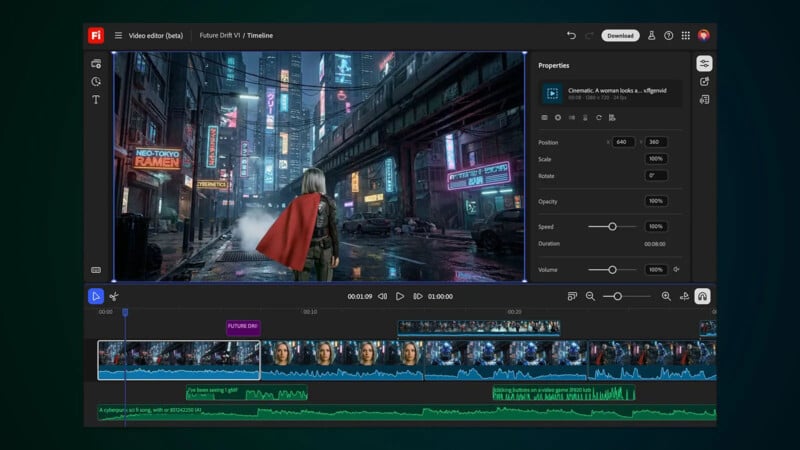
“Firefly makes these changes directly to your existing clips. You're no longer at the mercy of the next random generation; you're directing the scene. Then you can continue to tweak it by adding sound effects and music tracks, and make further edits within the Firefly video editor or Premiere desktop. All of this is built to give creators full control from idea to execution,” Adobe explains.
The browser-based Firefly video editor allows users to combine generated clips with their own real footage to create the final edited video. The multitrack timeline looks like a slightly simplified version of Premiere Pro. In addition to editing the timeline, users can also edit content such as talking head segments and interview clips by editing the text within the video transcript.
Speaking of third-party models like Runway Aleph, Adobe today brought Topaz Labs' AI technology to Firefly. As Adobe puts it, “Generative AI is not just about generating content; it's also a tool that makes content adaptable, integrated, and executable across workflows.”

Topaz Astra is now available on Firefly Boards, allowing users to scale up footage, whether it's generated by AI or captured with a real camera. Lower resolution footage can be upscaled to full HD or 4K with Firefly, making it available on a wider range of platforms. Topaz Astra can also be used to restore “old or low quality footage” within Firefly.
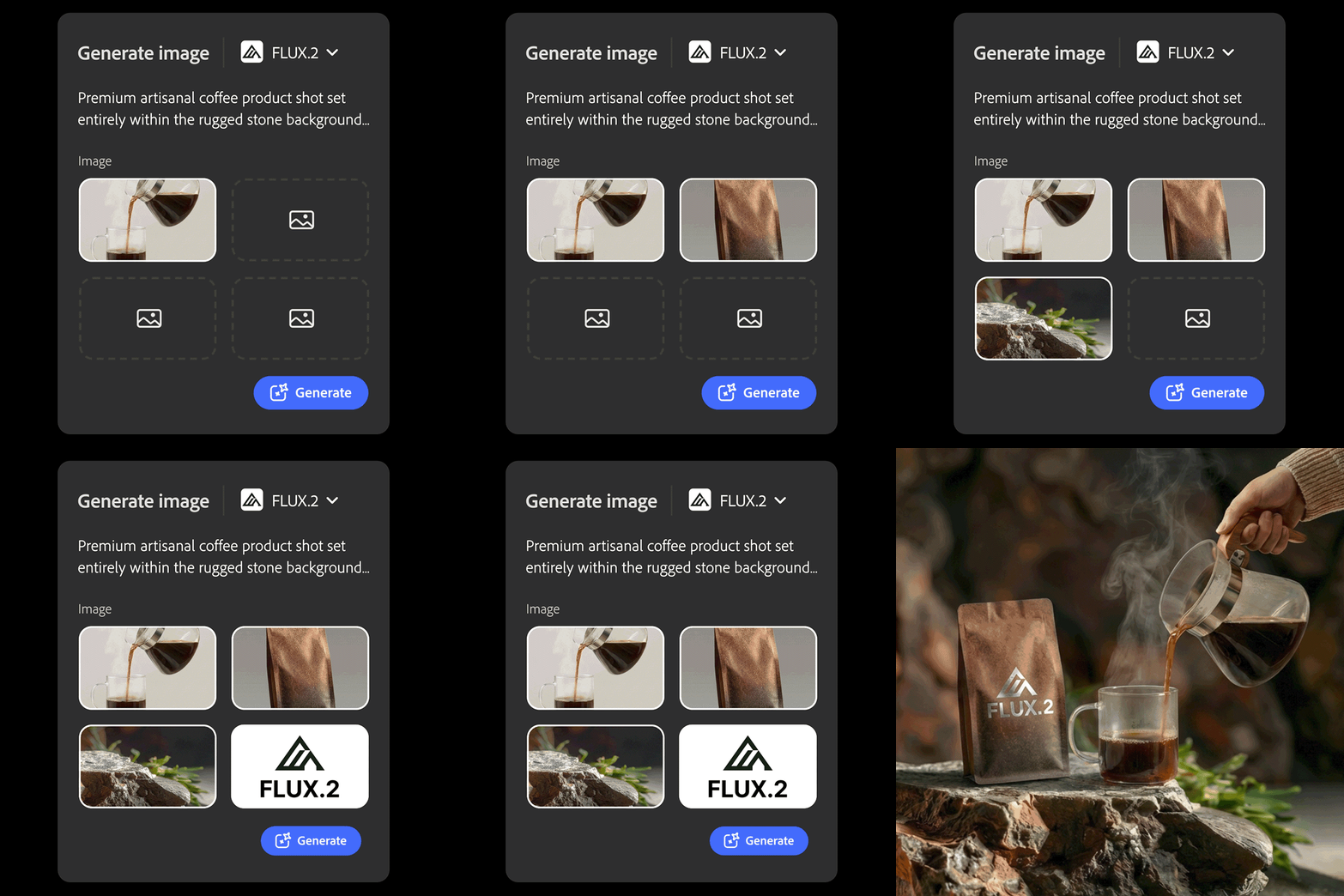
Another third-party model, FLUX.2 from Black Forest Labs, is also now available for Firefly. It is an AI image model that promises photorealistic images, advanced text rendering, and support for up to four reference images. FLUX.2 is now available in Firefly's Text to Image module, Prompt to Edit, Firefly Boards, and as a model choice for Photoshop's Generative Fill feature. FLUX.2 will be added to Adobe Express next month.
From now until January 15, 2026, customers on Firefly Pro, Firefly Premium, 7,000, and 50,000 credit plans can generate unlimited images and videos within Firefly. Firefly Pro starts at $19.99 per month.
Image credits: adobe


