
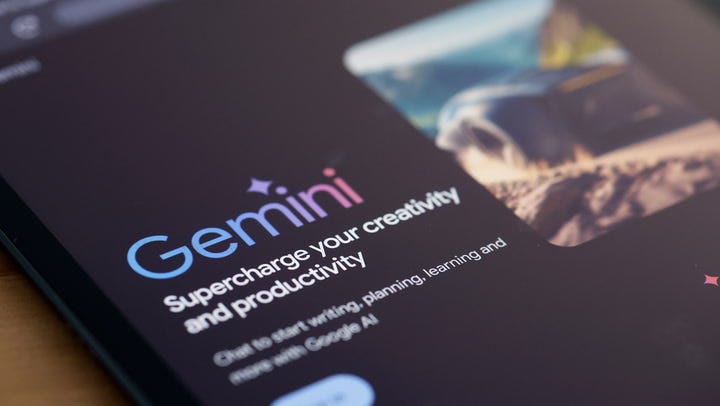

Google unveils Gemini 3 as AI race continues
Google just announced its latest AI model, Gemini 3, which is built to tackle more difficult questions with fewer prompts.
cheddar
question: I would like to install an AI app on my phone and learn how to use it. Do you have any suggestions?
answer: If you’re thinking about installing an AI app but don’t know where to start, you’re not alone. Artificial intelligence may sound complicated, but you don’t need advanced technical skills to use it.
A simple way to understand AI is to think of it as a librarian. Traditional search engines are like librarians who point you to entire sections of a library and tell you, “The book you want is in this area.” An AI assistant is a librarian who guides you to a specific shelf, pulls out a book, opens the appropriate page, and highlights the paragraph you’re looking for.
Which AI assistant should you start with?
The easiest way to get started is with a general-purpose AI assistant. Good choices for beginners include ChatGPT, Google Gemini, Claude, and Microsoft Copilot. They are free to install, easy to use, and available from your phone’s app store. You don’t have to worry about choosing the “best” one from the beginning. Just choose one and use it consistently until you get a feel for how to generate useful prompts.
How to prompt your AI assistant
These tools work best when the conversation is natural and includes details. Explain what you want, as if you were asking for help from a real person rather than a machine. Try a prompt like this:
“This is the message I’m trying to send. Please rewrite it to sound clearer and friendlier.”
“I have chicken, rice, broccoli, and soy sauce at home. What’s an easy dinner to make with some spicy flavor?”
“Please review this document and explain it to me using simple words and analogies like I did when I was 12 years old.”
“I’m planning a weekend trip to Santa Fe. Plan a relaxing itinerary that incorporates food, culture, and sightseeing.”
“Turn your meeting notes into a follow-up email summarizing your key takeaways.”
“Help me write an anniversary message for my friend of 30 years without it being too cheesy.”
The more context you give, the better the answer you’ll get.
How can AI help improve my writing?
AI is especially useful for writing. Clean up your grammar, shorten your messages, and turn rough notes into complete sentences. If you don’t like writing, this is all you need to save time every day. He is also an excellent research assistant. Instead of clicking through multiple websites, just ask one question and get a quick explanation or overview.
Always double check, even with AI
AI is helpful, but it is not a fact checker. When you don’t know something, you might guess. Always review information that affects your health, financial, and legal decisions and acknowledge the sources provided.
How to use AI to stay safe
Avoid sharing personal or sensitive information using free AI tools. That means no passwords, bank numbers, social security numbers, medical information, or personal documents. Once information leaves your phone, you have no control over where it goes, how long it’s stored, or who accesses it later. Data can be stored, analyzed, and exposed in unprecedented ways.
Treat AI like a public space. If you don’t want to say it out loud in a crowded coffee shop, don’t type it into the app.
When it comes to learning, look for built-in tips, short YouTube videos, and beginner courses on websites like Coursera and LinkedIn Learning. The real secret is practice. Take a few minutes each day to experiment.