
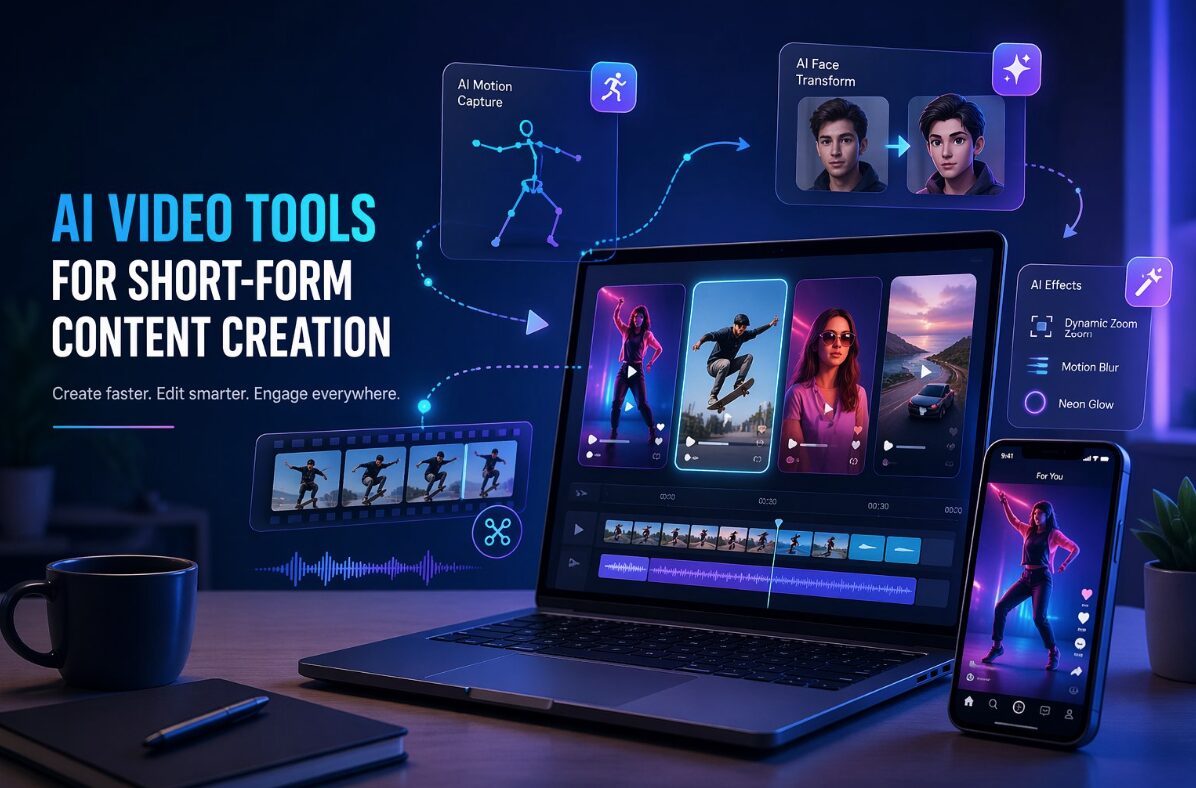
I thought that short videos were mainly about speed. Open your camera, shoot something interesting, cut out the boring parts, add music, post, and move on. It still works sometimes, but the content environment has changed. Viewers are used to cleaner edits, faster hooks, better transitions, and visual ideas that feel slightly more polished than raw phone clips.
Over the past few months, I’ve been testing a variety of AI video workflows, including social media clips, product demos, small creator campaigns, and several internal content experiments. One thing became immediately clear. AI video tools are useless because they “replace creativity.” These are useful because they eliminate some of the time-consuming and repetitive work from coming up with an idea to publishing something viewable.
One area where this became clear to me is with motion-based content. Simple product photos and portraits can feel flat on TikTok, Instagram Reels, and YouTube Shorts. But when I tested a tool built around movement, AI dance I realized how quickly static ideas can turn into something more shareable. Not all the results were perfect, and I wouldn’t have posted every clip produced without carefully checking, but the workflow itself was much faster than planning a full shoot.
AI video works best when given clear roles
The mistake many people make is treating AI video like a magic button. You upload an image, fill out a vague prompt, and expect your finished campaign assets. It almost never ends well. A better approach, at least from my own testing, is to give the tool one clear task.
For example, we saw better results when we used AI to create short movement clips, test visual hooks, and prepare first drafts for editing. We expected the tool to understand brand tone, audience context, pacing, and final platform format all at once, but the results fell short.
Here’s a simple way to differentiate between AI video use cases:
| Content goals | Where AI is most useful | What still needs human review? |
| social media hooks | Motion, style and fast visual variation | Does the first two seconds feel natural? |
| product teaser | Convert static visuals into short clips | Accuracy of product details |
| creator content | Fun effects and reproducible formats | Personal Preferences and Audience Suitability |
| draft brand campaign | Initial concept testing | Messaging, compliance and finishing touches |
| meme style content | Speed and remix possibilities | Tone, timing and cultural context |
The last column is important. AI can quickly create a clip, but it doesn’t know if viewers will find it funny, awkward, confusing, or off-brand.
Best results come from small, repeatable workflows
The most reliable workflow for me is uncomplicated. I start with one strong visual, decide what reaction I want from my audience, generate two or three versions, and manually edit the one that works best. Manual editing may only take 10 minutes, but it can make a big difference.
I usually check these five things before using the final clip.
- Is the move believable enough?
- Are faces and objects still recognizable?
- Does the clip make sense without a long caption?
- Are there strange distortions near the edges of your hands, eyes, or background?
- Do I post this even if I see the AI label?
The last question may seem simple, but it is helpful. If the only reason I like a clip is because I know it was generated by AI, then the clip probably isn’t strong enough for the viewer.
Face-based AI is trickier than people think
Some AI effects are playful and low-risk. Others require more caution. Anything that involves faces should be treated with a greater sense of responsibility, especially when it involves real people.
tested face exchange Workflow primarily for entertainment style editing, concept drafting, and managed creative testing. Technology is great, but we can’t treat it lightly. The rules I follow are simple. Only use faces if you have permission, if your purpose is clear, and if the results will not mislead people.
It may seem obvious, but social platforms are full of content that blurs the lines between jokes, editorials, and deception. This is even more important for brands, creators, and agencies. Even a funny clip can become a reputational issue if the audience doesn’t approve of its use or if it suggests the end result didn’t actually happen.
AI video is becoming more than just a toy, it’s becoming a production layer
The most beneficial change I’ve seen so far is AI video moving from novel effects to everyday production support. Smaller teams can now test more ideas before spending money on a shoot. Creators can create variations without having to start from scratch each time. Marketers can turn still assets into motion tests before sending them to designers and editors for polished versions.
But that doesn’t mean traditional editing is going away. In my experience, the opposite happens. The more AI clips you generate, the more important your editorial decisions become. Someone has to decide what fits the message, what feels authentic, and what to throw away.
A great AI-powered video workflow is less like outsourcing your creativity and more like having a rough machine nearby. It gives you the material. You’re still on the phone.
What I want to tell a small team starting now
My advice to small businesses, creators, and media teams trying AI video for the first time is not to build a large-scale process. I would start with one campaign, one content format, and one measurable goal.
For example, take five existing images and turn them into short video variations. I will post the two strongest people. Compare retention, save, comment, and click behavior to regular content. The goal is not to prove that AI is better. The goal is to learn how you can save time without compromising quality.
I also keep a small internal checklist.
| question | why is it important |
| Is the subject used with permission? | Preventing ethical and legal issues |
| Does the clip match the platform format? | Avoid unnecessary output |
| Is the image quality sufficient even at full size? | Small preview can hide flaws |
| Do you support messages? | Avoid content being gimmicky |
| Can I repeat this workflow? | Be useful beyond a single experiment |
final thoughts
AI video tools are not a shortcut to great content. These are shortcuts to more attempts. That distinction is important.
The teams that benefit the most are not the ones that generate the most clips. They will test ideas faster, make better edits, and use AI only when it improves the final viewer experience. From my own testing, the sweet spot is clear. Let AI help with movement, variation, and first drafts, but leave the story, reliability, and timing to humans.
This is where AI video starts to feel less like a trend and more like a practical part of modern content creation.


