

The best AI tools for TikTok and Reels video creation fall into three categories: repurposing tools that chop long videos into short clips, text-to-video generators that build clips from a script or URL, and avatar platforms that put a synthetic talking head on screen.
Which category you need depends entirely on whether you already have footage.
If you do, Opus Clip is the fastest path to short-form content. If you do not, InVideo AI gives you the most for the least money. If you need a face on camera but do not want to be on camera, HeyGen is the pick.
The AI video market is projected to hit $14.8 billion by 2030, growing at roughly 35% annually.
An estimated 86% of creators now use generative AI somewhere in their workflow, and 63% use AI specifically for scriptwriting, according to a survey of 16,000 creators. The tools are real.
The question is which ones produce output that actually looks native to TikTok and Reels – and which ones produce output that looks like a marketing department’s idea of what TikTok should be.
I tested seven tools over three weeks, feeding each one the same inputs: a 45-minute podcast recording for repurposing, a 300-word blog post for text-to-video, and a product demo script for avatar generation. The gap between the best and worst output was enormous.
Opus Clip
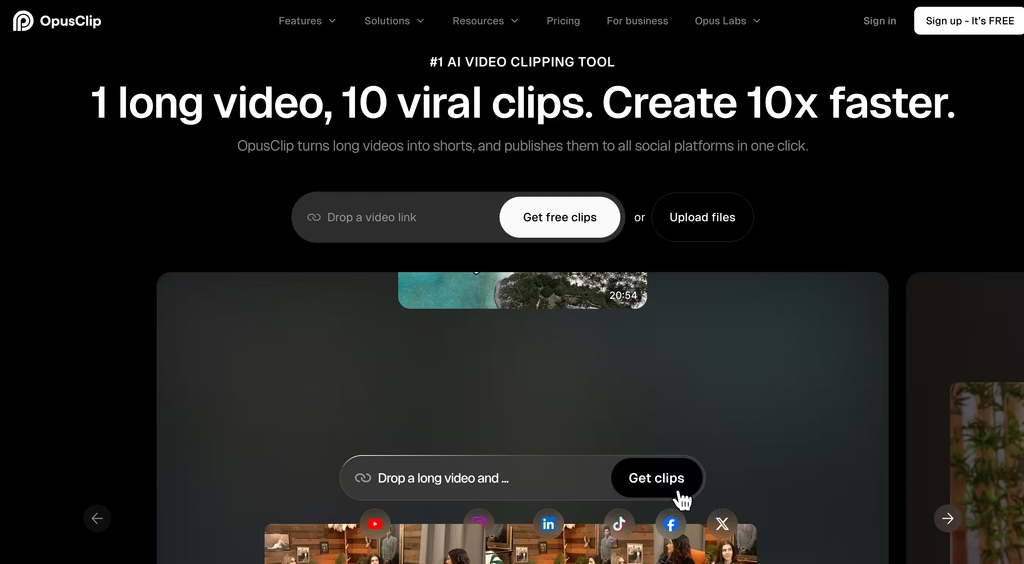
If you already have long-form video – podcasts, webinars, YouTube content, interviews – Opus Clip is the tool that earns its price fastest.
Upload a video up to 3 hours long, and the AI identifies the most engaging segments, cuts them into vertical clips, adds animated captions, and assigns each clip a “virality score” based on hook strength, pacing, and topic relevance.
The virality scoring is not a gimmick. I fed it a 45-minute podcast episode and it produced 12 clips.
The three highest-scored clips (85+) were the strongest segments – tight openings, clean endings, complete thoughts. The three lowest-scored clips (under 60) had awkward cuts or started mid-sentence.
It is not perfect, but it saves hours of scrubbing through footage manually.
Captions support 20+ languages with word-level highlighting, which matters because roughly 80% of TikTok and Reels are watched without sound.
The auto-posting feature pushes directly to TikTok, YouTube Shorts, and Instagram, and there is export support for Premiere Pro and DaVinci Resolve if you want to refine before publishing.
The limitation: Opus Clip requires source video. It does not generate anything from scratch.
If you do not have existing footage, it has nothing to work with. And the free tier watermarks everything, limits you to 60 credits a month, and expires clips after three days – it is a demo, not a usable plan.
Starting Price: $12/month
CapCut
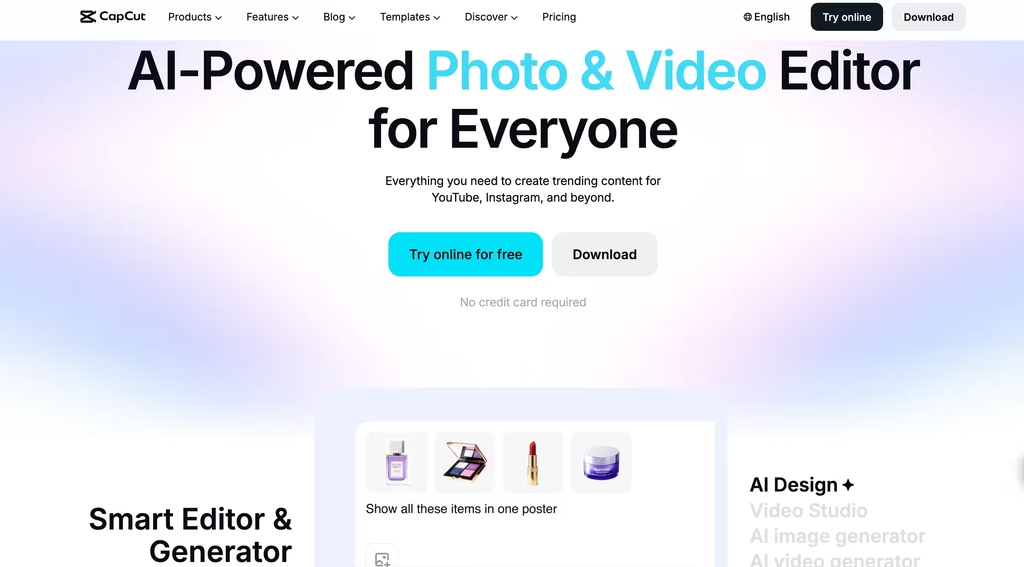
CapCut is the default video editor for TikTok creators, and for good reason – it is built by ByteDance, the same company that owns TikTok.
That integration shows in ways competitors cannot replicate: direct export to TikTok with metadata preserved, trending template sync, and format presets tuned to what actually performs on the platform.
The free tier is absurdly generous compared to everything else on this list.
You get multi-track timeline editing, keyframe animation, chroma key, basic stabilization, AI text-to-speech voiceover, free music and sound effects, and 1080p export — all without paying. Most competing tools lock half of that behind a paywall.
The Pro tier ($19.99/month or $179.99/year) adds the full AI toolkit: AI video generation, AI music generation, multi-language auto-captions, high-precision background removal, motion tracking, audio noise reduction, and 4K HDR export.
The heavier AI features draw from a monthly credit pool, and if you burn through credits fast, the overage costs add up.
Where CapCut falls short is in AI-generated content from scratch. It is fundamentally an editor, not a generator.
You can use AI to enhance, caption, and remix footage you already have, but it will not build a video from a text prompt the way InVideo AI or Zebracat will.
If you are already shooting content and need a powerful, free editing tool with AI assists, CapCut is the obvious choice. If you need the AI to create the video itself, keep reading.
Starting Price: $9.99/month
InVideo AI
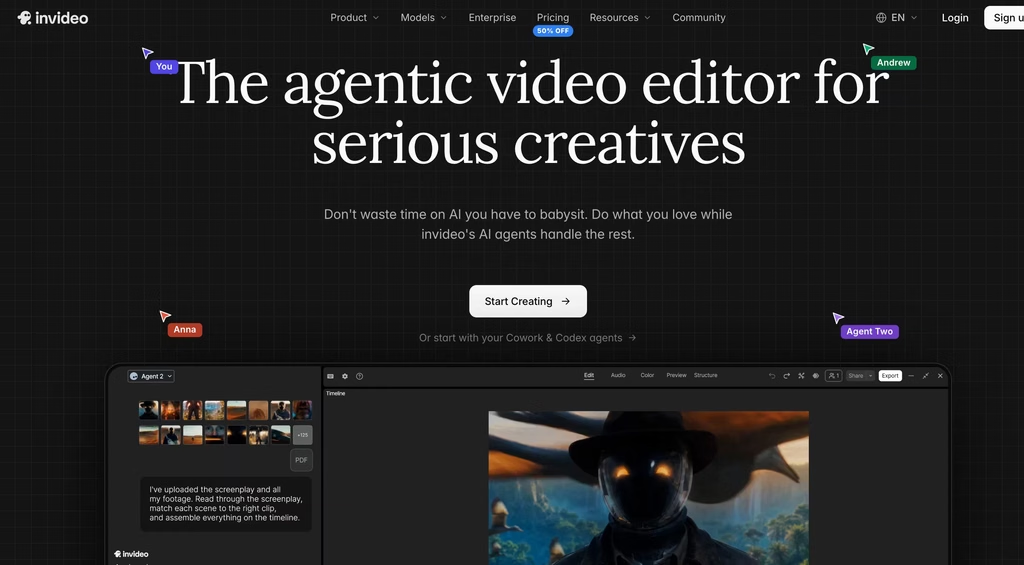
InVideo AI is the lowest-cost entry point for generating short-form video from text.
Type a prompt – “make a 60-second TikTok explaining compound interest for beginners” – and the AI writes the script, selects stock footage from iStock, adds voiceover, and assembles the video. The entire process takes 2-4 minutes.
What sets InVideo apart from similar text-to-video tools is the editing workflow after generation. You can swap individual clips, change the voiceover, adjust timing, and regenerate specific sections without rebuilding the entire video.
With Pictory and Fliki, making changes often means regenerating from scratch, which burns credits.
InVideo’s Continuity Engine also maintains visual consistency across scenes – same color grade, same pacing – which is harder than it sounds when you are stitching together stock footage.
The output quality is solid for informational and educational content. For anything that needs to feel personal or creator-driven, it still reads as stock footage with a voiceover laid on top.
That is fine for faceless TikTok accounts running in niches like finance, health tips, or historical facts. It does not work for content where the audience expects to see a real person.
InVideo also offers AI avatars and voice cloning on higher tiers, but these feel like additions bolted onto a stock-footage-first platform. If avatars are the primary need, HeyGen does it better.
Starting Price: $9/month
HeyGen
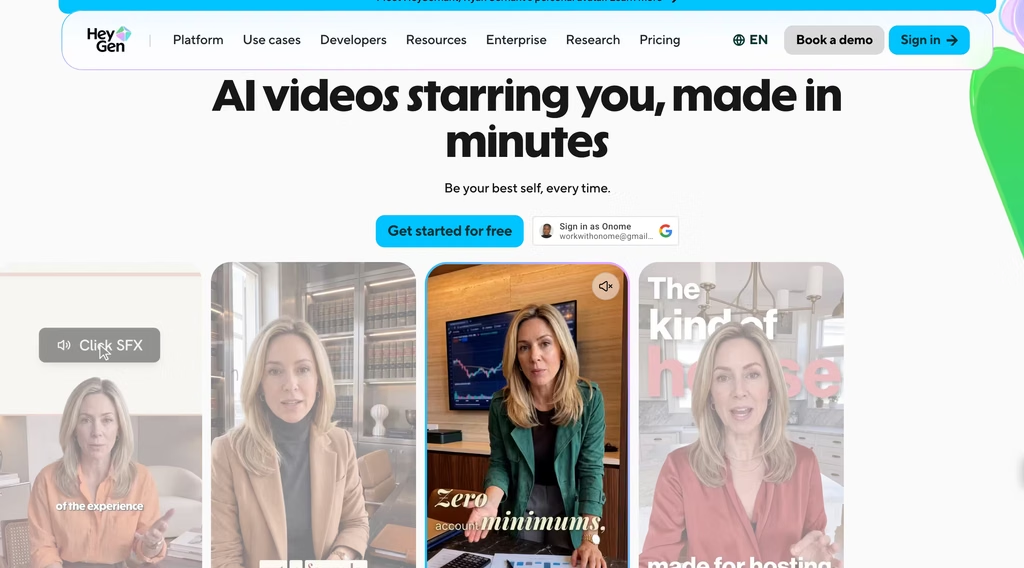
HeyGen is the avatar platform that has improved the most over the past year.
The talking-head videos it produces now are noticeably more natural than what it was generating in early 2025 – lip sync is tighter, head movements are less robotic, and the “uncanny valley” effect has diminished, though it has not disappeared.
The use case is specific: you need a human face delivering content to camera, but you do not want to (or cannot) film yourself.
Product demos, explainers, internal training videos, multilingual content where one person “speaks” twelve languages – HeyGen handles these well.
The avatar library is large, custom avatar creation is available on paid plans, and the dubbing feature that translates and re-lipsyncs videos into other languages is the best I have seen in this category.
For TikTok and Reels specifically, HeyGen works best for educational and professional content where a polished talking head is appropriate.
For trend-driven content, skits, or anything that depends on authenticity, an AI avatar is a mismatch. Audiences on TikTok are increasingly sharp at spotting synthetic faces, and “AI avatar” is not a compliment in most comment sections.
HeyGen shifted its pricing in February 2026 and again moved some advanced AI models from the Creator tier to Pro in July 2026.
Voice cloning language was softened from “Unlimited” to “Expanded usage” on Creator, which suggests they were getting hit on compute costs.
Starting Price: $29/month
Fliki
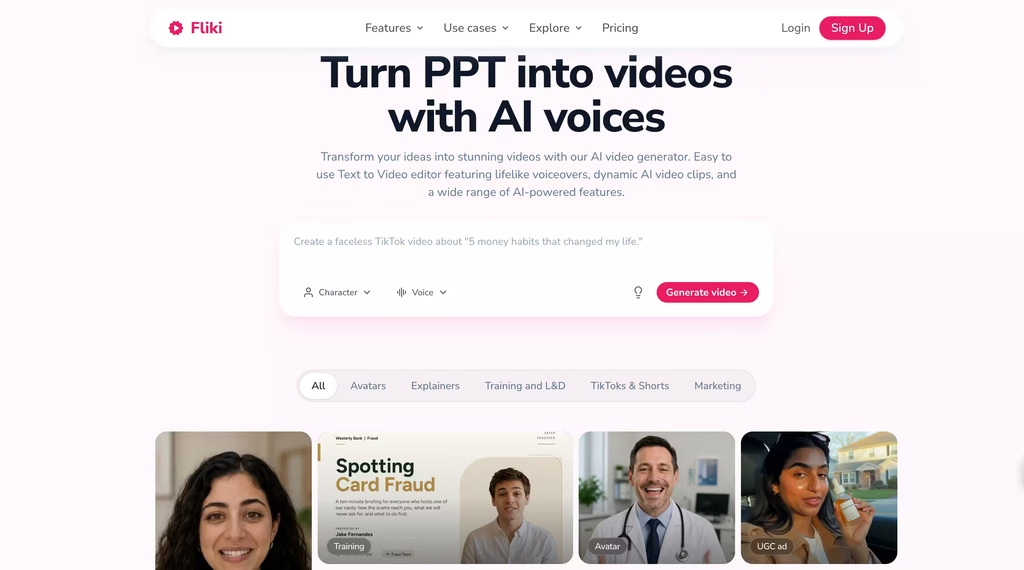
Fliki’s pitch is voice-first video creation, and its text-to-speech engine backs it up.
Over 2,000 AI voices across 80+ languages, with enough tonal variation that you can find voices that do not sound like the same neural network wearing different accents.
Voice cloning is available on the Premium tier – upload a few minutes of your own speech and the AI generates new audio in your voice.
For creators targeting multilingual audiences, Fliki is the strongest option on this list.
I tested it with English, Spanish, and Hindi scripts for the same 60-second explainer, and the voice quality was consistent across all three – natural pacing, appropriate emphasis, no strange pronunciation artifacts on common words.
The Hindi output had occasional stress pattern issues on technical terms, but for general content it was clean.
The video generation side is functional but less impressive than the audio.
Fliki pulls from a stock media library to match your script visually, and the results are similar to what Pictory and InVideo produce – competent but not distinctive.
Where Fliki earns its price is when the voiceover is the centerpiece and the visuals are supporting material.
Faceless TikTok accounts narrating stories, language learning content, news summaries in multiple languages – Fliki outperforms here because the voice quality carries the content.
The free tier gives you 5 minutes a month at 720p with a watermark. That is enough to test one or two videos, but not enough to run a content pipeline.
Starting Price: $21/month
Zebracat
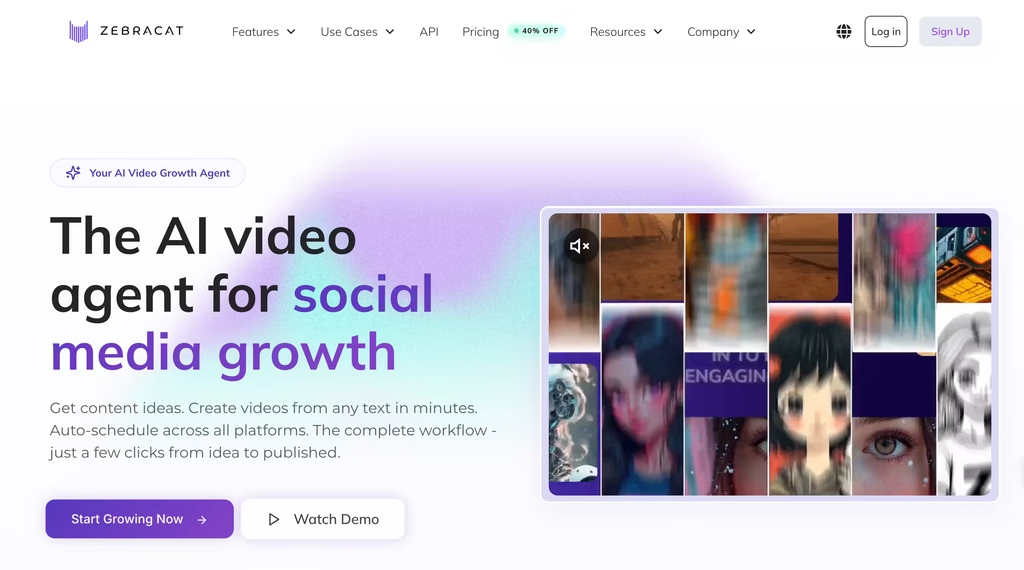
Zebracat does something the other tools on this list do not: it generates original AI video scenes rather than pulling from stock footage libraries.
Feed it a script or a blog URL, and instead of stitching together stock clips, it uses multiple AI models (including Google’s VEO3 and Kling) to create visuals that match the narrative.
The output has a distinct look. It does not look like stock footage, but it also does not look like footage a human shot. It looks like AI-generated video – which, depending on your niche, is either a creative advantage or a credibility problem.
For abstract, conceptual, or sci-fi adjacent content, the AI-generated visuals can be striking. For anything grounded in reality – cooking, fitness, travel – the synthetic look works against you.
Voice cloning is included, the platform supports 175+ languages, and the generation pipeline is fully end-to-end: text in, finished video out, no stock footage licensing to worry about.
That last point matters for commercial use. Stock footage platforms have licensing restrictions that get complicated at scale. Zebracat sidesteps that entirely.
But it is the most expensive entry point on this list, with no free tier. The cheapest plan is $39/month for 15 videos (“Cat Mode”), scaling to $99/month for 40 videos (“Super Cat Mode”).
And there is no direct TikTok publishing – you download the video and upload it yourself, which adds friction to a workflow that should be about speed.
Starting Price: $39/month
Pictory
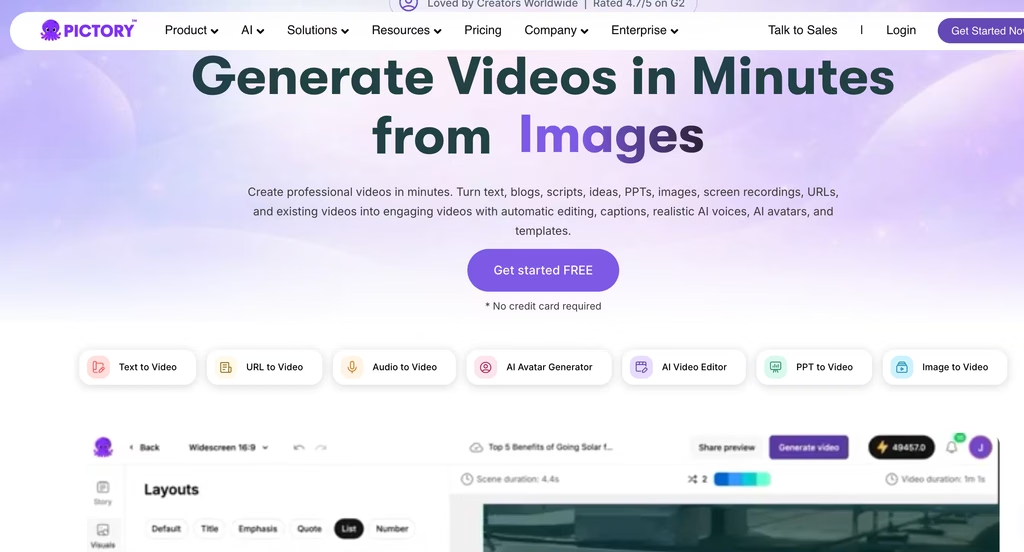
Pictory occupies the marketer end of the spectrum.
Its strongest feature is turning blog posts, articles, and URLs into video – paste a link, and the AI extracts key points, writes a script, matches stock footage, and generates a video with captions and background music.
For content marketing teams repurposing written content into video ads and social clips, this workflow saves real time.
The stock library is large (18 million+ assets), ElevenLabs voice integration produces better-than-average narration, and the auto-captioning works well across the videos I tested.
Generation time runs 5-10 minutes per video, which is slower than InVideo but not unreasonably so.
The problem for TikTok and Reels creators: Pictory’s output has a corporate marketing feel.
The pacing, the music choices, the visual style – it reads as “brand content” rather than “creator content.” For LinkedIn video, YouTube pre-roll, or email marketing, that is appropriate.
For a TikTok feed where the algorithm rewards raw, fast, personality-driven content, Pictory’s polished output can actually hurt performance. I would recommend it for marketing teams over individual creators.
Starting Price: $29/month
How to Pick the Right AI Tool for TikTok and Reels
Forget feature matrices. Start with what you have and what you need:
You have existing long-form video and want short clips: Opus Clip. Nothing else repurposes as efficiently. Pair it with CapCut (free) for final edits before posting.
You have no footage and want the AI to build the video: InVideo AI)for the best value,or Zebracat if you want AI-generated visuals instead of stock footage. InVideo wins on price and flexibility. Zebracat wins on visual originality.
You need a talking head but do not want to film yourself: HeyGen. The avatars are good enough for educational and explainer content. Not good enough for trend-driven TikTok.
You are repurposing written content into video for marketing: Pictory for blog-to-video. The output suits LinkedIn and ads better than TikTok.
You are editing footage you already shot: CapCut (free). The AI features in the free tier outclass most paid tools. Upgrade to Pro only if you need 4K or the full AI generation toolkit.
You need multilingual content: Fliki for voice quality across languages. HeyGen for lip-synced avatar dubbing.
FAQs
What is the best free AI tool for making TikTok videos?
CapCut’s free tier is the strongest free option by a wide margin. You get multi-track editing, AI text-to-speech, keyframe animation, chroma key, music library access, and 1080p export – all without paying. The only free options that come close are InVideo AI (2 minutes per week, watermarked) and Fliki (5 minutes per month, 720p, watermarked), both of which are too limited for regular content production. CapCut’s free tier is usable for daily posting.
Can AI tools make TikTok videos that actually go viral?
AI tools can produce technically competent videos quickly, but virality depends on the idea, the hook, and the timing – none of which AI controls. The best use of these tools is removing production friction so you can publish more frequently and test more ideas.
Opus Clip’s virality scoring helps identify which clips from long-form content have the strongest hooks, but it is predicting potential, not guaranteeing outcomes. No tool can guarantee a video goes viral.
Are AI-generated TikTok videos against platform rules?
TikTok and Instagram both require disclosure of AI-generated content, particularly synthetic media showing realistic people. TikTok’s policy requires creators to label AI-generated content using built-in disclosure tools. Instagram similarly flags AI-generated content.
Using AI for editing, captions, or voice enhancement does not require disclosure – the rules target content where AI generates the visual or audio elements that a viewer might mistake for real footage.
How much do AI video tools cost for TikTok creators?
Usable plans range from free (CapCut) to $99/month (Zebracat). The sweet spot for most creators is 9-29/month: InVideo AI at $9/month for text-to-video, Opus Clip at 12-23/month for repurposing, Fliki at $21/month for multilingual voice content. Avatar platforms like HeyGen start at $29/month. The expensive outlier is Zebracat at 39-99/month, justified only if you specifically need AI-generated scenes rather than stock footage.
Should I use one AI video tool or combine several?
Combine. No single tool covers the full workflow well. The most efficient setup I found during testing: Opus Clip for repurposing long-form content into clips, CapCut (free) for editing and adding captions, and either InVideo AI or Fliki for generating videos from text when you have no source footage. That combination covers most content needs for under $45/month total, and each tool handles the part of the workflow it does best.


