LTX Studio has established a reputation as a fully AI filmmaking platform. It handles storyboarding, character consistency, and cinematic scene generation. Still, many creators outgrow or face friction due to steep learning curves and credit-based pricing. Its clips are limited to 30 seconds, so long projects require manual stitching of multiple scenes.
So which tool should you actually switch to? It depends on what you’re making. Narrative short stories require different strengths than product demos or eloquent explanations. Here are eight real alternatives, grouped by what’s actually better.
1. runway: Perfect for narrative control
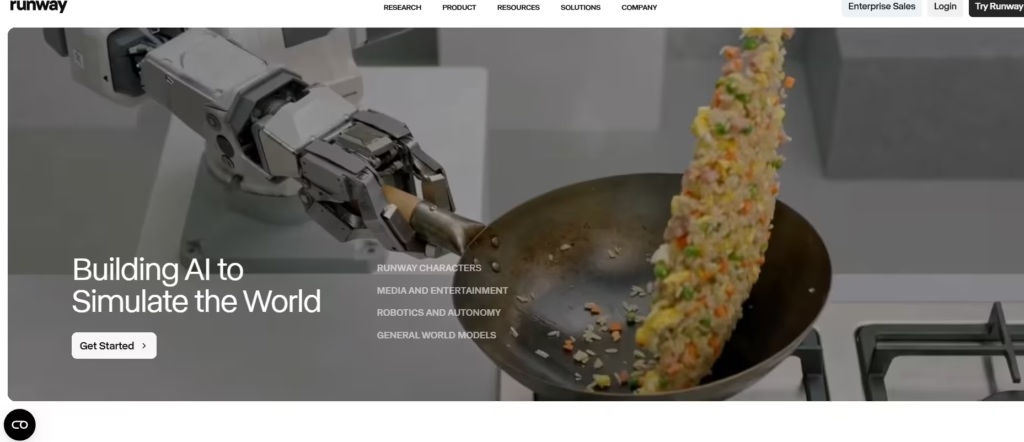
If shot-to-shot consistency is most important to you, start here. Runway builds foundational AI research models and works directly with individual creators as well as film studios, production companies, and agencies. In September 2024, Runway signed a first-of-its-kind deal with Lionsgate (the studio behind John Wick and The Hunger Games) to train customized AI video generation models.
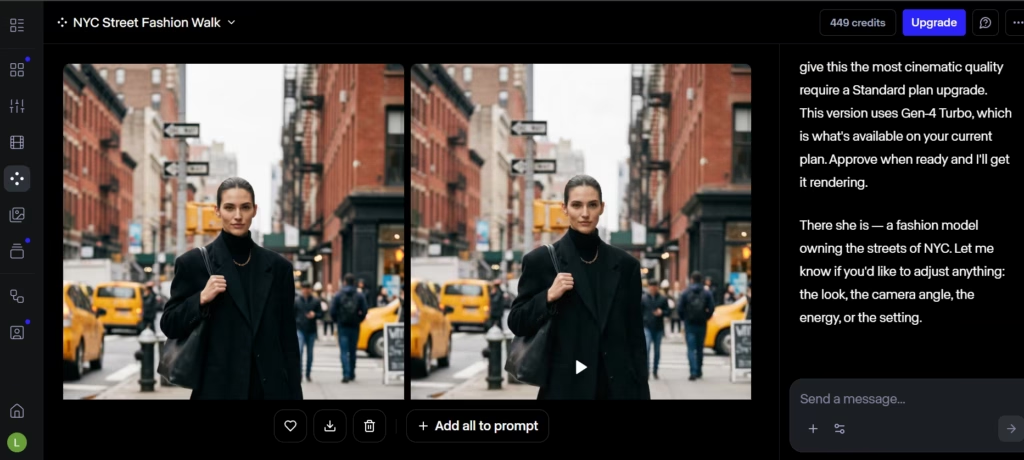
Its Gen-4 line is built around world consistency, so character faces and location geometry remain consistent from one generated shot to the next. That consistency shows across the pitch. A storyboard project depends on whether the characters look the same in scene 12 as they did in scene 1. I ran the same character prompt a few times on the runway and the facial geometry remained consistent.
2. Kling AI: Ideal for repetition

Kling AI runs on an open library of community-generated projects. Browse what others have created, remix with one click, and collaborate live with other creators using Kling and Kolors models.
This is especially important when learning from examples. Rather than starting from scratch, you can fork something already close to what you want. Few other tools on this list offer that shortcut.
For individual creators, I think Kling’s remix library is more valuable than Runway’s corporate partnerships.
3. Luma AI: Perfect for photorealism

Luma AI is surreal. Its models prioritize lifelike movement and lighting over the slightly off-kilter “AI look” found in faster, cheaper tools. Image-to-video conversion is especially powerful, allowing you to turn still photos and portraits into video clips that don’t scream “generated.”
The tradeoff is that Luma isn’t built for full scene sequences like Runway. If your project requires a multi-scene structure, combine it with another editor. Luma is also great for generating isolated single clips. Trying to construct a coherent narrative with it is painstakingly difficult.
4. pika: Ideal for fast iterations
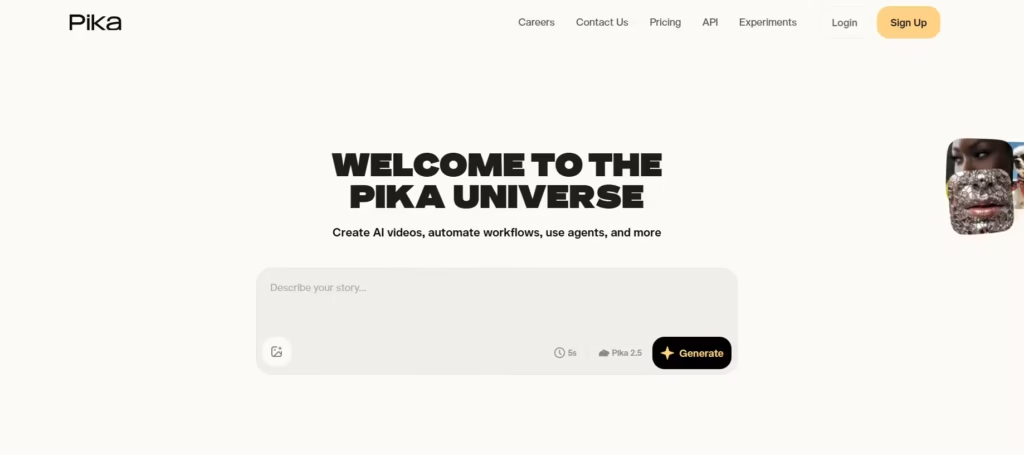
Speed is Pika’s very identity. It is built for creative experimentation rather than final production. As such, it becomes a tool to utilize while you are still testing an idea rather than committing to it. It’s best to use Pika early on, before locking in a concept.
Many creators will generate five or six quick variations here, choose an effective direction, and then move on to heavier tools like Runway for the finished version. However, Pika’s speed advantage only becomes important if you test five concepts per project. Otherwise, heavier tools may be required.
5. OpenAI Sora: Best suited for raw generation quality
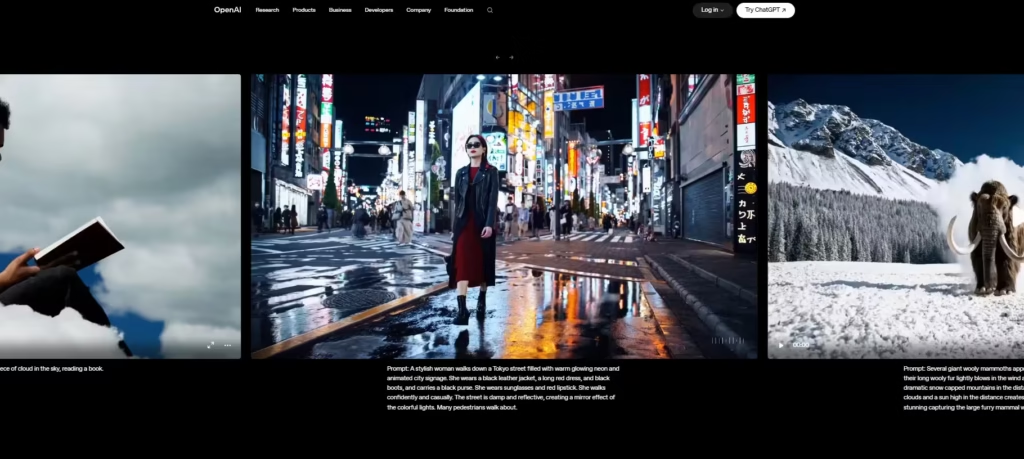
Sora handles complex camera movements and physics better than most competitors, and can generate multi-shot scenes from a single detailed prompt. Because OpenAI updates its models frequently, Sora’s output quality improves significantly between versions.
So if you simply prioritize “the best-looking generated footage available today,” you should test Sora first.
6. Polo AI: Ideal for model flexibility
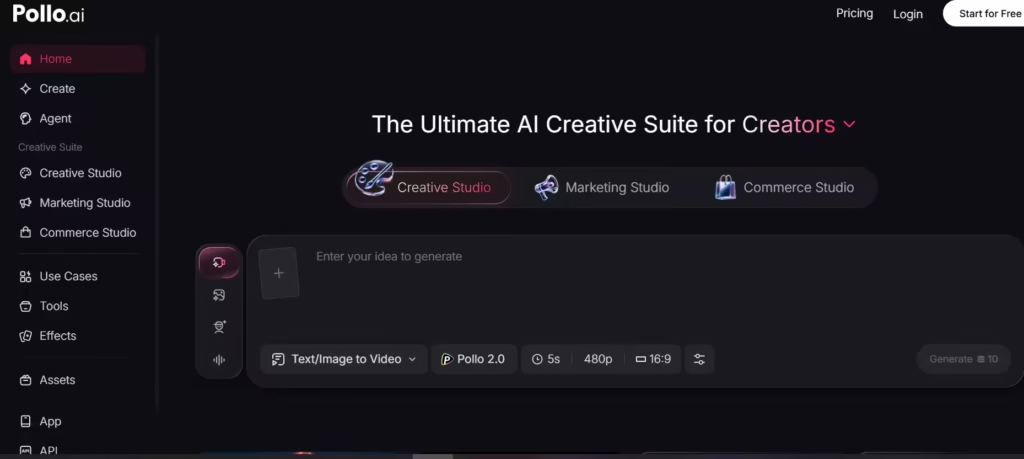
Polo AI bundles several key models, including the proprietary Polo 1.5, with access to other video and imaging systems. This allows users to generate the same prompt in multiple models and choose the best result.
That level of flexibility reduces switching costs from LTX Studio. Because instead of learning the quirks of one new tool, you can compare multiple tools at once to determine the quality of their output.
7. Hey Gene: Perfect for presenter-driven videos

HeyGen skips storyboarding and scene design entirely and instead generates an avatar video of a person talking to the camera, built from text input. No camera, crew, or editing timeline required.
If most of your LTX Studio output is actually presenter or explainer content rather than story scenes, HeyGen is a better choice than any other storytelling tool on this list.
8. Synthesia: Perfect for enterprise avatar videos

Synthesia is in the same space as HeyGen, but on an enterprise scale. The majority of Fortune 100 companies use it for training and internal communications. It converts text from your browser into studio-quality presenter video and has the compliance and team features that large organizations tend to need.
It is not a replacement for LTX Studio’s storyboarding tools. However, when it comes to large amounts of corporate videos, it can be a good alternative.
Also read: Synthesia AI Video Generator: Complete Guide
Which one should you choose?
If I were to switch from LTX Studio today, I would start with Runway. Its Gen-4 consistency directly solves the problem that makes LTX Studio such a pain in the first place: splicing 30-second clips into what looks like one continuous shot. Instead, Kling AI is a second choice for solo creators looking for a low-friction entry point. Its remix library shortens the learning curve for those new to prompt-based generation.
If your content isn’t cinematic at all, but a product demo, instructional, or viral video, skip the filmmaking tools entirely and go straight to HeyGen or Synthesia. Trying to force such content on a storyboard-first platform wastes the tool’s strengths and time. Also, if you need to quickly test an idea before committing to a full rendering, Pika can serve as a first pass tool rather than a final tool.
There is no single platform that replaces all parts of LTX Studio. But Runway is the closest thing to a true replacement, especially for a narrative piece, and it’s my first choice.