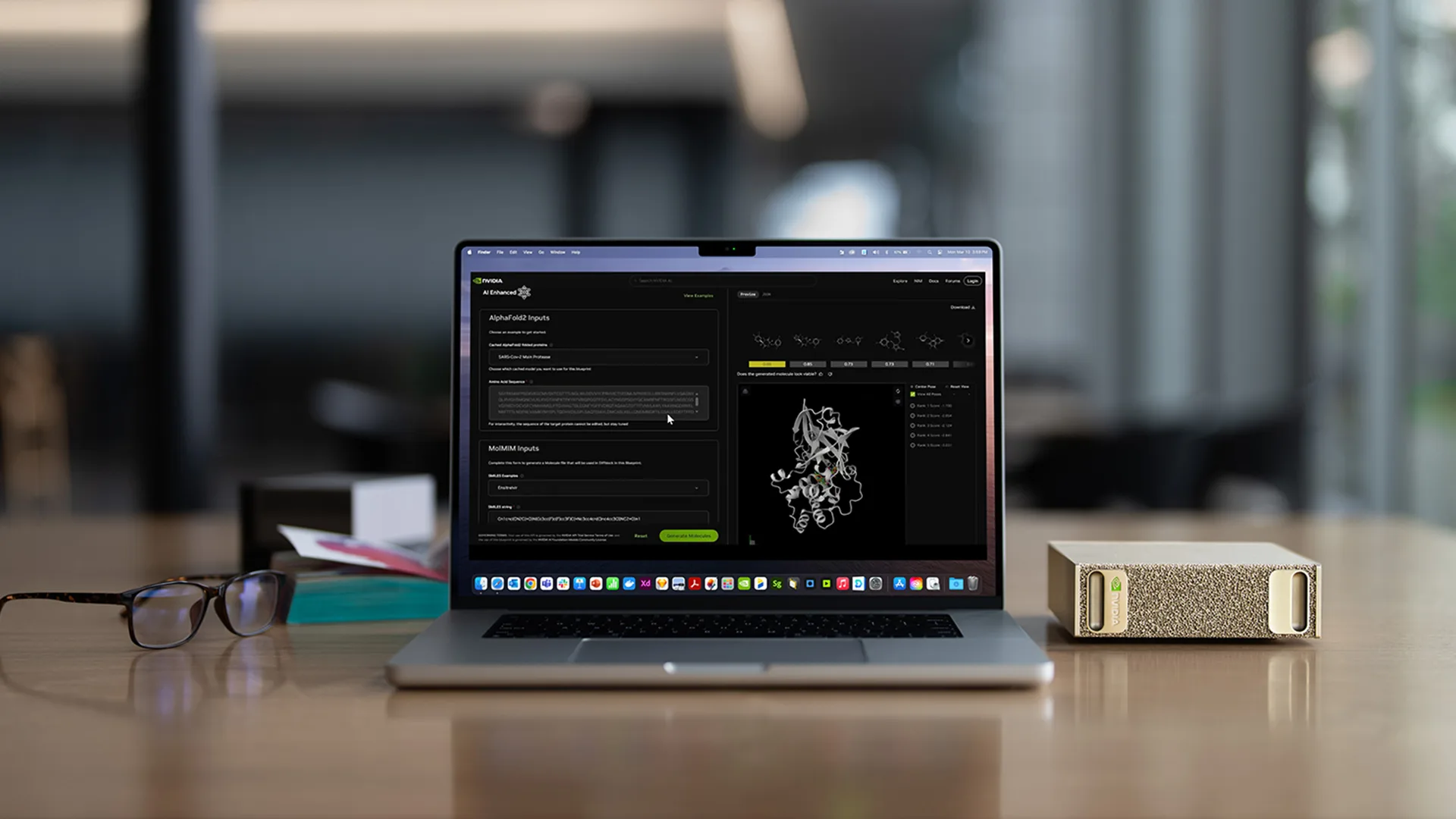
The rise of autonomous, long-running AI agents has introduced a new class of computing demands. This is a task that maintains a large context window, spawns concurrent subagents, and iterates continuously without relying on the cloud. Concerns about security and privacy are also accelerating the shift to local agents.
By using NVIDIA NemoClaw to orchestrate execution, developers can run autonomous agents on their own hardware, keeping sensitive context on-device, directly controlling what the agent can access, and lowering the cost per token.
NVIDIA DGX Spark is designed to build and run autonomous agents locally. At Computex 2026, NVIDIA has made it much easier to get there, introducing a streamlined path from unboxing to running an AI agent in minutes (excluding initial model download, which is dependent on network speed). There’s also improved model performance with Qwen3.6 and guided multi-node cluster setup for teams that need to scale beyond a single device.
This post describes what these updates mean for developers building agent AI systems, including how to install NVIDIA NemoClaw, what to set up, and how to build and run your first agent using OpenClaw on DGX Spark.
Prerequisites
- Active internet connection for early model downloads
- Terminal knowledge for optional configuration steps
From unpacking to running local agent
Running a local AI agent has traditionally required sourcing the appropriate models, configuring an inference backend, installing a runtime, and interconnecting them. This process can take up most of a day, even for experienced developers. The new streamlined NemoClaw installation path changes this.
For new systems, the experience begins with unboxing and initial setup of the DGX Spark. The latest version of DGX Spark system software, June 2026 release, provides the most streamlined Out-of-Box Experience (OOBE) ever, allowing users to quickly contact a local agent. With this release, over-the-air updates are no longer installed by default during initial setup, reducing setup time and allowing users to access the Ubuntu desktop faster.
NemoClaw is an open source blueprint that packages an open model, agent harnesses such as Hermes Agent and OpenClaw, and the NVIDIA OpenShell runtime into a single installation. OpenShell is a secure sandbox execution environment designed to run autonomous agents more securely. Add access control, privacy protection, and operational guardrails to your agent loop. This, combined with on-device inference, gives developers a stronger default security and privacy regime for their agent workloads.
Step 1: Install NemoClaw
Figure 1 below shows the complete path from OOBE completion to the NemoClaw agent running on DGX Spark.

Once OOBE is complete, DGX Spark will restart and open build.nvidia.com/spark, with the NemoClaw playbook prominently displayed as a guided walkthrough. Run this one command to install Node.js (if needed), install OpenShell, clone the latest stable NemoClaw release, build the CLI, and run the onboarding wizard to create a sandbox.
curl -fsSL https://www.nvidia.com/nemoclaw.sh | bash
Follow the steps in the installation wizard to proceed with the setup.
- Accept the NemoClaw and OpenClaw licenses — Type yes to confirm
- Perform an express installation — Type Y to confirm
- Local Ollama will be setup and Qwen3.6-35B will be automatically downloaded
For more information on how to install NemoClaw on DGX Spark/GB10 systems, see Get started with NemoClaw on DGX Spark →
Step 2: Access your agent
Once the installation is complete, you are ready to customize the agent.
First, interact using the WebUI.
nemoclaw gateway-token --quiet
Next, open the tokenized URL in your browser. http://127.0.0.1:18789/#token=. Be sure to use exactly 127.0.0.1. The gateway origin check requires this (it does not). localhost).
Send a quick test message — "hello” or “what can you do?” — Ensure the full stack is running. The local Ollama model is already selected and NemoClaw automatically configures this during onboarding.
Step 3: Build your first agent
When the sandbox is running, the NemoClaw application playbook provides four ready-to-run agents, each containing policy settings, starter prompts, and personalization guidance.
- Daily personal news digest — Scheduled morning briefings that cover topics and post structured digests on Telegram
- software development agent — Read your local project directory, build plans, and write and review your own code. All use no outbound network beyond local inference.
- Deck and Document Reviewer — Create a red team before a file is published and return a punch list of inconsistencies, unsourced claims, and accessibility issues ranked by severity.
- calendar negotiator — “When can we meet?” is the chief of staff who coordinates schedules. Insert a thread on confirmed calendar events
Step 4: Further customization
When running a sandbox, the primary means of shaping agent behavior are:
- system prompt — Edit agent instructions from your dashboard to shape how agents respond and what they ask before taking action. More specific prompts produce more trustworthy agents.
- Tool permissions — OpenShell network policies control which external destinations the agent can call. Narrowing privileges reduces unexpected behavior.
- integration — If you enabled a messaging channel during onboarding, agents can already reach it. When you send a message from your mobile phone, it responds using the same local model.
Developers can further customize by swapping out different models, adjusting OpenShell permissions, and connecting agents to local workflows. To spin up a new sandbox with a different model, run the following command: nemoclaw onboard --fresh --gpu Select another model during the wizard. note that –fresh Destroy and recreate the existing sandbox — use --name Create additional sandboxes without affecting existing sandboxes. Complete installation instructions and model catalog for NemoClaw are available at NVIDIA NGC.
Hint: Start narrow. Give the agent a single, narrow-scope task on its first run, such as “summarize a file” or “answer a question” from a local document. Ensure that responses and tool calls are appropriate before extending privileges.
There are several commands worth having on hand when iterating.
| instructions | what to do |
|---|---|
nemoclaw |
View sandbox status and inference health |
nemoclaw |
Stream sandbox logs in real time |
nemoclaw list |
List all registered sandboxes |
DGX Spark agent using Qwen3.6-35B
Developers can experience up to 2.6x faster inference on top agent models such as Qwen 3.6 35B on vLLM with NVIDIA’s NVFP4 quantization checkpoint with MTP optimization. Additional improvements to MTP with FlashInfer, BF16 auto-tuning across FlashInfer MoE kernels, and vLLM CUDA Graph support for TinyGEMM and cuBLAS BF16 paths.

Scale up: NVIDIA Sync’s cluster assistant
For developers who require more memory or throughput than a single DGX Spark can provide, NVIDIA Sync’s Cluster Assistant automates the process of connecting two to four DGX Spark units into a high-bandwidth cluster.
Clustering is important at the model level. Two DGX Spark nodes provide 256 GB of unified memory (enough for a model with ~400B parameters), and four nodes provide 512 GB. This is sufficient for running large MoE models, multi-agent pipelines with multiple concurrent inference instances, or fine-tuning jobs that benefit from distributed memory.
To set up your cluster, you need to configure the ConnectX-7 network. Each DGX Spark has ConnectX-7 NICs that support 200 Gbps RoCE, but using them correctly requires configuring a netplan, setting up SSH trust between nodes, checking the bandwidth of each link, and knowing the appropriate IP allocation scheme for your target topology. Cluster Assistant simplifies network configuration through guided workflows within Sync.
What constitutes synchronization?
Starting from devices already registered for synchronization, the Cluster Assistant performs system readiness checks (OTA version, sudo access), CX-7 topology discovery using probes that run in parallel on each node and combine LLDP/BPDU evidence with interface and IP checks, IP planning and conflict resolution and netplan applications, and bandwidth and latency validation. ib_write_bw / ib_write_latSSH setup between nodes using keys routed through the CX-7 fabric.
Supported physical configurations are 2-node direct connect (1 QSFP cable, no switch), 3-node ring (3 QSFP cables, both CX-7 ports active on each node), and 2-4 nodes via QSFP switch, with the following minimum requirements:
- Minimum 4 ports QSFP56-DD
- Breakout up to 25/50/100/200/400 G
- Recommended maximum port speed is 200G to 400G per port
- 1/10GbE management Ethernet port
- Supports RoCE v2
- Switching capacity/throughput: minimum 0.8 to 1.6 Tbps
For documentation about the NVIDIA Sync cluster assistant and supported topologies, see NVIDIA Sync documentation.
Learn more about DGX Spark
All three features are currently available.
start building
Updates to DGX Spark at Computex 2026 reduce two of the biggest hurdles to building production-quality local agents: time to create your first agent and access to the compute needed to run models at scale.
Streamlined NemoClaw installation allows developers to simply unpack and run the OpenClaw agent with Qwen3.6-35B as the default model and a built-in secure execution environment. For teams who need more, Sync’s Cluster Assistant removes the expertise barrier when launching multi-node clusters with the full performance of ConnectX-7.
Start building with NVIDIA DGX Spark →