There's nothing quite like the nostalgic, warm feeling of watching your childhood home videos, but watching them on modern equipment can often be disappointing: photos and videos taken on older equipment just don't look as good on a high-resolution 4K TV.
But don't worry, VideoProc Converter AI can easily improve the quality of your old low-resolution footage. This powerful AI video upscaler boosts resolution, improves frame rate, reduces blur and noise, smooths interlacing artifacts, and refines color reproduction to create much higher quality videos.
Whether it's VHS tapes, mini-DV, Hi-8, DVDs, or low-resolution videos downloaded from the internet, VideoProc Converter AI expertly upscales and enhances them to make them suitable for modern viewing.
The latest update brings enhanced AI models and quality/speed modes, enabling advanced features such as noise reduction, blur removal, upscaling, and intricate detail generation, which significantly improves the clarity of old or low-quality footage and images, enriching details and enhancing elements such as skin texture, hair definition, fabric transparency, and texture, ensuring an unprecedented, immersive viewing experience.
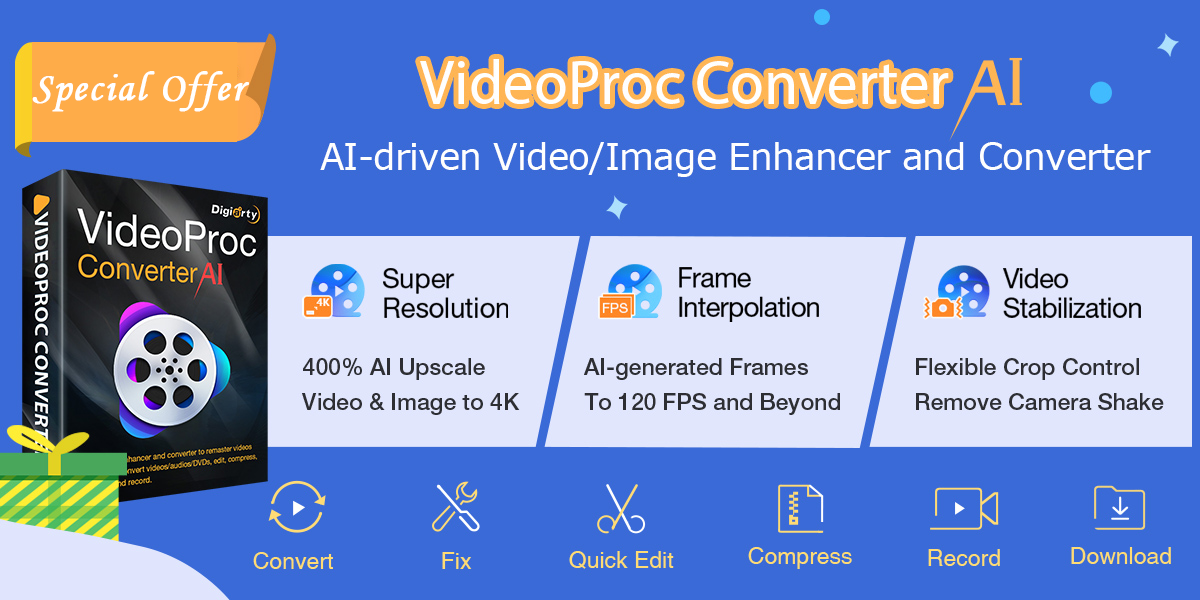
For a limited time only, take advantage of this special offer: get a lifetime license for just $29.95 USD, a huge discount of 60%. This one-time purchase gives you unlimited access to all features, plus free lifetime upgrades and priority technical support.
Video Block Converter AI
Video Block Converter AI
Video Block Converter AI
What can VideoProc Converter AI do?
VideoProc Converter AI is an all-in-one AI solution that helps you quickly and easily improve the look of your old photos and videos. Here is a summary of its main features:
Increase video resolution
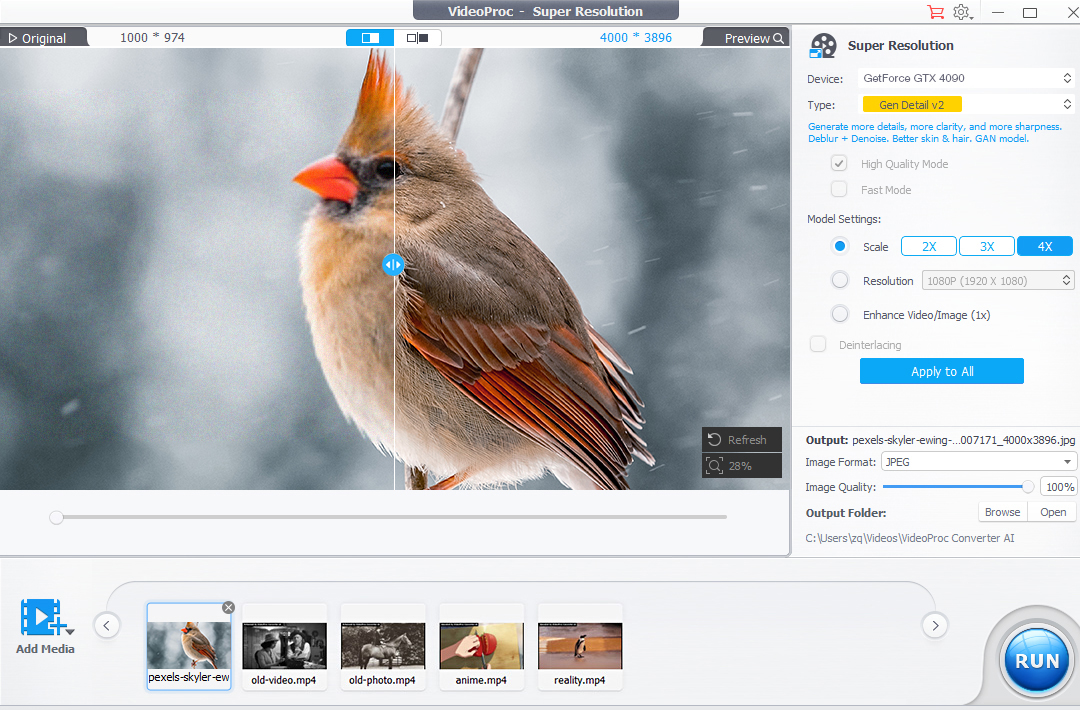
This software uses Super Resolution to increase the resolution of lower quality videos so they look beautiful on modern displays. It can upscale older SD and lower quality videos, AI-generated images, photos and DVDs to 4K/8K/10K at 200%, 300% or 400% output size without frame loss, color distortion, artifacts or flickering.

Video Block Converter AI
Video Block Converter AI
Video Block Converter AI
Increase frame rate
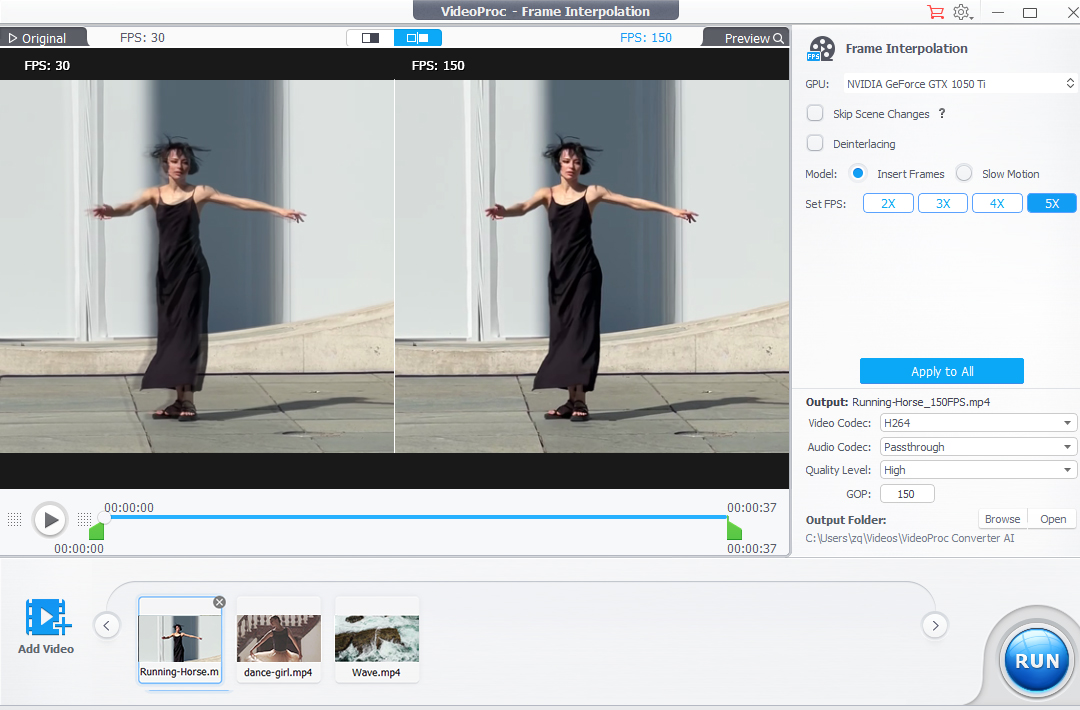
Older digital cameras or low-quality digitization can result in choppy video. AI Frame Interpolation uses AI to add in-between frames to create beautifully smooth, detailed video.
Fix video shaking
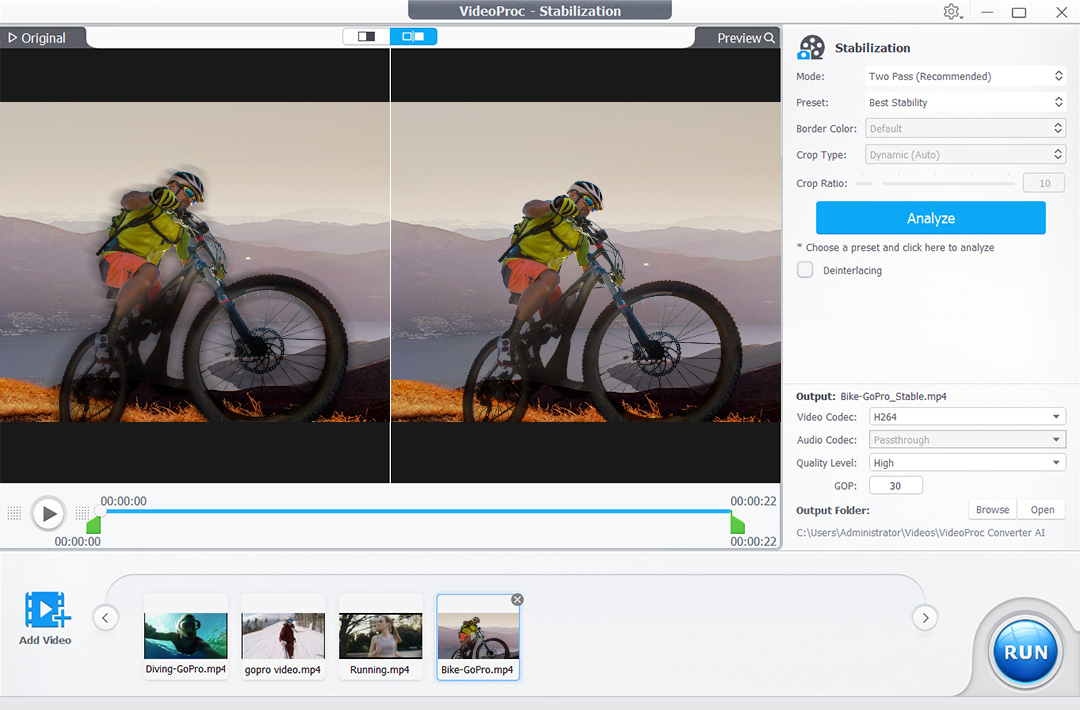
VideoProc Converter AI uses AI stabilization tools to smooth out shaking in your handheld clips, making your videos look more professional and better looking.
Increase the bitrate
By adjusting video parameters in the software, you can increase the video bitrate and reduce the blocky, pixelated artifacts that are common in low-resolution video clips.
Editing and Color Grading
If you want to trim videos, combine multiple videos, or improve the look with more vibrant colors, you can do it all from VideoProc Converter AI.
How to Improve Video Quality with VideoProc Converter AI
To make your low-resolution videos look better than ever, follow these steps:
- Download and Install Video Block Converter AI From the official website.
- Open VideoProc Converter AI and select Super Resolution
- Drag a lower resolution video into the app, or Add Media button
- choose scale Select the output resolution.
- You can choose high quality or fast mode to process your video, select a codec and change the output location before continuing.
- click Run Click the button to increase the video resolution and improve the quality.
Video Block Converter AI
Video Block Converter AI
Video Block Converter AI
Here are some other tips you can use to get the best results:
- Selecting the scale type (2x, 3x or 4x) selects the multiplication factor for the original video. You can choose the “Real Smooth” model for restoration and defect correction, or[ビデオ/イメージの強化 (1 倍)]You can also click to restore old, noisy, grainy or compressed videos without upscaling.

Video Block Converter AI
Video Block Converter AI
Video Block Converter AI
- If you have interlaced footage with lines running through it, click the Super Resolution Deinterlace button to fix the appearance.
- If motion in your video looks choppy, use the frame interpolator tool to increase the frame rate up to 60, 120, or 240 fps.
Video Block Converter AI
Video Block Converter AI
Video Block Converter AI
- If your video is too shaky, process it using stabilization tools to remove jitter caused by camera shake or footsteps.
Video Block Converter AI
Video Block Converter AI
Video Block Converter AI
Exclusive Special Offers
If VideoProc Converter AI sounds like the right tool for you, we have even more good news for you: Not only is this software cheaper than the competition, it's available as a one-time purchase with no resubscription fees, and it also comes with a risk-free 30-day money-back guarantee.
What's more, VideoProc Converter AI has a special offer for our readers: visit this special offer page to get a lifetime license at 60% off, pay once and own it forever with unlimited free upgrades.