
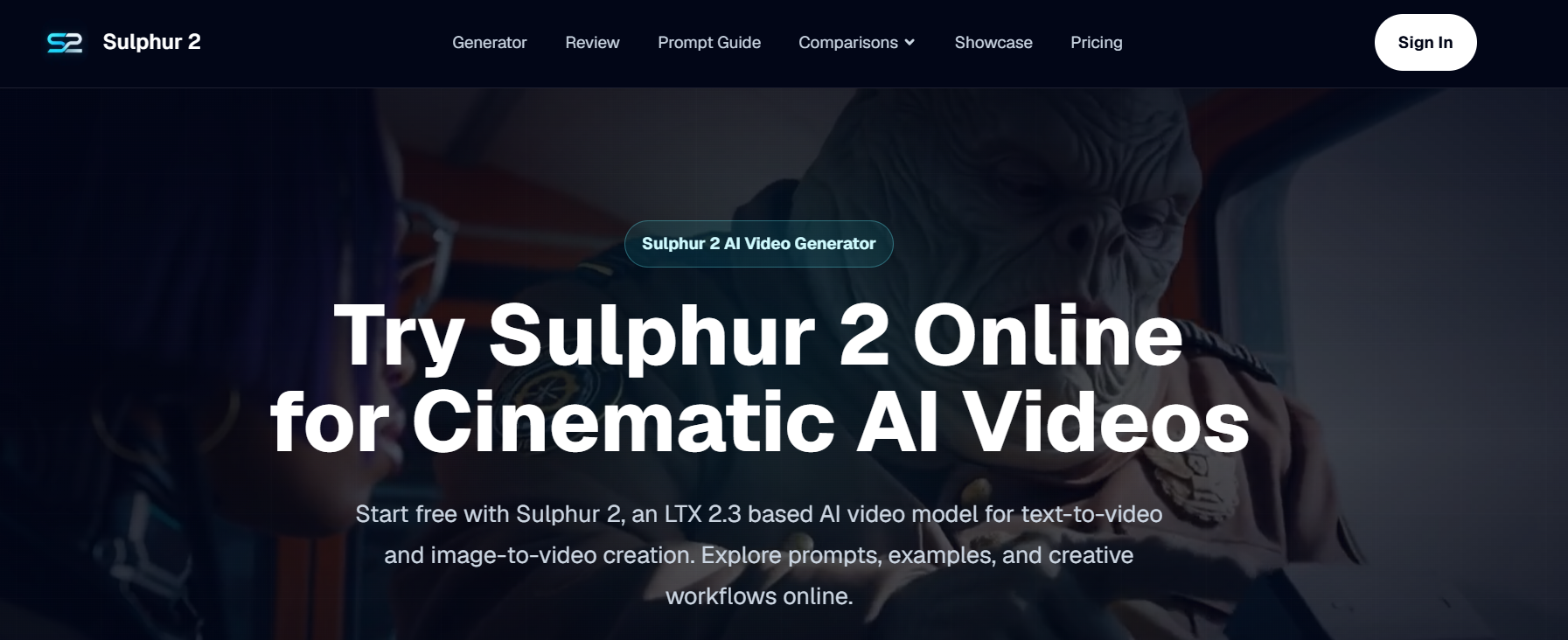
Every creator knows there’s a gap between imagining a scene in your head and actually seeing it on screen. Perhaps it’s a quick YouTube intro, a teaser for a gaming project, a visual for a music drop, or a short product shot for social media. You have an idea, but you don’t always have the time, tools, or editing setup.
Sulphur 2 is designed to solve such problems. It’s an online AI video generator that can turn text prompts and reference images into short, cinematic clips directly within your browser.
Video sketchbook for quick idea generation
The best way to think of Sulphur 2 is as a video sketchbook. This is not meant to replace the entire shoot, finished edit, or professional animation pipeline. It’s about getting a working version of your idea fast enough to decide if it’s worth building on further.
This is useful for indie creators because most creative ideas are messy to begin with. YouTubers may want to test a cold open. Musicians may need short atmospheric clips. Smaller brands may want to animate their product images. Storytellers may want to make sure a scene has the right atmosphere before writing further about it.
Sulphur 2 supports text-to-video and image-to-video workflows, so the starting point can be either a written scene or a still image.
Text prompts are more effective when they feel like shot notes
Creating an AI video prompt is different from typing a search query. The more it sounds like a shot note, the better the direction is usually.
Rather than asking for a “cool movie scene,” the creator might describe the theme, setting, action, camera movement, lighting, and atmosphere. For example, a neon-lit arcade cabinet in a quiet room, slow dolly-in camera movements, soft reflections, a retro sci-fi vibe, and a smooth cinematic pace.
This type of prompt allows Sulfur 2 AI Video Generator to be further manipulated. This tells the tool what to include in the frame and how the camera should behave.
Image-To-Video is perfect for existing visuals
Many creators already have stills assets. May include posters, character concepts, product photos, album covers, thumbnails, logo treatments, or mood board images.
Image-to-video workflows allow users to upload a reference image and explain how it works. The poster can also be a short teaser. Product photos may be slowed down or pushed in. Concept images can become moving storyboard panels.
This is especially useful when visual identity is important. Starting with an image gives your video a stronger anchor than text alone.
Where indie creators can use
For YouTube channels, Sulfur 2 helps you test intro visuals, segment transitions, or background clips before building your final edit.
For game developers, it can be used to create mood tests for menu screens, launch teasers, or environment concepts.
For musicians and DJs, it helps turn cover art and visual themes into short looping clips for social promotion.
If you’re a small e-commerce shop, you can animate your product images to create quick social ads or landing page visuals.
For writers and filmmakers, rough scene ideas can turn into inspiring references for storyboards.
These are not large-scale works. That’s the point. These are small visual tests to help creators make selections faster.
Make it feel like the camera’s words are directing the clip
What makes Sulphur 2 more approachable is its ability to understand a simple camera language. Words like close-up, wide shot, dolly-in, tracking shot, orbit motion, slow motion, and smooth cinematic pacing guide the feel of the clip.
This is important because short videos may not work if the camera doesn’t have a purpose. If you push it in slowly, you will get a different feel from the hand-held style. Wide shots give space. Close-ups make the subject feel more intense.
Good camera language makes the results feel less random.
Start small before using credit
Sulphur 2 uses a credit-based workflow, and new users can start with free credits. The site states that 50 free credits are enough for the first 5 seconds of 720p testing.
That’s a good reason to start small. Start by testing one scene, one product shot, or one visual mood. If the directions work, try a more powerful version by adjusting the prompts.
The first prompt is usually not complex. That should be obvious.
A simple workflow to try
Let’s start with an idea for a scene. Choose whether text to video conversion or image to video conversion is right for you.
If the visual already exists, use image upload. If you only have ideas in your head, start with text.
Add camera movement, lighting, and mood. Choose a format based on where your clip will live, whether it’s a vertical social post, a website visual, or a widescreen concept preview.
Once your video is generated, review it like a creator. Does the shot convey the idea? Does the movement feel right? Can you help explain this concept to others?
This is where creating short AI videos with Sulfur 2 comes in handy. Even if it’s just a first draft, we turn your rough idea into something tangible.
final thoughts
Sulphur 2 is most interesting for creators who need motion before polishing. This allows indie makers, marketers, and visual storytellers to experiment with short film ideas without having to open a full editing setup.
This serves as a quick first step for anyone working on YouTube content, social posts, product teasers, game visuals, music promotions, or storyboards. Start with a prompt or image, keep your initial tests simple, and use the results to decide where to take your idea next.


