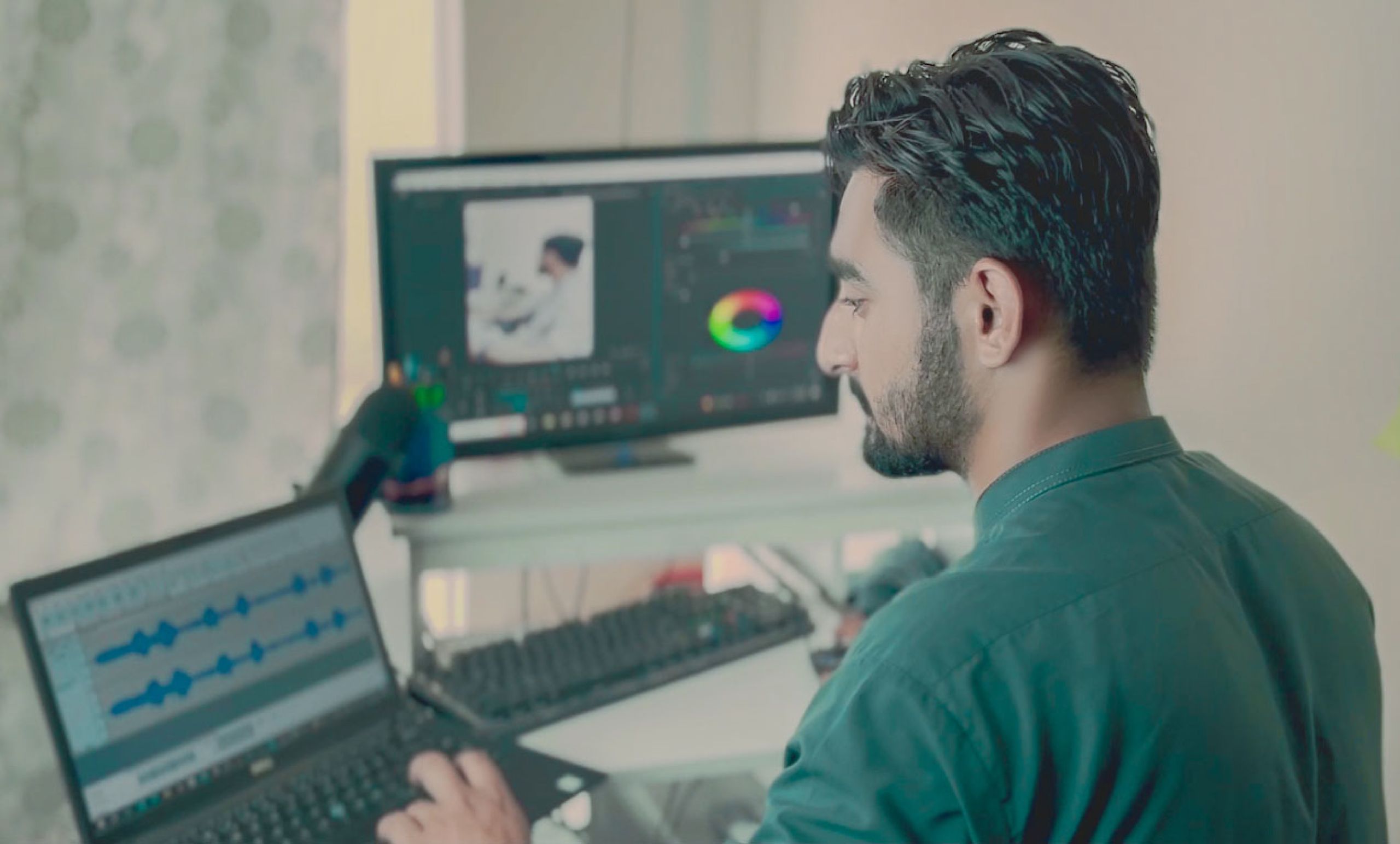
AI video applications reduce the need for hardware by making the user the only client. The heaviest parts of the calculations have been moved from computers to cloud servers. There, rendering, encoding, and special effects take place. So instead of having a high-end workstation with a top-of-the-line GPU, 64 GB of RAM, and several terabytes of fast storage, you just play a browser window on a basic laptop and the machine handles all the processing for you. As a result, video editing tasks that were previously limited by expensive hardware can now be performed on regular machines.
The biggest benefit is the change in editing workflow through the use of artificial intelligence. Editing is always very demanding on computers that use the CPU and GPU at the same time. This includes timeline scrubbing, real-time preview, color grading, export, and more. All of these tasks place a heavy load on both the CPU and graphics card. AI-based editing moves these operations to the cloud and automates some of the workflows that previously required human skills, significantly reducing the burden on computers and the investment required to get started.
Why traditional video editing requires so much power
To understand how AI can make changes, it might be helpful to know what traditional editing actually imposes on the machine. Programs like Premiere Pro and DaVinci Resolve require specialized graphics cards. Typically, investments are in mid-tier or high-end consumer GPUs. On top of that, doing 4K work with fast NVMe storage will probably require at least 32 GB of RAM to ensure footage runs smoothly without interruptions. With a professional editing rig, costs can range from $1,500 to $4,000. This is the price we have to pay for years of codec and resolution development.
These specifications are required because the editing process occurs in a live and direct manner. So every time you drag a piece of footage, change a transition, or preview a color grade, your computer must decode the source file, apply layers of effects, and display the results on your laptop screen at frames per second. That being said, you can probably understand why even if your hardware is very powerful, running a bunch of 4K layers with the plugin turned on will cause some frame drops. The problem with exporting is that your computer will re-render the entire project from scratch. Depending on the task, this may take a few minutes to several hours.
Another often underestimated factor is storage. Because raw video files are so heavy—for example, an hour of 4K footage can consume more than 100 GB—editors typically need to keep working files, cache proxies, and backups all at the same time. This explains why people tend to buy high-capacity, high-speed disk drives that are very expensive and tend to fill up faster than people would like.
How cloud processing reduces the load on devices
The main feature of AI video tools is that computationally intensive tasks are no longer performed directly on the computer. When you generate, edit, and render video through a cloud platform, your computer is simply communicating to perform the task and retrieve the results. The rendering functionality on the other end uses a specially built server machine, so whether you’re using an older laptop or a simple Chromebook won’t affect the quality of your video.
This change changes the type of hardware you need to purchase. All you need is a computer that can run a modern web browser and stream video. For most people, this means buying a $400 to $800 computer instead of a professional-grade unit that costs several thousand dollars. Another benefit is that it doesn’t put a strain on your computer’s rendering, which means longer battery life. The fans can also be quiet because little or no heat is generated from the device during the process and the heat from the heat load resides in another facility, in this case the data center.
It makes perfect sense, but there’s always a trade-off. This system leverages your Internet connection rather than your computer’s silicon capabilities. Bandwidth is the main issue when uploading RAW footage and downloading ready (rendered) video. This means that the entire benefits this method promises can be undermined by the fact that the connection is slow or unstable. In most cases where people have average broadband, this is an advantage. However, if you live in an area with satellite internet or phone data plans that have limited bandwidth, you may want to consider whether that method is right for your situation.
Automation perspective: Do more with fewer manual steps
Cloud offloading is only half the battle. The other half is compressed, as AI handles tasks that previously required both skill and processing power. Automatic captioning, background removal, audio generation, avatar creation, and scene assembly are all done through the model rather than manually keyframing and rendering each element. This means fewer intensive local operations and significantly lower machine latency.
Consider something as mundane as adding captions to a talking head video. The traditional pass involves transcribing, timing each line, styling the text, and rendering the result, and the rendering step alone is GPU intensive. The AI-driven approach generates accurate captions server-side in seconds and bakes them during cloud rendering, so your laptop won’t break a sweat. The tool can take a script or product URL and assemble a finished video, including voiceover, avatars, and captions, without touching the timeline, almost completely eliminating local rendering load.
This automation reshapes who can realistically create videos. Small business owners creating ad creatives, marketers testing dozens of variations, and individual creators converting blog posts into short clips don’t need editing expertise or rendering equipment. Industry data from HubSpot Marketing Research shows that the amount of short-form video content brands produce has increased exponentially in recent years, in large part because the barriers to creating viewable clips have simply broken down.
Who benefits the most and where are the limits?
Depending on the type of content you’re creating, your hardware savings will vary. For example, when creating large amounts of template-driven content such as social media ads, product demos, faceless YouTube videos, and local marketing clips, AI video tools are a game-changer as this type of work is repetitive, formula-friendly, and requires little manual control over frames. If your marketing department is creating 50 different versions of ads for each campaign, the savings in hardware costs and reuse of labor time are significant benefits.
For cinematic or very unique types of work, the results are quite different. Filmmakers color grading a film, documentary editors working on emotionally charged scenes, or simply anyone who needs extreme control over every frame will continue to choose traditional editing software. This is because AI content generation replaces accuracy with rapid pace. While these tools are rapidly improving in providing a very detailed level of control, these AI tools are not targeted at this type of user who really wants to move a single keyframe by two pixels.
Budget also plays an important role. As a beginning amateur or producer, the relative biggest advantage is to avoid a huge initial capital outlay for a computer and instead pay modest monthly payments for cloud software (often in the $20 to $100 range) given the volume and functionality it provides. Major studios have already invested in hardware, so the impact is less, but there is also the benefit of faster delivery times. Also, in places where high-end computers need to be imported, high customs duties cannot be avoided, and computers that are simply not available may be obtained with the help of the Internet. Therefore, using local software creates a completely level playing field that did not exist before.