
Disruptive nightmares like Coca-Cola’s AI ad and McDonald’s pulled Christmas ad show that the usefulness of AI-generated video as a finished creative asset remains questionable. Meanwhile, the closure of Sora by OpenAI has once again raised questions about whether Sora is in demand and is it safe and profitable given the amount of resources it uses.
Adobe believes it has a solution to at least one of the major technical issues that makes using AI video so difficult. We’ve released a preview of an experimental product called MotionStream that allows users to control AI-generated footage in a more hands-on approach.
Text prompts make it easy to generate AI videos, but they’re difficult to control because it’s difficult to describe movements in text. AI video generation is also slow. This means you have to wait until a short clip is generated, the movement turns out to look strange and unnatural, and you have to start over every time you generate a new generation.
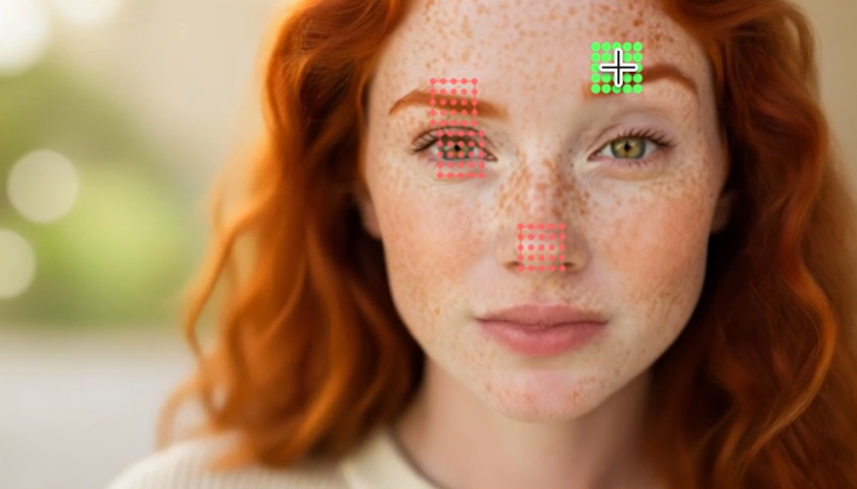
Adobe’s solution is to develop a way to interact with AI-created videos while they’re being created. MotionStream moves from deferred rendering to real-time interaction, allowing users to use cursors and sliders to reposition objects and change camera angles while generating video.
The process still starts with a text prompt, but users can click and drag objects to control movement and adjust camera position. Users can mark objects they want to be static by clicking on them.
Eli Shechtman, one of MotionStream’s researchers and senior principal investigator, says the tool has the potential to significantly change second-order effects that are difficult to control manually.
“For example, if you want to move an elephant, you can click its body to make it move, but making that movement look natural manually is a pain. This currently requires skill and specialized software to create the rig and animate or keyframe the animation. This process typically takes hours, although it can take days depending on the scope.”
“Instead, the underlying video generator behind MotionStream essentially simulates the world in real time. So the elephant’s legs move naturally and the ears flap naturally as the elephant moves. This model provides knowledge about the world and allows us to interact with it.”
He believes the same technology could also change the way photos and other still images are edited.
“When video becomes interactive, the canvas can become a constantly running video. As you interact with the video, you’ll see it transition smoothly toward the edits you specify. You can see the transitions, and even stop midway if you like the intermediate results. There’s great promise here for both images and videos.”
The paradigm shift behind MotionStream will also speed up AI video work. Early models generated the entire video before delivering it to the user, with each frame referencing every other frame.
Although this has improved the quality of the generation, Richard Zhang, a senior researcher and co-investigator of MotionStream, says, “Knowing both the past and the future is not how the universe works.”
Adobe Research wanted to remove this constraint and developed a process called “autoregression” in which the video is generated in pieces, with future frames relying only on those already created. Once the user views the first production, the tool will generate a second production and be able to display the generated video to the user in more real-time.
For now, MotionStream continues to be developed as a research project. There are no details on whether, when, or how tools such as Adobe Firefly or Adobe’s video editing software Premiere will add this feature.


