You no longer need expensive editing software or professional animation skills to create stunning videos. Thanks to AI, anyone can turn static images into dynamic videos within minutes. Whether you’re a content creator, marketer, designer, or social media enthusiast, our free AI image to video generator makes it easy to bring your ideas to life.
However, the biggest challenge is finding tools that create high-quality videos without adding annoying watermarks. Fortunately, several AI-powered platforms now offer free generation with clean output, perfect for personal and commercial projects.
Here are 5 free AI image conversion tools without watermark that are worth trying.
1.ImageToVideoAI.io
If you’re looking for a free AI image-to-video generator that’s easy to use and feature-rich, ImageToVideoAI.io is one of the most powerful options available.
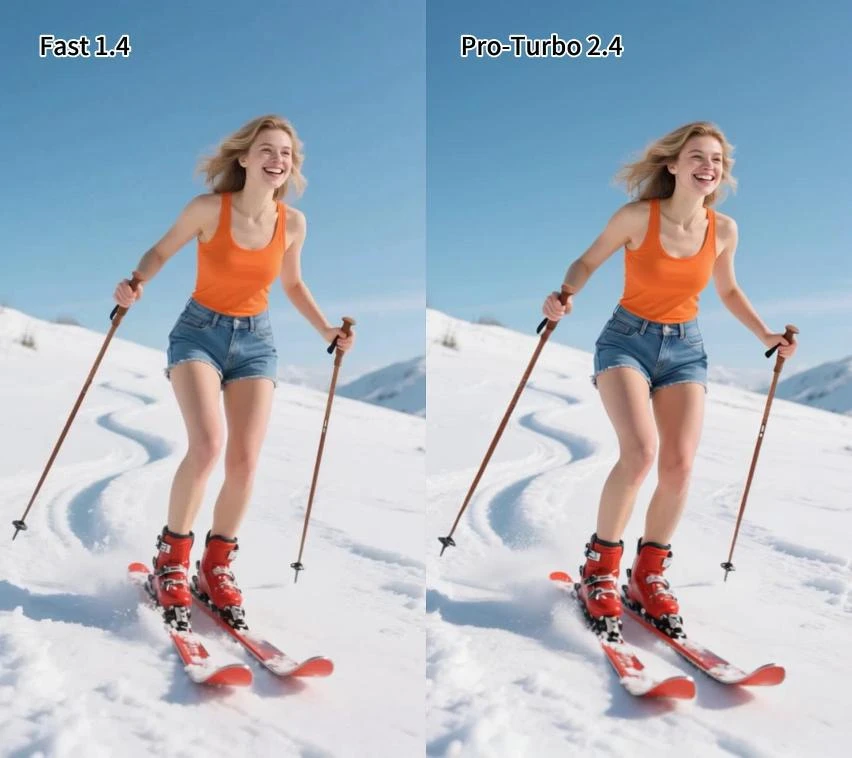
This platform is designed for users who want to convert a single image into an animated video within seconds. Just upload an image, describe the movement you want, and the AI will automatically generate realistic movement. The platform says it supports HD watermark-free export, multiple AI models, customizable styles, and over 50 templates for social media and marketing videos.
Main features
-
Free AI image-to-video generation
-
HD video export
-
Supported exports do not have watermarks
-
Multiple AI-generated models
-
Prompt-based motion control
-
Ready-made templates for TikTok, Instagram, and YouTube Shorts
Best use
-
content creator
-
product marketer
-
social media agency
-
small business
-
digital artist
The beginner-friendly interface is ideal for anyone who wants professional-looking videos without spending hours learning complex editing software.
2.ImageMover.ai
ImageMover.ai focuses on adding natural movement to still images using AI-powered animation. Intelligently generate realistic, cinematic motion rather than simply applying common effects.
This is especially useful for portrait animation, landscape videos, storytelling, and creative visual projects.
Main features
Best use
-
AI art creator
-
storytelling video
-
digital presentation
-
social media animation
The platform offers a simple workflow, allowing users to upload images, choose animation settings, and generate videos without any technical expertise.
3. Kling AI
Kling AI has quickly become one of the most popular AI video generators due to its realistic motion quality.
Instead of producing simple zoom effects, Kling creates lifelike movement similar to professionally animated videos. It performs particularly well in character animation and movie scenes.
Main features
Best use
-
professional creator
-
AI filmmaker
-
marketing video
-
creative storytelling
While the free generation may have its limitations, the overall video quality is one of the best currently available.
4.PixVerse AI
PixVerse AI is gaining popularity for its ability to create impressive AI-generated videos with minimal effort.
Users can upload images, enter creative prompts, and generate animated clips suitable for social media, advertising, and digital content.
Main features
Best use
-
instagram creator
-
TikTok videos
-
YouTube short
-
brand promotion
PixVerse is a great choice for creators who prioritize speed while maintaining visually appealing results.
5. Pika Lab
Pika Labs combines simplicity with advanced AI technology, making it one of the most recommended platforms for beginners.
The platform supports both text-to-video and image-to-video generation, allowing users to create engaging content with just a few clicks.
Main features
Best use
-
For beginners
-
social media creator
-
marketing team
-
designer
The clean interface makes the entire video creation process easy, even for users with no editing experience.
Not all AI video tools produce the same results. Consider the following important factors before making your selection:
video quality
Choose a platform that produces HD videos with smooth animations rather than simple slideshow effects.
Export without watermark
Many free tools insert watermarks into exported videos. If you plan to publish your content professionally, look for a generator that offers watermark-free export.
speed
Fast cloud rendering saves you valuable time, especially when creating multiple videos.
customization
The best AI generator allows you to adjust motion, camera angle, prompts, duration, and animation style.
Ease of use
The sleek interface is especially important for beginners who want professional results without having to learn advanced editing software.
It’s not difficult to find a suitable free AI image to video generator. Whether you need video for social media, marketing campaigns, presentations, creative storytelling, or more, today’s AI platforms make the process incredibly simple.
Among the available options, ImageToVideoAI.io stands out with its beginner-friendly interface, multiple AI models, HD output, prompt controls, and watermark-free export options. ImageMover.ai is also a great choice for users who want realistic image animation with natural movement. Meanwhile, Kling AI, PixVerse AI, and Pika Labs offer even more creative flexibility depending on your specific needs.
If your goal is to quickly create stunning videos without investing in expensive software, these are definitely the top 5 free AI image to video tools without watermarks.