
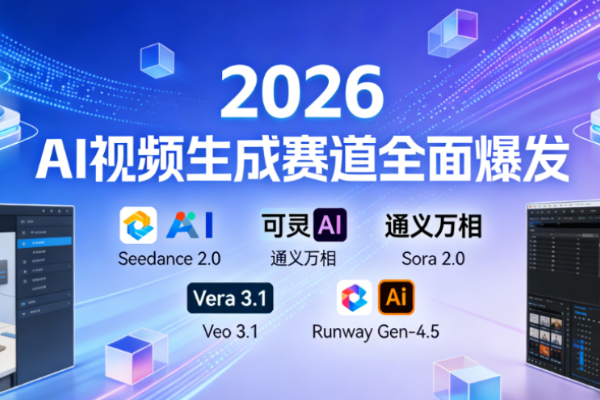
In 2026, the AI video generation truck has fully exploded and entered the mature competition stage, and with the great success of Seedance 2.0, AI video creation has turned into a “national carnival”.
In just two years, AI video has evolved from the fragmented, blurry clips of a few seconds in its early days to today’s consistent, minute-long narratives and accurate reproductions of the real physical world. The speed of iterating on AI video tools has far exceeded expectations, completing three leaps from ‘usable’ to ‘easy to use’ to ‘professional’, bringing the threshold for creative implementation to a record low. Professional teams can pre-visualize blockbuster scenes using AI video tools, and regular users can generate short videos that are hits with just one click.
In this global competition, every tool has its own advantages to define the future of next-generation video creation.
To help readers with different needs find the best tools, we spent two weeks testing dozens of domestic and international AI video generation products and finally selected six mainstream options to create this reference list. This article covers all video creation scenarios, from zero-baseline creation to professional film post-production, personal content creation to enterprise commercial use, and thoroughly describes each tool’s key benefits, real-world testing experiences, and drawbacks, helping you avoid common selection pitfalls and choose the right AI video generation tool for your needs on the first try.
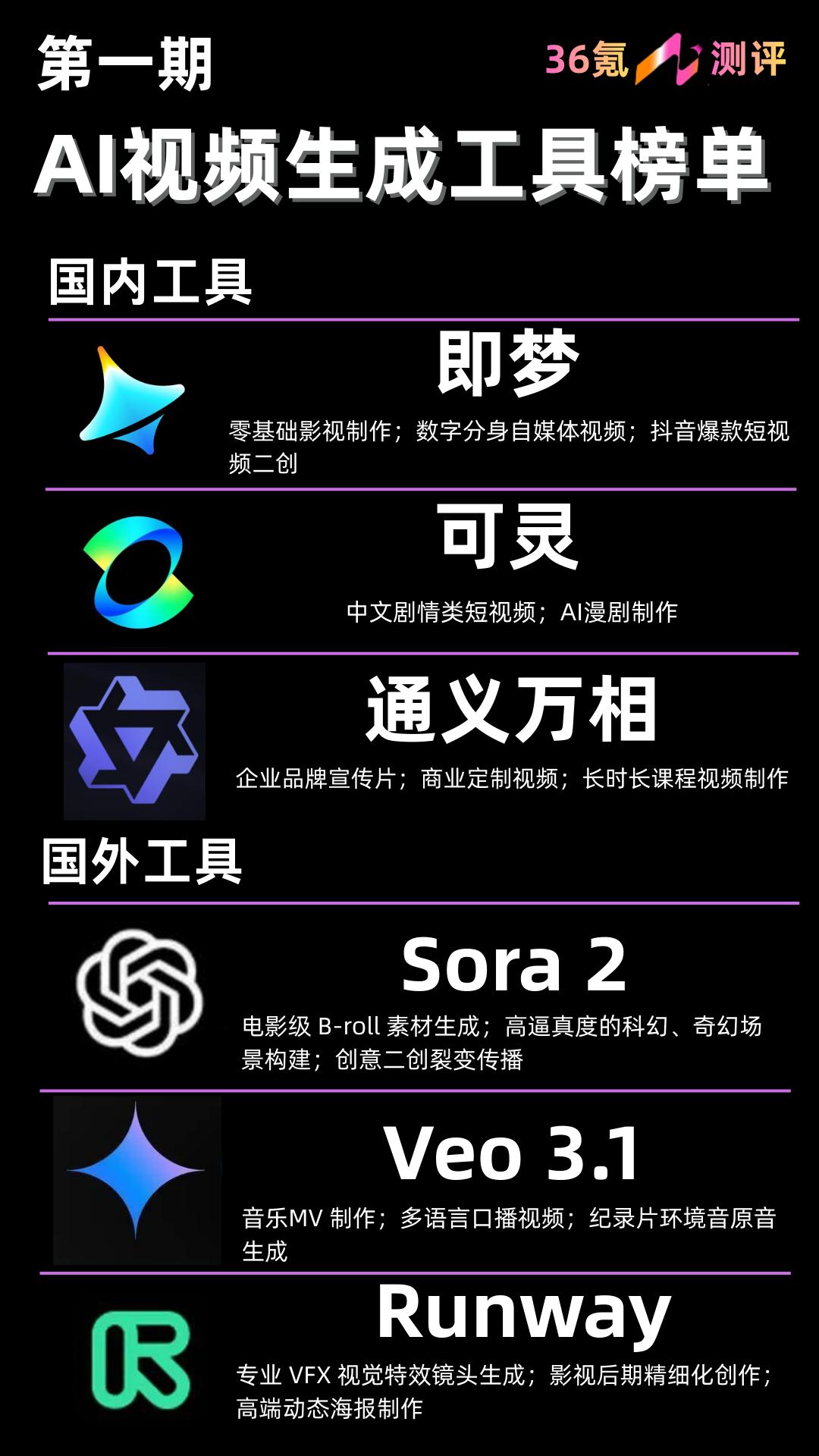
AI video generation tool leaderboard
household tools
1. Seadance AI (Seedance 2.0, ByteDance)
Seedance 2.0 is undoubtedly the leading AI video generation model today. It works like a true AI movie creator with “directorial thinking” and that’s exactly why it has gained so much popularity recently.
First, a major advancement in Seedance 2.0 is its full support for 4D multimodal mixed inputs of images, text, audio, and video. This brings the model’s frame consistency to an unprecedented level of stability.
Secondly, in terms of shot understanding, Seedance 2.0 can independently complete shot scheduling just like a professional director. Know when to use close-ups to emphasize emotion, when to switch back to wide shots to show the environment, and when to use quick cuts to increase tension. It even surpasses Sora 2.0 in its narrative aesthetic of cinematography.
Seedance 2.0 also has a notable theme transition feature, which has sparked debate due to its extremely high reproduction accuracy. You can transfer the subject of your photo to the corresponding character in another video and perfectly recreate the exact same movements and lip movements.
No complicated motion capture equipment required. All you need is one video and one photo to migrate everything. When testing subject movement using a dance clip from La La Land, the accuracy of the action and the consistency of the background reached a very high level.
From a user experience perspective, Seedance AI delivers true zero-threshold operation. It has entry points on multiple platforms including Seedance AI, Doubao, and Little Skylark, and has a clean and simple interface. Even complete beginners who know nothing about video production can start creating their first video in less than 3 minutes.
However, the downside is that Seedance 2.0 consumes a huge amount of computing power, forcing high-traffic platforms like Doubao to release a stripped-down version with some advanced features unavailable. On the other hand, high-accuracy real-person subject migration capabilities are limited by compliance and safety reviews, have strict identity verification requirements, and temporarily limit creative freedom.
Applicable scenarios: Zero baseline film production. Creation of digital avatar or virtual idol content. A derivative work of Douyin-style hit short videos.
2. Kling AI (Kling 3.0, Kuaishou)
Kuaishou’s Kling 3.0 is also a “dark horse” of domestic AI video tools that have broken out in the global market. Rather than taking the “all features available to everyone” route, it pushes the limits of complex human limb movements and everyday physical interactions, making it the top choice for Chinese narrative video creation.
There is a classic model testing meme in the AI video community. The idea is to generate a video of “actor Smith eating a noodle” to test the AI’s understanding of human limb movements and the interaction of physical objects. Kling 3.0 gave near-perfect results in this test. The movement of the chopsticks grasping the noodles is natural, the texture of the noodles sagging complies with the laws of physics, and the chewing motions and facial expressions of the characters are highly coordinated.
At the same time, Kling 3.0 is the model that best understands the narrative needs of Chinese users by precisely controlling Chinese narrative logic. This is backed by in-depth training on Chinese daily life scenarios, allowing you to accurately understand Chinese daily behavior, life scenes, and internet culture.
It also helps control costs for long-form video production, and has fast production speeds suitable for high-volume production. Kling may deviate in its understanding when dealing with abstract sci-fi concepts or prompts with a Western cultural background, but overall it’s a good choice for domestic AI video creators.
Applicable scenarios: Chinese narration video. AI manga drama production.
3. Tongyi Wanxiang (Wan 2.2, Alibaba)
Compared to Seedance and Kling, Tongyi Wanxiang is more like a magic tool customized for enterprise commercial use and belongs to a different track than Seedance and Kling for consumer use.
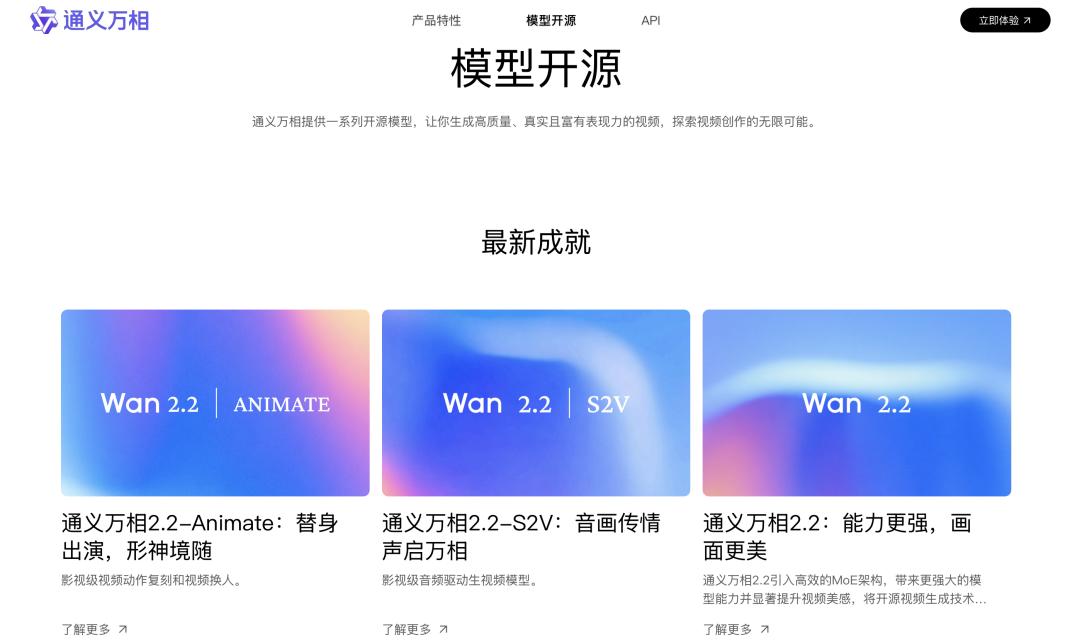
Open source release of Tongyi Wanxiang model
The main advantage of Tongyi Wanxiang is undoubtedly its open source support for private deployment, which is its biggest appeal for enterprises with advanced data security requirements. Businesses can deploy models on their own servers and store all creative materials and generated videos locally to avoid commercial data leaks. This functionality is not possible with consumer tools like Seedance or Kling.
Meanwhile, our enterprise-level customization capabilities are industry-leading, allowing you to deeply adapt the placement of brand elements, automatically add your company logo, brand colors, and product images to your videos, adjust the style and rhythm of your videos according to your company’s needs, and even connect to your company’s existing material library to seamlessly integrate AI-generated frames with your company’s original assets.
Additionally, Tongyi Wanxiang has controllable computing costs and maximum data security. By leveraging the environmental advantages of Alibaba Cloud, enterprises can flexibly adjust computing resources based on their needs, and the cost of producing large amounts of video is much lower than other tools.
Of course, this tool is not user-friendly for individual users, has a relatively high operational threshold, and requires certain ComfyUI workflow knowledge to maximize its customization potential. It also lags behind top consumer tools like Seedance and Kling in terms of creative style diversity and visual realism.
Applicable scenarios: Corporate brand promotional video. Custom commercial video. Video production for long courses.
international tools
1. Sora (Sora 2.0, Open AI)
OpenAI-Sora
As an industry changer, Sora 2.0 continues to lead in understanding the laws of physics and consistency in long-form video production. Compared to the first version, the 2.0 iteration reaches Hollywood-level standards in seamless multi-camera language switching and complex lighting rendering.
Its biggest advantage is that its underlying logic is “world building” rather than “pixel generation”. This means that even when object occlusions or large-scale camera orbiting appear in the video, frame corruption is rare and object consistency is amazing. However, it also suffers from strong “blind box surprise” characteristics, such as long video generation latency, relatively weak fine-tuning for specific areas, and occasional blurry human faces.
What made Sora 2.0 explode in popularity last year is its support for the Sora App experience, known as the “AI version of TikTok.” It features a familiar vertical feed interface where users can swipe up and down to view AI videos, like them, and leave comments.
It also has cameo and remix features that are very easy to play. Once you find a video you like, you can change the prompt, change the style, add characters, and even bring your friends and celebrities into your AI video to interact directly in the scene with one click.
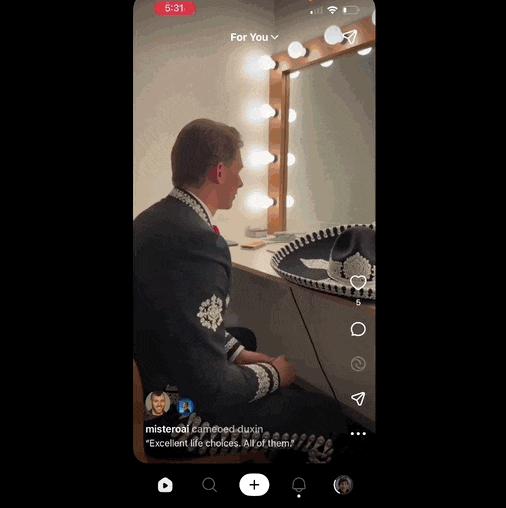
Video generated by Sora
Applicable scenarios: Generating cinematic B-roll material. Highly realistic sci-fi and fantasy scene construction. Creative derivative works to spread the virus.
2. Veo (Veo 3.1, Google)
Veo 3.1 delivers the best results for audio and video synchronization tracks. While other tools still struggle to adjust lip movements or add environmental sounds in post-production, you can directly generate human voices, background sounds, and even background music that perfectly matches your visuals in one step. New enhancements such as Paint Out, Frame to Video, and Component to Video solve common audio and video disconnection problems that plague most tools.
Leveraging Gemini large models, we deliver superior ecological integration as well as strong performance in long-form video narrative logic and multilingual understanding. However, its safety filtering mechanism is very strict. Any prompts that even remotely involve sensitive or controversial numbers will be directly blocked. Its interface is not intuitive for users outside the Google ecosystem, and its Chinese language support is less than that of domestic tools.
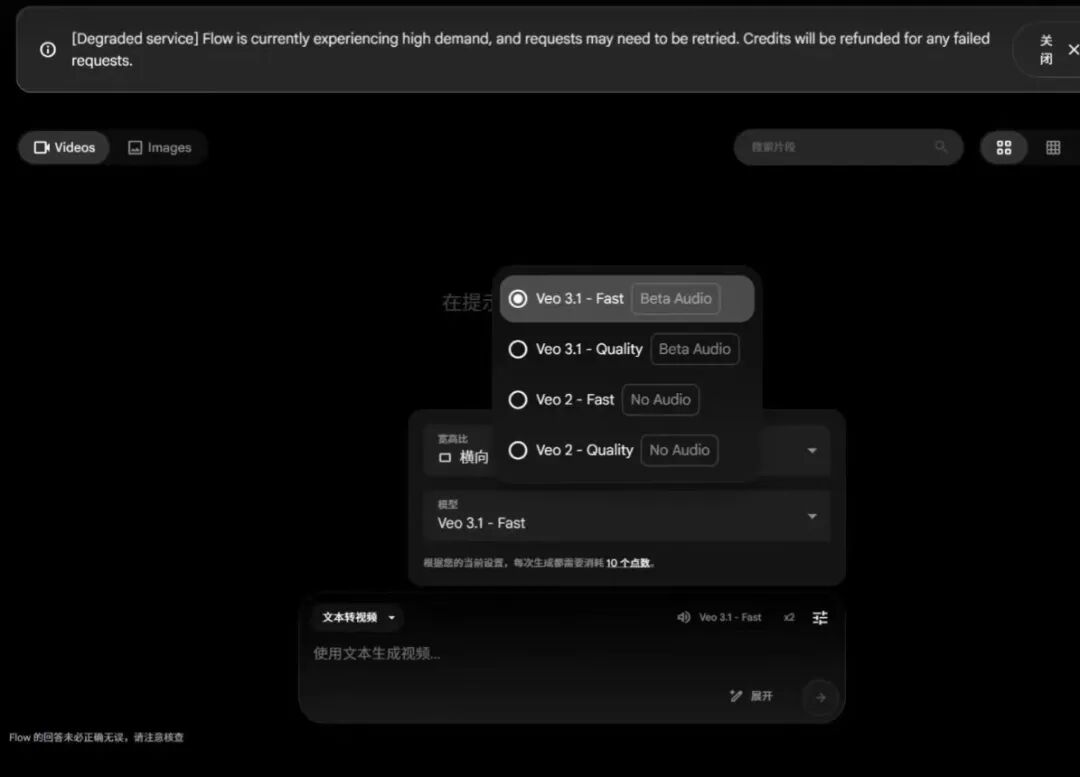
veo 3.1
Applicable scenarios: Music MV production; multilingual narration videos. Documentary ambient sound original audio generation.
3. Runway (Runway Gen-4.5)
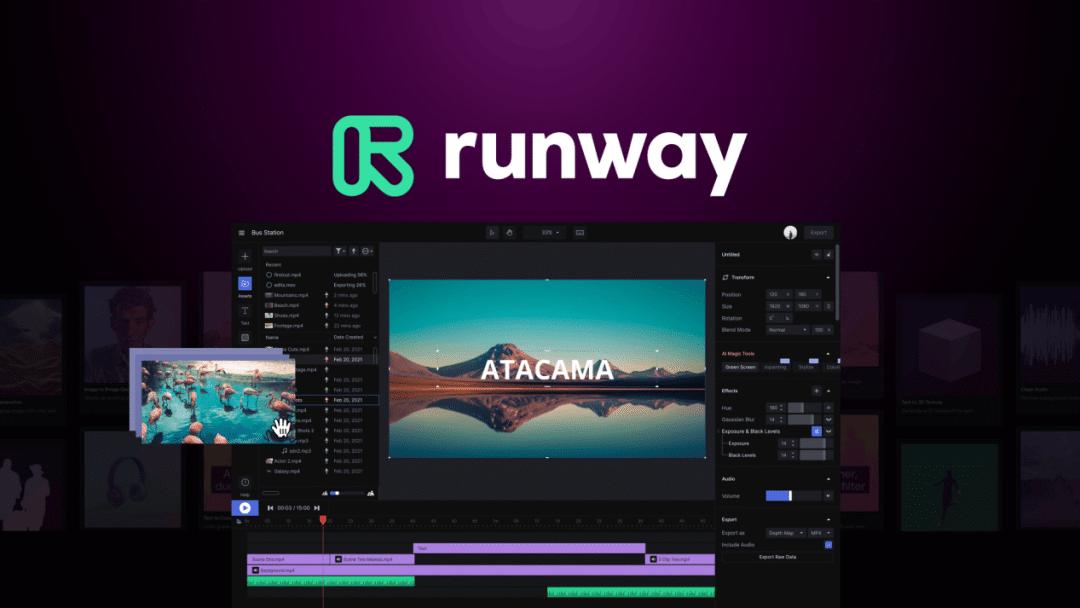
Runway Gen-4.5
Runway Gen-4.5 is like an all-in-one toolbox for professional creators. Unlike other tools that only focus on “production features”, it fully covers both production and professional post-production workflows.
It includes built-in motion brushing, intelligent masking, frame interpolation, and frame restoration capabilities, giving you much more visual control than pure generation tools. It also seamlessly integrates with professional software such as PR and AE, and features top-level team collaboration features that are deeply integrated into professional video editing workflows.
The shortcomings are also obvious. The native generation’s maximum image quality and long-term video consistency are inferior to Sora and Veo, Chinese support is poor, and the subscription fee isn’t cheap. It’s suitable for film post-production and advertising teams to do detailed derivative work, but beginners don’t need as many specialized features.
Applicable scenarios: Generate professional VFX visual effects shots. Create great movie post-production. High-end dynamic poster production.

end
On the AI Exploration Path, you can walk quickly alone, but you can walk further in a group.
The “36Kr AI Review Core User Community” is now open, where you can access cutting-edge information, in-depth reviews, and meet like-minded people.
We look forward to meeting you and discovering the future of AI together.

User community QR code


