
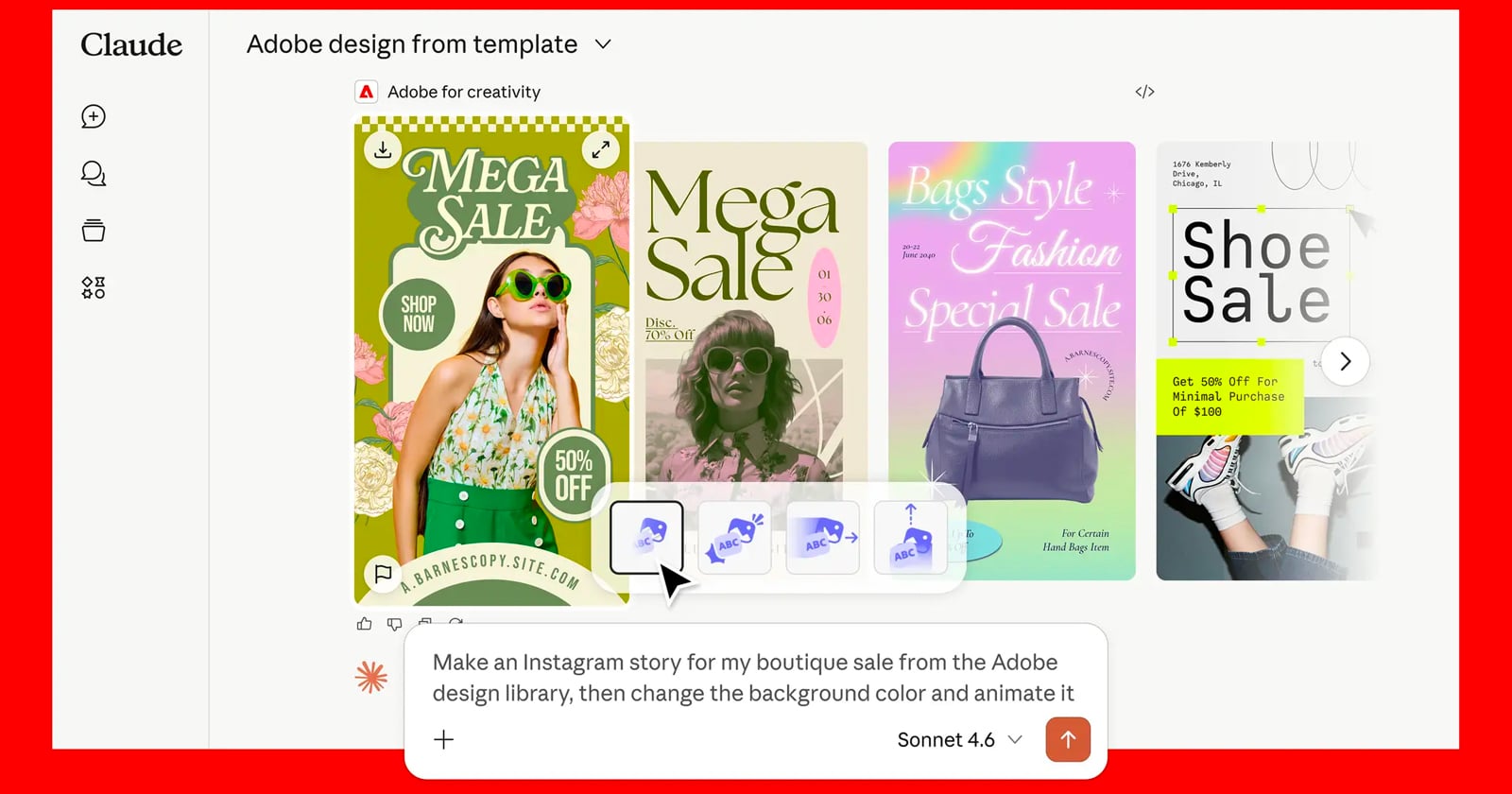
Adobe has introduced a major expansion to its AI-powered creative ecosystem, integrating Anthropic’s Adobe for Creative connector for Claude with the public beta of Firefly AI Assistant. This update marks a broader push into agent workflows, where creative tools are coordinated via natural language prompts across multiple applications.
Users can now write their creative goals in Claude or Firefly, with Adobe’s systems automatically adjusting tools across Photoshop, Illustrator, Premiere, Lightroom, InDesign, Express, and Firefly, rather than working within individual apps. Adobe says both tools are part of its long-term vision for agented creative, where users define intent and AI systems handle execution across interconnected creative workflows.
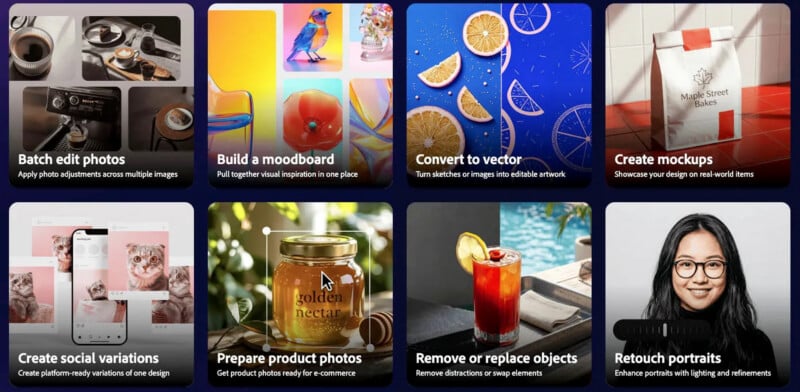
Adobe for Creativity connector now available on Claude
The new Adobe for Creative connector brings Adobe’s creative suite directly into Claude, allowing users to start multi-step creative workflows without switching applications.
Once installed, users can describe their desired results in natural language, and the system will determine which Adobe tools are needed and in what order. Adobe says the connector provides access to more than 50 pro-grade tools across its ecosystem, including image editing, vector design, video formats, asset creation, and more.
The company is positioning the tool as a way to reduce workflow complexity, especially for users who aren’t familiar with specific software tools or editing sequences.
Automated creative workflows across Adobe Apps
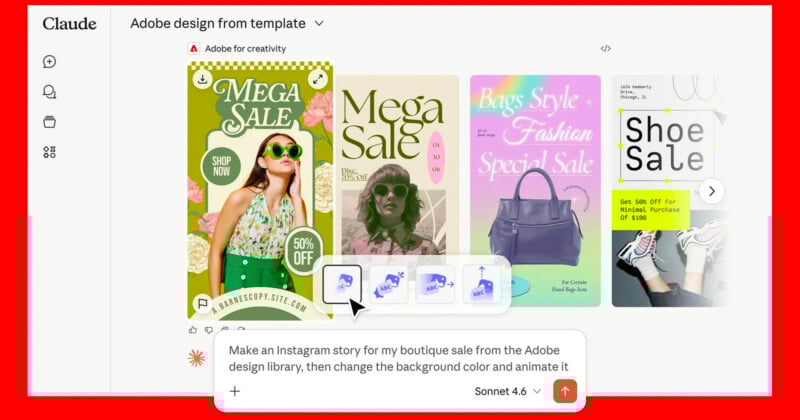
Adobe highlights several use cases for the connector, including portrait retouching, social media asset creation, and video resizing. Portrait editing allows users to upload a headshot and request adjustments such as lighting correction, background blur, and cropping. The system applies multiple Adobe tools in sequence to produce a finished, production-ready image. For social content, users can write their campaign ideas and generate assets using Adobe Express templates that appear directly within Claude. These can be edited, animated, and adjusted through additional prompts.
Video workflows are also supported, allowing platforms like YouTube Shorts and Instagram Reels to adapt landscape footage to portrait format with automatic resizing and reframing.
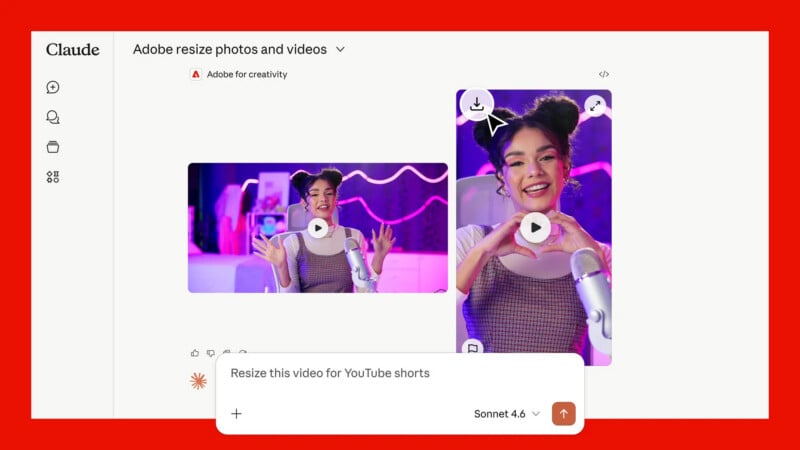
Integrating Adobe Apps with Claude
Adobe emphasizes that the connector is designed to work alongside Creative Cloud, not replace it. After users generate assets in Claude, they can continue editing in Photoshop or Premiere, or transfer their work to Firefly Board or Express for further adjustments.
This hybrid approach allows users to move between conversational AI and traditional creative environments as a project progresses.
To start using the connector, users install it within Claude, enable Adobe Skills through Adobe’s developer platform, and sign in with their Adobe account to unlock enhanced usage limits and cross-session storage.
Firefly AI assistant enters public beta
In addition to the Claude integration, Adobe has launched a public beta of Firefly AI Assistant available within the Firefly web app.
This assistant acts as a conversational creative agent that can handle multi-step workflows across Adobe applications. Users write what they want to create, and the system performs tasks like generating social media assets, adjusting images, and building moodboards.
Adobe says Firefly AI Assistant is designed to manage both simple and complex creative pipelines, giving users direction and editing control throughout the process.
availability
Adobe for Creative Connector is available worldwide to Claude users with Adobe accounts. Meanwhile, Firefly AI Assistant will be rolled out in public beta to Creative Cloud Pro and eligible Firefly subscribers.
Image credits: adobe


