

Chyron has announced an update to version 1.4 of its Chyron LIVE cloud-native live production platform, including a new AI-based instant replay tool. This can empower production staff, especially those in single operator scenarios, by automatically detecting and clipping key plays. Quick and easy to insert into your live program. Currently only available for soccer, the tool will provide a technical foundation for various sports in future LIVE releases.
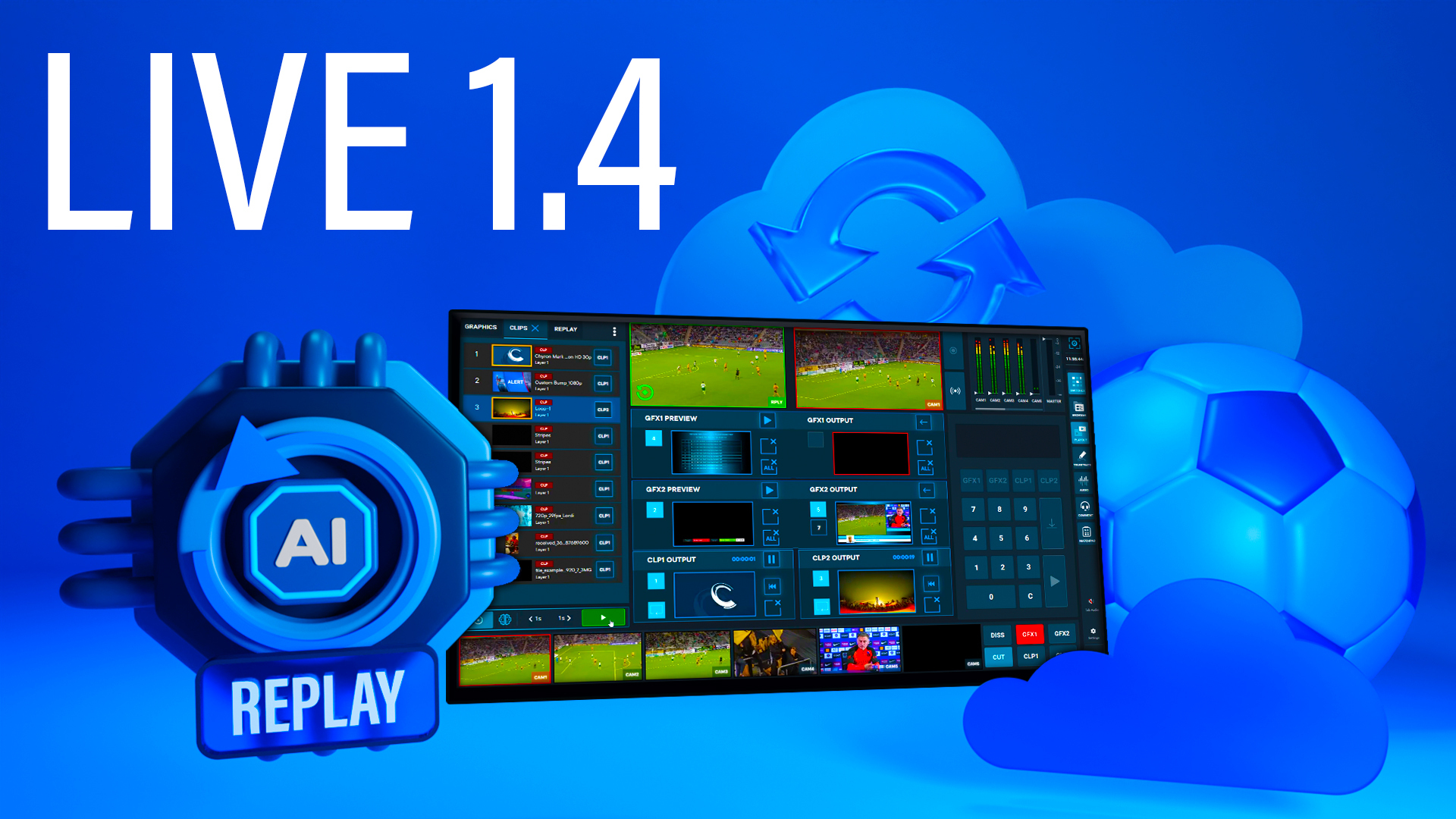
“Using the award-winning Chyron LIVE platform is like having a production assistant built into the system,” he says. Christy Weir, Product Manager, Cyron. “LIVE is our grand plan to make all sports production tasks so simple, familiar and accessible by removing the skills required to get broadcast-grade, professional-level production value. A new AI-based instant replay tool will ultimately allow users to view the match, along with other upgrades such as automatic replay transitions, improved telestration, and the ability to explain plays for in-depth sports analysis. It will change the way we capture and analyze the moment, empowering every crew member to deliver engaging and insightful sports coverage.”
Chyron LIVE is an end-to-end production platform that provides operators with an all-in-one browser-based interface for live video and audio mixing, graphic overlays, 3D telestration analysis, and more. Using this platform, operators can cut/mix live sources, adjust audio levels for all feeds, play PRIME-quality graphics packages, create unlimited multimedia playlists, and create live replays with telestration. can do.
Version 1.4 of the AI-based Instant Replay Tool enhances the ability of production staff to create replay clips from live feeds. Algorithms monitor camera input and recognize interesting plays, such as a player making a shot over the net or scoring a goal, and a small brain icon lights up in the lower left corner of the interface. When the operator clicks on the icon, the platform will generate a replay clip around that point of interest. For greater control and flexibility, the user can manually adjust the starting point of his AI-generated clip. This tool is especially useful for productions with one or a small crew of operators who can produce broadcast-grade replays while handling other tasks.
In addition to instant replay tools, Chyron LIVE 1.4 also features auto-replay transition effects and video telestration improvements. Auto-replay transition effects trigger some actions that are commonly included in replays. Queue a transition wipe, play a graphic, start a clip, and animate a clip with another transition, saving operators the time to perform each action individually, bringing enterprise switcher efficiency to Chyron LIVE bring. Version 1.4 also makes managing telestration effects more intuitive, allowing operators to pass his keyframes and adjust effect durations, or remove specific effects from saved clips without having to start over. You can now
Following Chyron LIVE’s previous 1.3 debut at the 2023 NAB Show, the new Matchpad module now allows users to manage dynamic motion graphics for live football productions via a visually intuitive control panel. rice field. Matchpad allows users to easily highlight important game elements (goals, yellow/red flags, line-ups, substitutions, etc.) and display sponsor graphics at key game moments. These graphic design elements are automatically populated from a simple configuration spreadsheet, allowing users to enter team and player information and branding elements before the game. Chyron LIVE 1.4 gives users more time control tools in Matchpad, allowing them to edit the game clock, add extra time to the clock at the end of each half, and more for quick keyboard control of this critical element. You can add a new hotkey list for tool.


