The Best AI Twin Video Generator tools are changing how people create videos without needing to record themselves every time. Creating videos takes a lot of time, effort, and equipment. You needed a camera, lighting, editing skills, and sometimes even a team. Now things are changing fast with AI twin video generators. These tools let you create a digital version of yourself that can speak, present, and deliver content without you recording every time.
The Best AI Twin Video Generator tools help creators, marketers, and businesses scale content quickly while keeping it personal. If you want to save time and still look professional on camera, this technology is worth understanding.
What is an AI Twin Video Generator?
An AI twin video generator is a tool that creates a digital version of a person that can speak and present like a real human. This AI twin can be trained using your face, voice, and style. Once created, you can generate videos just by typing a script.
Instead of recording videos again and again, your AI twin does the work for you. It looks natural, speaks clearly, and can be reused across multiple videos. This makes it very useful for content creators, educators, and businesses that need consistent video output.
How AI Twin Video Generators Work?
AI twin generators use a mix of machine learning, voice cloning, and video synthesis. First, the system collects data such as your voice samples and facial expressions. Then it trains a model to replicate your appearance and speech.
Once your AI twin is ready, you only need to input a script. The system converts that script into a full video where your digital twin speaks naturally. Some tools even allow you to adjust tone, emotions, and gestures to make the output more realistic.
Key Features of the Best AI Twin Video Generator
The top tools in this space come with powerful features that make video creation easy and fast. These features are designed to reduce manual work and improve quality.
- AI avatar or AI twin creation
- Script-to-video generation
- Voice cloning and voice customization
- Multi-language support
- Ready-to-use templates
- Lip-sync accuracy
- Background and scene customization
These features help you create professional videos without needing editing skills or expensive tools.
Benefits of Using AI Twin Video Generators
Using the Best AI Twin Video Generator can save time and increase productivity. You no longer need to record videos repeatedly or worry about setup.
You can create videos faster, maintain consistency, and scale content production easily. It also helps businesses create training videos, marketing content, and social media posts without hiring a full production team. Another big advantage is that your AI twin can work 24/7, allowing you to produce content anytime.
5 Best AI Twin Video Generator Tools in 2026
AI twin video generators have become a practical solution for creators, marketers, and businesses who want to produce videos without recording themselves repeatedly. These tools allow users to convert scripts into videos using realistic AI twins, natural voice generation, and accurate lip synchronization. Many platforms also support multiple languages and customizable visuals, making them useful for YouTube, training content, and marketing campaigns. The following tools stand out because they offer strong AI twin capabilities, ease of use, and scalable video creation.
Zoice
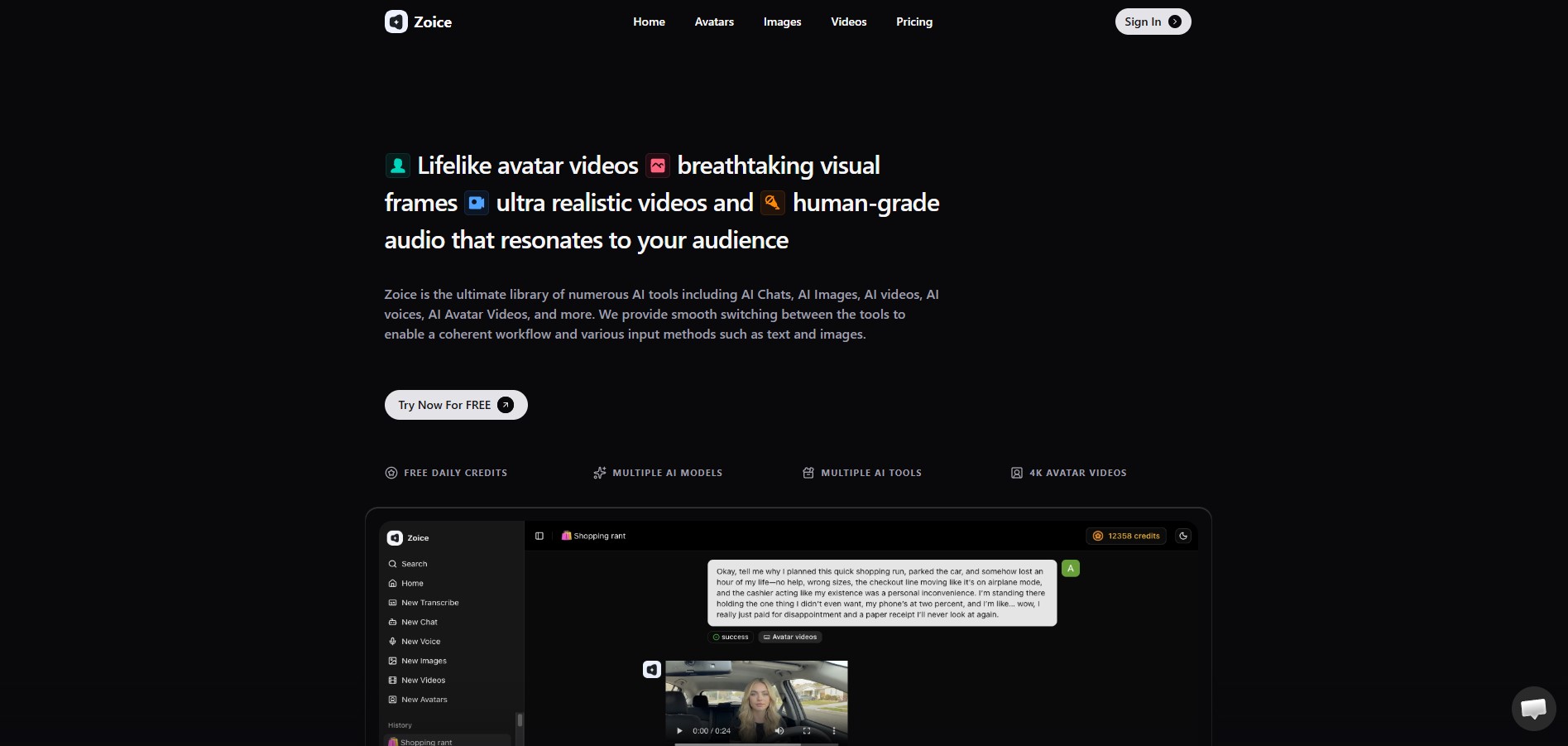
Zoice is an advanced AI twin video generator designed for creators, marketers, agencies, and businesses that want to scale video production without constant recording. The platform allows users to create a digital version of themselves and generate videos directly from scripts. This makes it ideal for content creators who want consistency while saving time.
One of Zoice’s biggest strengths is its ability to create highly realistic AI twins that can speak naturally and deliver content professionally. Users can customize avatars, adjust voice styles, and create videos in multiple languages. This flexibility makes Zoice suitable for YouTube videos, online courses, product explainers, and social media content.
Key Features of Zoice
-
AI Twin Creation – Build a Digital Version of Yourself for Repeated Video Use
Zoice allows users to create a highly realistic AI twin that acts as a digital version of themselves. This twin is designed to replicate your appearance and presentation style, making it useful for consistent video content. Once created, you can reuse this AI twin across multiple videos without recording again. This saves a lot of time, especially for creators who publish content regularly. It also helps maintain a consistent on-screen presence, which is important for building a personal brand.
-
Script-to-Video – Convert Text into Complete Videos Instantly
With Zoice, you can turn simple text into a complete video in just a few clicks. You only need to enter your script, and the platform automatically generates a video where your AI twin delivers the content. The system handles voice generation, lip sync, and timing, so you don’t need editing skills. This feature makes video production much faster and removes the need for cameras or complex tools. It is ideal for creators who want to focus on content instead of production.
-
Voice Cloning – Maintain Consistent Voice Across All Videos
Zoice includes voice cloning, which allows you to create a digital version of your own voice. The system captures your tone and speaking style, so every video sounds consistent and natural. This is useful for branding because your audience gets familiar with your voice over time. It also removes the need to record voiceovers repeatedly. Whether you are creating one video or many, your voice remains the same across all content.
-
Multi-language Support – Create Content for Global Audiences
Zoice supports multiple languages, allowing you to create videos for different audiences without needing to speak those languages yourself. You can generate content in various languages while maintaining natural voice output. This helps creators expand their reach and connect with viewers from different regions. It is especially useful for businesses and influencers targeting global markets.
-
Custom Backgrounds – Match Visuals with Branding
Zoice allows you to customize video backgrounds to match your brand or content style. You can choose different environments, colors, or themes depending on your video purpose. This makes your content more visually appealing and professional. It also removes the need for physical setups or filming locations, making the entire process more flexible and efficient.
Why is Zoice the Best AI Twin Video Generator?
Zoice stands out because it focuses directly on AI twin technology rather than just generic avatars. The platform makes it easy to create personalized video content at scale while maintaining a human-like presence. Features like voice cloning and customization help make videos feel natural and engaging.
Zoice Pricing:
- Free – $0/month (50 credits/day)
- Starter – $7.99/month (4K credits)
- Basic – $29.99/month (17K credits)
- Creator – $49.99/month (30K credits)
- Agency – $89.99/month (50K credits)
Why Do I Recommend Zoice?
Zoice is a strong choice for anyone looking for a reliable and scalable AI twin solution.
- Easy to use for beginners
- High-quality realistic avatars
- Affordable plans for individuals and teams
- Great for long-term content creation
HeyGen
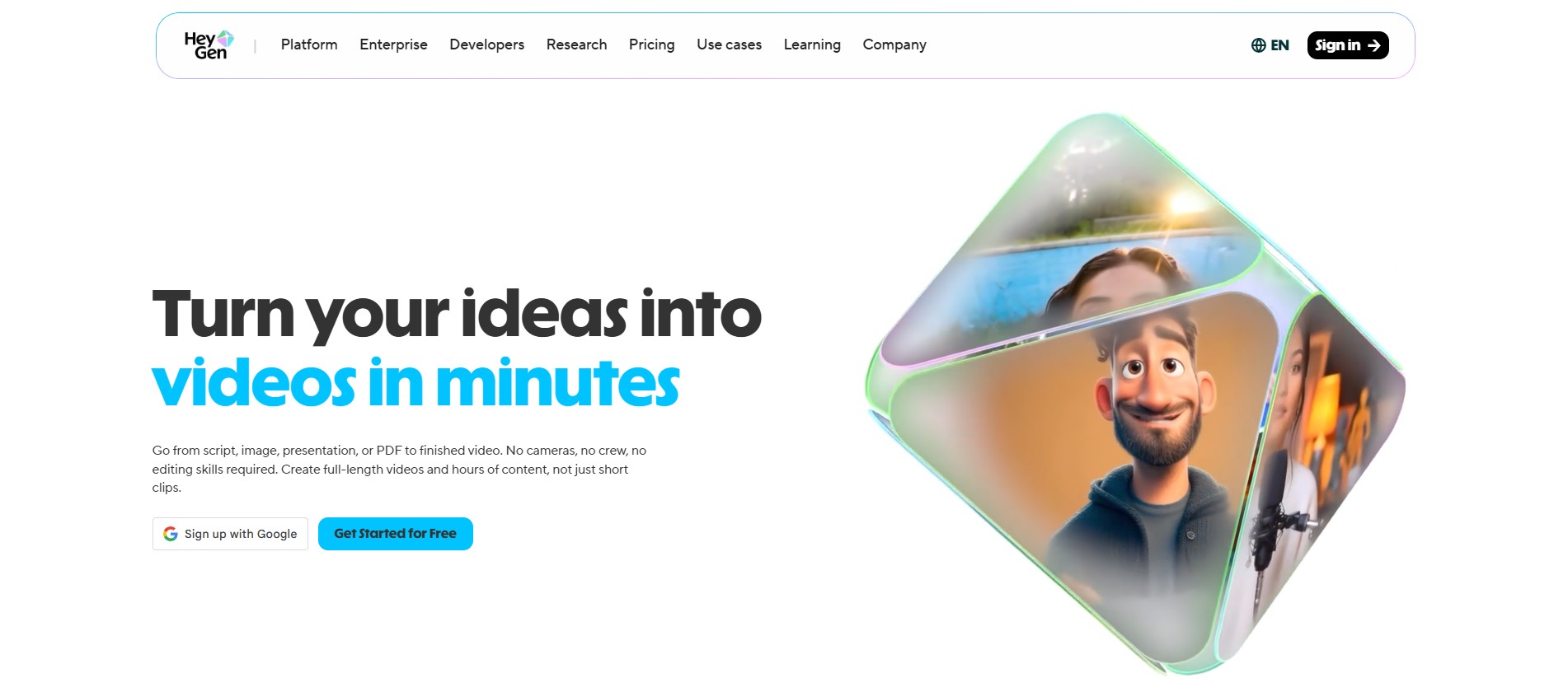
HeyGen is a popular AI video generator that helps users create videos using digital avatars and AI voices. While it is not fully focused on personal AI twins, it still offers strong avatar-based video creation. The platform is widely used by marketers and content creators who need fast and professional video output.
One of HeyGen’s strengths is its speed and simplicity. Users can generate videos quickly by entering scripts, and the platform handles voice generation and lip sync automatically. It also supports multiple languages, making it useful for global content creation.
Key Features:
- AI avatars for video creation
- Text-to-video conversion
- Multi-language voice support
- Video templates for quick creation
- Custom avatar options
Synthesia
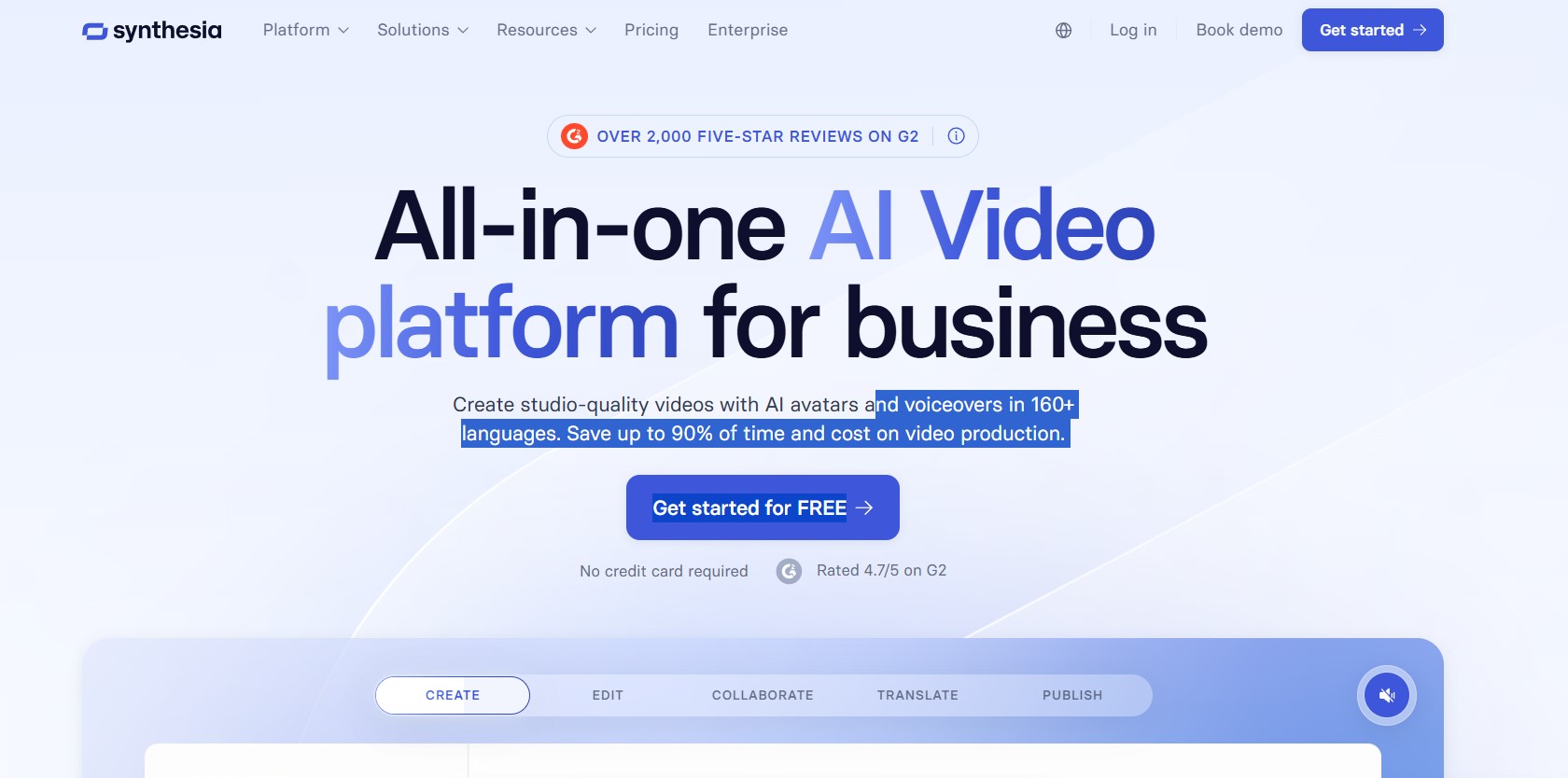
Synthesia is one of the most established platforms in the AI video space. It allows users to create videos using AI presenters that deliver scripts in multiple languages. The platform is widely used by businesses, educators, and marketers for professional video production.
It offers a large library of avatars and supports high-quality video output. Users can create videos for training, tutorials, and marketing without needing cameras or editing tools. This makes it a reliable choice for consistent content production.
Key Features:
- Large AI avatar library
- Text-to-video generation
- 140+ language support
- Professional templates
- Team collaboration tools
D-ID
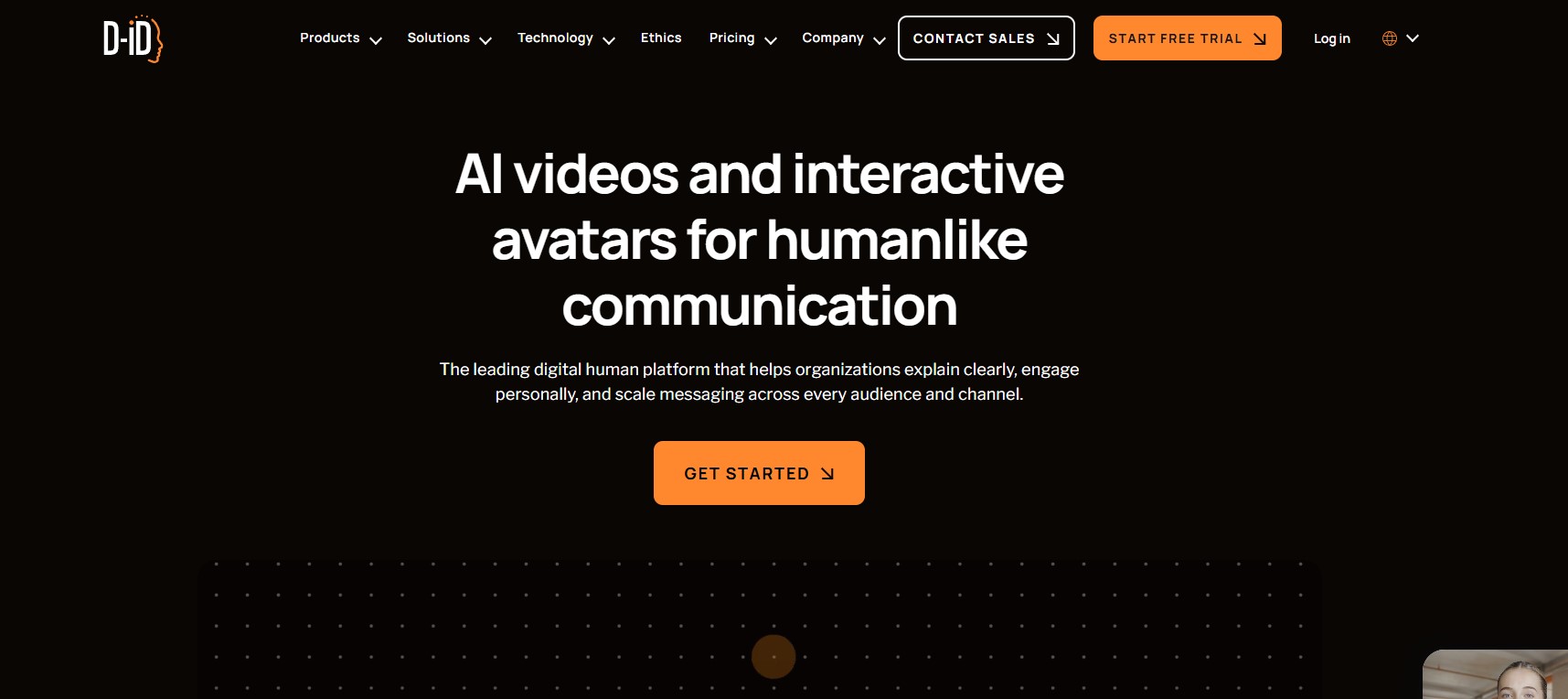
D-ID is an AI video platform known for its ability to turn images into talking avatars. Instead of creating full AI twins, it focuses on animating photos with realistic facial expressions and voice generation. This makes it useful for quick and simple video content.
The platform allows users to upload an image and generate a video where the avatar speaks a script. It is often used for presentations, storytelling, and marketing content.
Key Features:
- Image-to-avatar animation
- AI voice generation
- Realistic facial movements
- Text-to-video conversion
- API integration
Colossyan
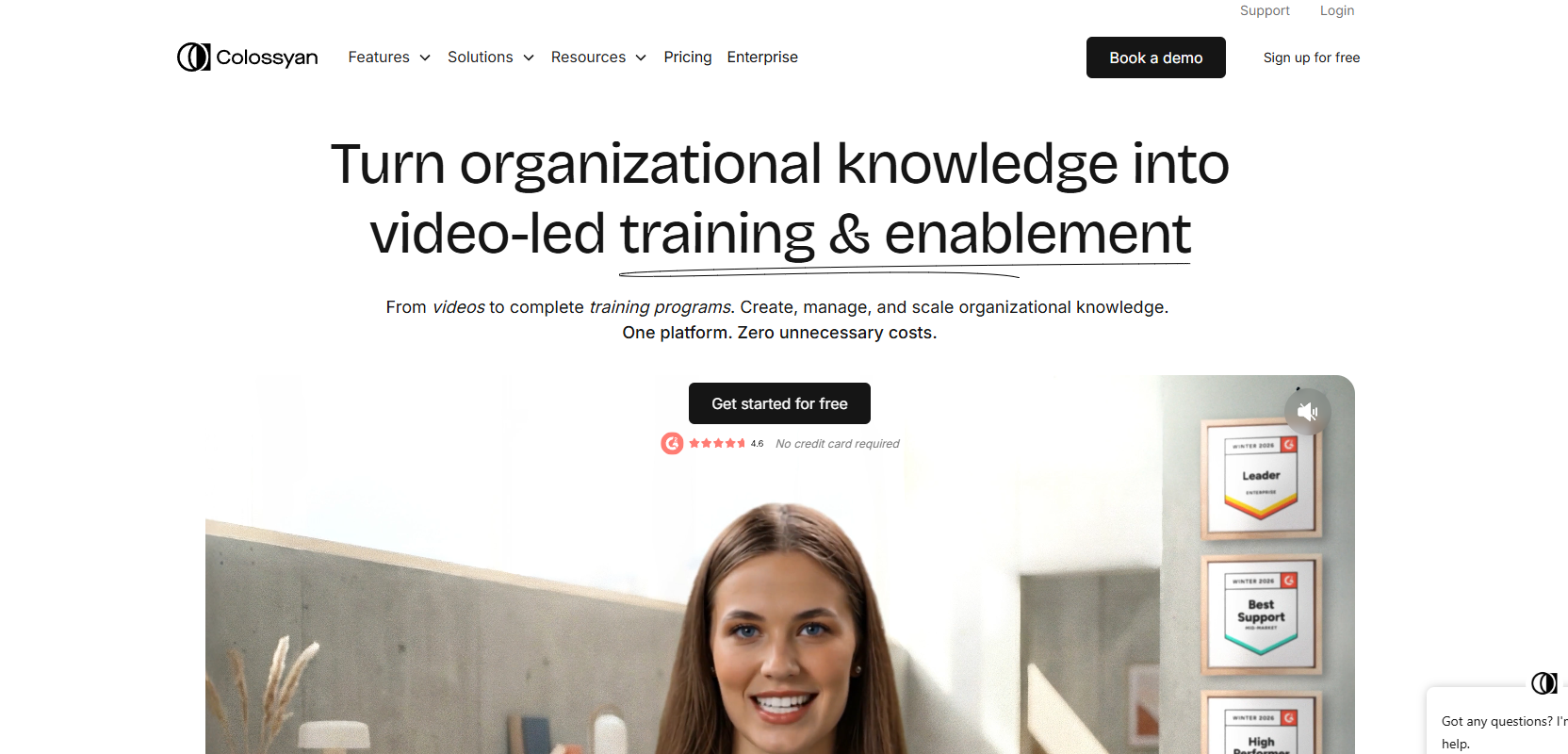
Colossyan is an AI video generator designed for structured content creation using digital presenters. It is commonly used by educators, businesses, and creators who want to produce professional videos from scripts.
The platform includes a scene-based editor that helps users organize videos into multiple sections. This is useful for longer videos such as tutorials or training content, while still allowing short clips for social media.
Key Features:
- AI presenter avatars
- Text-to-video generation
- 70+ language support
- Scene-based video editor
- Team collaboration tools
Best AI Twin Video Generator Comparison
Picking the right tool from the Best AI Twin Video Generator options depends on what you need for your content. Some creators focus on pricing, while others care more about language support or customization features. When you compare these tools side by side, it becomes easier to understand which one fits your workflow, especially if you are creating videos regularly for platforms like YouTube or TikTok. A clear comparison helps you choose a tool that balances cost, quality, and flexibility.
| Tool | Starting Price | Language Support | Best For |
| Zoice | Free plan, paid from $7.99/month | 100+ languages | Affordable AI twin videos with strong customization |
| HeyGen | $29/month | 175+ languages & accents | Social media content and multilingual videos |
| Synthesia | $29/month | 140+ languages | Professional tutorials and business videos |
| D-ID | $5.90/month | 100+ languages | Image-based avatar video creation |
| Colossyan | $27/month | 70+ languages | Training and educational content |
How to Choose the Best AI Twin Video Generator
Selecting the Best AI Twin Video Generator is not just about features, it is about finding a tool that fits your content style and workflow. If you plan to create videos consistently for YouTube, TikTok, or marketing campaigns, you need a platform that is reliable, easy to use, and scalable. Looking at a few key factors can help you make the right decision without wasting time or money.
Avatar Realism
The quality of the AI twin directly affects how your videos feel to viewers. A realistic avatar with natural facial expressions and smooth lip sync can make your content look professional. Poor-quality avatars can reduce engagement, so choosing a tool with strong visual output is important.
Voice Quality and Language Support
Clear voice output is just as important as visuals. The best tools provide natural-sounding AI voices and support multiple languages. This allows you to create content for different audiences without recording separate videos. Some platforms also offer voice cloning, which helps maintain a consistent identity.
Customization Options
Customization gives you control over how your videos look and feel. Features like background editing, avatar styling, gesture control, and scene changes allow you to create unique content. This is especially useful for branding and making your videos stand out on social media.
Pricing and Scalability
Pricing plays a big role, especially if you plan to create videos regularly. Some platforms use credit systems, while others offer monthly subscriptions. It is better to choose a tool that fits your budget now and can scale as your content needs grow.
Ease of Use
A simple interface can save a lot of time. Tools that allow script-based video creation, ready templates, and quick editing are ideal for creators who want to publish content consistently. The easier the platform is to use, the faster you can produce videos.
Use Cases of AI Twin Video Generators
AI twin video generators can be used in many ways across different industries. They are not limited to just content creation.
- YouTube and social media videos
- Online courses and tutorials
- Marketing and ads
- Customer support videos
- Corporate training
These tools help save time while maintaining a human presence in videos.
Limitations of AI Twin Technology
While AI twin generators are powerful, they are not perfect. Sometimes the output may feel slightly artificial, especially in complex emotional expressions.
There can also be limitations in voice accuracy or gesture realism. Some tools require good initial data to create a high-quality AI twin. Pricing can also be a factor for beginners who are just starting out.
Future of AI Twin Video Generators
The future of AI twin video generators looks promising. Technology is improving quickly, and AI avatars are becoming more realistic and expressive.
In the coming years, we can expect better voice accuracy, real-time video generation, and deeper personalization. AI twins may even interact live with audiences, making them more useful for businesses and creators.
FAQs
1. What is the Best AI Twin Video Generator?
Zoice is currently one of the best options because it focuses on realistic AI twin creation and easy video generation.
2. Can I create videos without recording myself?
Yes, AI twin tools allow you to generate videos just by typing a script.
3. Are AI twin videos realistic?
Most modern tools produce very natural results, though some may still look slightly artificial.
4. Is it expensive to use AI twin generators?
Some tools offer free plans, but advanced features usually require paid subscriptions.
5. Who should use AI twin video generators?
Content creators, marketers, educators, and businesses can benefit from these tools.
6. Do I need technical skills to use these tools?
No, most platforms are designed to be simple and beginner-friendly.
Conclusion
AI twin video generators are changing the way videos are created. They remove the need for constant recording and make content production faster and easier. The Best AI Twin Video Generator tools help you stay consistent while saving time and effort. Among all the options, Zoice stands out because of its strong AI twin system and ease of use. If you want to scale your content and still keep it personal, starting with Zoice is a smart choice.