
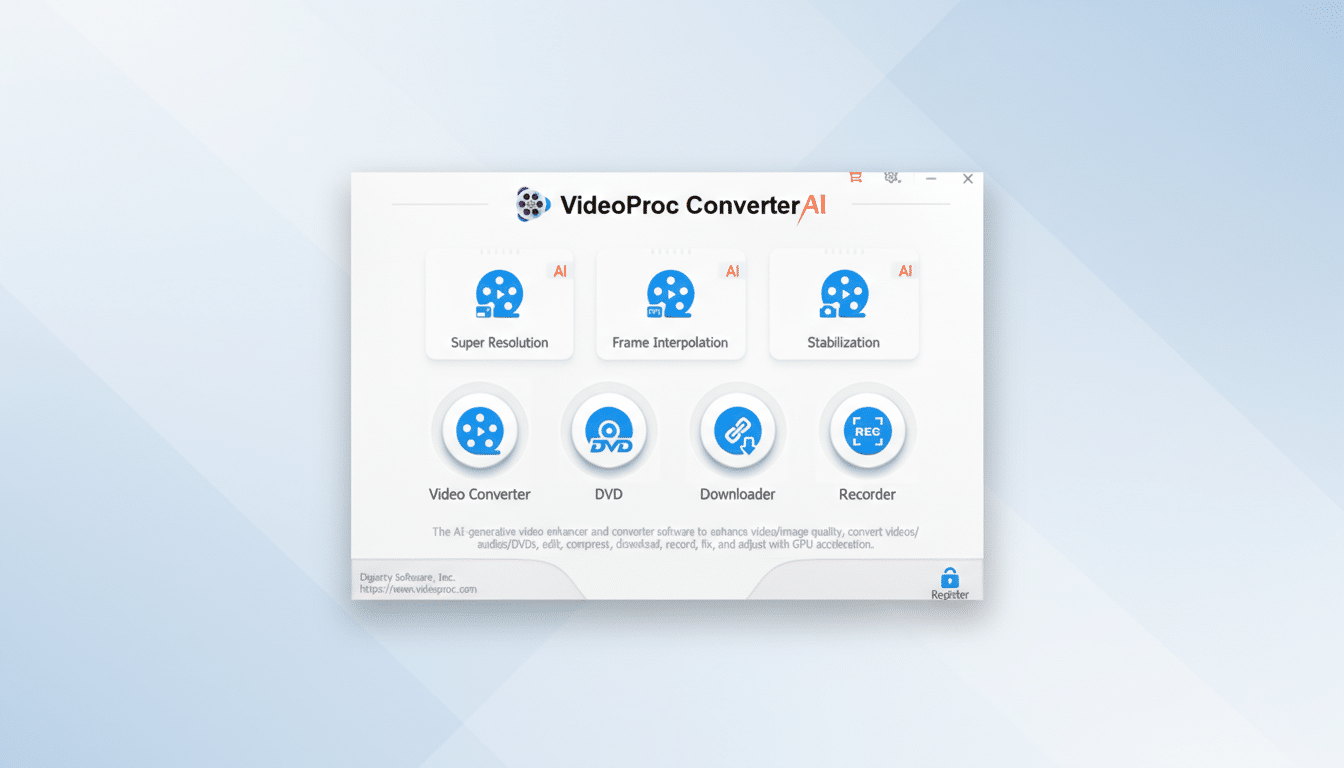
A lightweight video editor with AI assistance has slipped into impulse buy territory. VideoProc Converter AI sells a family license for $29.97, offering advanced extensibility tools and an easy workflow for creators who don’t want the complexity of a full non-linear editor.
This license covers up to 5 Windows PCs, and this price is 75% off the regular list price. The pitch is simple. Get cleaner, clearer footage quickly without a long learning curve.
In addition to basic trimming and cropping, the suite bundles AI-powered tools to upscale videos to 1080p, 2K, or 4K, reduce noise, restore facial and texture detail, and boost frame rates for smooth motion. We’ve also added video stabilization for action cams, drones, and cell phone clips, which can be useful when editing travel vlogs or mountain bike rides.
This package also acts as a robust converter. It supports a wide range of formats and device profiles, so it’s easy to optimize for phones, tablets, streaming boxes, and social platforms. It has utility tools for one-click compression of large files, subtitle support, speed control, and screen and webcam recording.
There are also DVD digitizers and video downloaders for personal archives. As always, users should check their local laws and only back up media that they own the rights to use.
AI features in lightweight editing packages
While heavyweight suites bury functionality behind layers of panels, VideoProc’s AI tools are designed to be approachable. Upscaling and noise reduction are done through presets. Choose your target resolution, adjust intensity, and preview. The system aims to restore hair, eyes, and fine texture detail while suppressing grain, making it useful for older smartphone clips and dimly lit footage.
Motion smoothing improves frame rates and makes panning shots feel smoother. Like other interpolations, it is best suited for stable scenes. Fast, chaotic motion may require lighter settings to avoid artifacts. The same engine can sharpen still images and AI art and export them to high resolution, a benefit for creators juggling thumbnails and short-form posts.
Performance and hardware support for faster exports
VideoProc internally utilizes hardware acceleration on compatible GPUs from Nvidia, Intel, and AMD to speed up encoding and decoding. In real-world projects, especially for 4K footage and H.265 files, export times can be significantly faster compared to CPU-only workflows.
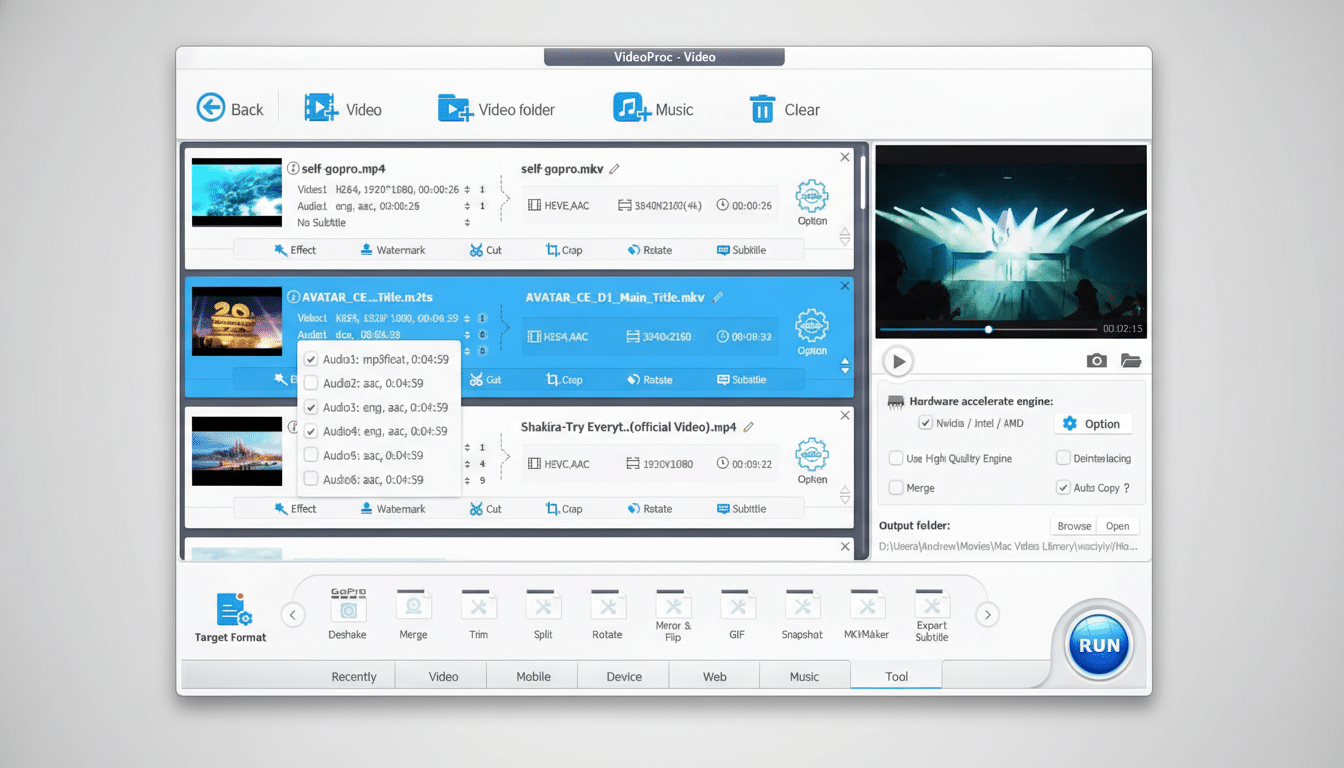
The app’s hundreds of device presets minimize guesswork for creators who only need reliable output for Instagram Reels, YouTube, or a specific phone model. While it’s not intended to replace a complete editing timeline, it excels at the augmentation, transformation, and delivery steps that bog down many projects.
Comparison with current editors and AI enhancers
Compared to free full-featured editors like DaVinci Resolve, VideoProc is much lighter and faster to learn, but it lacks deep color grading, multicam, and advanced audio tools. CapCut provides capable AI filters for free, but relies heavily on social-first workflows and cloud integration, which may not be suitable for everyone.
Compared to dedicated enhancers like Topaz Video AI, VideoProc is considerably cheaper and kinder to system resources, but its AI upscaling is aimed more at practicality than pixel-peeping perfection. For many small teams and individual creators, the trade-off of $30 for 5 seats makes sense, especially.
Why this matters for creators and small teams
The amount of video continues to increase. YouTube reports that hundreds of hours of content are uploaded every minute, and Wyzowl’s State of Video Marketing states that the majority of businesses now rely on video to reach customers. With more content to accommodate, the bottleneck becomes cleanup and distribution, not creativity.
Tools that can denoise, stabilize, upscale, and compress without a training manual can save you hours per week. Whether an educator is recording a lecture, a marketer is cutting a product demo, or an athlete is editing helmet camera footage, cutting a step out of post-production is often more valuable than adding another advanced timeline feature.
Who should consider it and when does it make sense?
If you regularly process smartphone clips, action cam footage, or screen recordings and don’t need a full-fledged editor, VideoProc is for you. Family licenses are suitable for small teams or households with multiple PCs. Creators embedded in Adobe or Blackmagic workflows can have VideoProc reside alongside their main editor as a fast preprocessor and converter.
At $30, the value proposition is clear. AI-assisted enhancements, device-savvy exports, and hardware-accelerated performance come together in an interface you can learn in an afternoon. For many projects, this is exactly the kind of upgrade that will pay for itself with a first batch of cleaner, sharper uploads.


