
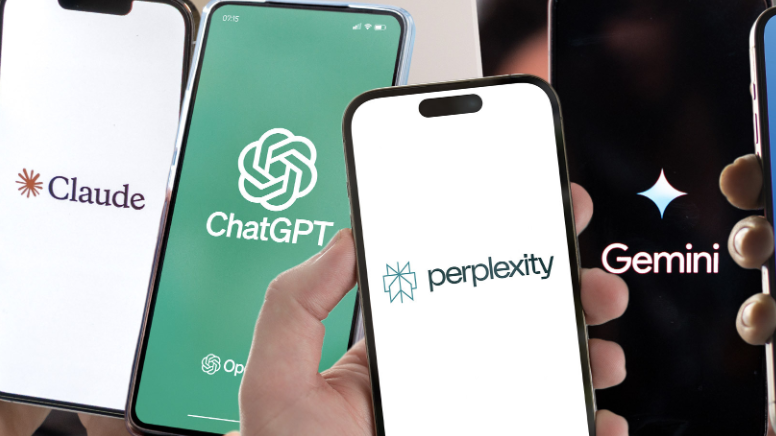
The technique of prompting can be surprisingly addictive once you get the hang of it. When done correctly, prompts open the door to a real interaction with an AI chatbot.
Basically, prompts are just text-based instructions you give to your AI chatbot. The AI generates a response based on what you write. But having clear instructions makes all the difference. If the prompt is vague, you may get broad answers that miss the point. If you are clear and specific, your responses will be more accurate and useful.
The good news? You don’t need to be an AI expert to create better prompts. That’s where we come in.
Article continues below
Whether you’re trying ChatGPT, Perplexity, Gemini, Claude, or another chatbot with free features, the same basic prompt principles apply to all.
Using the following techniques as a starting point, you can quickly learn how to create more powerful prompts and get better results from your AI tools.
Be specific about what you want and add context

There is no point in being vague in real life. This rule certainly applies to how you interact with your chosen AI chatbot.
Getting started with AI can lead to common beginner mistakes, such as using overly simplistic prompts such as: “Tell me about video game consoles.” This type of prompt can elicit a wide range of responses that may not target exactly what you’re trying to get out of a particular subject. Instead, use more context-sensitive prompts to narrow down your requests for better results, such as: “For those considering purchasing Xbox Series X|S for their teenagers, please explain the pros and cons of Xbox Series X|S.”
It’s also important to add more context to your prompts.
When an AI chatbot understands exactly what a user is asking, it becomes much easier to decipher what the user wants to know instead of generating a ton of generic data that doesn’t apply to the user. something as simple as “Please help me plan my training” This is not ideal. Instead, try implementing a prompt like this: “Help me plan a 7-day workout for someone new to the gym.” The more information you include in your prompt, the better the answer will be from your chatbot assistant.
Give it a role and specify the format you’re looking for
Chatbots often begin with a fairly generic personality during the first interaction. But it’s amazing how quickly they can switch gears and take on completely different roles based on your prompting.
If you want your chatbot to respond like another person (like an expert, teacher, or advisor), prompts like the ones below will help guide the AI into that role and provide better answers.
- As a travel agent, I recommend a 7-day itinerary to Sydney, Australia.
- Compare iPhone 17 and Samsung Galaxy S26 as a technology critic
- What is the best way to act as a motivational speaker and deal with negative comments?
- Become a football analyst and tell us which team will make it to the Super Bowl this year
Whether you’re learning a particular topic in depth, need a structured layout for something, or simply want to summarize the most important notes attached to a wall of text you’re currently reading, chatbots can reorganize all kinds of information. Prompts that give your chatbot clear instructions on how to adjust the theme, text, information attached to articles, etc.
A prompt like this “Explain this in 5 bullet points,” “Create a step-by-step guide to this,” “Summary this in one paragraph.” instructs the chatbot to list all the information it is requesting in a more understandable format.
Provide examples and use follow-up prompts to upgrade your results
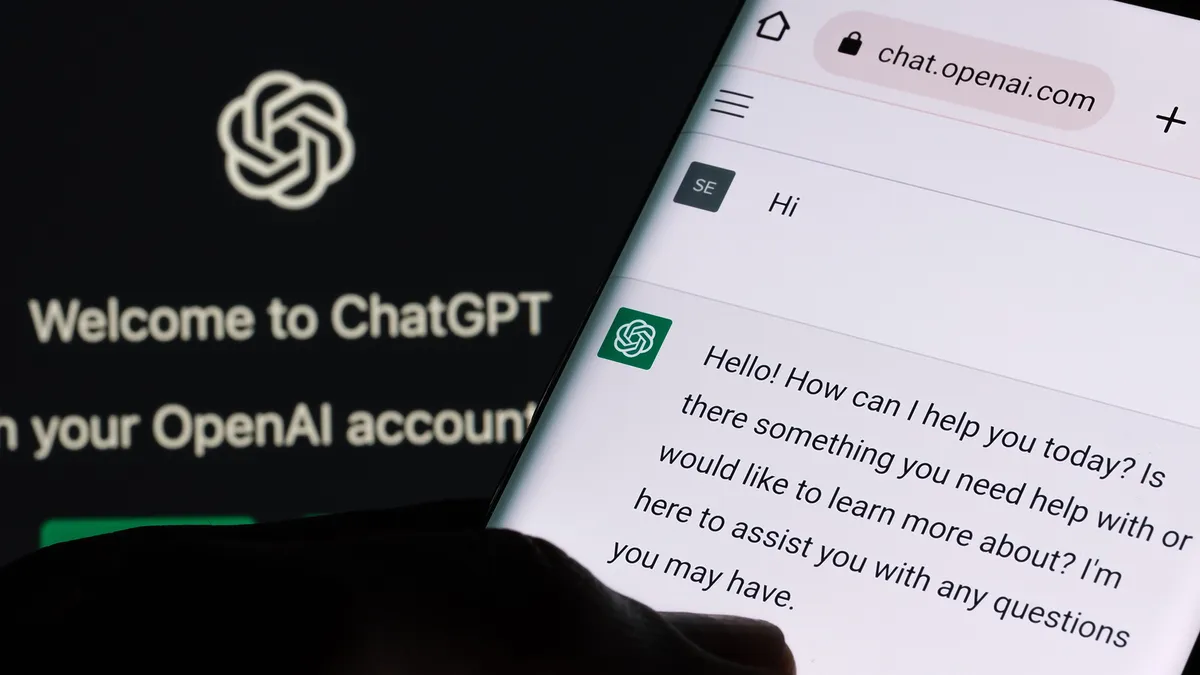
When you feel like creating something, a chatbot can do it all.
For example, let’s say you’re an entertainment writer and you’ve come up with a clever headline for an article about Clint Eastwood’s best movies. A prompt like this “For the writers pitching this idea to Entertainment Weekly, please improve this headline: Clint Eastwood’s Best Movies.”
Or, for example, let’s say you want to create an image that follows the Japanese animation style popularized in Japan. dragon ball zThis prompt is a good example of how to describe an image and have the chatbot generate it. “A powerful warrior charges his energy in the bright sky, a golden aura surrounding his battered and scarred body. The animation style should look exactly like Akira Toriyama’s Japanese anime style.”
Follow-up responses can resolve any flaws you see in your chatbot’s responses. Think of the time you spend with a chatbot as a conversation, rather than just one question telling you what to do. Repeated prompts are intended to improve the chatbot’s response and ability to see what you’re looking for during future interactions.
Some good examples of appropriate follow-up prompts include: “Please make this explanation more understandable.” “Please make this a checklist.” “Please add a real-world example” and “What assumptions are you making here?”
conclusion
Learning more about AI chatbot prompts will help your AI chatbot become even more helpful with each new inquiry.
The best thing you can do when thinking about your prompts is to be specific, add the necessary context, ask for a specific format, and tell the chatbot to adopt a specific personality for specific cases.
As you become familiar with the best ways to converse with a chatbot, that same chatbot will also have a better understanding of who you are and how you want to deliver information.

to follow Tom’s Guide to Google News and Add us as a preferred source Get the latest news, analysis, and reviews in your feed.
More about Tom’s guide

Return to mobile phone


100GBdata
unlimited minutes
unlimitedtext

24 months
100GBdata
unlimited minutes
unlimitedtext
24 months
500GBdata
unlimited minutes
unlimitedtext
24 months
10GBdata
unlimited minutes
unlimitedtext
24 months
500GBdata
unlimited minutes
unlimitedtext
24 months
unlimiteddata
unlimited minutes
unlimitedtext
24 months
unlimiteddata
unlimited minutes
unlimitedtext
24 months
100GBdata
unlimited minutes
unlimitedtext
24 months
unlimiteddata
unlimited minutes
unlimitedtext
24 months
100GBdata
unlimited minutes
unlimitedtext

24 months


