

highlights
- Google’s Veo 3.1 update makes AI-powered video creation more natural and expressive from images and text.
- New support for vertical videos eliminates the need for manual cropping on social platforms.
- Veo 3.1 produces up to 1080p and 4K quality video for enhanced output clarity.
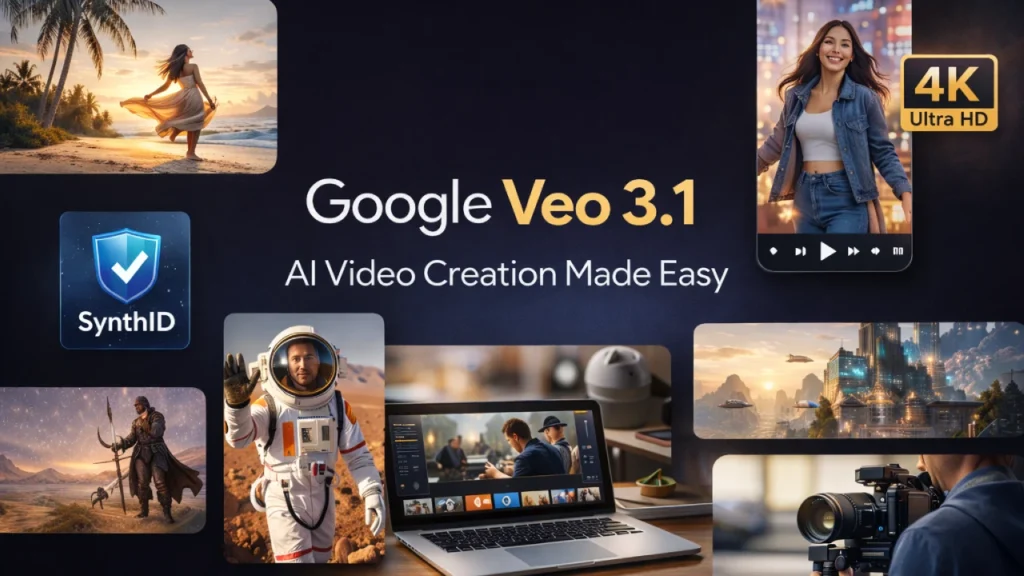
- Built-in verification allows users to distinguish AI-generated videos from real footage.
The latest version of Google AI video tools is called Veo 3.1. This updated version now allows you to upload images and create videos more efficiently. This latest release also improves video quality. Creator capabilities have also been expanded with new features such as vertical video production, the possibility of consistent characters and objects in video production, and the ability to instantly create high-resolution 4K videos. The update also adds a way to tell if a video was created by AI, further increasing user trust.
New features in Veo 3.1
Veo 3.1 includes several important improvements that make video creation smoother and more reliable.
Smarter video creation
The ability to convert materials to video now allows you to create more natural-looking videos. Even short steps made the video flow better. Scenes, movement, and objects feel more connected and real than before.
Characters and objects remain the same
Previously, the appearance of characters and objects could change from scene to scene. Veo 3.1 fixes this issue. Now your character will maintain the same appearance throughout the video. Backgrounds and objects also remain the same, making it easy to tell longer stories without too much editing.
Vertical video for social media
Short vertical videos are popular on apps like TikTok, Instagram, and YouTube Shorts. Veo 3.1 now enables native vertical video creation. Users no longer need to crop landscape videos. New vertical videos are automatically framed for mobile screens for a professional look.
higher quality video
With Veo 3.1, you can now create videos in 1080p and 4K resolution. This makes the video clearer and more detailed. Creators can use these videos for social media, presentations, and other professional purposes. The higher the quality, the better the video will look on a larger screen.
Check if a video was created by AI
Google has added authentication features such as Synth ID. All AI videos will have a hidden digital mark indicating they were created by AI. Users can check this in the Gemini app. This makes it easy to know which videos are generated by AI and prevent abuse.

Where you can use Veo 3.1
Veo 3.1 is available for both mobile devices and desktop computers, allowing users to create videos anytime, anywhere. If you’re a casual user, you can use YouTube Shorts, the YouTube Create app, and the Gemini app to quickly create short, fun videos.
For businesses and professional creators, advanced tools like Flow, Google Vids, Gemini API, and Vertex AI give you more control over video settings and provide higher quality output than other video creation platforms. Additionally, the ability to integrate with other workflows means Veo 3.1 is useful for creators of all levels, whether your goal is to create social media content, marketing videos, or storytelling projects.
Veo 3.1 is available for both mobile devices and desktop computers, allowing users to create videos anytime, anywhere. If you’re a casual user, you can use YouTube Shorts, the YouTube Create app, and the Gemini app to quickly create short, fun videos.

For businesses and professional creators, advanced tools like Flow, Google Vids, Gemini API, and Vertex AI give you more control over video settings and provide higher quality output than other video creation platforms. Additionally, the ability to integrate with other workflows means Veo 3.1 is useful for creators of all levels, whether your goal is to create social media content, marketing videos, or storytelling projects.
Why creators like it
This update makes creating AI videos faster and easier. Social media creators can quickly create vertical videos. Marketers can create professional content with higher resolution. Improved character and object consistency allows storytellers to create longer videos without extra work. Overall, Veo 3.1 saves time and allows creators to focus on ideas rather than technical details.
conclusion
Google Veo 3.1 is a useful update for those who want to create AI videos. Improves video quality, maintains consistency between text and objects in the video, and allows for vertical formatting.
Additionally, through these tools, you can verify whether a particular video was produced with the help of AI. As a result, creating videos for marketing, social media, or storytelling becomes easier and more efficient. In the future, with the development of AI video tools, they will become more and more convenient and reliable for everyone.


