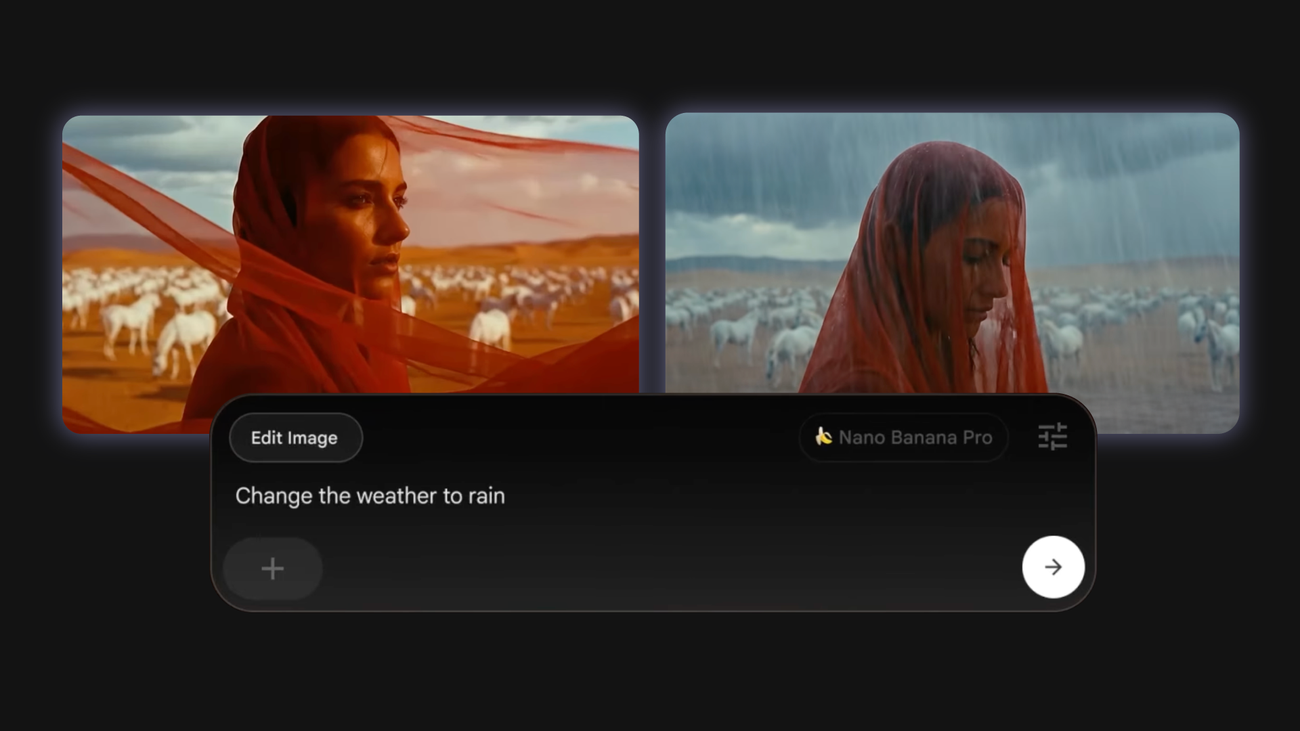
We built Flow to help creators bring their ideas to life. Since its launch in May, more than 500 million videos have been created. Along the way, we received feedback that we needed more precision and control for both images and video. Over the past few weeks, we’ve been introducing new features to give you more creative control in Flow with new filtering and editing features.
Here are four ways you can adjust and edit your content in Flow.
1. Generate and edit images using Nano Banana Pro.
Flow lets you use images as characters, subjects, and starting points for clips. These can be images you have uploaded or new[画像]It could be an image you created in Flow using tabs.
This new dedicated workspace for image generation and adjustment is powered by Imagen and Nano Banana for free users, and subscribers also get access to Nano Banana Pro, a new, cutting-edge image model that offers improved professional controls for depth of focus, lighting, color grading, and more.
With simple prompts, you can change your character’s outfit, change pose, camera angle, and lighting without having to reroll the entire scene. You can also blend elements from multiple reference images to create the perfect frame while preserving important material details.