
AI video has moved beyond novelty clips and “prompt roulette”. If you’re a working creator, the real question today is less “Which model is best?” and more “Which engine actually fits how I make videos?”
Seedance 2.0 and HappyHorse 1.0 are at the centre of that discussion. HappyHorse 1.0 is a visual‑first model that pushes raw image and motion quality to the top of public leaderboards, while Seedance 2.0 is a control‑first, multimodal engine built to live inside real production workflows. They solve different problems, for different kinds of creators, at different points in the process.
How These Two Models Differ at a Glance
Before you can decide which engine matches your workflow, it helps to see the high‑level contrast.
Big‑picture differences
- HappyHorse 1.0
- Visual‑first, prompt‑driven model.
- Focused on short, cinematic clips with top‑tier visual realism.
- Best when you need gorgeous footage quickly and are happy to handle structure in your editor.
- Seedance 2.0
- Control‑first, multimodal model.
- Built around multiple inputs (images, video, audio, text) and multi‑shot sequences.
- Best when you need reliable, reference‑driven outputs that match assets, scripts, and music.
You’re not choosing between “good” and “bad”; you’re choosing which definition of “good” matches your current bottleneck.
HappyHorse 1.0: Visual‑First Engine for Fast, Beautiful Clips
What HappyHorse 1.0 is trying to be
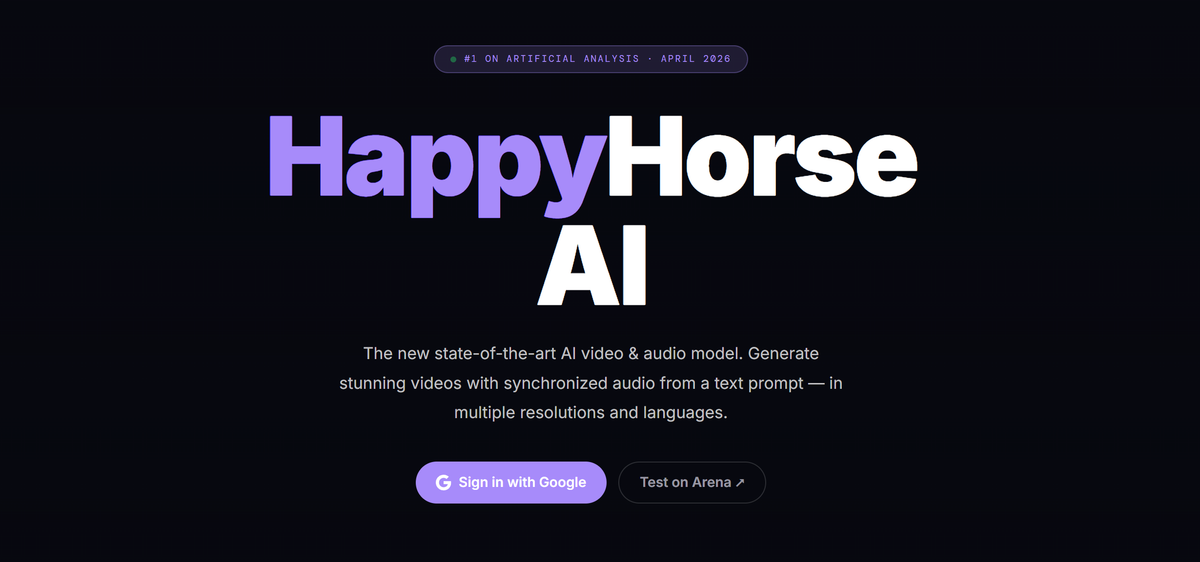
HappyHorse 1.0 is designed as a quality‑first AI video engine: a single unified model that handles text, images, video, and audio tokens in one stream and tries to squeeze as much visual and motion realism as possible out of each second.
It’s the model people talk about when they say, “This looks closer to real footage than anything we had six months ago.”
Strengths in real workflows
- Top‑tier short‑clip visuals
- Excels at 5–8 second cinematic clips: rich lighting, detailed textures, and smoother motion than most text‑to‑video engines of the previous generation.
- Especially strong in hero shots, stylised B‑roll, and concept sequences where visual punch matters more than strict narrative structure.
- Unified architecture and quick iteration
- A single‑stream Transformer design means fewer weird hand‑offs between separate audio/visual branches and typically faster generation per clip.
- That makes it practical to run multiple variants of the same idea, test looks, and refine prompts until something hits, without losing an entire afternoon.
- Surprisingly capable talking‑head and portrait work
- Guides and early adopters highlight facial detail and lip‑sync quality, especially for short portrait‑style content.
- For creators, that translates into solid AI spokespersons, quick intro clips, or stylised host segments in a hybrid video.
Where HappyHorse 1.0 doesn’t naturally fit
- Limited “director‑style” control
- It’s still fundamentally a prompt‑first engine: you describe what you want, maybe add a reference frame, and let it run.
- There’s no broadly documented, user‑facing system for combining many images, video plates, and audio tracks into one controlled job the way Seedance offers.
- Shorter “sweet spot” durations
- To keep quality high, most guidance treats 5–8 seconds per clip as the practical sweet spot.
- That’s fine for hooks and inserts, but less ideal if you’re aiming for 12–15 second shots with complex beats and dialogue.
- Infrastructure still maturing
- Documentation, APIs, and production‑grade tooling around HappyHorse are still evolving.
- For solo creators in browser UIs, this is manageable; for teams that need predictable, long‑term integrations, it’s a constraint you have to plan around.
When HappyHorse 1.0 is the right choice
HappyHorse 1.0 fits best when:
- You care most about maximum visual impact in short clips.
- You’re comfortable structuring the story and timing in your editor rather than inside the model.
- You want a fast “look‑dev” engine to explore styles, lighting, and moods before committing to a direction.
Think: YouTube intros, TikTok hooks, product hero shots, stylised explainer segments, and B‑roll that has to look premium.
Seedance 2.0: Control‑First Engine for Structured, Reference‑Driven Work
What Seedance 2.0 is trying to be
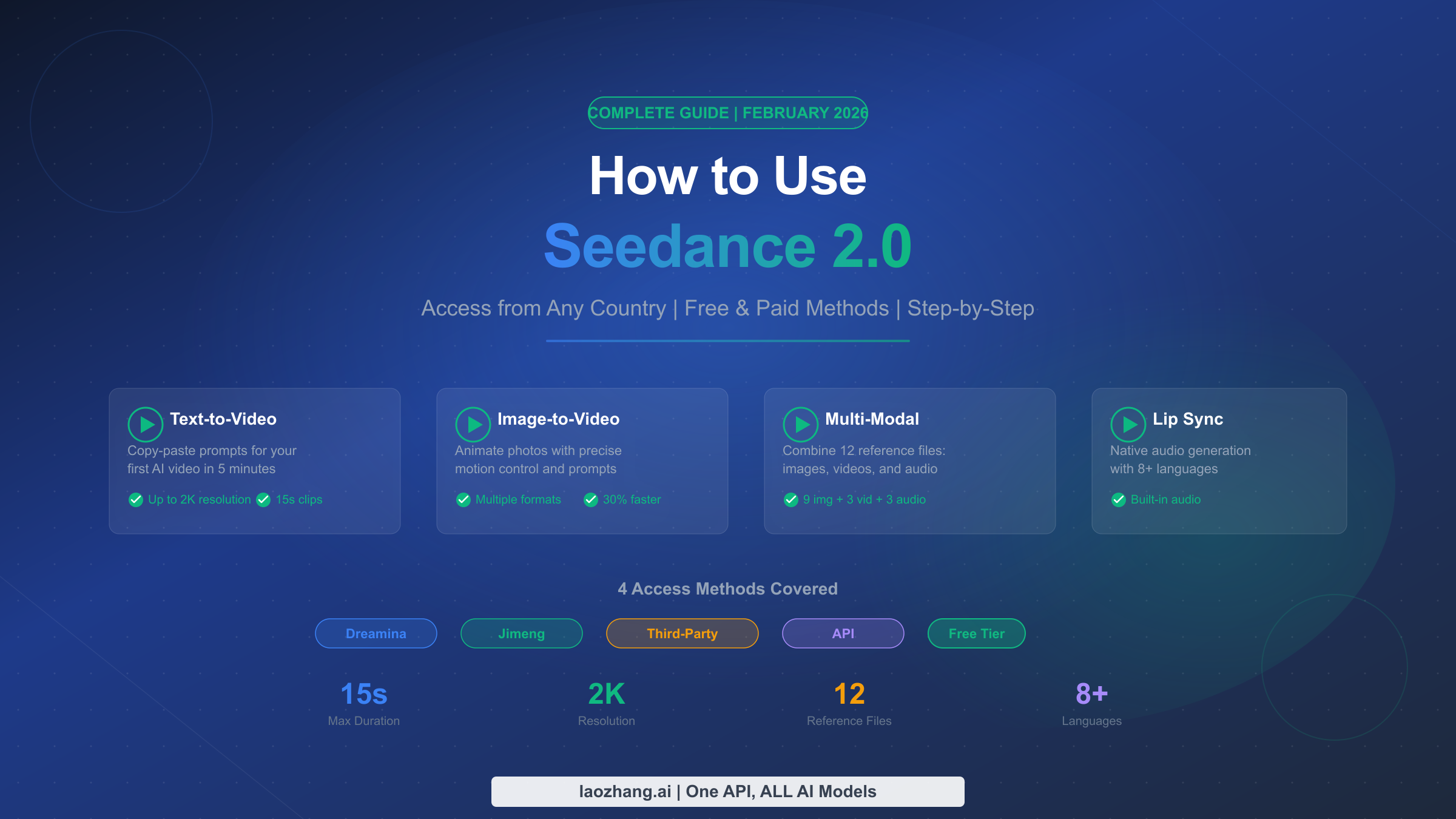
Seedance 2.0 is built around the idea that real projects start with references: brand assets, product shots, previous campaigns, storyboards, music, and scripts. Instead of treating those as afterthoughts, it lets you feed them into the model side‑by‑side with your prompt and uses them to steer the generation.
Where HappyHorse tries to be the best “visual slot machine”, Seedance tries to be a director’s assistant.
Strengths in real workflows
1. Multimodal control: multiple inputs per job
Seedance’s signature strength is that you can combine many inputs in a single structured job:
- Character or product images to lock in appearance.
- Short video clips as motion or camera‑path references.
- Voice‑overs or music tracks for timing and mood.
- Text prompts to describe what must happen across shots.
This makes it ideal for:
- Reference‑heavy brand work where you can’t stray from the approved assets.
- Music‑driven and VO‑driven edits that must hit beats precisely.
- Complex prompts with multiple characters and scene changes that are hard to express in text alone.
2. Multi‑shot, narrative‑friendly sequences
Seedance 2.0 is built to handle multi‑shot sequences in one go:
- You can generate several shots (often up to ~15 seconds per shot in supported tools) with consistent characters, environments, and camera logic.
- Instead of ten disconnected clips, you get something closer to a mini‑scene that feels like part of a coherent ad or narrative.
For creators, this is a big deal when you’re building:
- Short brand films.
- Explainer sequences with a clear beginning, middle, and end.
- Story‑driven social videos that need continuity, not just spectacle.
3. Audio‑aware, revision‑friendly
Seedance tends to handle audio and timing more predictably in practical tests:
- It is frequently chosen when you have a fixed VO or music track and want scenes to align with the audio.
- It also supports incremental refinement: you can extend, replace, or refine specific segments instead of throwing away the whole clip and re‑rolling.
For production teams, this plays nicely with review cycles: “Extend this part by 3 seconds”, “Adjust this shot to show more of the product”, “Fix this transition” – all without starting over.
Where Seedance 2.0 doesn’t naturally fit
1. Not the absolute king of raw visual wow
When you strip away audio and control and just compare silent clips prompted by text, Seedance usually falls slightly behind HappyHorse on pure visual and motion realism.
If your entire goal is “the best‑looking 7‑second clip you can possibly get”, Seedance is not what the leaderboards point to right now.
2. Higher learning curve
Seedance’s power comes from references and structure, which means:
- You’ll get the best results if you understand camera moves, continuity, and how to plan shots.
- It’s less forgiving if you just type random prompts without preparing inputs.
For beginners or non‑technical creators, this can feel heavy compared to a simple prompt‑and‑go model.
3. More overhead if you only want quick ideas
If you’re not using its multi‑input and multi‑shot features, you’re essentially treating a complex engine like a simple toy. In that scenario, Seedance can be slower and more work than leaner, prompt‑only models.
When Seedance 2.0 is the right choice
Seedance 2.0 fits best when:
- Your projects are built around existing assets, scripts, and sound.
- You need multi‑shot sequences with consistency across characters and scenes.
- You work in a team or with clients and need repeatable, controllable outputs that can be revised without starting from zero.
Think: brand and agency work, structured explainers, campaign videos, narrative shorts, and anything that has to line up with a storyboard or audio track.
Side‑by‑Side: Which Engine Does What Better?
Workflow‑oriented comparison
| Aspect | HappyHorse 1.0 | Seedance 2.0 |
| Core philosophy | Visual‑first, prompt‑centric | Control‑first, multimodal |
| Best at | Short, cinematic clips and B‑roll | Multi‑shot, reference‑driven sequences |
| Typical clip “sweet spot” | ~5–8 seconds HD | Up to ~15 seconds per shot in supported tools |
| Inputs | Mostly text + optional image | Text + multiple images, video, and audio |
| Ease of use | Easier for quick experiments | Harder, but more precise once learned |
| Strength in audio & timing | Good, but not the main focus | Strong, especially with fixed VO/music |
| Infrastructure today | Great for UI experiments; APIs still maturing | More documented flows in production tools |
| Best users | Solo creators, YouTubers, visual experimenters | Agencies, in‑house teams, experienced editors |
This isn’t a “winner board”. It’s a map of who each engine is actually built for.
Matching Engine to Creator Type
Solo creators and YouTubers
- Pain point: needing standout visuals and consistent publishing without drowning in complexity.
- Lean toward:
- HappyHorse 1.0 for intros, hooks, B‑roll, and visual experimentation.
- A simple editor or workflow tool for structure, captions, and exports.
- Add Seedance 2.0 later if you start doing more client‑style, reference‑heavy projects.
Agencies and in‑house marketing teams
- Pain point: matching assets, brand guidelines, scripts, and legal feedback.
- Lean toward:
- Seedance 2.0 as a core engine for campaign pieces, ads, and explainers where you must follow references and audio.
- Use HappyHorse 1.0 for pitching bold visual directions and quick “this is the vibe” tests before production.
Filmmakers and advanced editors
- Pain point: integrating AI shots into a broader filmic workflow.
- Lean toward:
- Seedance 2.0 for controllable, multi‑shot sequences that can match live‑action plates, animatics, or previs.
- HappyHorse 1.0 for concept art in motion, stylised sequences, and polished inserts you can grade and composite.
How to Use Both in One Workflow
You don’t have to choose just one. A very practical approach is to let each engine do what it’s best at.
A hybrid workflow that actually works
- Look‑dev and ideation with HappyHorse 1.0
- Use HappyHorse to explore multiple looks: lighting, composition, character style, and overall mood.
- Share the best clips internally or with clients to lock a direction quickly.
- Structured execution with Seedance 2.0
- Take the chosen direction and recreate it with Seedance using:
- Character/product reference images.
- Any relevant live‑action or stock footage.
- Final or temp VO and music.
- Build multi‑shot sequences that match those references and can be refined based on feedback.
- Take the chosen direction and recreate it with Seedance using:
- Editing, polish, and repurposing in your usual tools
- Combine outputs from both engines in your editor.
- Add sound design, graphics, titles, and platform‑specific versions (shorts, reels, horizontal cuts).
In this setup, HappyHorse becomes your visual sketchbook and “wow” generator, while Seedance becomes your director’s engine for final, structured pieces.
A Simple Decision Checklist
If you’re still not sure where to start, ask yourself three questions:
- What do I ship most often right now?
- Short, visually striking clips → start with HappyHorse 1.0.
- Structured explainers, ads, or brand content → start with Seedance 2.0.
- Where do I feel the most pain in my workflow?
- “My footage doesn’t look good enough” → visual‑first engine.
- “My footage doesn’t match my assets/audio/brief” → control‑first engine.
- How many tools can I realistically learn deeply this quarter?
- If the answer is “one”, choose the engine that solves your biggest bottleneck today, not the one that looks best in demos.
- If you can handle two, pairing HappyHorse + Seedance gives you both spectacle and control, which is where most serious creators eventually land.
Final Thought
Seedance 2.0 and HappyHorse 1.0 are not simple substitutes; they’re engines optimised for different definitions of “good video”. One maximises visual wow per second, the other maximises control and reliability per project.
Once you stop asking, “Which is the single best AI video model?” and instead ask, “Which engine removes the biggest friction in my current workflow?”, choosing between them—and deciding when to use both—becomes much clearer.