
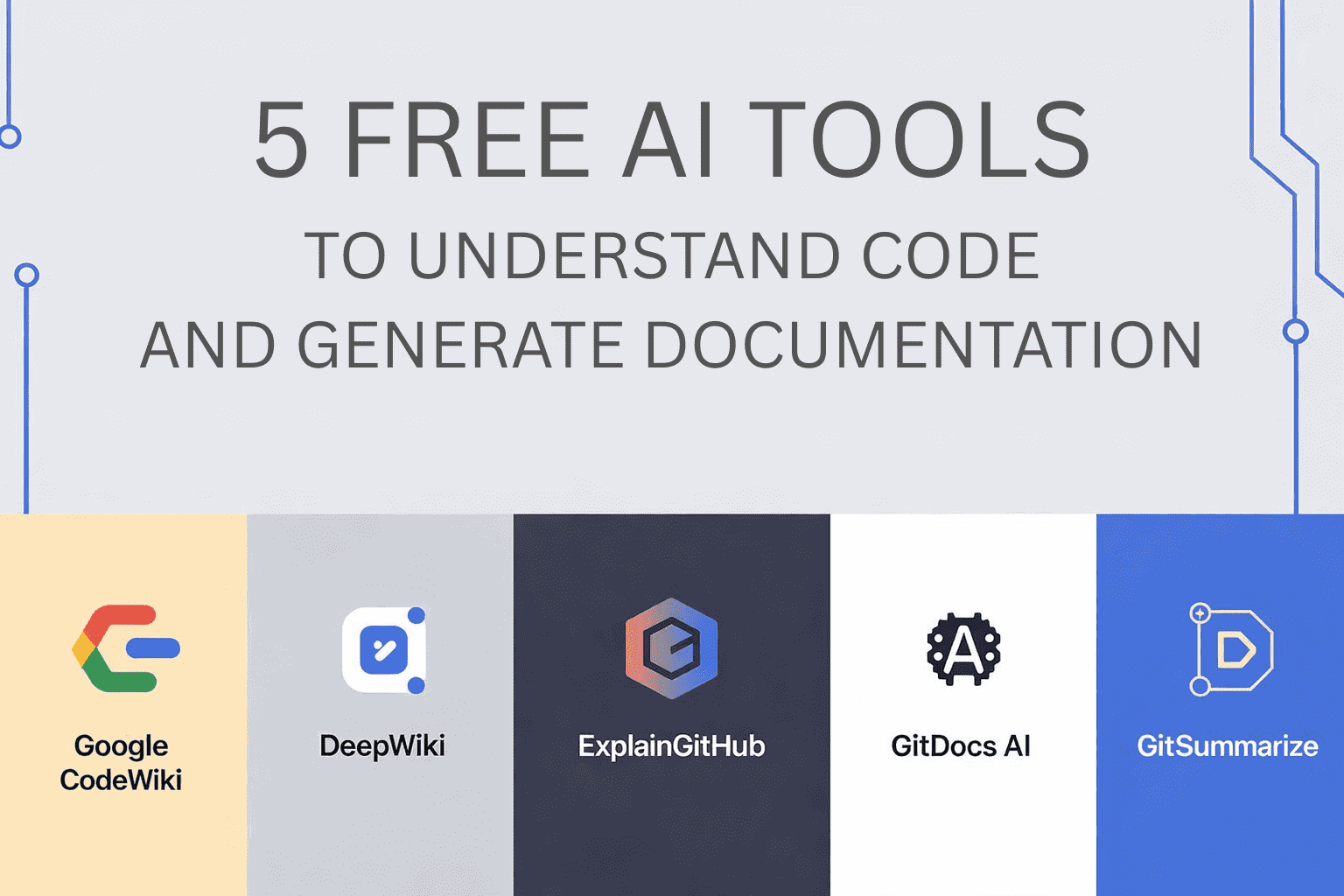
 Image by author
# introduction
We all know that understanding new codebases can be very difficult. Open file after file, read comments that don’t make much sense, and try to understand how the various parts are connected. It doesn’t matter if you are a researcher or work for a company. It’s the same struggle. However, the advent of AI tools has made this method easier. You can plan how your code will work, give a quick overview, and answer questions like a colleague. It’s much faster than doing everything manually. Let’s take a look at five tools that can really help.
# 1. Google Code Wiki
Google Code Wiki AI-based documentation tool. Scan your repository and create structured documentation on every commit. You can add diagrams and link different parts of your code. There’s also a chat interface powered by Google’s Gemini AI. Ask questions about your code in natural language. Code Wiki is currently in public preview and available for free in public repositories. Private repositories are supported through a waitlist using CLI tools.
# 2. Deep Wiki
deep wiki Generate interactive documentation for any GitHub repository. Simply enter your repository URL and a structured document with architecture and module diagrams will be created for you. You can also ask questions about the code in a conversational interface. The main features of public repositories are free. Enterprise features such as private repository support and dedicated support are available at custom pricing.
# 3. Explain GitHub
Explain GitHub Helps you quickly explore GitHub repositories. It provides a quick overview, visual map, and an AI chat that answers questions about functionality, structure, and architecture. Public repositories are free and require no sign up or subscription. Built to make code exploration easier.
# 4. GitDocs AI
GitDocs AI Helps document your code. Automatically generate README files and other documentation. AI examines your repository and creates sections, samples, and templates. Connect directly to GitHub for editing and previewing. There is a free version, and paid plans are available for advanced features and team use.
# 5.GitSummarize
GitSummarize Turn your GitHub repository into a complete documentation hub. Automatically create summaries and documentation. This makes large and complex codebases easier to understand. Try it for free. It’s open source and has a community behind it. Paid plans or enterprise pricing are not clearly listed.
# summary
- Best for understanding the entire codebase: CodeWiki and DeepWiki
- Easiest instant code explanation: ExplainGitHub
- Best README/Documentation Award: GitDocs AI
- Detailed documentation hub with architectural visuals: GitSummarize
kanwar mereen I’m a machine learning engineer and technical writer with a deep passion for the intersection of data science, AI, and healthcare. She co-authored the e-book “Maximize Productivity with ChatGPT.” She champions diversity and academic excellence as a 2022 Google Generation Scholar for APAC. She has also been recognized as a Teradata Diversity in Tech Scholar, Mitacs Globalink Research Scholar, and a Harvard WeCode Scholar. Kanwal is a passionate advocate for change and founded FEMCodes to empower women in STEM fields.


