
- English news
- Technical Science
- The top 5 AI video tools can create short, authentic videos from Google AI Studio to Meta. Videos are created in seconds
Tushar Mehta, co-founder and technical expert at Athenil2 hours ago

This video is taken from Google AI Studio.
The 12-year-old hit film Raanjhanaa is once again under discussion. This time, the reason is the new ending. The climax of this film has been rewritten…and with the help of AI too. It is believed that using AI to recreate the entire climax like this in Bollywood could lead to new trends. Question: Can I use AI to create videos? The answer is yes.
Now you don't need expensive cameras, heavy lights, or movie crews to make videos. Create everything from animations to movie videos with just text prompts, ideas and AI tools. Major tech companies like Meta-Google have recently launched such tools that will be useful to the average user.
Here are 5 useful AI tools
1. Meta AI
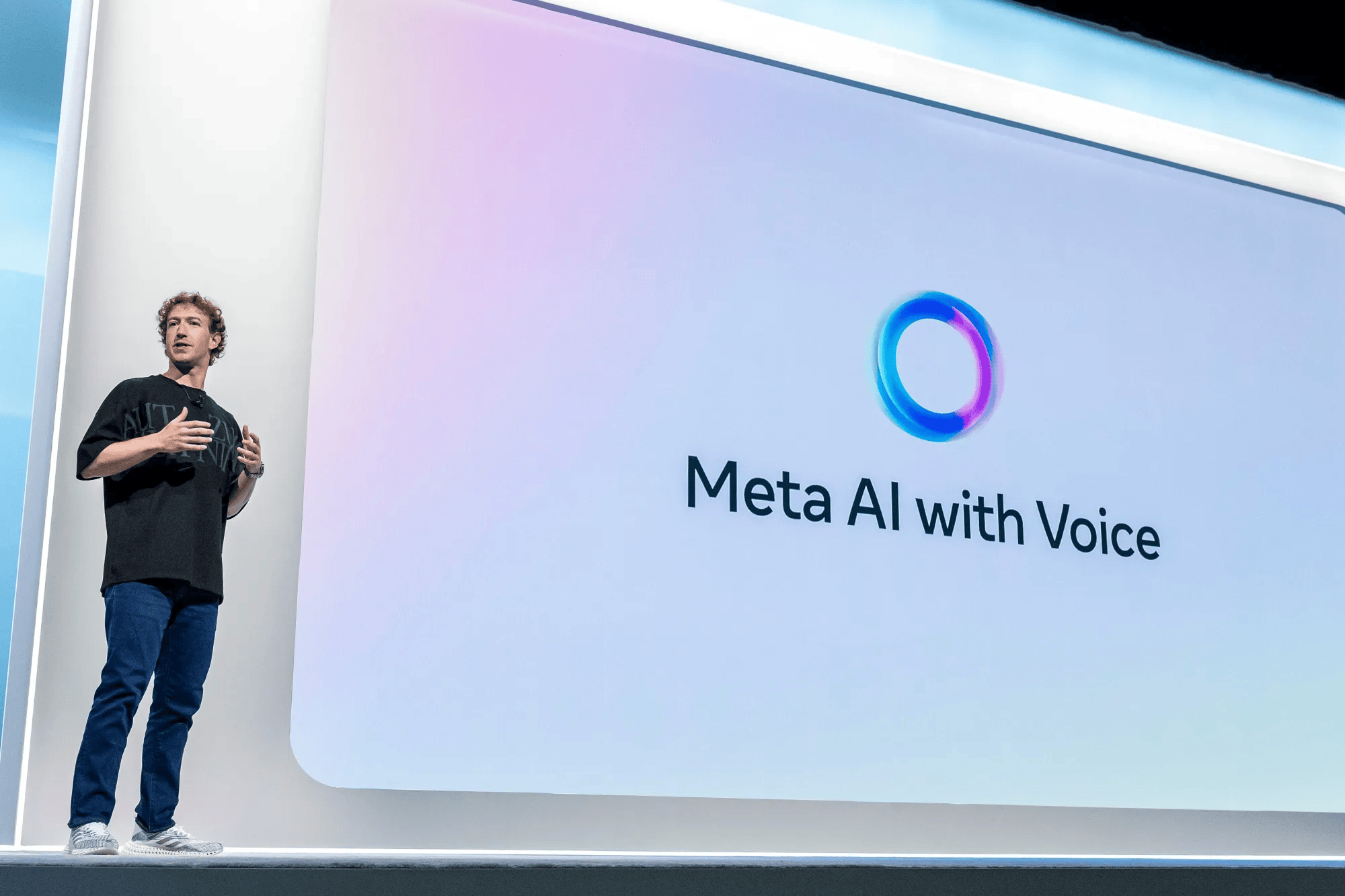
Meta AI allows you to create short animated videos just by entering text. Chat directly on WhatsApp or Instagram and creates visual clips up to 6 seconds. This is a free tool.
2. Google AI Studio
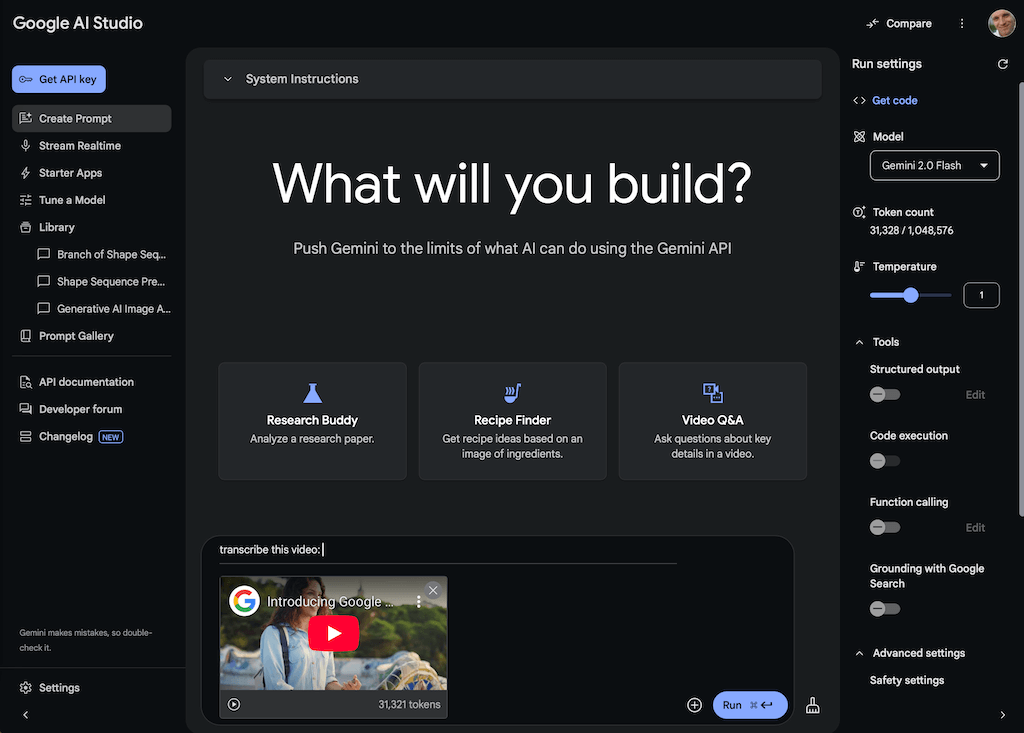
This is Google's web-based video generation platform, where you enter a text prompt and create a video from there. There are two models. Please visit aistudio.google.com. There are no fees.
3. InvideoAI
Invideo is a tool to create a complete video from written text, including clips, background music, subtitles, narration, and more. Please visit ai.invideo.io. Useful for educational videos.
4. KlingAI
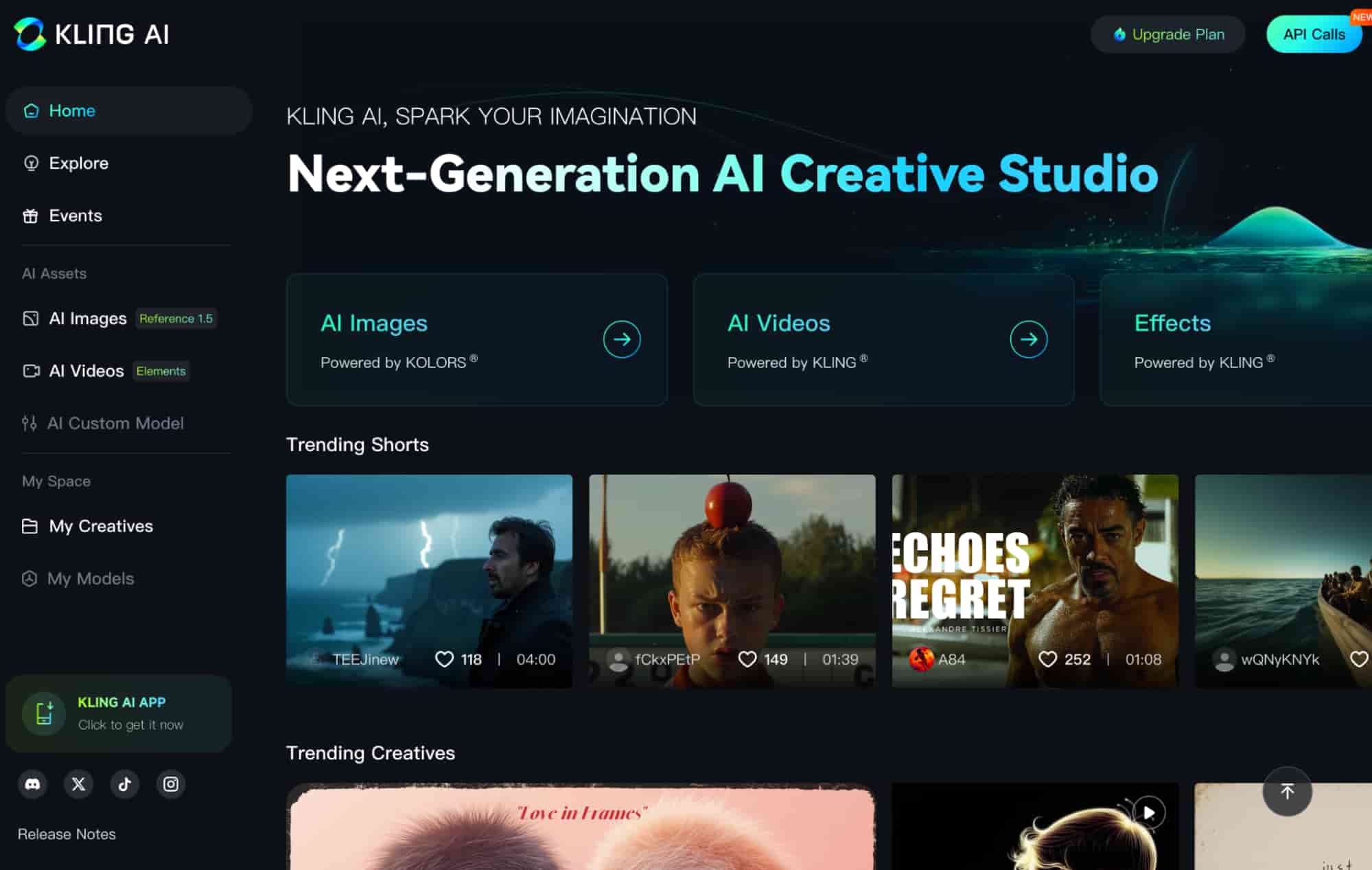
Kling AI creates more visually rich videos. You can specify the characters, clothing, location, and camera angle you want, and create a scene accordingly. Visit app.klingai.com. The free version comes with a watermark.
5. Runway ML
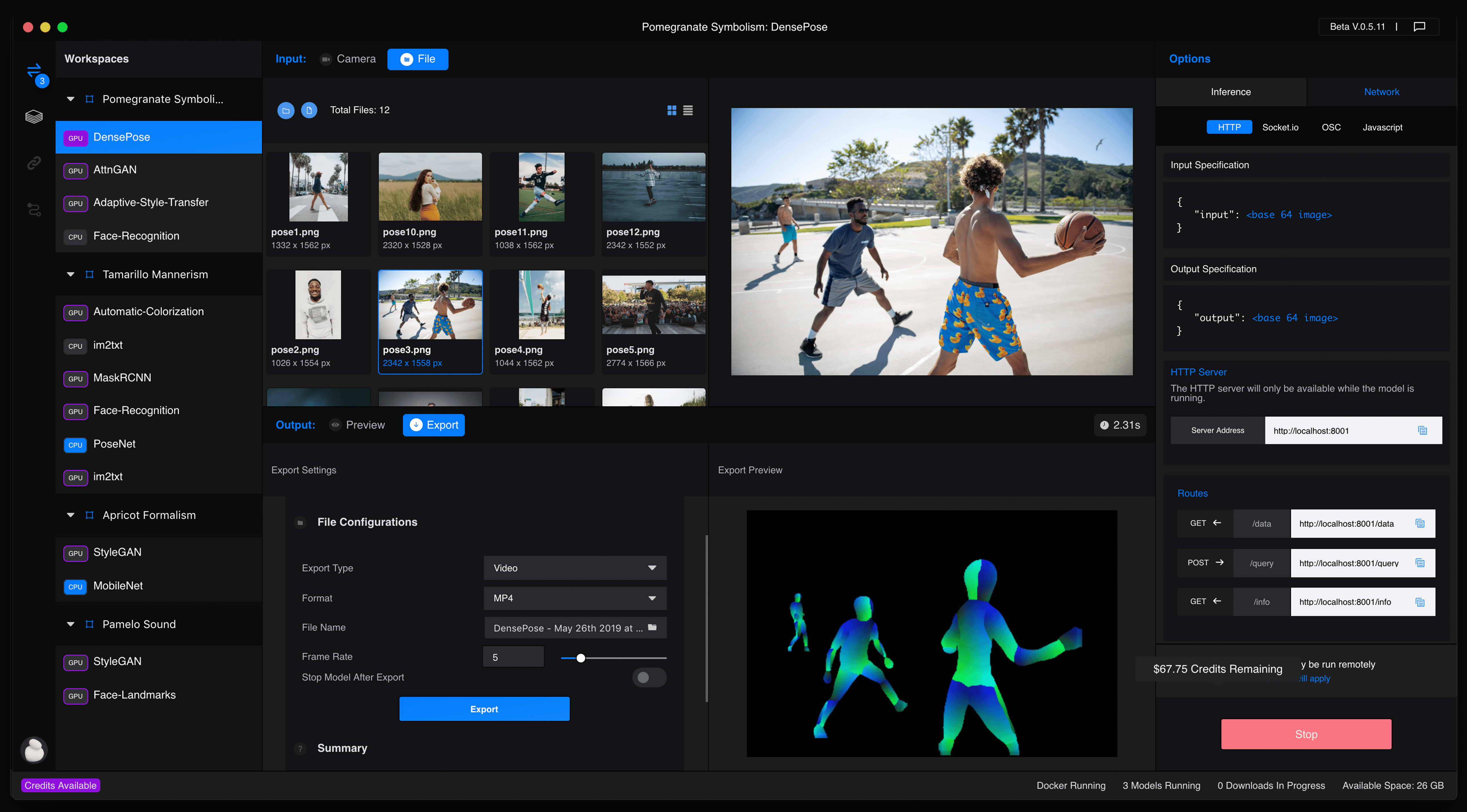
Create your first photo from video clips or text from the runway photos and move the scene from there. Maintains stable video length. Add basic movements. Go to app.runwayml.com. You can create videos for up to 25 seconds for free.
Important Things to Keep in mind when Creating Videos with AI
- Quick importance: With the details you provide (Morning Village, Soft Sunlight Scene, etc.) you'll get better videos.
- Clear your style: Whether you want to look like a cartoon, like a movie, or live a real life… scene, tell this to AI.
- Don't create a real human face: Do not recreate someone's face or voice without permission. This can lead to legal risks.


