

As more and more people use ChatGPT in their business, the question often asked is “how to upload PDF to ChatGPT”. However, ChatGPT does not have the ability to view PDF files directly, but there are several ways to share PDF content to ChatGPT, all of which you can learn in this article.
This blog post explains each of these methods in detail to help you choose the best one. These methods allow you to get insights and information from ChatGPT based on PDF content. This allows you to make better decisions and get more out of your AI experience.
PDF to ChatGPT: How to make ChatGPT read a PDF?
As an AI language model, ChatGPT is designed to analyze and respond to natural language text. While we don’t have the ability to directly view files such as PDFs, there are several ways to share PDFs with ChatGPT to gain insights and information based on their content.
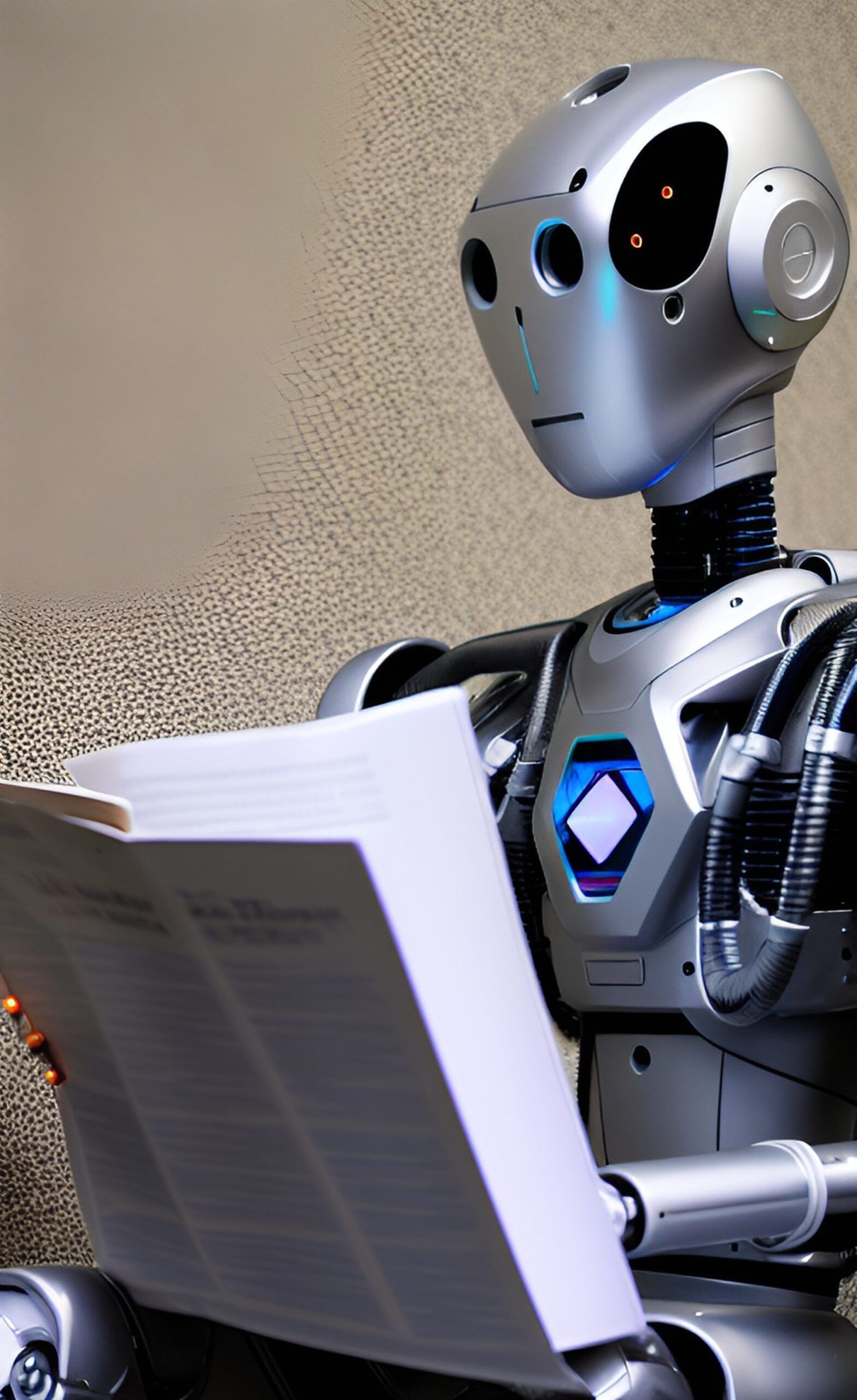
Here are four methods you can use to upload your PDF to ChatGPT.
- copy and paste text
- Provide links to content
- Convert PDF to Text File
- Third party solution
PDF to ChatGPT conversion allows you to personalize your chatbot experience based on user preferences, increasing user engagement and satisfaction.
You can choose either method depending on your needs and preferences. Let’s take a closer look at them and find the best solution.
copy and paste text
One of the easiest ways to share PDF content in ChatGPT is to copy and paste the text into your chat window. This allows ChatGPT to analyze and respond to the provided text.
To do this, open the PDF in a PDF reader or editor and select the text you want to copy.Then right click[コピー]or the keyboard shortcut[Ctrl+C](Windows) or[Command+C](Mac) to copy the text.
Then go to your ChatGPT chat window, right click and[貼り付け]or the keyboard shortcut[Ctrl+V](Windows) or[Command+V](Mac) to paste the text. ChatGPT then analyzes the text and provides insights based on the shared information.
As an example, I copied and pasted a portion of the GPT-4 technical report and ChatGPT answered the question correctly based on the text provided.
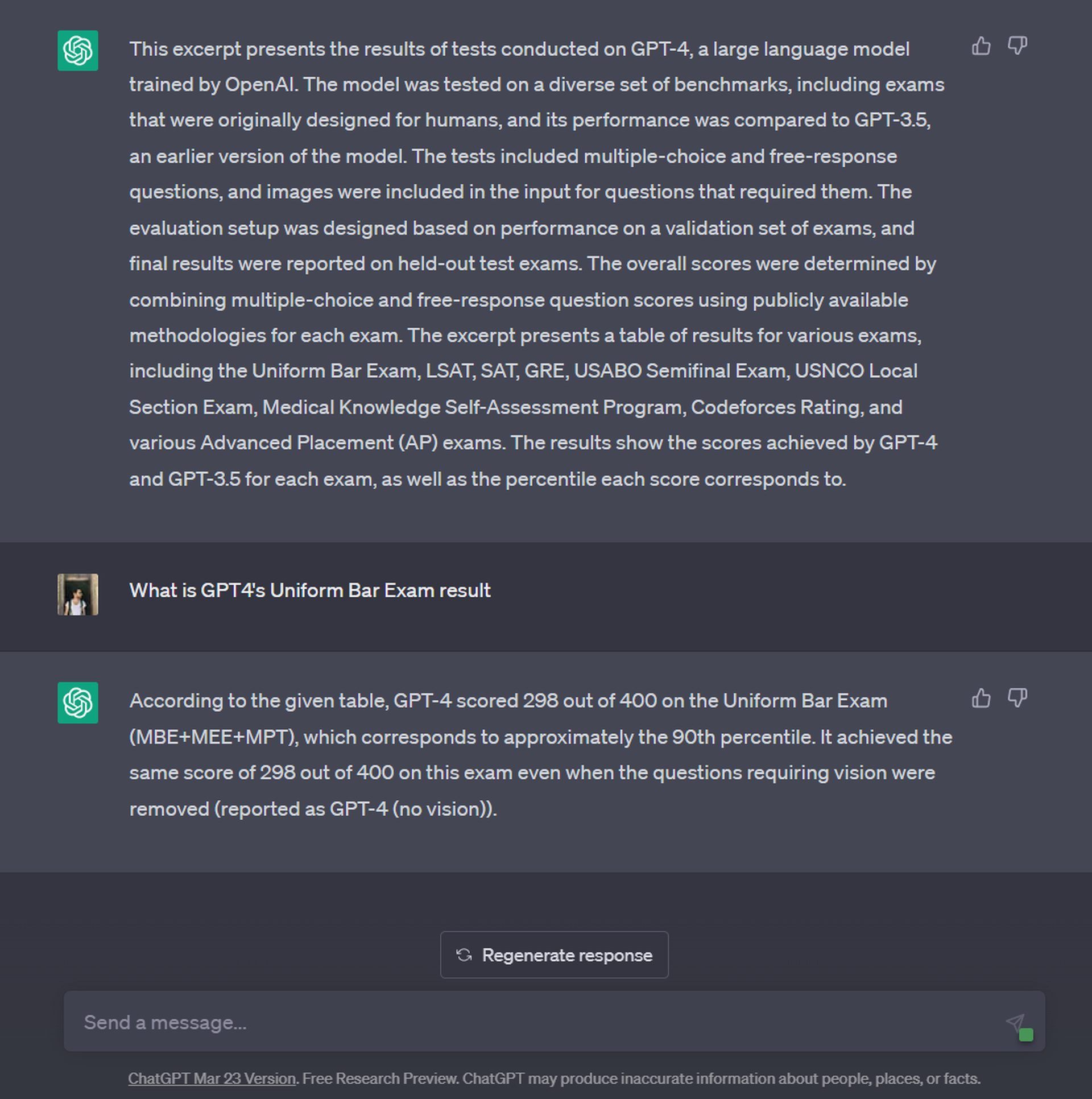
This way you can easily let ChatGPT read your PDF. However, if your content exceeds 600 words, you should try other methods for best results.
Converting PDF to ChatGPT can help reduce your workload.
Provide links to content
Another way to share PDFs on ChatGPT is to provide a link to the file. This method is especially useful if your PDF file is too large to copy and paste, or if you don’t want to share the entire PDF content with ChatGPT.
To do this, provide a direct link to your content. If you upload articles as PDFs to services like Drive, ChatGPT will not be able to process the information. Copy the link to the file and paste it into your ChatGPT chat window. Let’s test it!
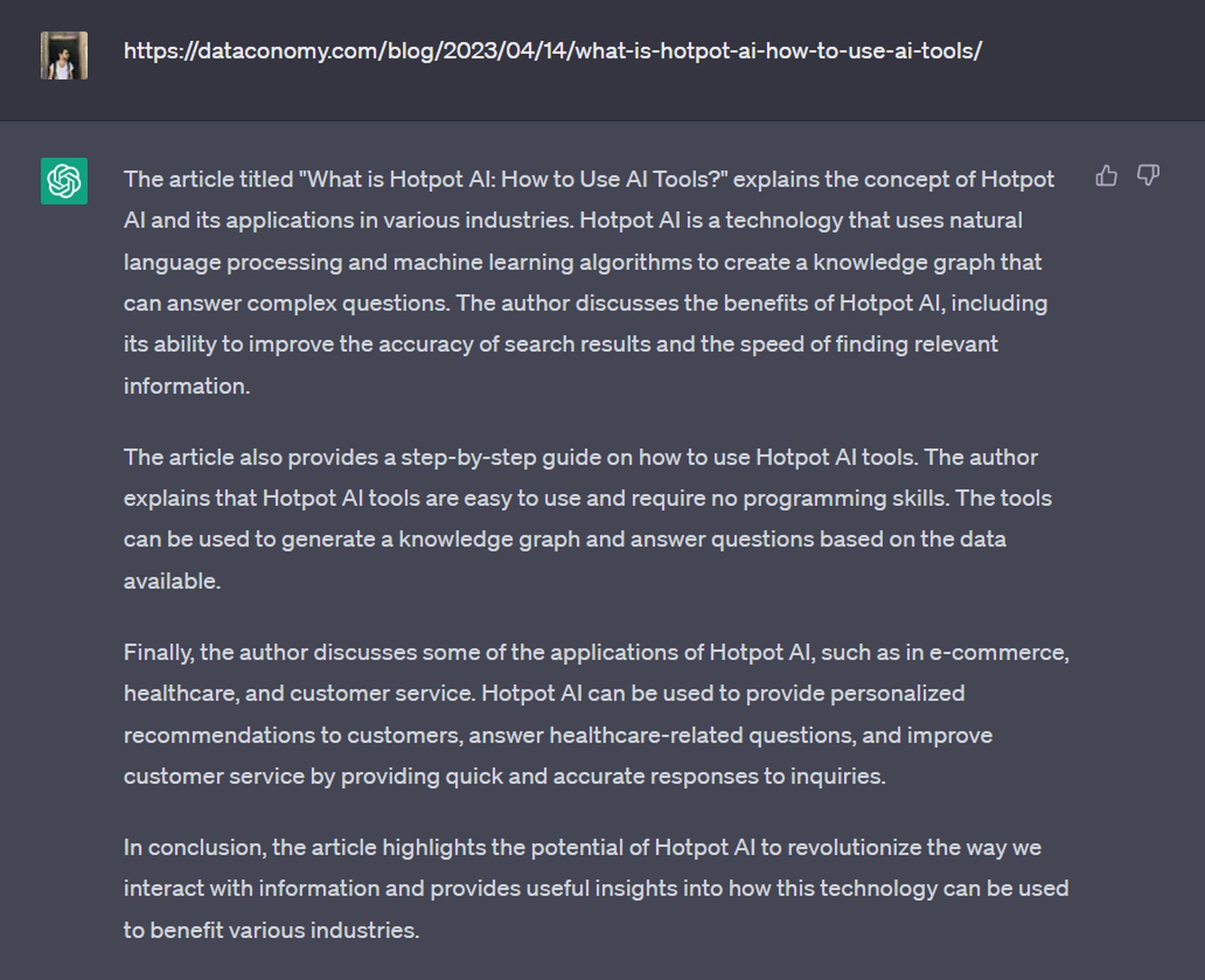
ChatGPT will be able to access the content through the link and analyze the article.
Convert PDF to ChatGPT to instantly respond to inquiries and eliminate the need for support.
Convert PDF to Text File
If you don’t want to share the entire PDF content with ChatGPT, or if the PDF contains images or formatting that you can’t easily copy and paste, you can convert the PDF to a text file before uploading it.
To do this, there are several online tools that can convert PDFs to text files, such as Adobe Acrobat and SmallPDF. Simply upload your PDF to the tool, select the option to convert it to a text file, then download the resulting text file to your computer.
Once you have the text file, you can either copy and paste the content into the ChatGPT chat window or upload the file directly into the chat window. Same as the first method.
Automate repetitive tasks with PDF to ChatGPT converter.
Third party solution
PDF to ChatGPT conversion allows you to create chatbots that can assist users in complex decision-making processes and improve the overall experience.
A fourth option is to use a third-party solution that integrates ChatGPT with the PDF processing API. This can be done with the help of BookGPT, a fork of Hugging Face. BookGPT can read PDF files from URLs or local files, and can also be referenced by quoting page numbers. Here’s how to upload and use PDF files in ChatGPT.
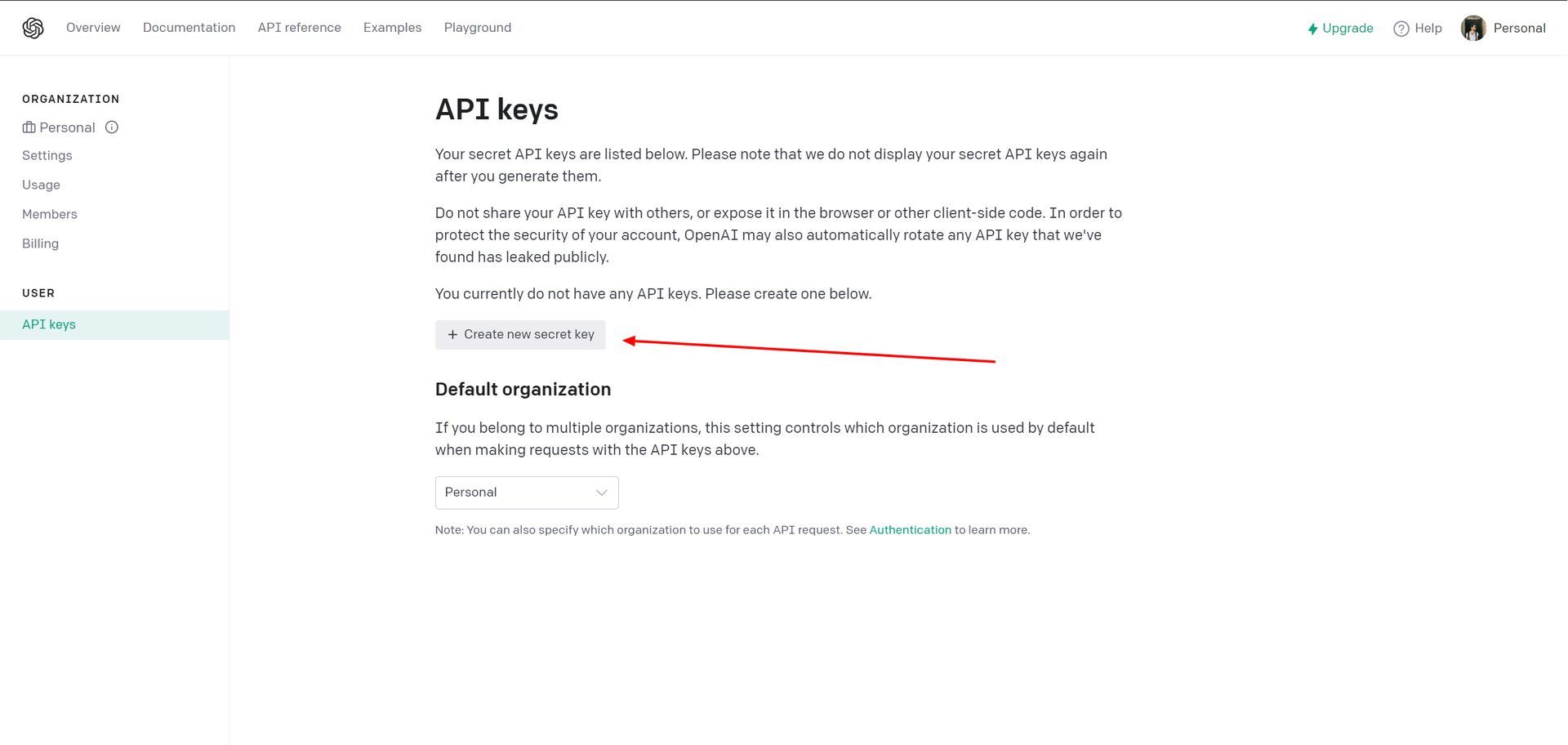
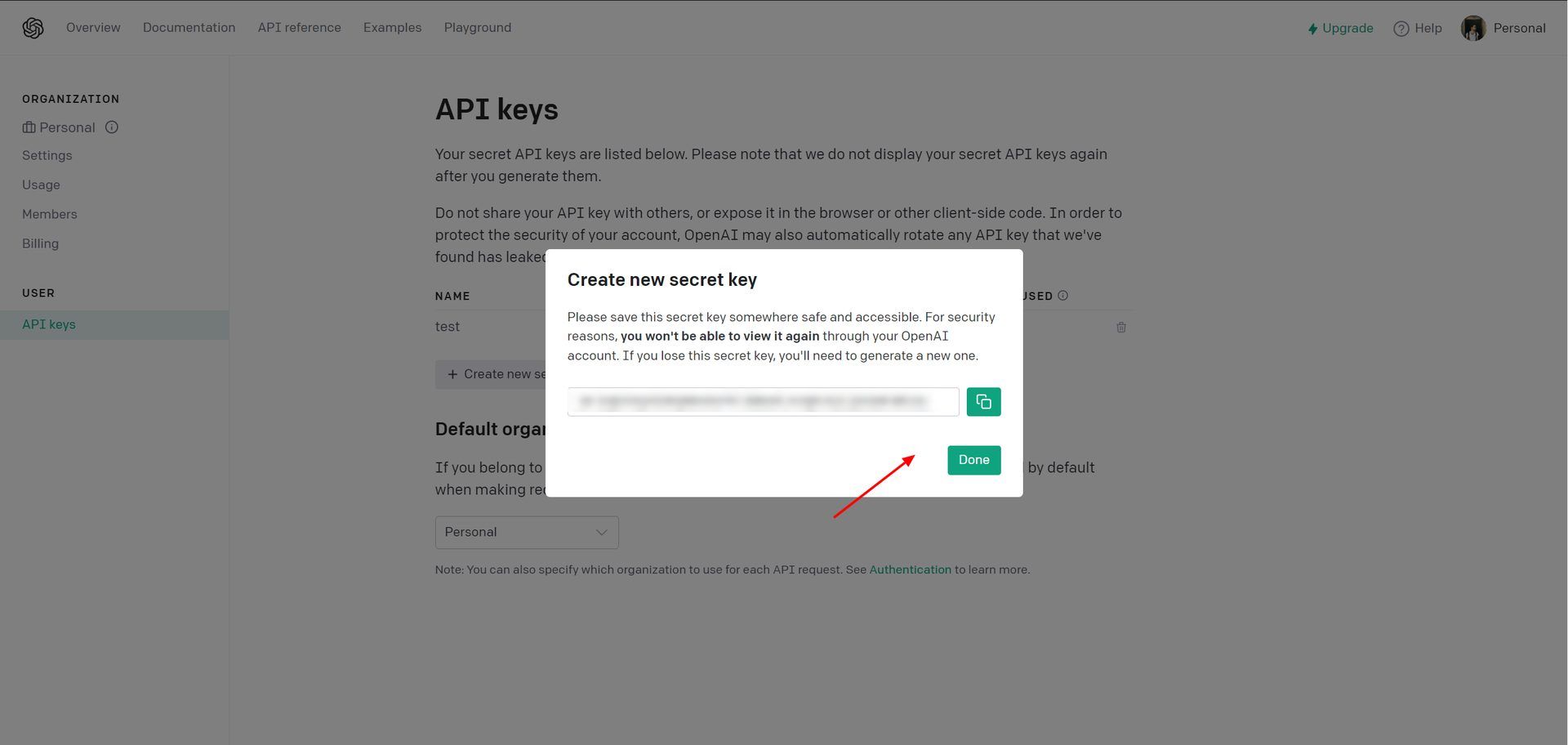
- A new API key will be given to your OpenAI account. Copy this key and keep it in a safe place as you will never see it again.
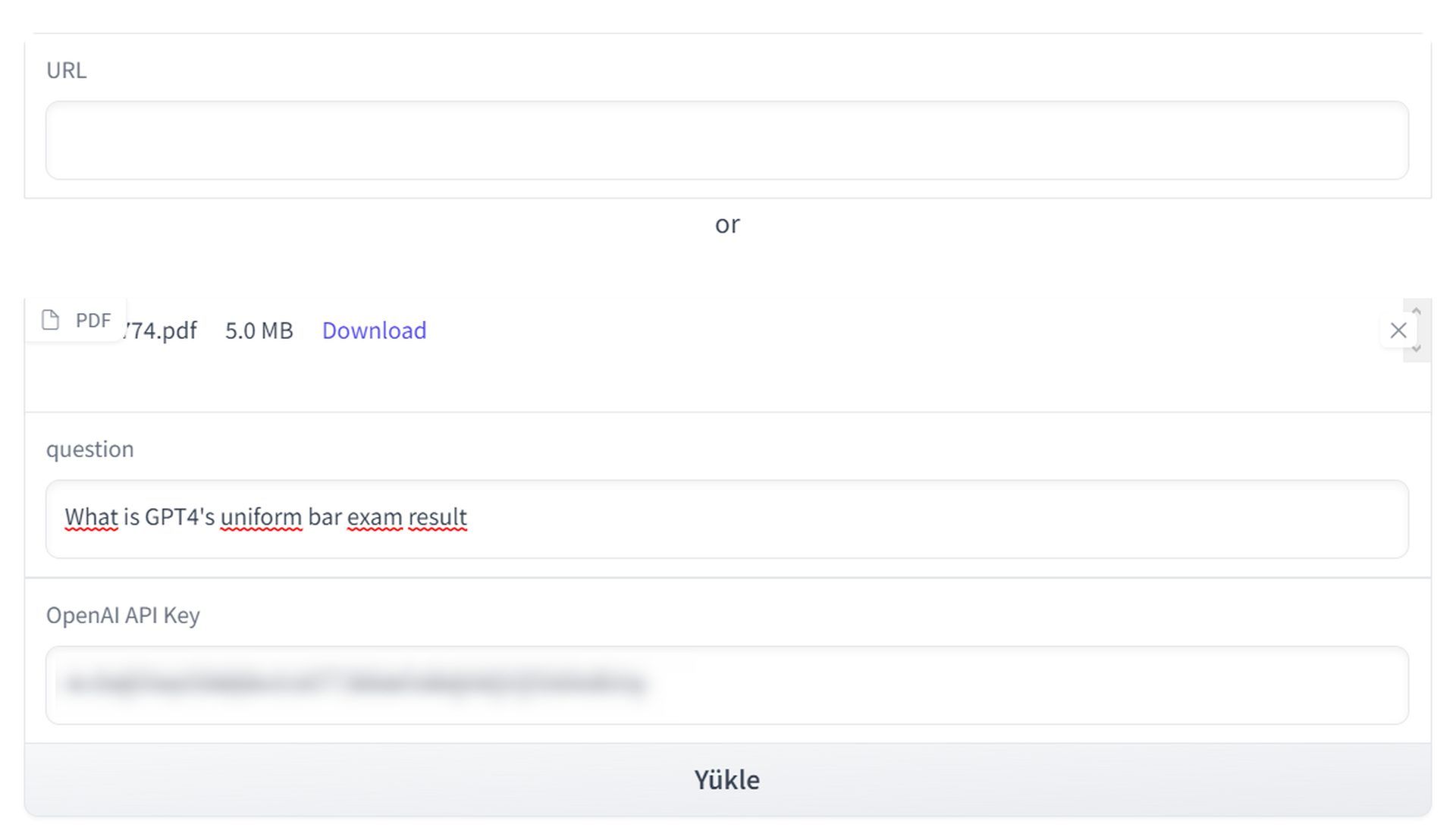
- Then visit huggingface.co/spaces/pritish/BookGPT. Once the app opens, copy your API key and paste it below OpenAI API Keys.
- Enter the question you want to ask in the “Question” section. No need to ask specific questions. This field allows you to ask ChatGPT to do something, such as write a summary, write a note, etc.
- Drag and drop your PDF file to the “PDF” part. You can also put a link to the PDF file in the “URL” part if the PDF file is hosted in a public place and accessible to everyone.
- Press send.
PDF to ChatGPT conversion is a cost-effective way to create a personalized chatbot that can interact with you at any time of the day or night
- BookGPT receives the query and examines the PDF file.
Processing time depends on the query. However, other AI tools can also be used for the same purpose. ChatPDF, for example, can provide good summaries and inspired questions from any PDF you upload, but it’s not free. Another example is Humata. You can ask questions and get summaries and insights from uploaded PDFs, but there are page quotas for free users.
PDF to ChatGPT Converter helps you stay ahead of the competition by providing an innovative and cutting-edge solution
AI 101
New to AI? You can hop on the AI train and have an AI agent like AutoGPT! Let’s talk about the benefits. Please feel free to use it. Learning to use AI is a game changer! AI models change the world.
AI tools reviewed
Almost every day, a new tool, model, or feature emerges to change the way we live our lives.
If you are afraid of plagiarism, use AI Plagiarism Checker. Also, you can check other AI chatbots and AI essay writers for better results.
There is still some debate about images generated by artificial intelligence, but people are still looking for the best AI art generator. Will AI replace designers? Keep reading to find out.
- AI video tools
- AI presentation tools
- AI search engine
- AI interior design tool
- Other AI tools


