
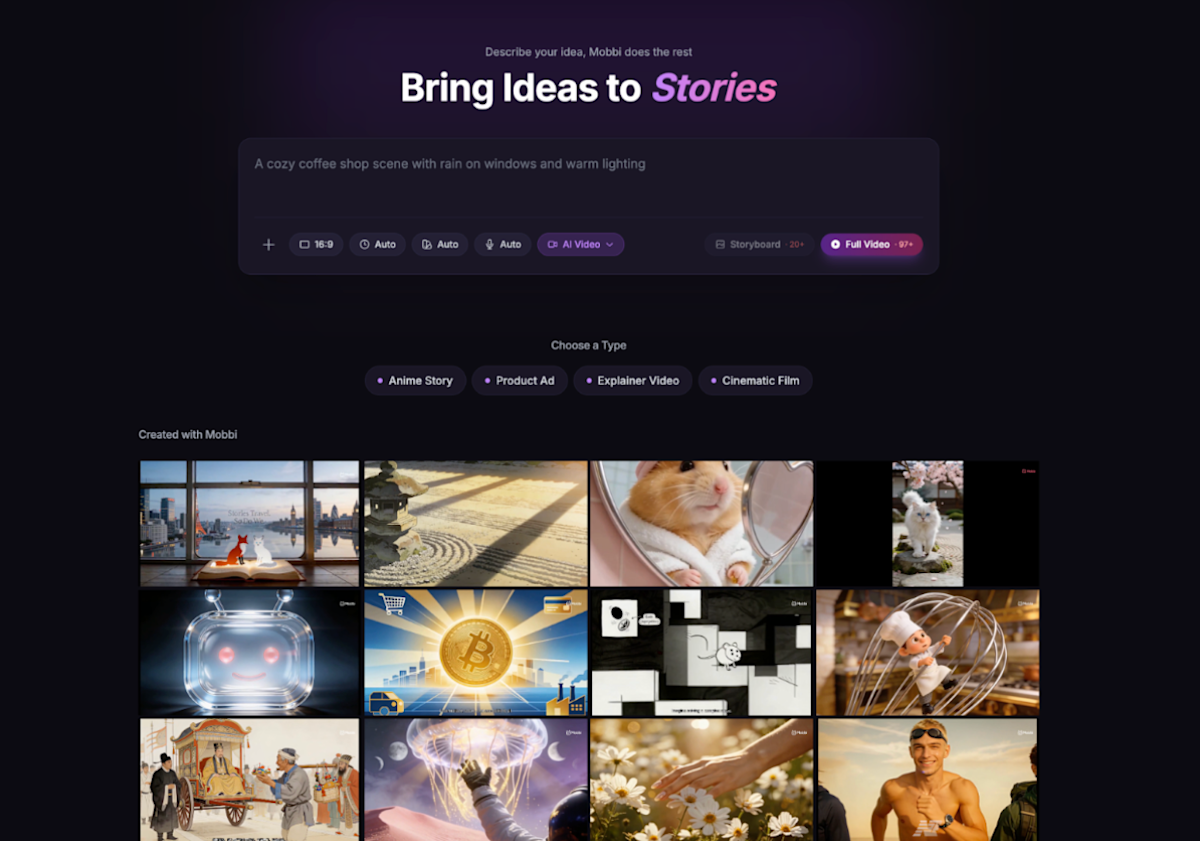
The all-in-one AI video agent allows users to generate, edit, and publish full-length videos and movies through natural language conversations.
SINGAPORE, Feb. 13, 2026 (Globe Newswire) — Mobi AIa product of Vega Labs, today announced “vibe edit,” a revolutionary conversational interface for video creation and editing. The platform, currently live on mobbi.ai, eliminates the need for traditional editing software and allows users to generate complete videos that are ready to be published by simply describing what they want.

Mobi AI provides an all-in-one AI video platform that streamlines video creation through natural language conversations.
Mobi AI is the first fully conversational AI AI video agentSeedance 2.0, Sora 2, Kling 3.0, Veo 3.1 and more into a unified workflow. This Agent product allows creators to turn their ideas into long-form videos without technical barriers or production delays.
Unlike most AI video generator If you want to create a clip that’s just 5-10 seconds long, Mobbi supports videos of any length, including ads, movies, animations, explainer videos, product walkthroughs, and more.
“Vibe editing makes creating videos as intuitive as speaking,” said a Mobi AI spokesperson. “Whether it’s film production, marketing, education, or social media, anyone can express their vision and get the perfect video without any production knowledge.”
Integrated multi-model platform and full-length video support
Mobi integrates multiple advanced video models into one seamless interface, automatically matching each task to the best model for quality, speed, and creative control. No need to juggle switching tools or subscriptions
of AI video agent This tool allows users to create long videos of any type and length without being limited by the length of the AI video model. It also allows users to make adjustments using plain language. Users can edit scene transitions, pacing, text overlays, and more by simply writing what they want to change.
A typical workflow is:
-
Please explain what you want to create. Specify length, style, and video type.

2. Mobi’s agent creates a video script, including a storyboard. Review and adjust it, then proceed to generate images for each scene.
3. Review the scene image and customize the regenerated prompts as needed. Next, generate a video for each scene.
4. Check the video for each scene and regenerate if necessary. Mobbi then generates the narration and music as needed and integrates everything into the final video.


