
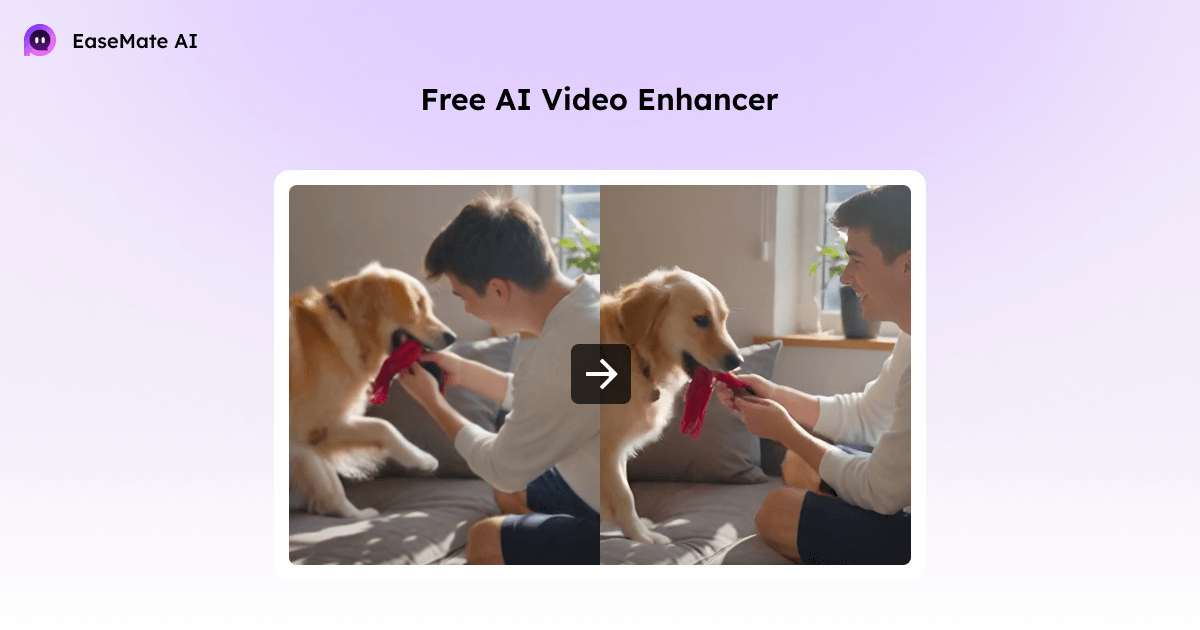
What video enhancer actually does
Video Enhancer does more than just make your videos bigger. A simple upscaler can stretch a 480p video to fill a larger screen, but it won’t actually improve the quality. EaseMate AI does more. can:
- Make blurry areas clearer
- Correct color and brightness
- Removes grain, noise, and unwanted artifacts
- Smooth frames and improve movement
It uses advanced AI trained on massive amounts of video to determine what each scene should look like. The result is a natural-looking video with clear details.
How EaseMate AI works
When you upload a video, AI examines each frame to identify areas that are blurry, pixelated, or noisy. Correct colors, sharpen edges, and reduce unwanted noise. Issues such as shaky footage and low-light particles are also automatically handled.

Whether your video is 360p, 480p, or 720p, EaseMate AI can restore your video and even upscale it to 4K. Details like hair, textures, and backgrounds are more vivid, making your videos look like they were shot with better equipment.
Using EaseMate AI
It’s easy to use. Upload videos in MP4, MOV, M4V, or other popular formats. Select the resolution you want, click Generate, and AI will automatically enhance your video. Preview and download the finished result without watermark in seconds.

The best part? Try it for free. If you want to enhance your long or multiple videos, sign up, check in, or refer a friend to get more credits.

Why I feel different
The best part about EaseMate AI is that it is effortless to use. No need for hours of fiddling with software, tutorials, or settings. The AI silently retouches your video frame by frame, resulting in results you would typically expect from a professional editor. Save time and money by optimizing your favorite videos with our great optimization tools.


