

AI tools for visual creation have evolved rapidly over the past two years. Today, many creators use one tool for text-to-image conversion, another for filters, another photo editor to remove backgrounds, and another app for AI-powered videos. Templates and inspiration often end up elsewhere. That means too many bookmarks, too many logins, and too much time moving files around instead of creating content.
insMind aims to solve this problem. It is a comprehensive AI-powered image and video generation tool in a single workspace. The idea is simple. Start with a queue or a photo, create images, edit and convert them into videos, and export the final output without leaving the platform. In this review, we'll look at how insMind actually works and how easy it is to try out Nano Banana / Nano Banana Pro.
What is inmind?
insMind is a platform for creating images and videos using artificial intelligence, available on the web and mobile devices. It is designed as a comprehensive visual studio that combines several tools.
- AI agent – Convert instructions into images, videos, 3D models, and other elements on a single canvas and automate much of your design workflow.
- AI video generator – Supports image to video conversion and text to video conversion, supports models such as SORA2, SORA2-PRO, Kling 2.5 Turbo, Kling 2.1 Master, Hailuo 2.3/2.3-fast, Veo3.1/3.1-fast, Veo3.0/3.0-fast, Wan 2.5, and Wan 2.2. The start frame and end frame features work with Kling 2.5 Turbo and Veo 3.1.
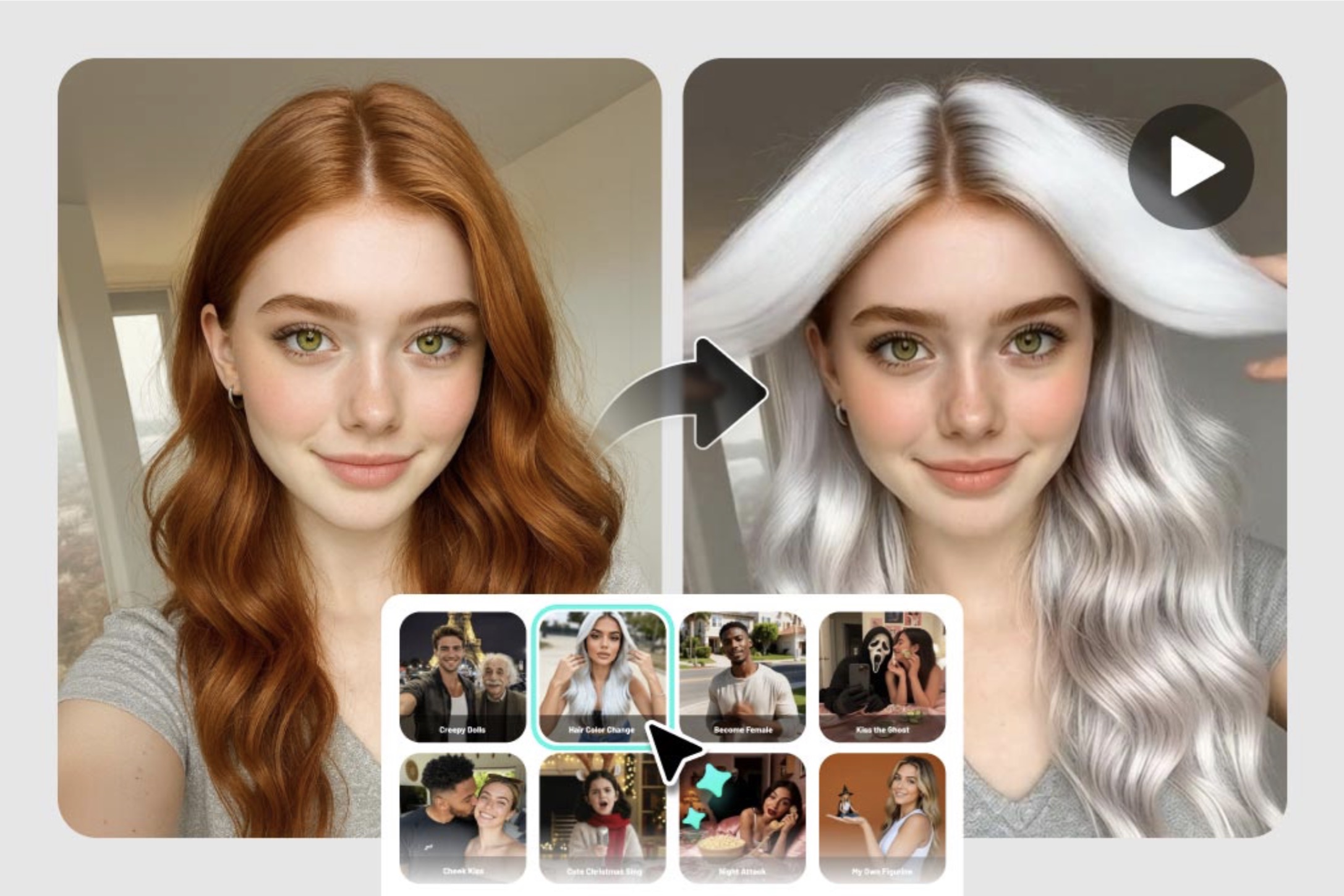
- AI video effects – With over 200 AI video effects, users can upload images and instantly animate them with AI-like styles Explore, AI Hug, and AI Walking to create fun, cinematic clips in just a few clicks.
- AI image generator – Text to image conversion with over 50 art styles powered by NanoBanana, Recraft, GPT-4o, Flux-context-pro, plus options like merge and join, style transfer, consistent text, and more.
- AI filter – Convert text to images with over 70 styles, including styles inspired by Studio Ghibli, Pixar, anime, manga, sketches, and games.
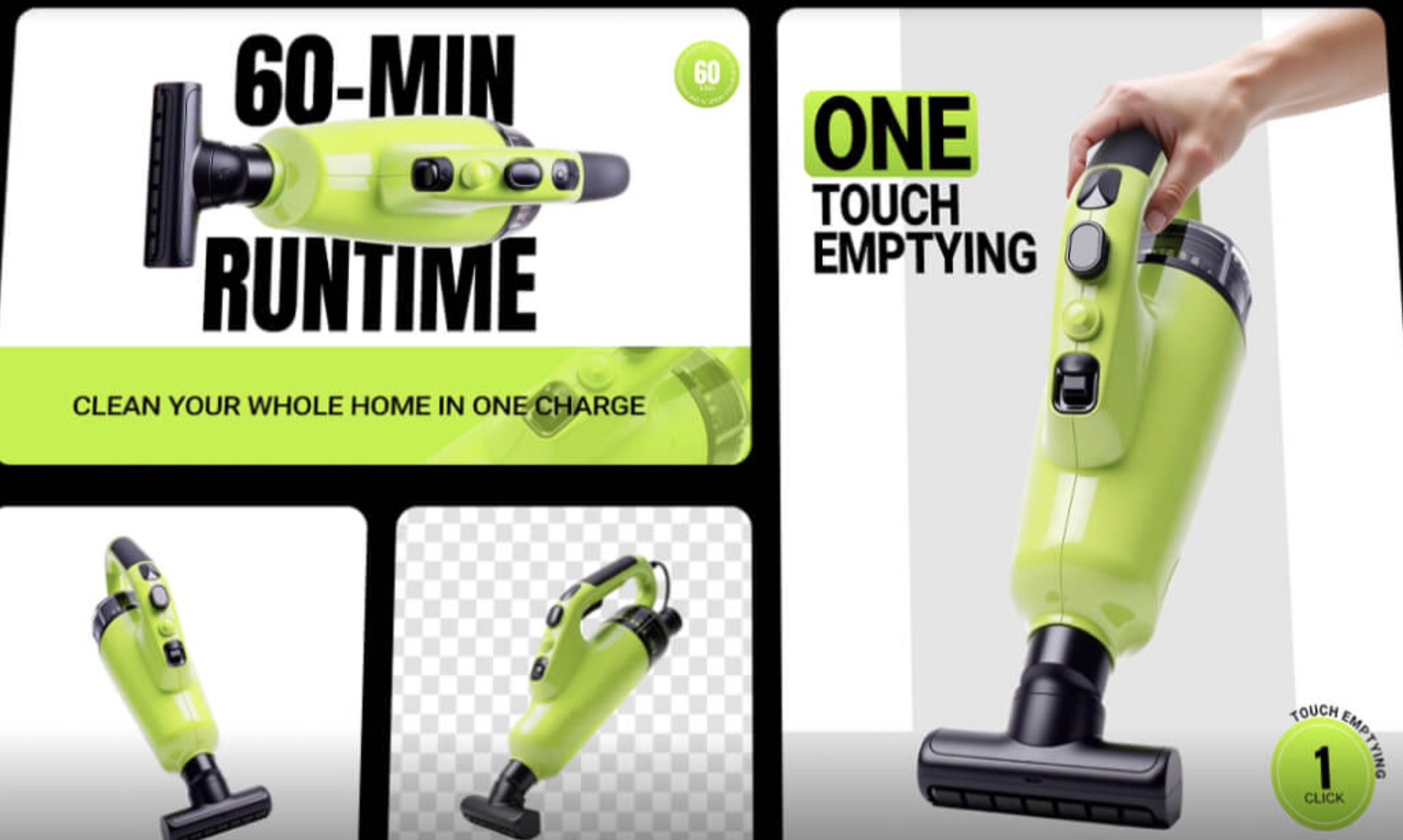
- AI photo editor – 50+ AI quick editing tools such as background removal, AI backgrounds and shadows, AI models, enhancements, enhancements, portrait retouching, old photo recovery, clothes swapping, image merging, etc.
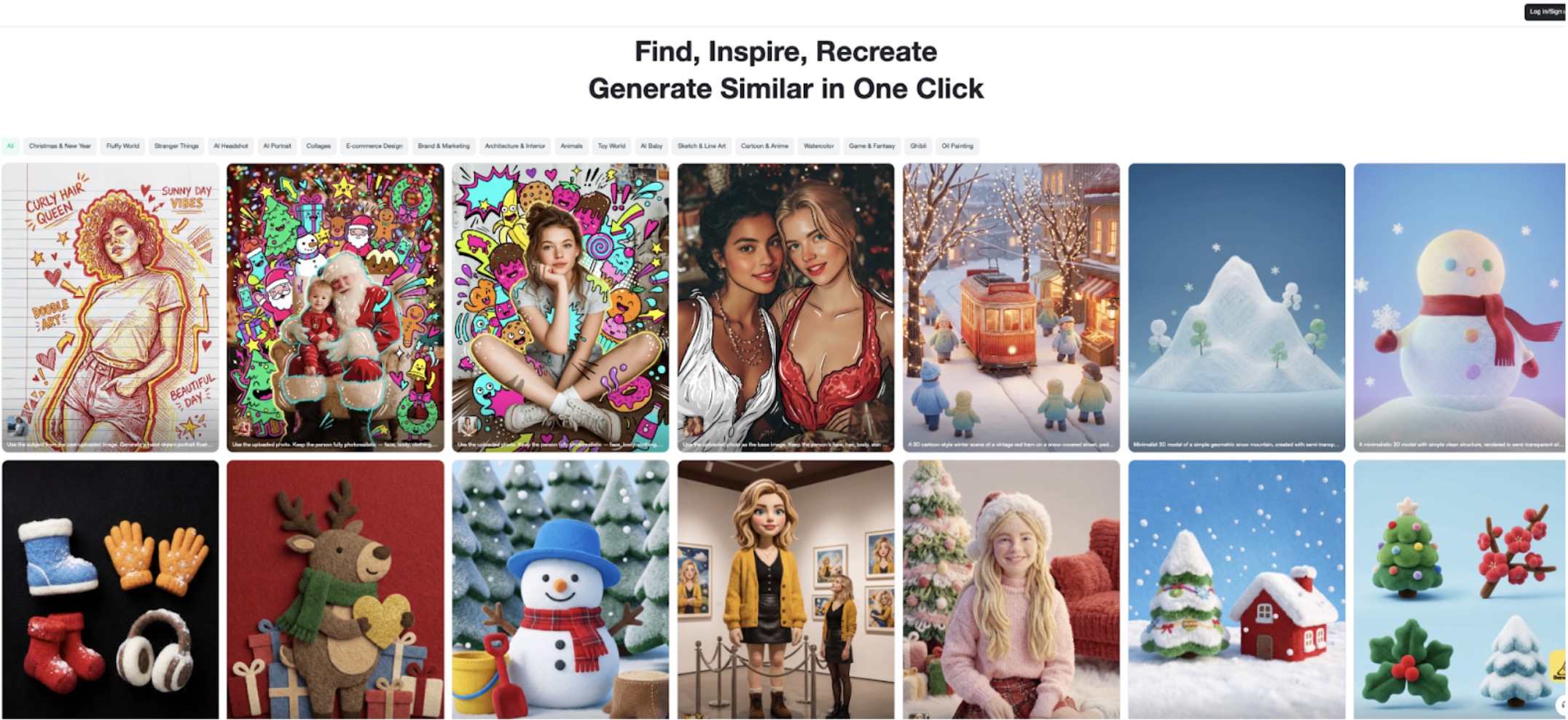
- inspiration hub – Real-time trends on social media like AI Baby Podcast, AI Headshot, AI Product Images, and more. You can “recreate” them with one click.
- template – Around 2,000 ready-made templates for campaigns and seasonal events. It's designed to help you lay out your posts and ads quickly and consistently.
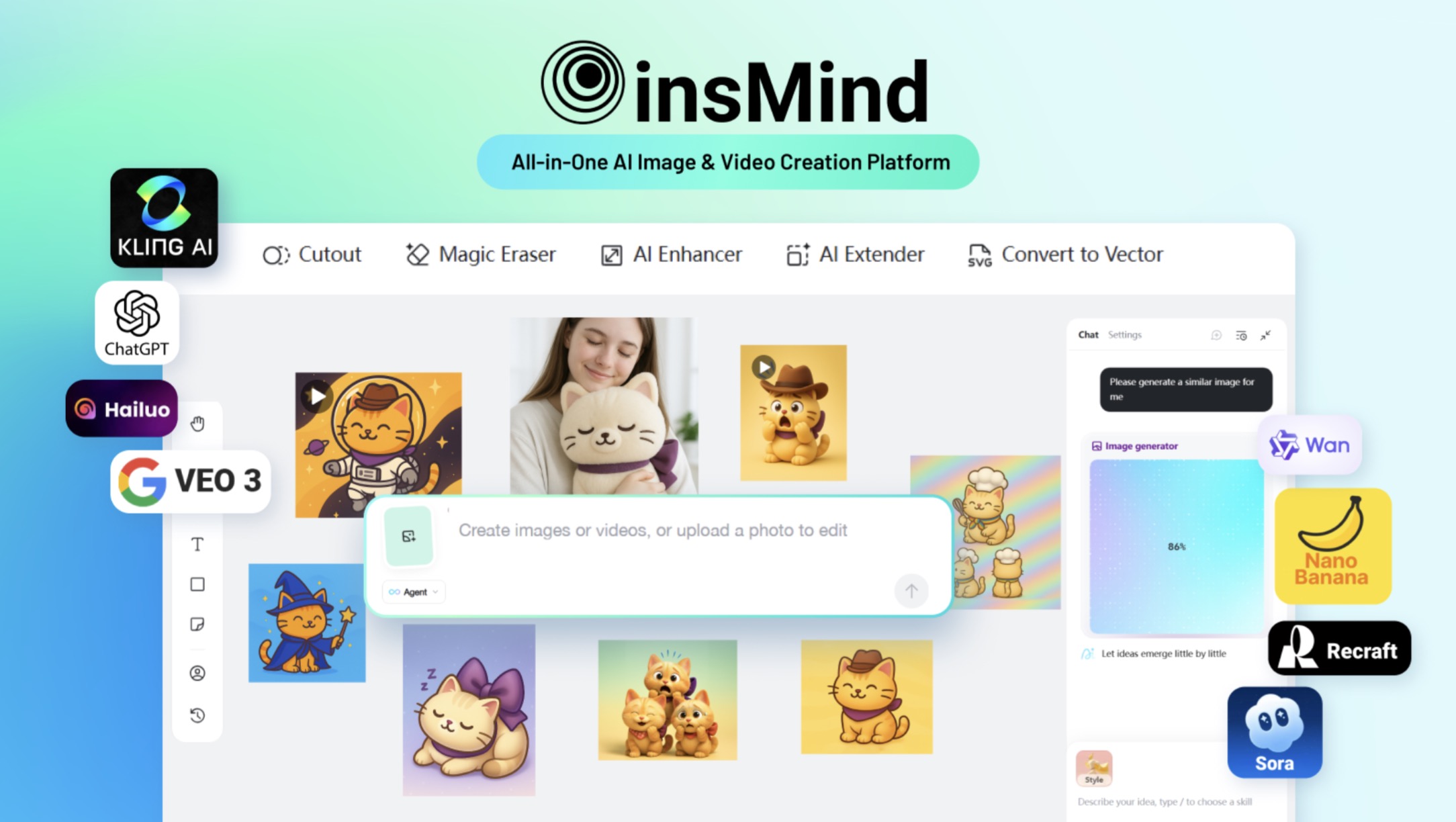
Inside insMind: Basic functionality
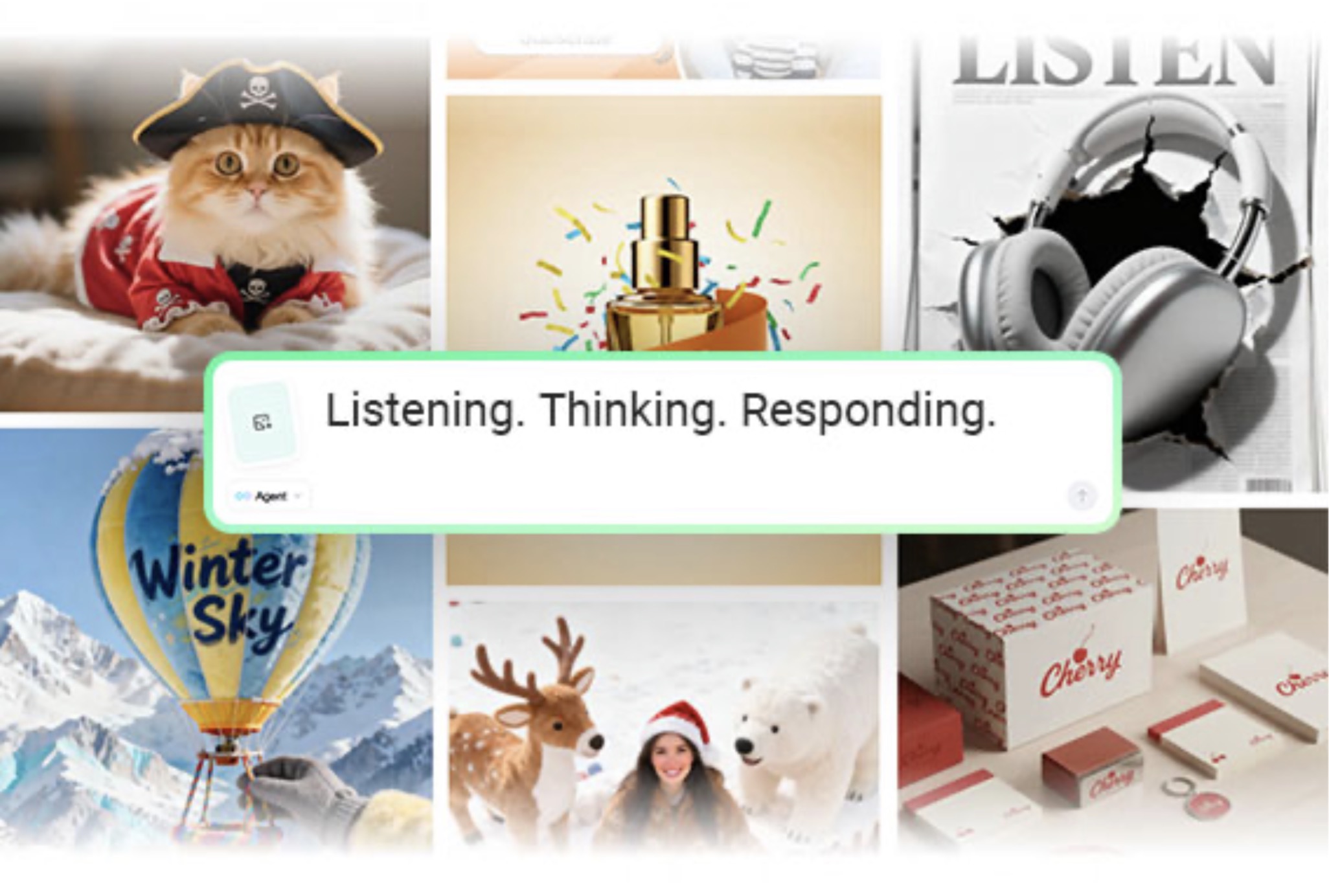
AI Agent – Create and create chat AI images and videos in one canvas
insMind AI Agent is the heart of the platform. Create AI-generated images and videos in one chatu-style window with a single command, and save all your edits in one place. The agent reads commands, selects the appropriate AI model, and updates the results based on user requests, such as new variations, color changes, layout or motion adjustments. This eliminates the need to switch between separate image and video tools, speeding up your entire workflow.
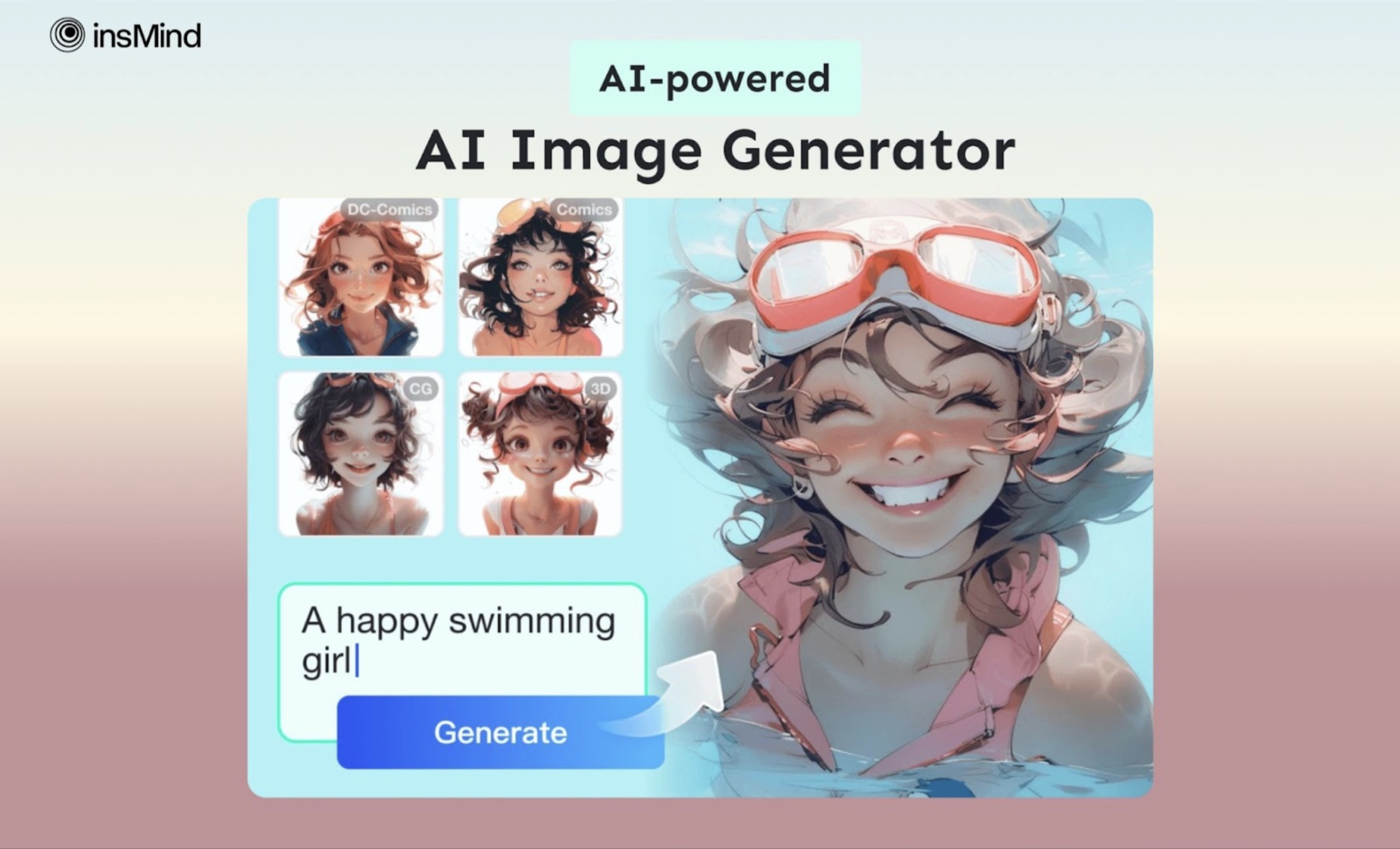
AI image generator, AI filters, AI photo editor – from raw photos to stylized visuals
insMind's image workflow consists of three parts.
- AI Image Generator is used for text to image conversion and image to image conversion. It offers over 50 built-in generation styles (realistic, cinematic, anime, illustration, etc.) and features models such as NanoBanana, Nano Banana Pro, Recraft, GPT-4o, Flux-context-pro, and Sora-image, which excel in detailed scenes and consistent characters.
- AI filters restyle existing photos into anime, manga, sketches, and other looks in over 70 art styles while preserving the main structure of the image.
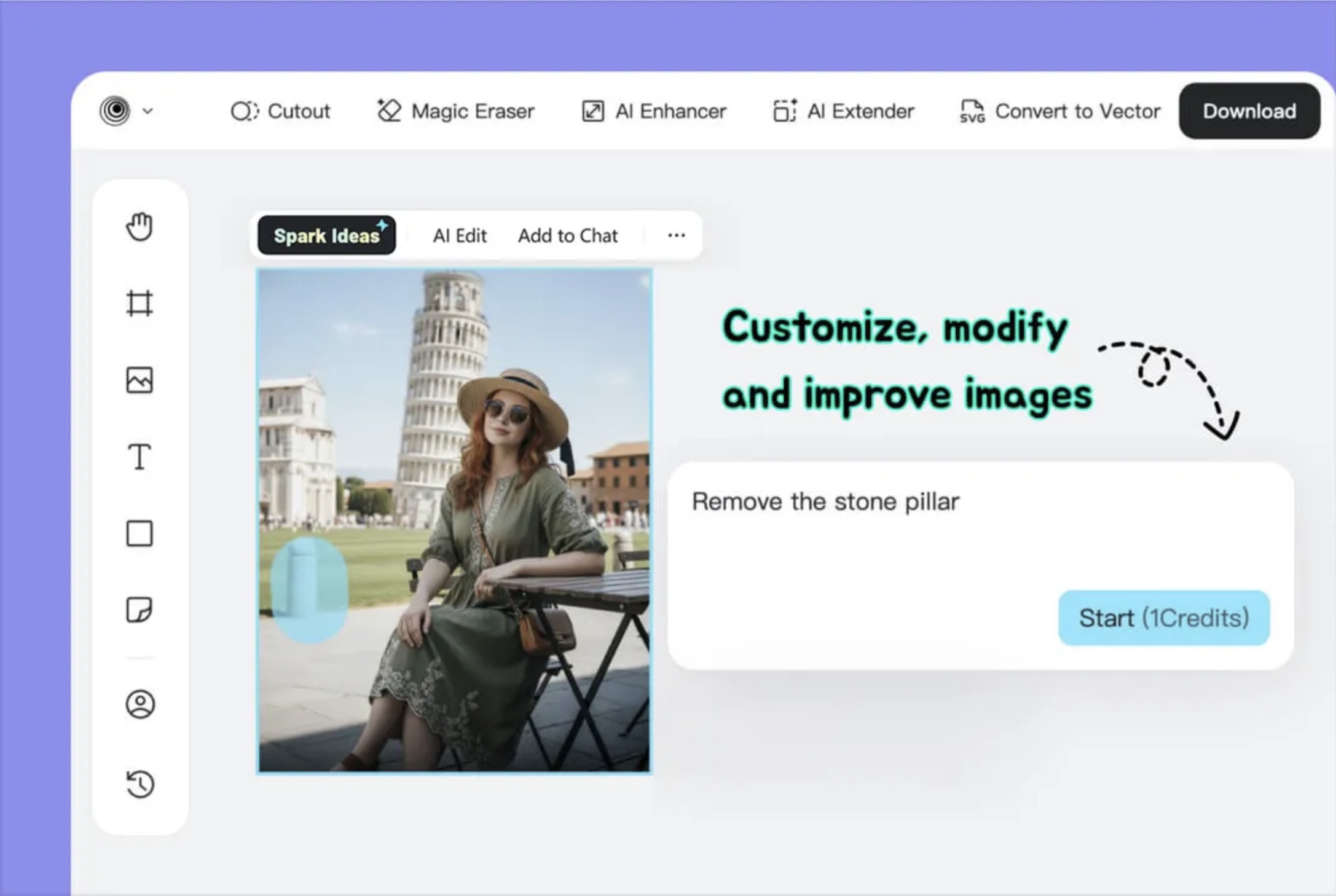
- AI Photo Editor offers over 50 AI tools to remove background, AI background and shadow, enhance, expand canvas, restore old photos, swap outfits, combine images, etc., and most edits can be performed with a single click or short commands.
Together, these three tools transform your visuals from first draft to polished, on-brand results.
AI video generator and AI video effects
AI Video Generator supports both text-to-video and image-to-video conversion in two major formats: 16:9 and 9:16. Featuring models such as SORA2, SORA2-PRO, Kling 2.5 Turbo, Kling 2.1 Master, Hailuo 2.3 / 2.3-fast, Veo3.1 / 3.1-fast, Veo3.0 / 3.0-fast, Wan 2.5, and Wan 2.2. Start frame and end frame functions work in Kling 2.5 Turbo and Veo 3.1, giving you more control over the start and end of your video.
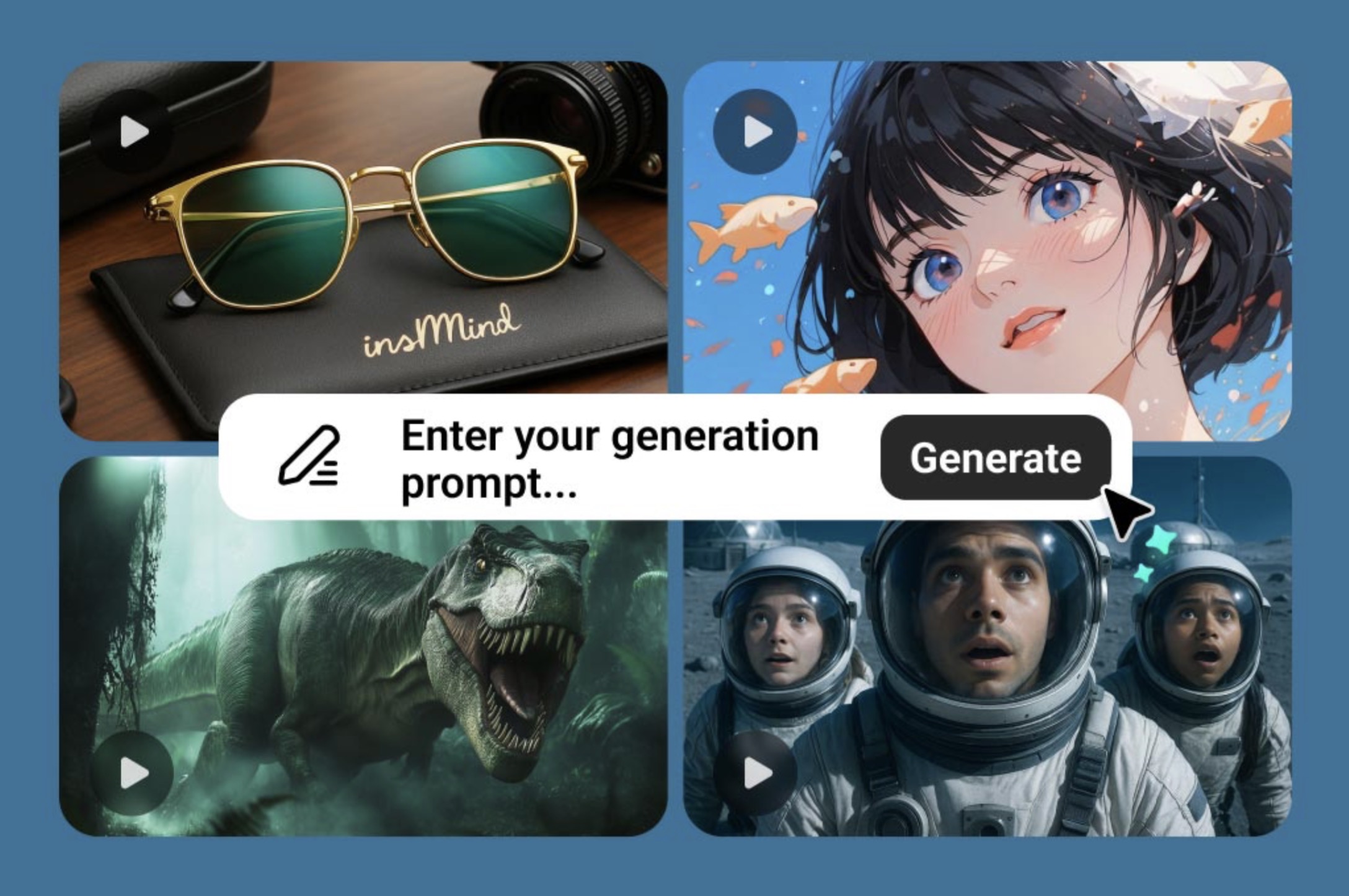
AI Video Effects lets users upload images and create viral videos in one click with over 200 effects, including AI Explore, AI Hug, and AI Walking, turning static images into engaging videos without complicated instructions or tedious editing.
Inspiration Center and Templates – Trend-driven visuals
For those who don't know where to start, our inspiration hub and templates can help you get started quickly. The Inspiration Hub displays trend-based examples such as AI portraits, podcast-style covers, and seasonal product ideas, so users can choose a style, recreate it with one click, and fine-tune details. The templates add structure with layouts for e-commerce, social media posts, banners, and seasonal campaigns, so users can insert their own images and text while maintaining a clean and consistent design.
How insMind works: 3 easy steps
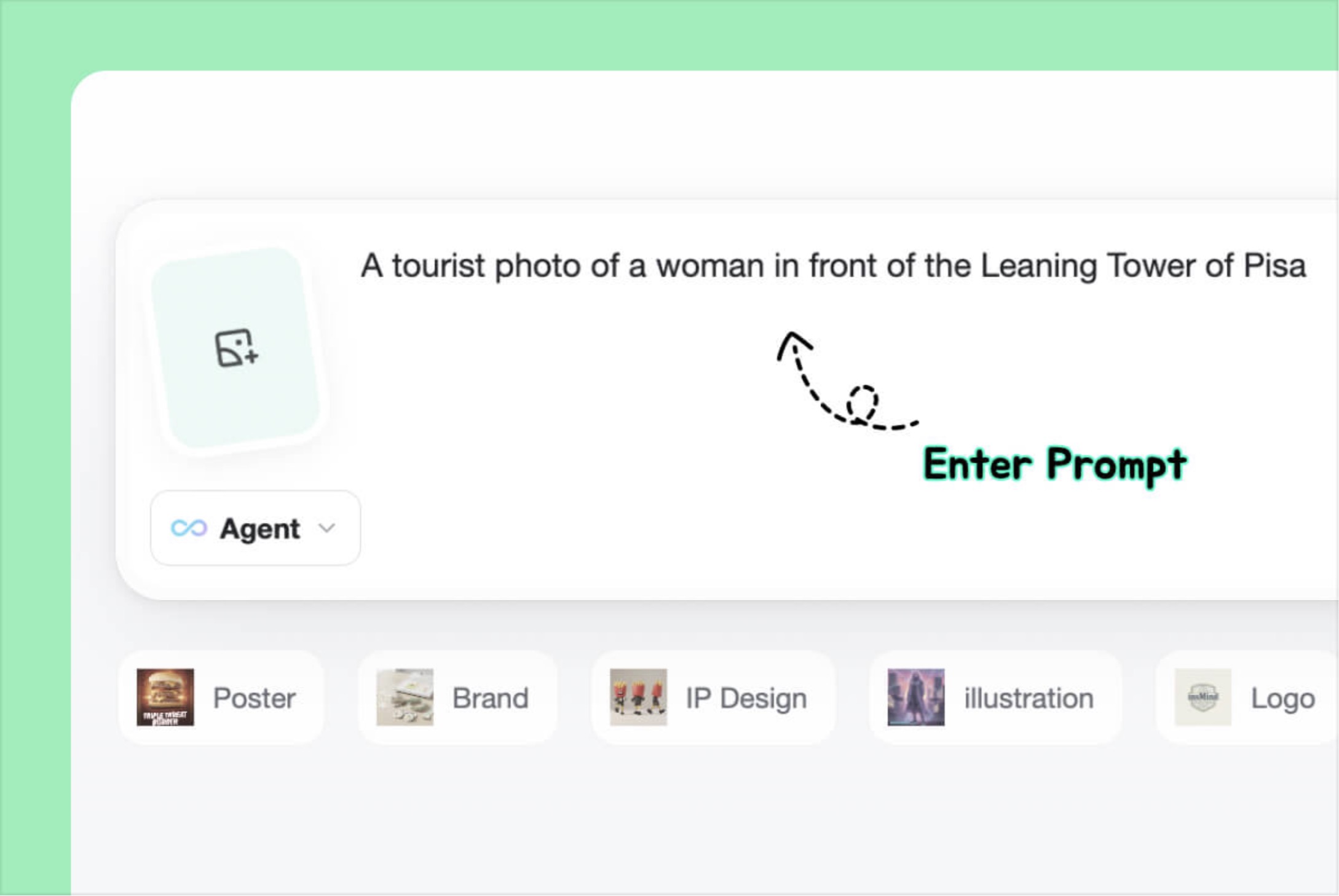
1. Enter instructions or upload a photo – Describe your idea in simple words or upload reference images such as product photos or selfies.
2. Create and customize your design – The agent reads the issue, generates image or video options, and allows users to improve them by changing variants, backgrounds, objects, or text directly in Chatu using tools like Spark Ideas and AI Edit.
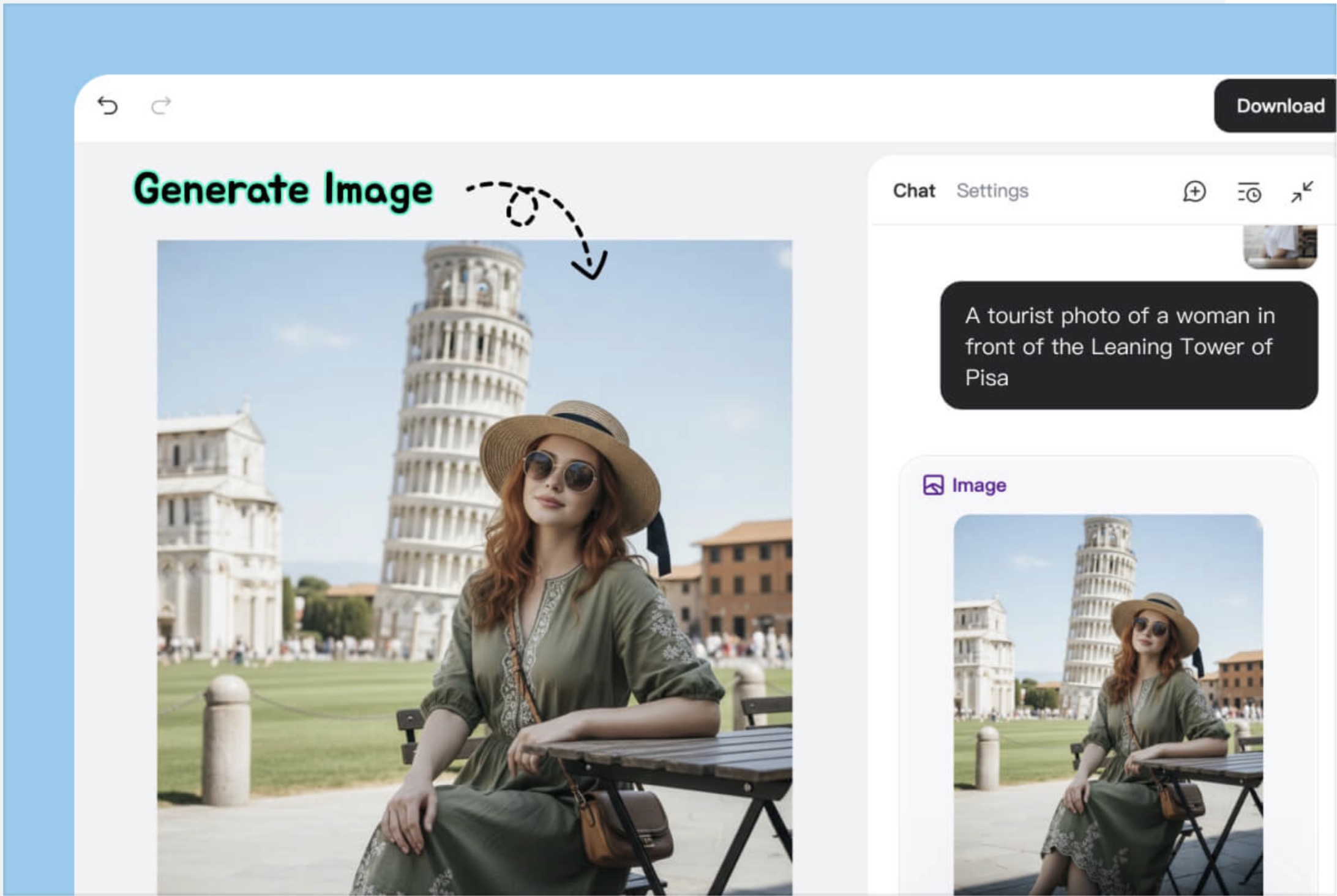
3. Download and use the final material – Once approved, the results are downloaded in high quality and can be used directly in your social media posts, ads, and online stores without any additional steps in other tools.
price and credits
insMind offers a free plan with basic access and watermark, and a Pro plan with high limits and no watermark for heavy usage. For larger workloads, you can purchase credits in packages or subscriptions. Please see the official pricing page for current information.
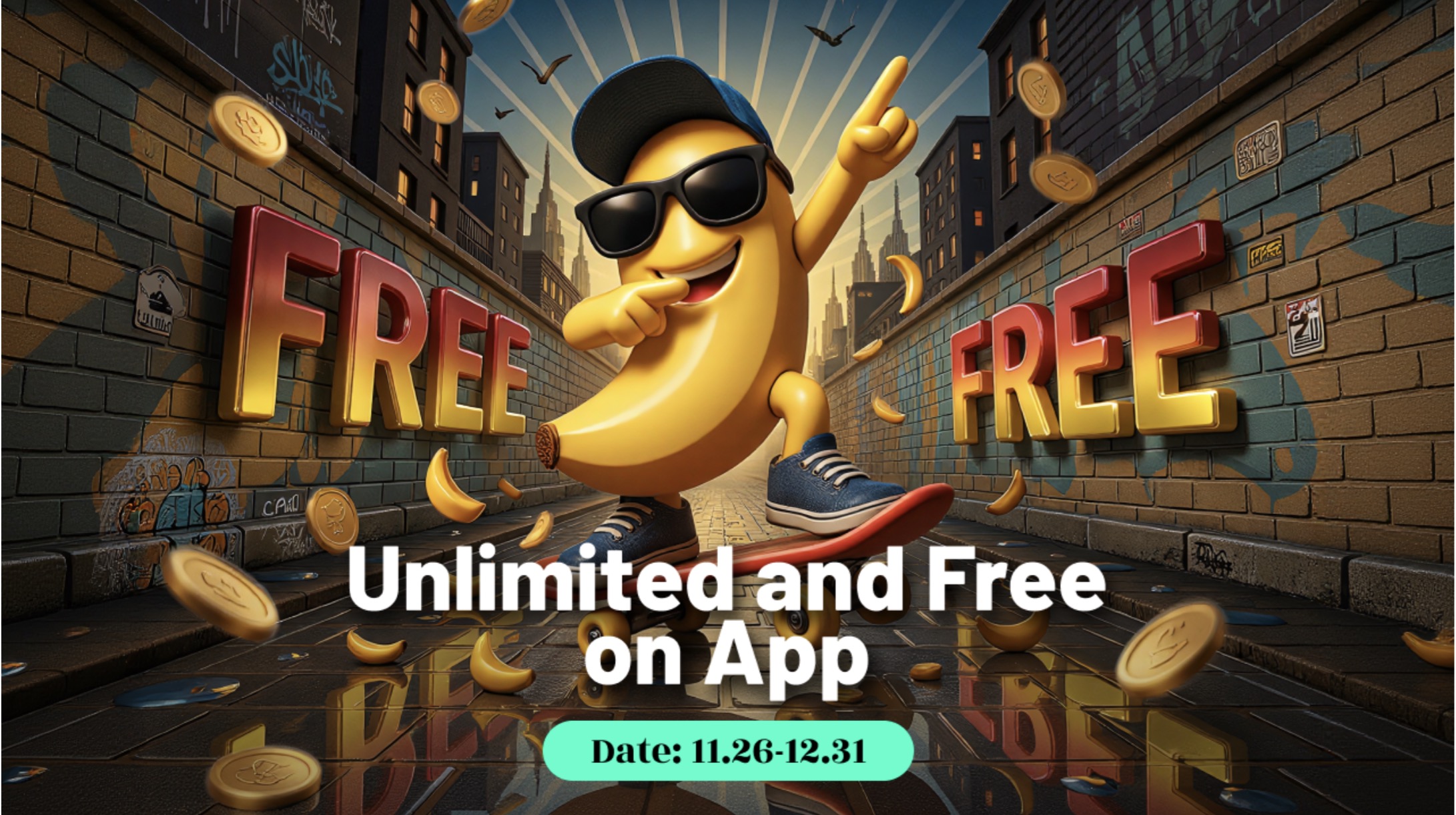
Nano Banana and Nano Banana Pro – Free and Unlimited
For a limited time, Nano Banana and Nano Banana Pro are free for unlimited use on websites and apps without a Pro plan. This makes it easy and inexpensive to experiment with a broader range of image workflows that are consistent in nature and product-focused.
Conclusion – Is insMind worth trying?
insMind brings together ideas, images, videos, edits, templates, and inspiration in one platform with an AI agent at its core. The combination of the free plan, Pro upgrades, credits, and Nano Banana / Nano Banana Pro promotions make it a viable option for those who want to handle most of their AI image and video creation in one place.


