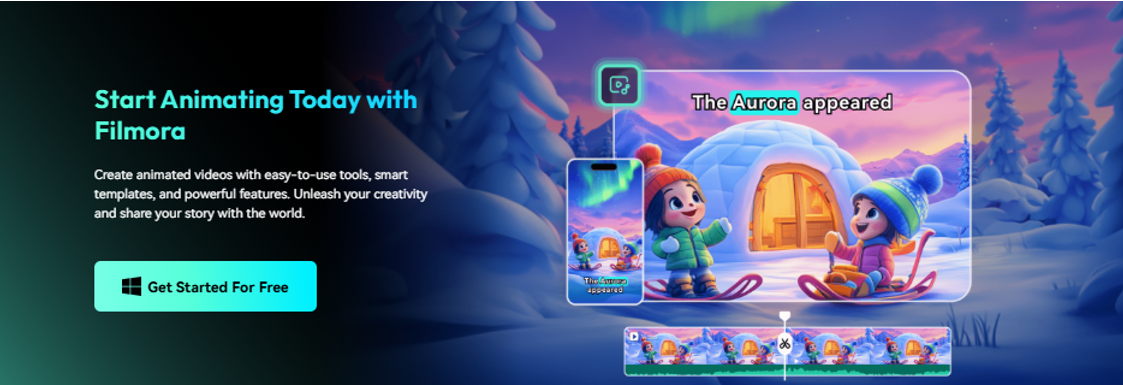
Transform your still photos into animated videos with AI using Wondershare Filmora’s image conversion tools for social media, marketing, and creative projects.
You can now turn still images into animated videos using AI-powered image conversion technology. Instead of manually creating motion effects frame by frame, modern tools can automatically generate motion, camera movements, and visual transitions from a single photo.
For creators looking to turn their photos into dynamic content, Wondershare Filmora’s AI Image-to-Video feature provides a workflow to convert still images into animated video clips in just a few steps. Developed by Wondershare, Filmora is a video editing platform that combines AI-powered content generation with video editing tools for creators, educators, and businesses.
Wondershare Filmora allows users to turn photos into animated videos by uploading images, choosing AI animation effects and prompts, automatically generating motion, and exporting the final video for social media, marketing, and creative projects.
Why AI photo animation is becoming popular
Still images remain one of the most common content formats online.
But videos continue to outperform images on many platforms, including YouTube Shorts, TikTok, Instagram Reels, and social ads.
AI image-to-video technology can help bridge that gap by turning existing photos into moving content without the need for animation skills.
Instead of creating motions manually, AI can automatically generate:
- movement of subject
- facial animation
- camera movement
- Environmental impact
- creative visual changes
Wondershare Filmora helps creators repurpose existing photos into video content without using traditional animation workflows.
How Wondershare Filmora’s AI image conversion tool works
Rather than simply applying filters, Wondershare Filmora uses AI generation technology to create new video frames between existing image information.
The system analyzes the visual elements in your photo and generates natural movement based on the template, prompt, or animation style you choose.
Depending on the effect you choose, the AI can simulate:
- facial expression
- character movement
- environmental movement
- cinematic transitions
- Camera zoom and pan
The result is a short animated video generated from a single image.
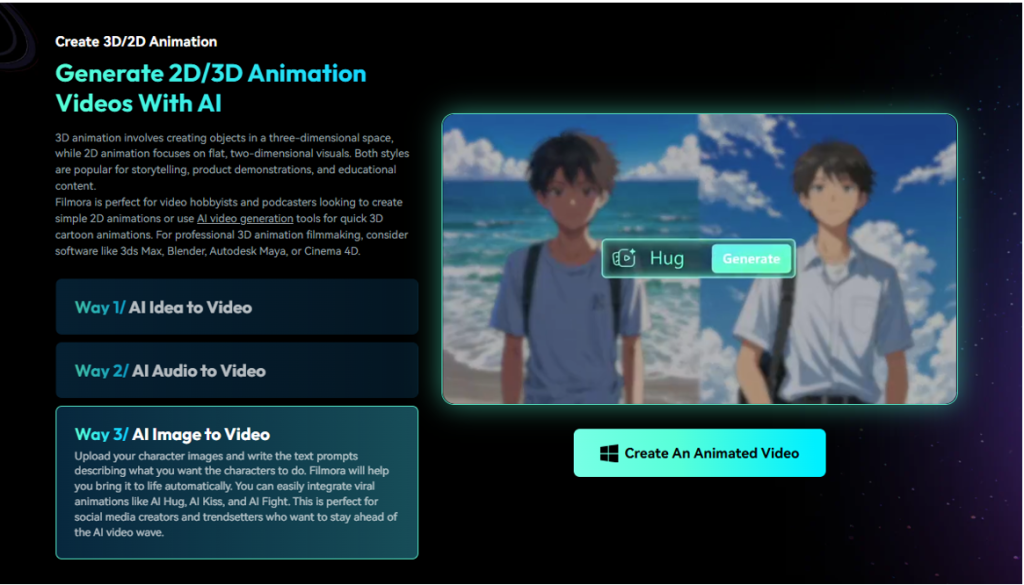
How to convert photos to animated videos with Wondershare Filmora
Step 1: Open AI Image to Video
Launch Wondershare Filmora and go to the **Image to Video** feature within the AI generation tools.
Step 2: Upload your photo
Import the image you want to animate.
Wondershare Filmora supports portraits, landscapes, illustrations, and other image types.
For best results, use high-resolution images with clear subjects.
Step 3: Choose an animation template or prompt
Choose from available AI animation styles or enter a custom prompt that describes the motion you want to generate.
Depending on the template, you can achieve the following effects:
- movie-like movement
- camera movement
- character animation
- creative visual changes
Step 4: Generate the video
Click Generate.
AI analyzes the image and automatically generates a new motion frame.
No manual keyframing or animation experience required.
Step 5: Adjust and export
Once generated, you can send your animation clips directly to your Wondershare Filmora timeline.
Users can:
- add music
- insert a caption
- Apply transitions
- Combine multiple AI-generated clips
- Export to YouTube, TikTok, Instagram or other platforms
Wondershare Filmora combines AI image generation and video editing in a single workflow, allowing users to animate photos and complete projects without switching tools.
Common ways creators use AI photo animation
Turn your personal photos into engaging short videos, Reels videos, and TikTok videos.
- Marketing and product promotion
Transform your product images into animated promotional content.
- Storytelling and slideshows
Create more dynamic presentations from static image collections.
Generate cinematic motion effects from your illustrations, artwork, and concept images.
Why Wondershare Filmora stands out for AI photo animation
Many AI image animation tools focus only on generation.
Wondershare Filmora combines image-to-video generation with a complete editing workflow.
After generating an animation, creators can continue working within the same project using additional AI tools, including:
- automatic captions
- AI text to video conversion
- AI music generator
- AI sound effects
- AI voice generation
- AI video enhancer
This reduces the need to move assets between multiple platforms.
Wondershare Filmora enables creators to generate animated videos from photos, while also supporting editing, enhancing, and publishing within the same workflow.
FAQ
- Can AI turn photos into videos?
yes. AI image transformation technology can generate motion, camera movement, and animation effects from a single photo.
- What is the easiest way to animate photos?
tools like wonder share film mora Simplify the process by automatically generating motion from uploaded images without requiring animation skills.
- Can I create animated videos from old photos?
yes. Animate historical photos, portraits, and personal images using AI image-to-video tools.
- Do I need video editing experience?
No, Wondershare Filmora’s AI Image-to-Video feature is designed for beginners and can automatically generate animated clips.
final thoughts
AI image conversion technology has made animation more accessible by allowing creators to transform static photos into dynamic visual content. Tools like Wondershare Filmora allow you to generate motion, edit video, and prepare content for publication within a single workflow, without the need for specialized animation skills.