

Want to dub a YouTube video? This AI tool makes it easy.
The popular video-sharing platform, owned by tech giant Google, announced at VidCon earlier this week that it plans to integrate the team behind Aloud, an AI-driven dubbing service developed inside Google’s Area 120 incubator.
Currently, only English videos can be dubbed into Spanish and Portuguese, but additional language options will be added soon. Best of all, creators have full control over dubbing accuracy, and can edit transcripts and translations as needed.
Best place? Aloud is free to users and offers an efficient and accessible solution for video dubbing.
Certainly exciting news for creators. This recent development makes it possible to seamlessly transcribe, translate and narrate videos.
If you want to learn how to dub a YouTube video with audio, check out how to join the waiting list first.
How to dub a YouTube video with audio
1. Open your browser
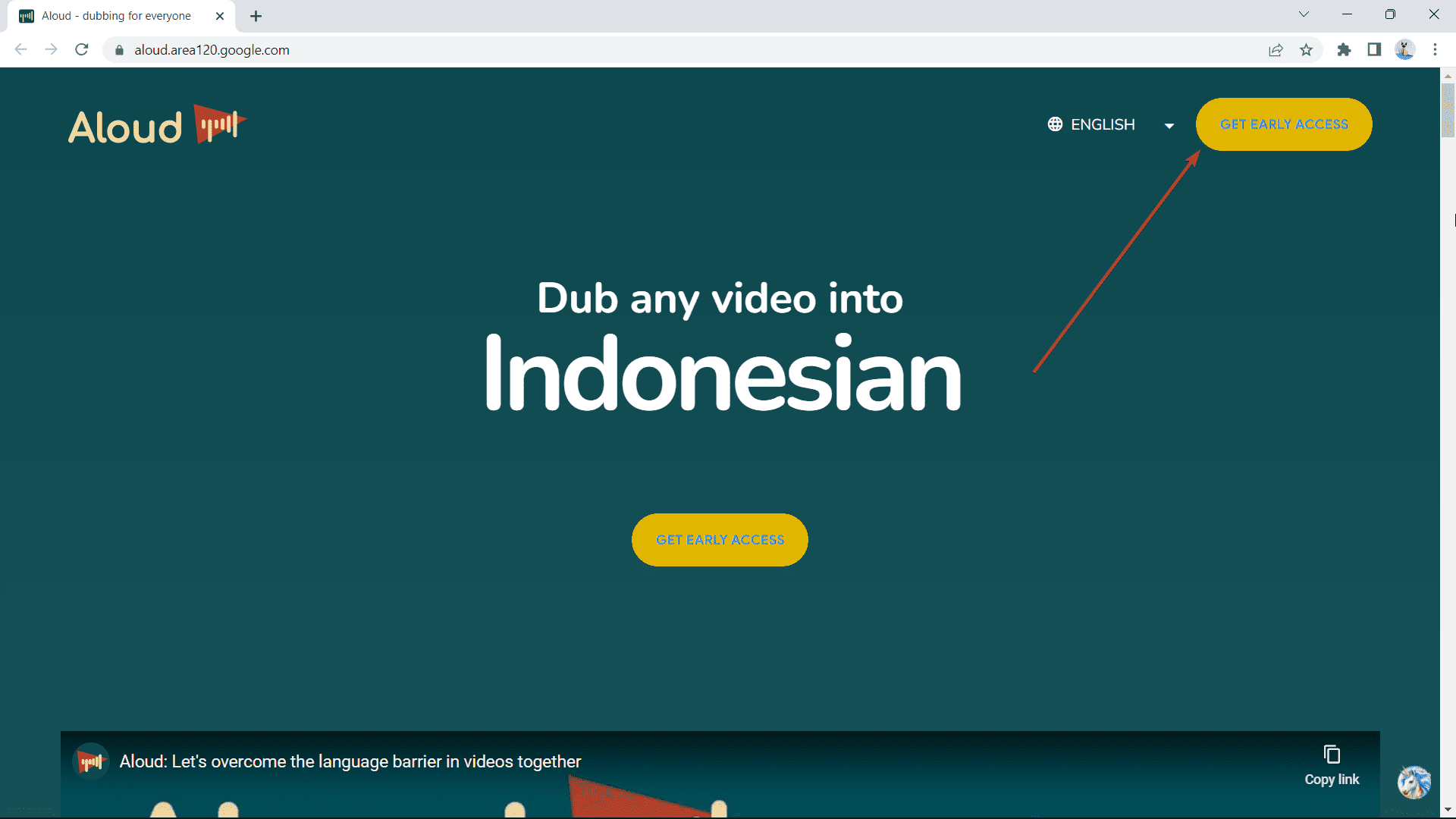
2. Go to aud website & click Get early access
3. A new window will pop up. Enter all information in the form.
4. You will be notified when you are added to the waiting list.
Have you ever tried dubbing a YouTube video with Aloud? Let us know in the comments!


