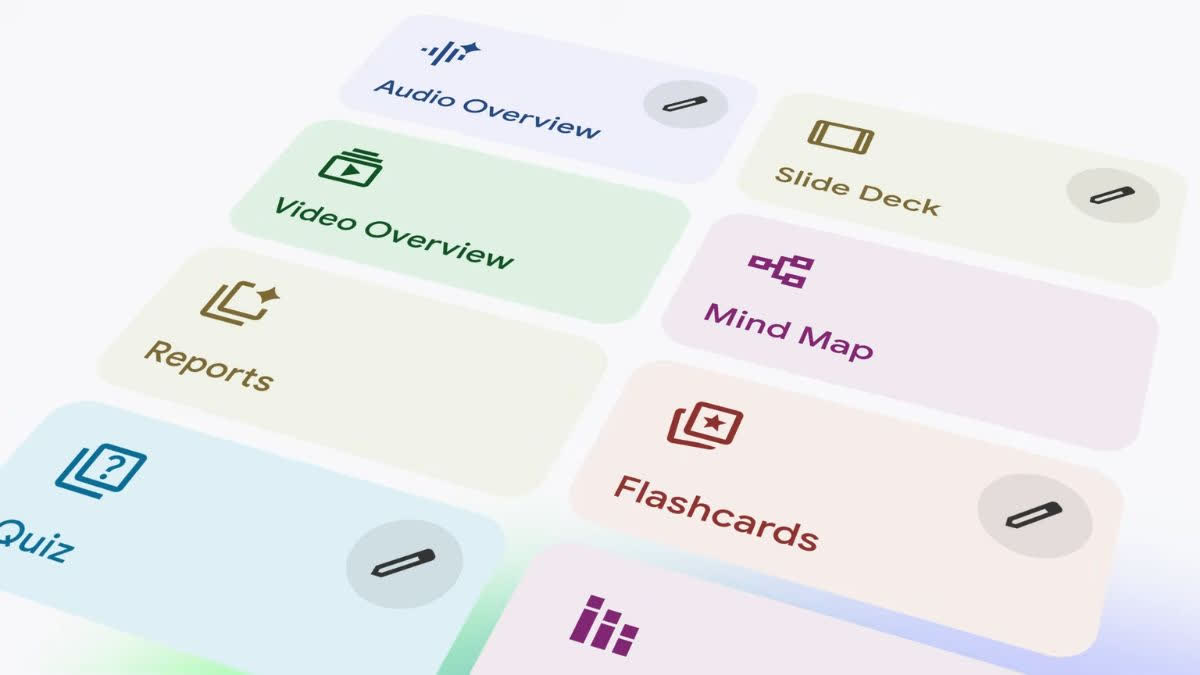
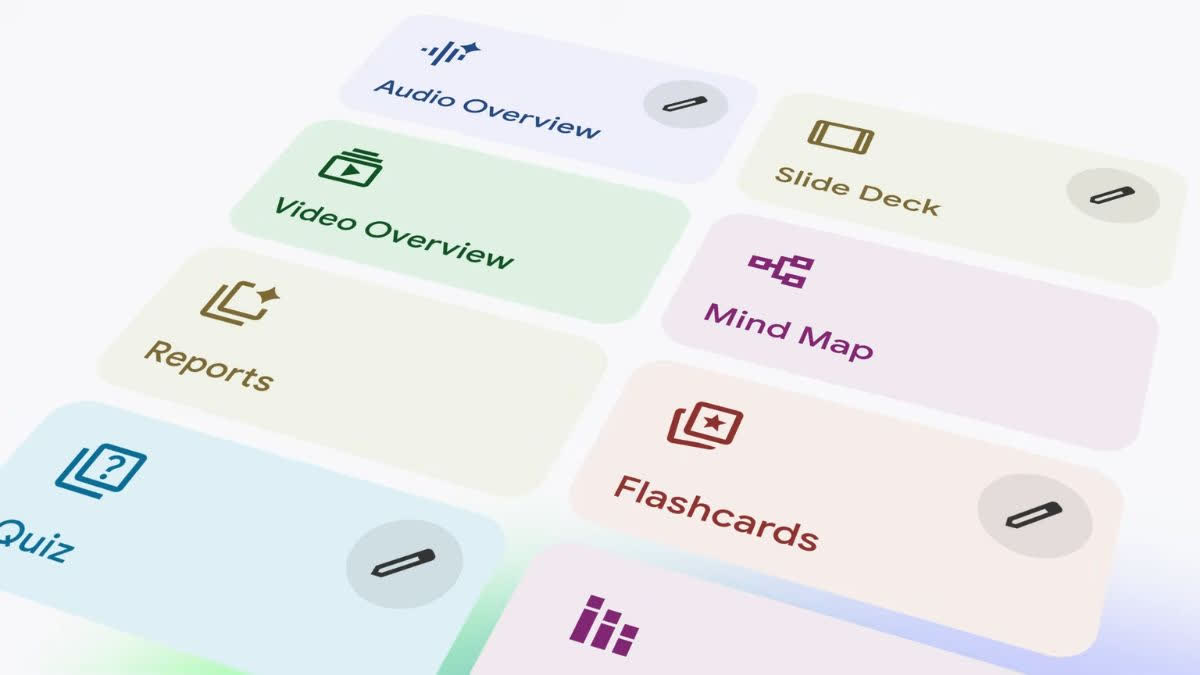
Cinematic video summaries replace NotebookLM’s narrated slide format. (Image credit: YouTube/Google)
hyderabad: Google has introduced cinematic video overviews in NotebookLM, its artificial intelligence (AI)-powered research and note-taking assistant. This new feature allows users to generate immersive AI-powered videos from their own sources. This is an important step because it replaces NotebookLM’s narrated slide format.
In NotebookLM, narrated slides transformed users’ documents into visual summaries. Based on your sources, our AI-powered research and note-taking assistant creates 12 to 15 slides with diagrams, quotes, numbers, and images. The slides also include AI narration.
This new feature is available in English to Google AI Ultra subscribers who are 18 years or older. It can be accessed in both the web and mobile versions of NotebookLM.
Cinematic Video Overview: How it Works
Cinematic video summaries produce smooth animations and detailed visuals tailored to your topic. NotebookLM leverages Gemini 3, Nanao Banana Pro, and Veo 3 to create AI-generated videos. When users access the cinematic video overview feature, Google says Gemini will act as a creative director throughout the production process. We make hundreds of structural and stylistic decisions to tell your story in the best way possible using user-provided sources.
Gemini determines the best narrative, visual style, and format for research. You may also refine your work to maintain consistency.
Cinematic video overview for Pro users
According to an X post shared by NotebookLM’s official handle, the AI-powered research and note-taking assistant will introduce cinematic video overview feature for Google AI Pro users. However, X’s post does not mention the launch date and timing.
Cinematic Video Overview is officially rolling out 100% to all Ultra users in English.
Don’t worry, loyal Pro users. we haven’t forgotten about you. You are always part of our roadmap 😉
No promises yet as to when, but watch this space.
— NotebookLM (@NotebookLM) March 4, 2026
Separately, NotebookLM introduced custom styles for infographics earlier this month. This feature adds 10 preset styles that allow users to change the visual theme and layout of generated infographics. The Infographics Custom Styles feature allows users to create their own infographics using 10 preset styles or define their own style for their source material by providing their own text prompts.
The 10 presets include Professional, Sketch, Kawaii, Editorial, 3D Clay, Bento Gold, Brick, Education, Science, Anime, and Auto Select.