
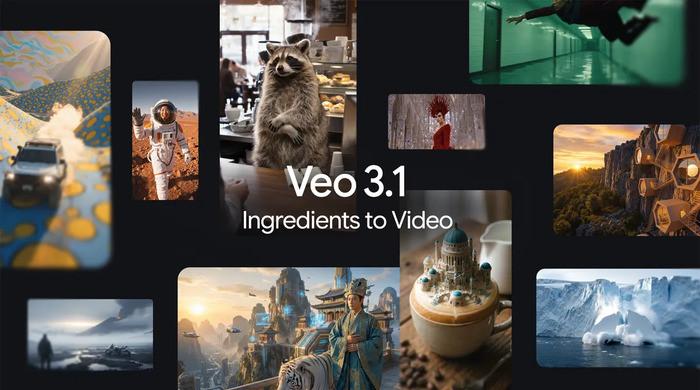
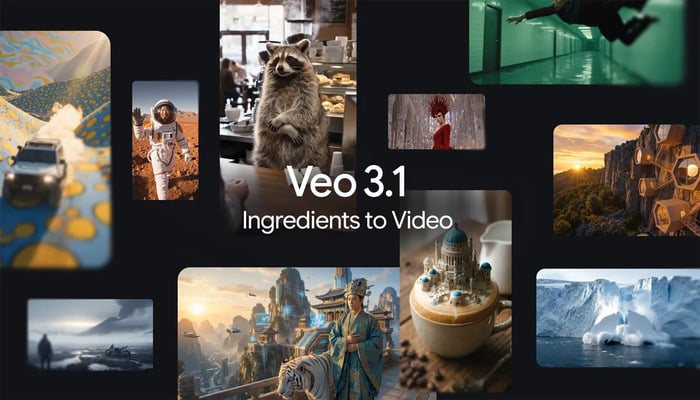
With more enthusiasm to explore the capabilities of AI tools in video generation, those who wish can use a reference image to generate vertical videos using Google’s updated Veo 3.1 AI video generation model.
Created through Google’s latest version, Veo 3.1, these AI-generated videos can be tailored for social platforms.
How do I generate vertical video with Google’s Veo 3.1?
What actually enables vertical AI video generation is a new option in Veo 3.1 that allows users to select a 9:16 vertical format to avoid cropping.
This is extremely useful if you use Veo to create YouTube Shorts or content for other platforms like Instagram or TikTok.
Even if the prompt is short, by providing a reference image, users can generate vertical AI videos with better character expression and movement in Veo 3.1.
Where can I use Google’s new Veo 3.1?
This feature can also be accessed through the Gemini app. Professional users can access it through Google’s video editor Flow, Gemini API, Vertex AI, and Google Vids.
What’s surprising is that Google has built a new vertical video generation feature into its YouTube Shorts and YouTube Create apps.
Veo 3.1 was released in October 2025, improving audio output and adding more granular editing controls compared to previous versions.
Google claims that this update also improves the consistency of characters, objects, and backgrounds. Additionally, users can combine different characters, backgrounds, objects, and textures to create consistent output.


