
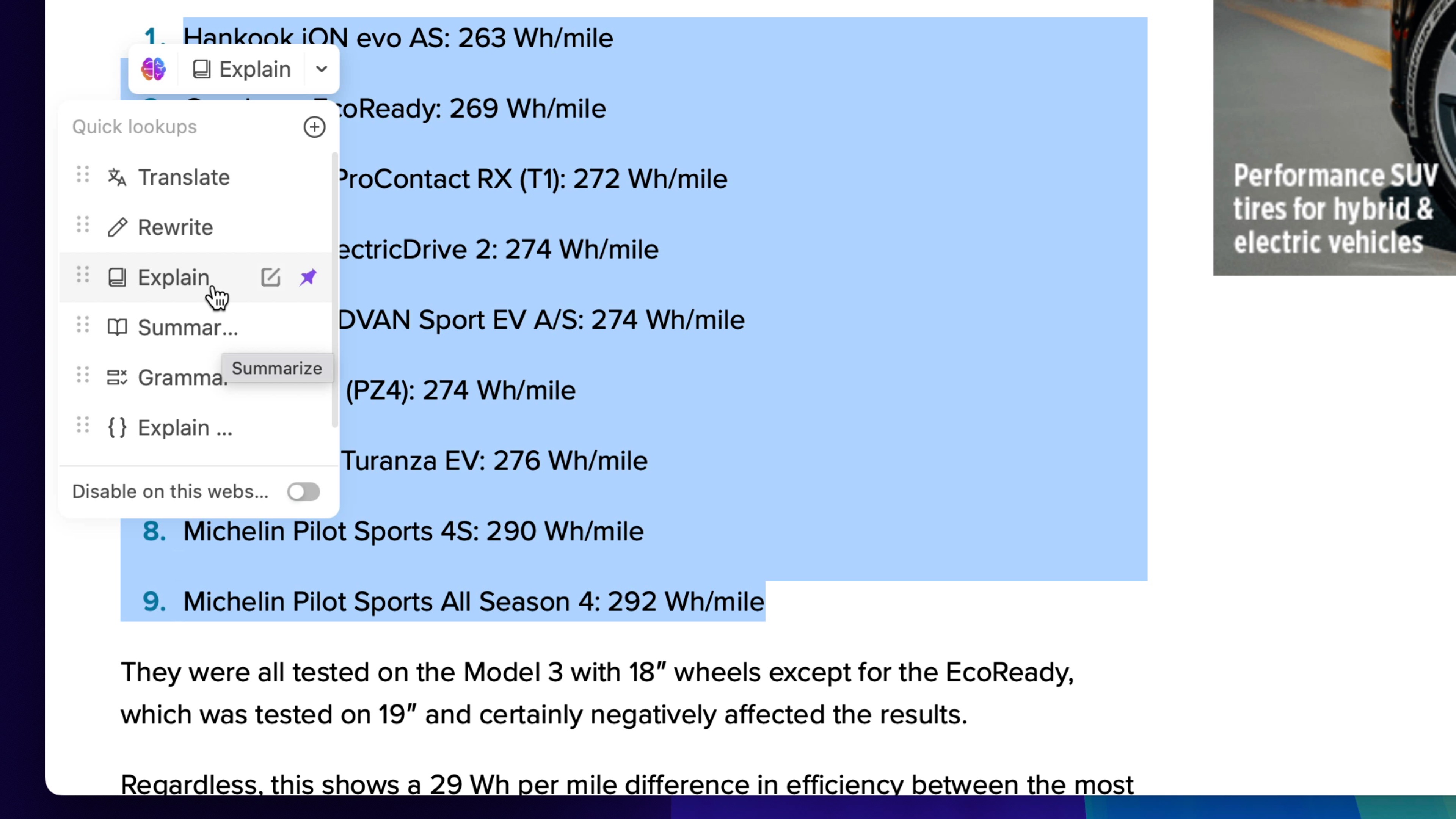
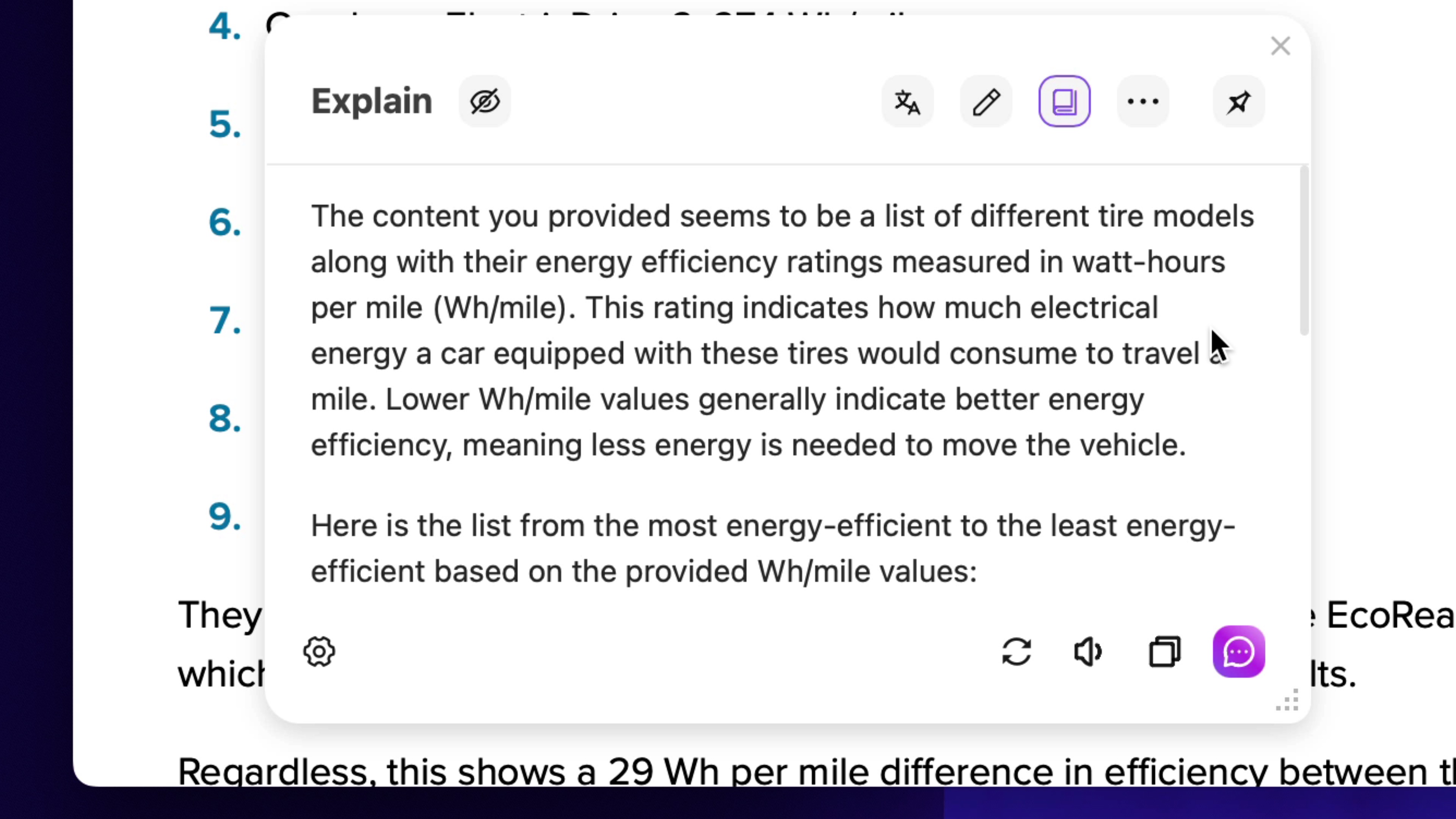
Sider is an AI assistant you can use to quickly understand any content. Its handy browser extension lets you quickly analyze web pages with ChatGPT, Claude, Gemini, and more. But the really exciting news is Sider's just-released iOS app, which features the revolutionary ChatScreen, which you can quickly summon with a shortcut to analyze on-screen content without switching apps.
How does all this work? Check out this video to see Sider's browser extension and new iOS app in action:
Video Walkthrough: Sider iOS App and Browser Extension
With Sider's iOS app, you can do a variety of things, including:
- Chat instantly with your favourite LLMs
- Instantly switch between different models and compare results
- Ask an AI to summarize a webpage
- Quickly analyze images and files and process the information using built-in prompts
- ChatPDF uses AI to summarize the contents of your PDF files
But the standout feature of the Sider iOS app is the aforementioned ChatScreen, which allows you to analyze any content on your screen without having to switch apps. Using the power of shortcuts, users can summon Sider's ChatScreen via a trigger, such as a double-tap on the back of their iPhone, or the action button on the iPhone 15 Pro.

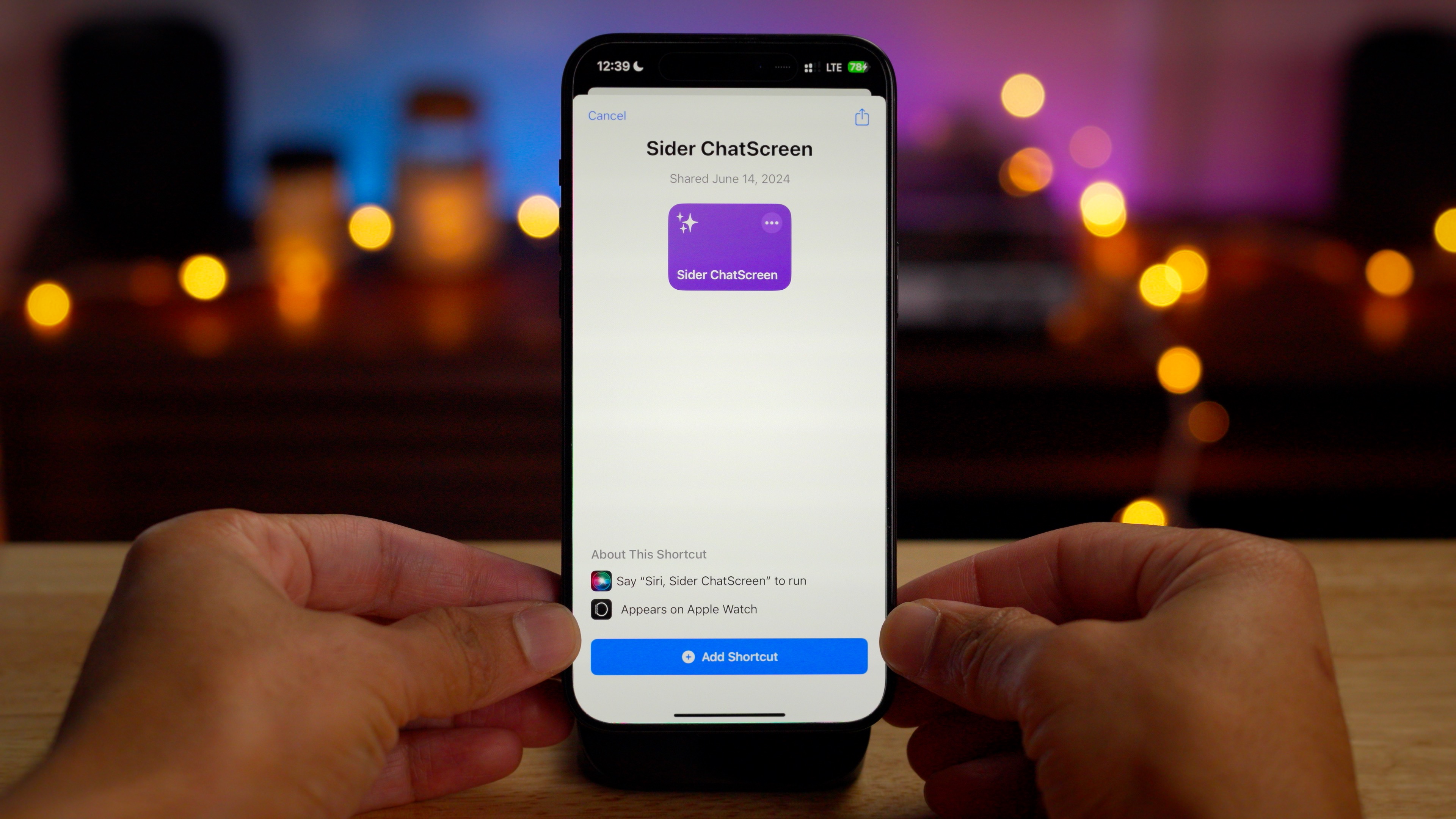


ChatScreen can be easily configured through the Sider iOS app.
step 1: Open the Sider app and tap the profile button
Step 2: Tap ChatScreen → Add ChatScreen shortcut
Step 3: Tap Add shortcut
From there, it's just a matter of adding a backtap shortcut or an action button shortcut. Of course, you can use any trigger to call up Sider, but these two suggestions are popular options. Check out the full video above to see Sider's ChatScreen in action.
If you're using a Mac or PC, the Sider extension lets you work with links, files, websites, and images, all without switching tabs. The extension was one of our favorite ChatGPT extensions for Chrome in 2023. Sider was also recently featured on Product Hunt, and it's easy to see why.
YouTube summaries are especially useful for longer videos. They allow you to quickly understand what the video is about without having to watch the whole video, saving you a lot of time. Deep Reader is perfect for critical reading material. It can also intelligently summarize any web page in just a few seconds.
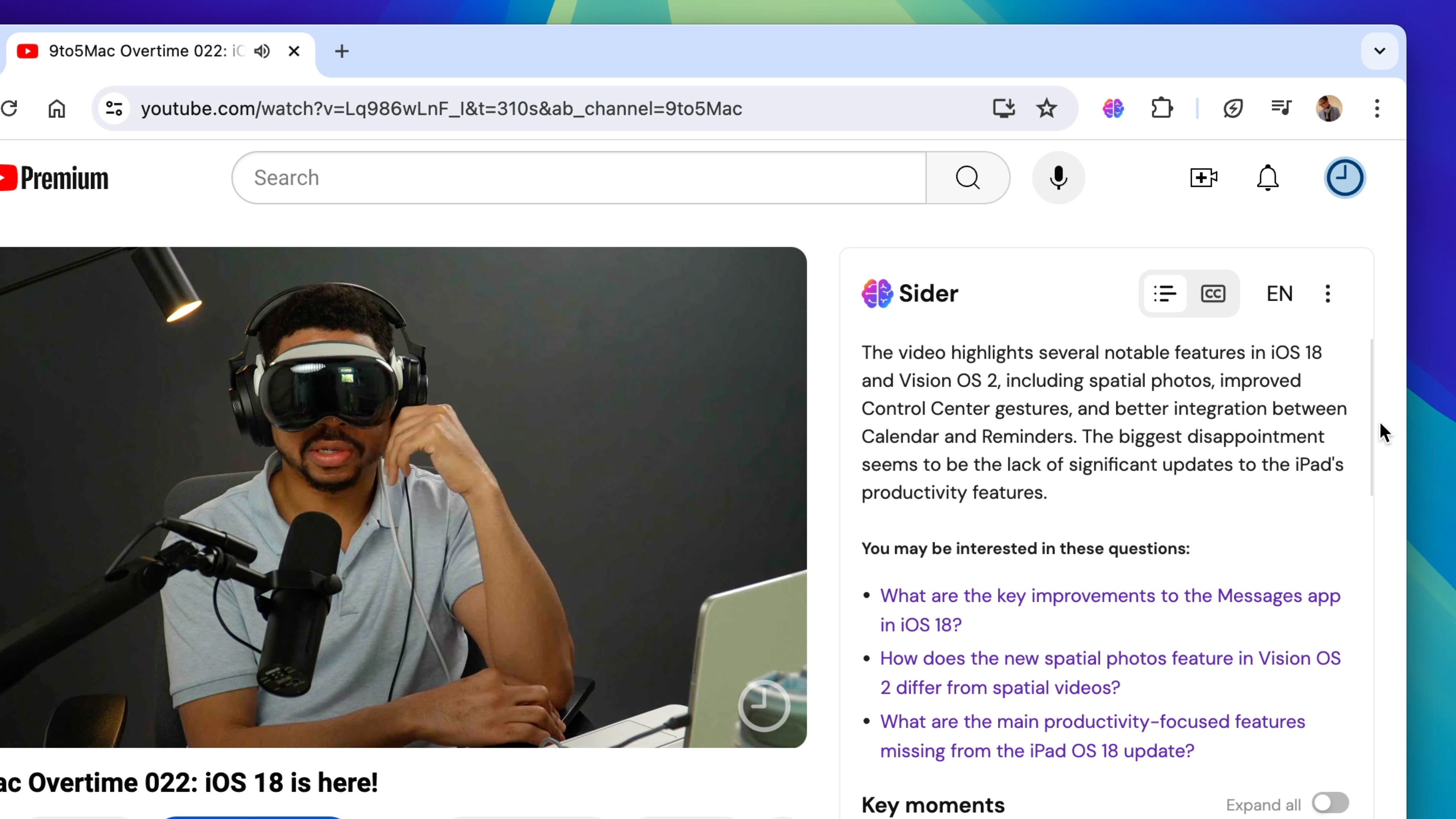
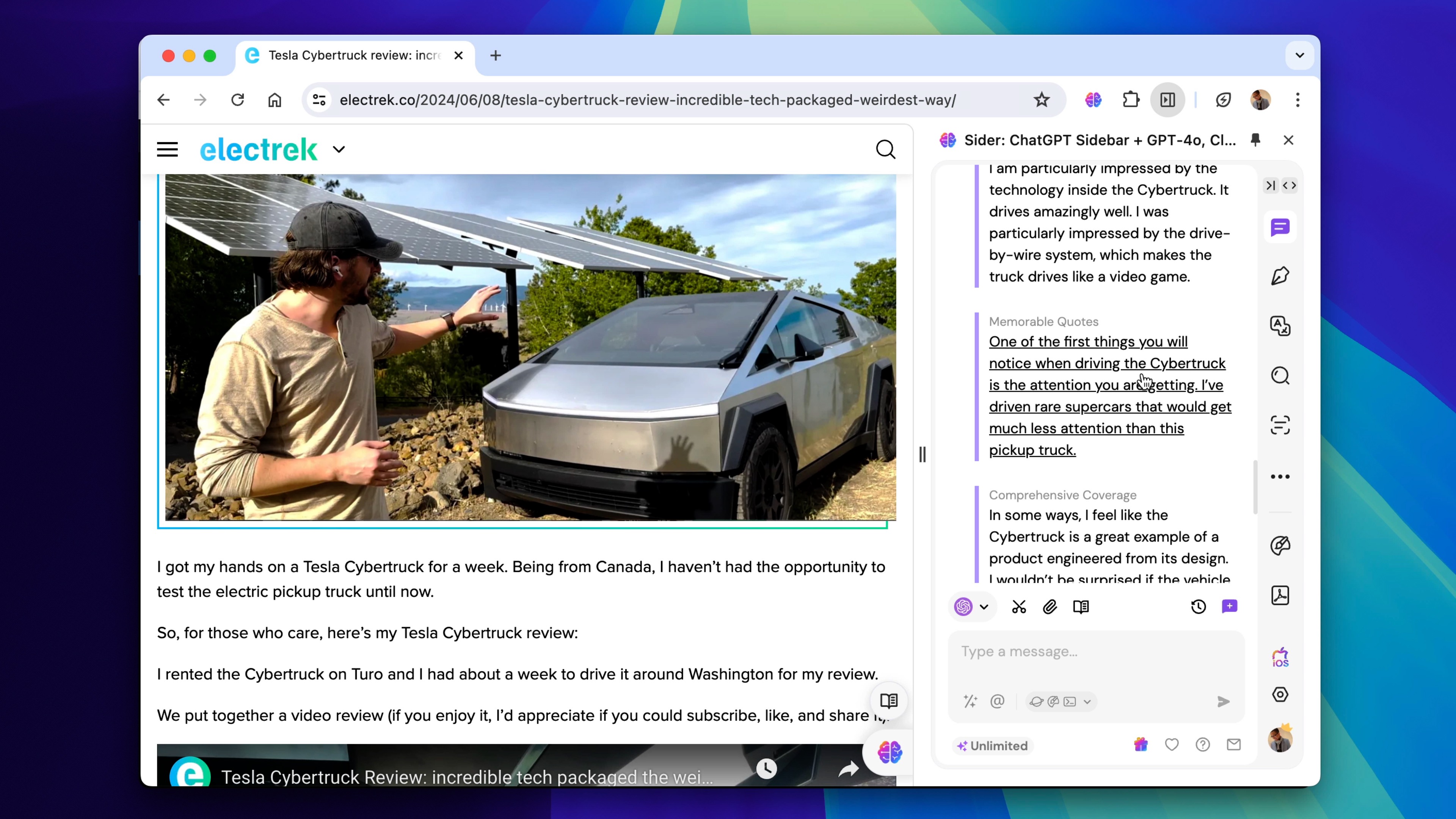
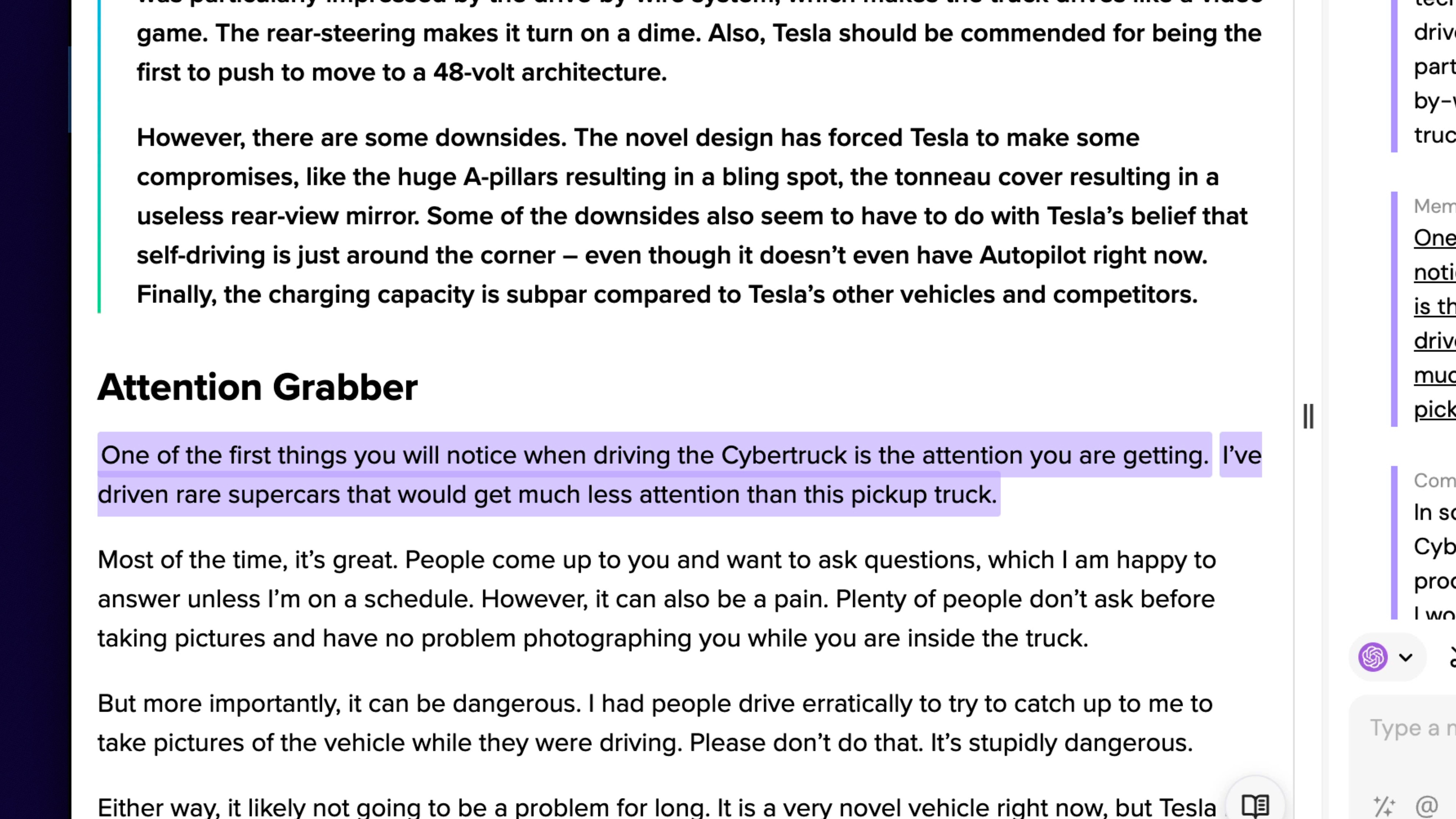
Visit Sider.ai today to learn more, and click the links in the description to download the Sider iOS app and Sider browser extension today.
Special thanks to Sider for sponsoring 9to5Mac.
FTC: We use automated affiliate links that generate revenue. more.