
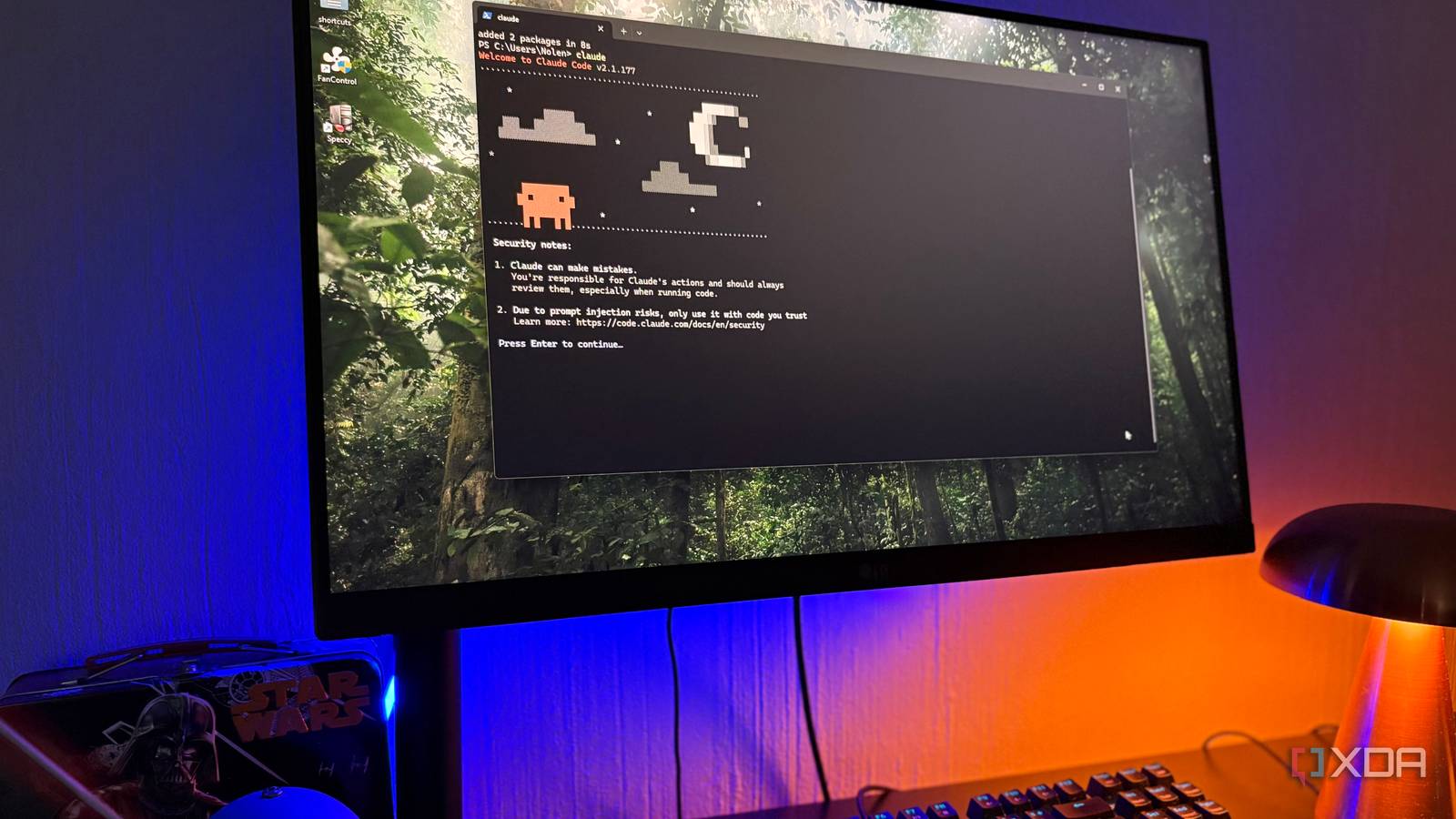
Everyone I know in software seems to be using AI coding tools now. I know backend engineers at large SaaS companies, startups, online commerce platforms, telecom companies, and all sorts of other places who I met through my computer science degree. The pattern is almost identical across all of them these days: Claude Code is everywhere, Cursor is common too, and newer agentic IDEs like Kiro are starting to grow. Nobody is really treating these tools like a joke anymore.
The people I know aren’t dismissing these tools out of hand. They find them genuinely useful, especially for querying internal docs, spinning up boilerplate, searching through unfamiliar code, or getting a quick starting point for something tedious. I use them myself for research and boilerplate, and I’ve had the same experience with microcontrollers. If I want a quick UI skeleton or some starter code, they can be great.
But what about trust? That’s a completely different question. Once the work gets more advanced, the code has to be checked with a fine-tooth comb. One engineer I know has told me that AI output has to be heavily vetted, while another told me recently that their workplace is actually pulling back on some of its AI usage because the output simply can’t be trusted enough. The pattern of what I’m hearing has been consistent: these tools are used constantly, albeit with suspicion.
Stack Overflow’s 2025 Developer Survey found that 51% of professional developers use AI tools daily, but more developers distrust AI tool accuracy than trust it. Developers are using these tools because they’re useful, but using something and trusting it aren’t the same thing.
They solve annoying problems

Most developers I know don’t talk about AI coding tools like they’re either revolutionary or useless. They talk about them like a powerful autocomplete system that can read more context, answer questions faster, and save them from writing the same glue code over and over again. That lines up with my own experience, and I can completely get behind the benefits tools like these can offer to developers who don’t want to have to scaffold the same-but-slightly-different HTML page again, or the same microcontroller bring-up that they’ve already written numerous times in the past. They know what it should look like, and it saves them a lot of copying and pasting, or trawling through internal documents.
I get all of that, and if you work in a large codebase, being able to ask about internal docs or trace how a particular system works can save a lot of time. If you need a basic endpoint, a test scaffold, a config file, a parser, or a quick UI shell, having a model draft the first version can get you moving faster. It doesn’t mean you accept the result blindly, but it does mean you aren’t starting from a blank file, and many of these tend to be the low-risk aspects of development anyway.
I’ve even experienced the same thing when it comes to my own projects: when it comes to microcontrollers, AI-generated boilerplate can be fine for simple enough tasks. A quick UI thrown together that simply shows the endpoints you’ve already defined, or even a quick scaffold of a basic control loop or setup code can often get close enough that I can clean it up from there. That kind of assistance is genuinely valuable, as it can turn a small annoyance into a few minutes of review.
Boilerplate isn’t the same thing as engineering judgment. A model can give you something that compiles, looks plausible, and even follows the broad shape of what you asked for, while still getting the important part wrong, or leaving gaps that you didn’t know it introduced. Past a certain point, the usefulness starts to blur into extra work of manual, intensive code review.
When the code matters, it’s hard to trust any of the outputs
Plausible code is the dangerous part

When developers say they don’t trust AI-generated code, they don’t usually mean that every output is garbage; instead, they typically mean the output can be good enough to be tempting and wrong enough to be dangerous. That’s a much more annoying failure mode than obvious nonsense. In fact, Stack Overflow’s 2025 survey puts numbers to that exact assertion, as it found that 46% of developers distrust the accuracy of AI tool output, compared with 33% who trust it. Only 3% said they highly trust the output. The numbers get even more telling among experienced developers, who had the lowest highly-trust rate and the highest highly-distrust rate.
To me, and from what I can tell of others, that all makes sense. The more experience you have, the more you know how bad code can hide. Whether it’s a function that can pass a quick test while mishandling edge cases, API calls using deprecated patterns, database queries that look clean while missing out on a key authorization step, or anything else, they’re all potentially capable of housing bad code that won’t stand up to real-world scrutiny. Even something as simple as a microcontroller can initialize the right pins but misunderstand the timing, memory constraints, or hardware behavior in certain conditions.
Microcontrollers are where I’ve had some of my worst experiences, as it’s where I’ve tried to apply it the most. AI can be good at giving you the outline of a project, but with more advanced microcontroller work, it can fall apart quickly. It may know the general shape of an ESP32 project where there’s an integrated display, but that doesn’t mean it understands the board, the library version, or the weird hardware behavior you’re actually dealing with.
This is also why security-heavy work tends to treat AI-generated code more cautiously than lower-risk parts of the stack. That caution isn’t just paranoia: several studies and security vendors have repeatedly found that AI-generated code can introduce vulnerabilities, insecure patterns, and compliance problems that are easy to miss if the reviewer doesn’t already understand the domain. If you’re writing code that has to meet compliance requirements, handle user data, or enforce access control, proper review becomes even more important. In that case, you may be reviewing code you’re seeing for the first time, written in a style that isn’t your own, which can make subtle security mistakes easier to miss.
In fact, a newer preprint study on AI-generated code in the wild found evidence of a similar split: AI-generated code is becoming a substantial part of new code, but it appears to be concentrated in glue code, tests, refactoring, documentation, and boilerplate, while core logic and security-critical configurations remain mostly human-written.
Verification is now part of the workflow
AI saves time until it doesn’t

A lot of AI coding discussion often focuses on productivity, often propped up by statements from people saying things like “AI allowed me to ship 10x more code this year.” However, “productivity” isn’t synonymous with high-quality outputs; a tool can make you feel faster while placing some of the work that you used to put into writing code instead into review, debugging, and cleanup. That doesn’t make it useless, but it does make quantifying the actual speedup significantly more complex.
In any serious production scenario, you still need a review step that can become more intensive than it would have been if you had written the code yourself. You might use Claude Code to inspect a codebase, draft a helper, or explain an unfamiliar internal system, then still read every line before it gets anywhere near production. You might ask Cursor to generate a test, then rewrite the assertion because it tested the implementation rather than the behavior. You might use ChatGPT to sketch out a microcontroller UI, then throw away half of it once it becomes clear it misunderstood what the library actually does.
These checks aren’t optional, and they’re now considered a core part of the workflow when using AI-generated code in a production environment. AI gives you a draft, and then the human in the loop has to decide whether the draft is correct, secure, maintainable, and actually relevant to the problem. If you already know the domain, that can be a good trade. If you don’t, the tool can make you feel productive while handing you code you aren’t qualified to judge. You don’t know what you don’t know, and you run the risk of thinking you know way more than you actually do.
In fact, a METR study from 2025 on experienced open-source developers caught a version of that tradeoff, though METR now warns that the result should be treated as a snapshot of early-2025 tools rather than the current state of AI coding. In that randomized controlled trial, experienced open-source developers working on their own repositories took 19% longer when they were allowed to use AI tools, even though they expected the tools to make them faster. METR has since said newer tools likely improve productivity more than that early result suggested, but its later data is harder to interpret because developers increasingly avoid working without AI.
It’s important to be clear that developers aren’t necessarily saying the tools never help. No, instead, they’re saying that the final responsibility still sits with the person merging the code, and the model won’t be the one paged when something breaks.
Vibe coding shows the worst version of the problem
Working isn’t the same as safe

I’ve already run into all of this from the opposite direction while coming across vibe-coded apps online. The barrier to shipping software is so low now that people can generate an app, deploy it, and put it in front of users before they’ve even really thought about data storage, authentication, or access control. Some of those apps work in the most basic form of the word “work,” but that doesn’t mean they’re safe.
I’ve stumbled across vibe-coded apps leaking user data without even looking for vulnerabilities, and those experiences solidified everything I had already experienced and had heard from developer friends of mine. The worst part, though, wasn’t that AI produced broken code… after all, broken code has always existed. No, the scary part was how easy it was for something inherently broken to look finished enough to push to real users.
I had the same feeling after trying out vibe coding with ChatGPT using prompts that the average person is most likely to use. ChatGPT could produce something that worked in the way that my request had framed it, but the security issues weren’t minor, overall benign mistakes. They were the kind of mistakes that should never touch a production codebase, and each program I generated in that test suffered from at least one.
Unfortunately, “it works” isn’t a good enough standard for AI-generated code, and thankfully, most developers are very aware of that fact. Just because a login page can render or a database works doesn’t mean that the secrets are being handled correctly or the database is returning the right records, nor does it prove an attacker can’t side-step a security feature by crafting a slightly different request to the page.
For professionals, that means AI code needs review. For non-programmers building whole apps through prompts, it means the risk can be much worse, because they don’t know what to review in the first place. Again, you don’t know what you don’t know, and AI-written code is the biggest problem in that realm.
I’ll put it like this: have you ever watched a YouTube video about a field you’re an expert in, and halfway through thought to yourself that the person doesn’t know what they’re talking about? Yet when you look to the comments, a lot of the feedback is overwhelmingly positive, because the person watching it doesn’t know what they don’t know, and all they have to go off of is what was said in the video. AI-generated code is a bit like that.
Developers are learning where the line is
The tools are good, but they aren’t accountable
I don’t think the answer is to stop using AI coding tools. After all, that doesn’t match how developers are actually behaving, and it doesn’t match my own experience either. They’re too useful for certain jobs, and the people pretending otherwise are usually arguing against older versions of the tools that developers don’t actually use anymore.
Personally, I treat them as accelerators for work I can already judge. If I ask an AI tool for boilerplate in a domain I understand, I can inspect the output and decide whether it makes sense. If I ask it to explain internal docs, I can follow the references and check the answer. If I ask it to draft a quick microcontroller UI, I can test the thing on real hardware and fix what breaks.
However, AI coding tools models get riskier when used to cross a knowledge gap instead of speed up work inside of one. If you don’t understand the framework, the security model, the hardware, or the production constraints, AI can give you just enough confidence to ship something you shouldn’t. That’s true for hobby projects, and it’s even more true when real users, real data, or compliance rules are involved.
Most developers I know like these tools. I do too, in the right context. But liking a tool isn’t the same as trusting it, and for now, the code still needs a human owner.


