Adobe has issued a major update to its AI-based Firefly video editor. This allows users to quickly generate footage and structured first cuts from uploaded B-roll footage.
Adobe’s Mike Polner writes, “When inspiration strikes, video creators need tools that can keep up with their quick thinking.” “They need to iterate quickly and brainstorm across different media types as they expand their ideas in new creative directions. They don’t have time to stare at a blank page or timeline. They need to be able to quickly fill in a timeline, build on it, and discard it to build anew if necessary.”
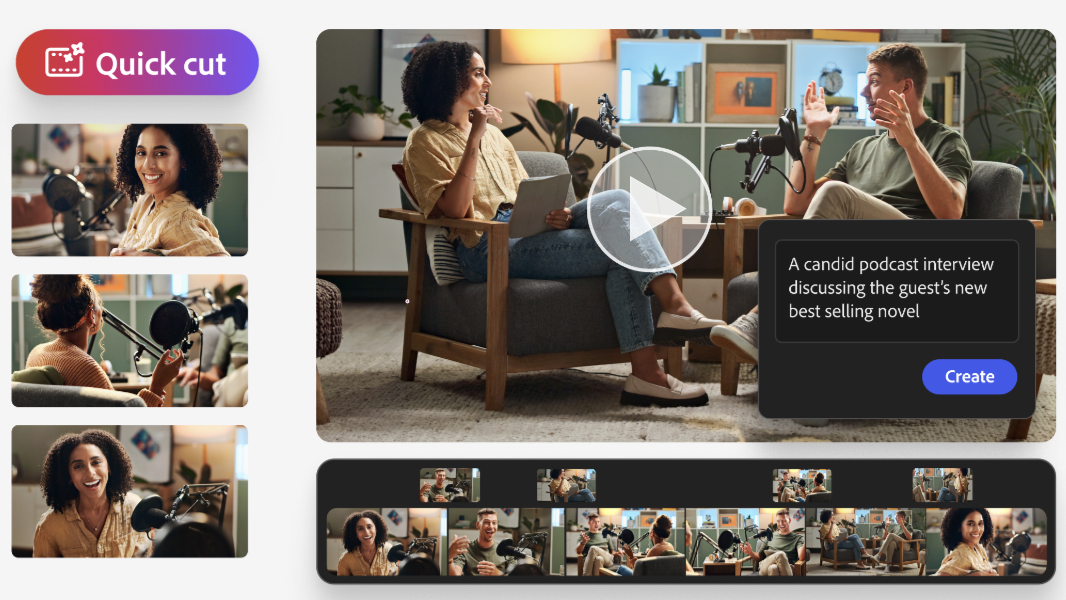
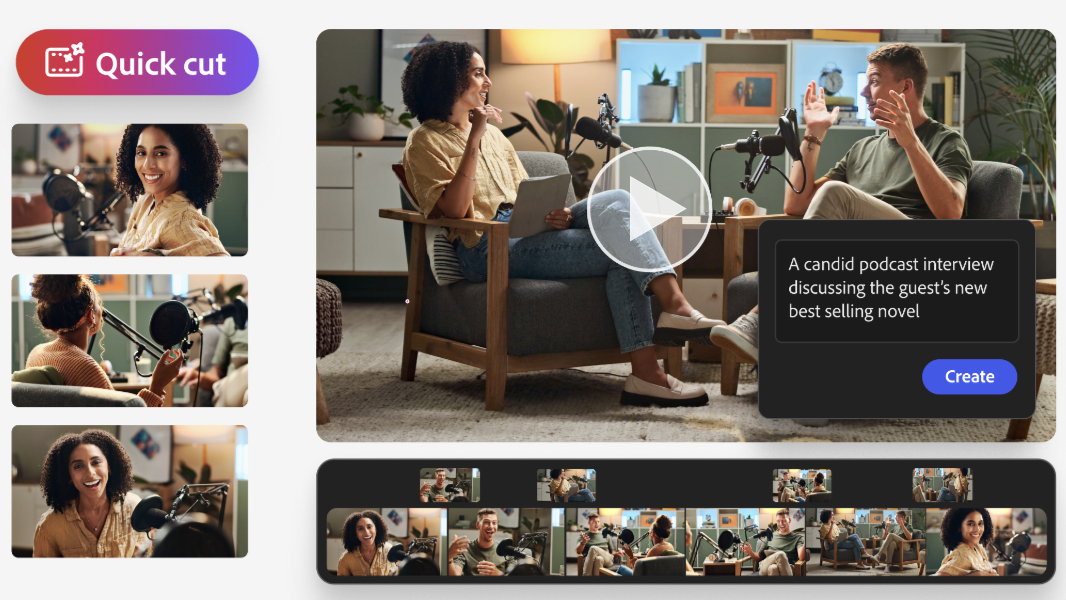
To get there, Firefly now supports the new Quick Cut feature. Quick Cut allows users to upload long takes of content, such as unboxing videos or test footage, and turn it into the first cut of a finished video using natural language. Just describe what you want from your video, whether it’s a product demo, interview, or travel video, and Firefly will generate a narrative-first cut that you can then further edit using traditional timeline-based editing tools.
According to Adobe, Quick Cut is ideal for product reviewers, reporters, podcasters, marketers, and anyone who struggles to take raw footage and turn it into finished video. Aspect ratio, pace, length, and optional B-roll footage can be pre-selected, making the workflow ideal for experimentation.
Adobe says you can start using Firefly by signing up for Firefly Pro, Firefly Premium, or a 4,000-credit, 7,000-credit, or 50,000-credit plan by March 16, and generate unlimited images and Firefly videos up to 2K resolution in the Adobe Firefly app. For more information about Firefly, visit the Adobe website.