
I have subscription fatigue, and if you’re like most people, you probably do too. It feels like every useful AI feature now comes with a price tag attached to it, and those costs add up fast. I’ve paid for more than a few AI platforms, but I’m much less likely to do that now.
Before I subscribe to anything, I try to figure out whether I’ve actually outgrown the free tools I already have access to. In some cases, I have. Most of the time, I haven’t. The trick is to know which tool fits the task before you hit a limit, waste time fighting the wrong assistant, or sign up for another plan you don’t really want or need.
Not every free AI tool is good at the same thing. The point is to match the tool to the task before you pay for something else. At least, that’s been my experience after spending time with these tools.
Use Claude for editing, structure, and long-form work
It’s useful when the words are already there but need a second pass

Claude is a good place to start when you’re working with existing text that needs to be clearer, tighter, or easier to follow. That could mean trimming a messy draft, spotting repetition, simplifying a dense explanation, or helping organize a longer piece of writing that has started to sprawl.
A common example is a long email, project update, or document that says everything it needs to say, just not as clearly as it could. Claude can help point out where the structure gets confusing, where the tone feels off, or where the main point gets buried. That kind of second pass can be useful before you pay for a dedicated writing, editing, or productivity app.
Use Perplexity when you need research with sources
It works best when you want answers you can actually check
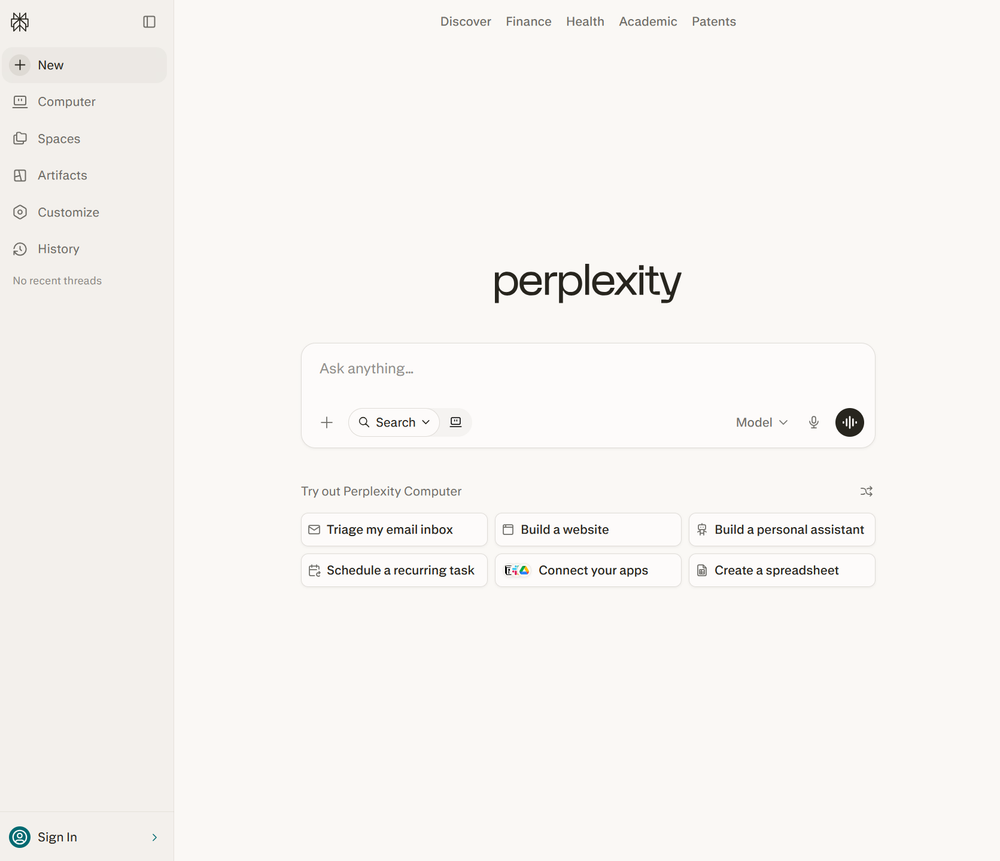
I recently tried replacing Google Search with Perplexity Comet, and that’s when this clicked for me. Perplexity is not just useful because it gives you an answer. It’s useful because it gives you a starting point, shows its sources, and makes it easier to follow the trail instead of opening a dozen browser tabs and trying to stitch everything together yourself.

Quiz
Artificial intelligence basics
Trivia challenge
From chatbots to neural networks — find out how much you really know about AI.
ConceptsHistoryToolsEthicsModels
What does the term ‘machine learning’ most accurately describe?
Correct! Machine learning is a branch of AI where systems improve automatically through experience and exposure to data. Instead of being explicitly programmed for every task, these systems identify patterns and make decisions with minimal human intervention.
Not quite. Machine learning refers to systems that learn from data to improve their performance over time. It’s less about physical movement or exact mimicry and more about finding patterns in large datasets to make predictions or decisions.
Who is widely credited with coining the term ‘artificial intelligence’ in 1956?
Correct! John McCarthy coined the term ‘artificial intelligence’ at the famous Dartmouth Conference in 1956, which is considered the founding event of AI as a formal field of research. He later invented the Lisp programming language, which became a staple in early AI development.
Not quite. While Alan Turing, Marvin Minsky, and Claude Shannon were all AI pioneers, it was John McCarthy who coined the term ‘artificial intelligence’ at the Dartmouth Conference in 1956. McCarthy went on to shape the field enormously throughout his career.
What type of AI model powers popular chatbots like ChatGPT?
Correct! ChatGPT and similar chatbots are powered by large language models, or LLMs. These models are trained on enormous amounts of text data and learn to predict and generate human-like language, making them capable of conversation, writing, and reasoning tasks.
Not quite. ChatGPT is built on a large language model (LLM). While decision trees and Bayesian classifiers are real AI tools, they’re used for much simpler tasks. CNNs are great for image recognition but aren’t designed for open-ended language generation.
What is ‘overfitting’ in machine learning?
Correct! Overfitting happens when a model learns the training data too well — including its noise and quirks — and then fails to generalize to new, unseen data. It’s like a student who memorizes practice exam answers but can’t handle different questions on the real test.
Not quite. Overfitting describes a model that has learned the training data so specifically that it performs poorly on new data. It’s one of the most common challenges in machine learning and is addressed through techniques like cross-validation and regularization.
What is ‘AI bias’ most commonly referring to?
Correct! AI bias refers to systematic errors or unfair outcomes that arise when a model is trained on skewed, incomplete, or unrepresentative data. For example, facial recognition systems have been shown to perform worse on darker skin tones due to biased training datasets, raising serious ethical concerns.
Not quite. AI bias is about systematic, often harmful unfairness baked into a model’s outputs, usually due to skewed training data or flawed design choices. It’s a major ethical concern in areas like hiring algorithms, criminal justice tools, and medical diagnostics.
What does ‘GPT’ stand for in AI model names like GPT-4?
Correct! GPT stands for Generative Pre-trained Transformer. ‘Generative’ means it can create new content, ‘pre-trained’ means it was trained on a large dataset before being fine-tuned, and ‘Transformer’ refers to the neural network architecture that made modern LLMs possible.
Not quite. GPT stands for Generative Pre-trained Transformer. The Transformer architecture, introduced in a landmark 2017 paper called ‘Attention Is All You Need,’ revolutionized natural language processing and laid the groundwork for today’s powerful AI chatbots.
Which of the following best describes ‘deep learning’?
Correct! Deep learning is a subset of machine learning that uses artificial neural networks with many layers — hence ‘deep’ — to model complex patterns in data. It’s the technology behind image recognition, voice assistants, and most modern AI breakthroughs.
Not quite. Deep learning uses multi-layered neural networks inspired loosely by the human brain. The ‘depth’ refers to the number of layers in the network, and more layers generally allow the model to learn more complex and abstract representations of data.
What was the name of the IBM AI system that famously defeated chess champion Garry Kasparov in 1997?
Correct! IBM’s Deep Blue defeated world chess champion Garry Kasparov in a six-game match in 1997, marking a landmark moment in AI history. It was the first time a computer beat a reigning world chess champion under standard tournament conditions, shocking the world.
Not quite. The IBM system was called Deep Blue. Watson is IBM’s later AI known for winning Jeopardy!, while AlphaGo is Google DeepMind’s system that mastered the board game Go in 2016. HAL 9000, of course, is the fictional AI from Stanley Kubrick’s 2001: A Space Odyssey.
Your Score
/ 8
Thanks for playing!
That doesn’t mean you can or should blindly trust everything it says. You still need to click through, read the sources, and verify anything important. But for research-heavy tasks, Perplexity can be a better first stop than another generic AI chatbot. It helps you get oriented quickly, see where the information is coming from, and decide whether you need to keep digging before you pay for a more specialized research tool.
Use Gemini or Copilot if you live in Google or Microsoft apps
Sometimes the best AI tool is the one already inside your workflow
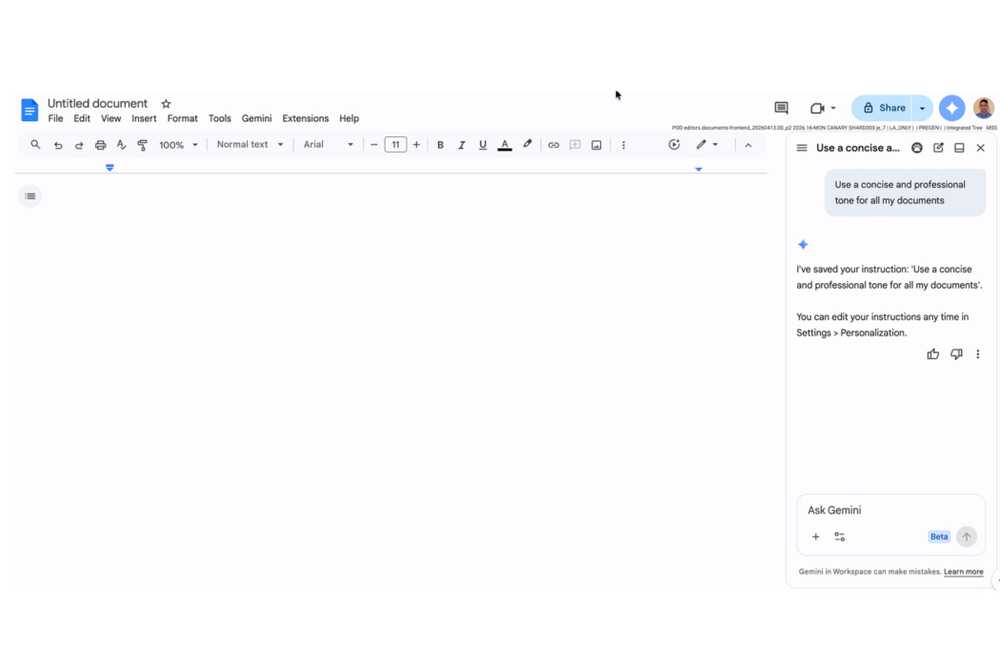
I’ve worked in both the Google and Microsoft ecosystems over the last couple of years, and both companies are clearly trying to make their AI tools harder to ignore. Gemini makes the most sense if your work already lives in Google apps, while Copilot is the more natural fit if you spend your day in Windows, Edge, Microsoft 365, or other Microsoft services.
That built-in access can be the real advantage over a standalone chatbot like ChatGPT, Claude, or Perplexity. A common example is a long email thread you don’t have time to untangle. If the AI tool is already connected to the app you’re using, it may be able to summarize the conversation, pull out the important points, and help you figure out what needs your attention without making you move everything somewhere else first. That doesn’t make Gemini or Copilot better at everything, but it can make them the better place to start when your work is already sitting inside those ecosystems.
Use ChatGPT when you need help with code
Coding help is often better when the tool can explain the problem, not just fix it
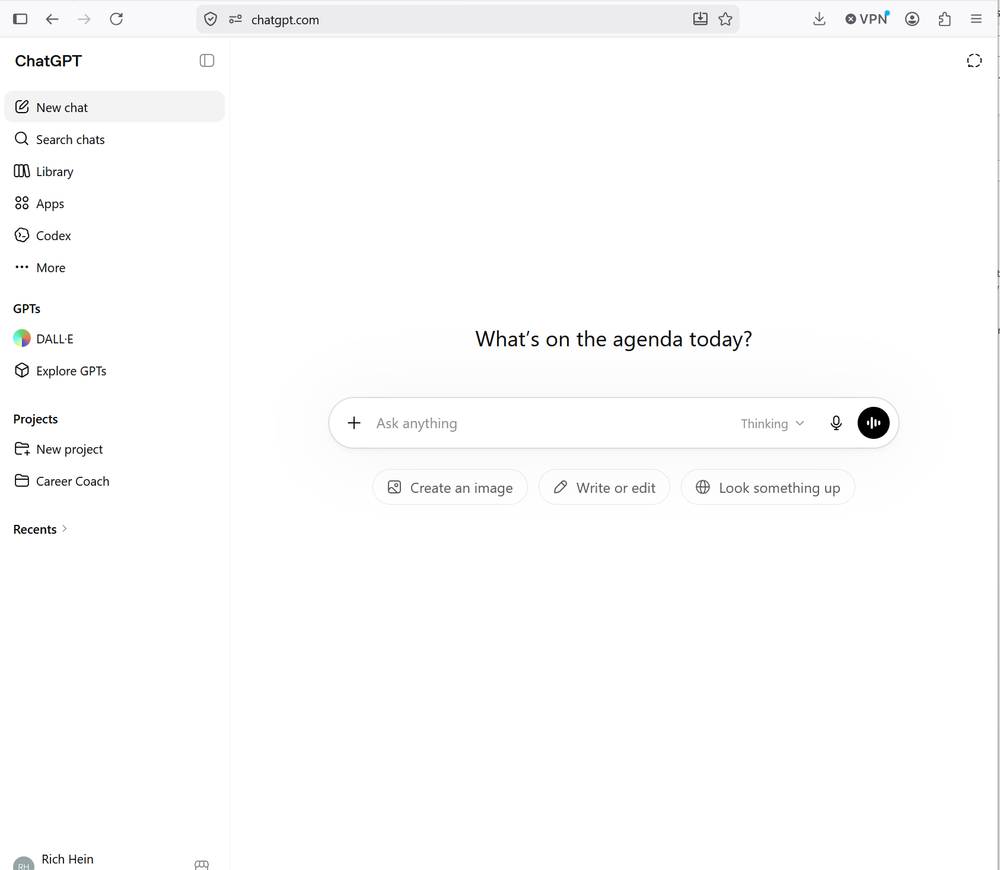
Code is one area where a free AI tool can be useful even if you’re not building full apps from scratch. ChatGPT can help explain what a snippet does, spot obvious mistakes, clean up small scripts, and walk through an error message in plain English. It’s worth noting that Claude is useful here too, especially when you want a careful explanation or a second pass on what the code is doing.

A common example is a small Python script that almost works, but keeps throwing an error or giving the wrong result. Instead of searching through forum posts and trying to guess which answer applies, you can paste in the code, the error message, and what you expected to happen. A good coding assistant can explain where the problem likely is, suggest a fix, and show why that fix works. That makes it useful for beginners, hobbyists, and developers who just need a second set of eyes before they pay for a dedicated coding tool.
Pay for AI only after the free tools hit their limits
The point is not to avoid paid AI. Some paid plans are absolutely worth it if you use them every day, need higher limits, or rely on features the free versions don’t include. The mistake is paying before you know what problem you are actually solving. Try the free tools first, figure out which one fits the job, and only subscribe when you can clearly explain what the paid version gives you that the free one doesn’t.
-

- What’s included?
-
Unlimited conversations, faster response speed, priority access, and more
- Brand
-
ChatGPT
ChatGPT’s AI-supported assistance gets even better with a paid subscription; it Plus tier offers enhanced features including unlimited conversations, faster response speed, priority access, and more.
-

Google Gemini is a multimodal AI models and an integrated assistant developed by Google. It understands and combines text, images, audio, video, and code. As an AI assistant, it helps with writing, planning, learning, and productivity, integrated into Google Workspace apps (Docs, Gmail) and on mobile devices.


