New generative AI tools allow Adobe Premiere Pro users to streamline all their video editing, including adding and removing objects in scenes and enhancing existing clips.
Adobe announced a variety of generative AI solutions to advance video creation and production workflows.
The company said new generative AI tools will enable Adobe Premiere Pro users to streamline all video editing, including adding and removing objects in a scene and enhancing existing clips. These editing workflows are powered by new video models joining the Firefly family, including images, vectors, designs, text effects, and more. Adobe said it continues to develop Firefly AI models in categories such as imaging, video, audio, and 3D, and aims to integrate them into Creative Cloud and Adobe Express.
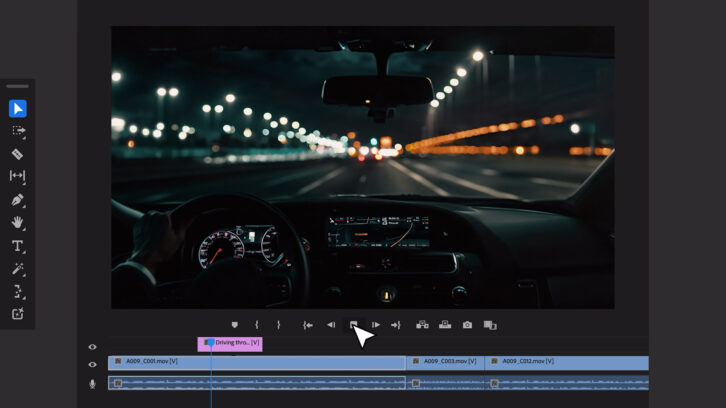
The company has previewed its intention to bring third-party generated AI models directly into Adobe applications such as Premiere Pro. In the future, video editors will leverage Premiere Pro's integrated OpenAI and Runway video generation models to edit B-roll into their projects. We'll also show you how to use Pika Labs with the Generative Extend tool to add a few seconds to the end of your shot.
“Adobe is rethinking every step of the video creation and production workflow to give creators new power and flexibility to bring their vision to life,” said Ashley Still, senior vice president of Adobe's Creative Products Group. . “By deeply embedding generative AI innovations into the core Premiere Pro workflow, we are solving real pain points that video editors experience every day, while giving them more space to focus on their work.”
Adobe also announced the upcoming general availability of AI-powered audio workflows in Premiere Pro, including new interactive fade handles, clip badges, dynamic waveforms, and AI-based category tagging.