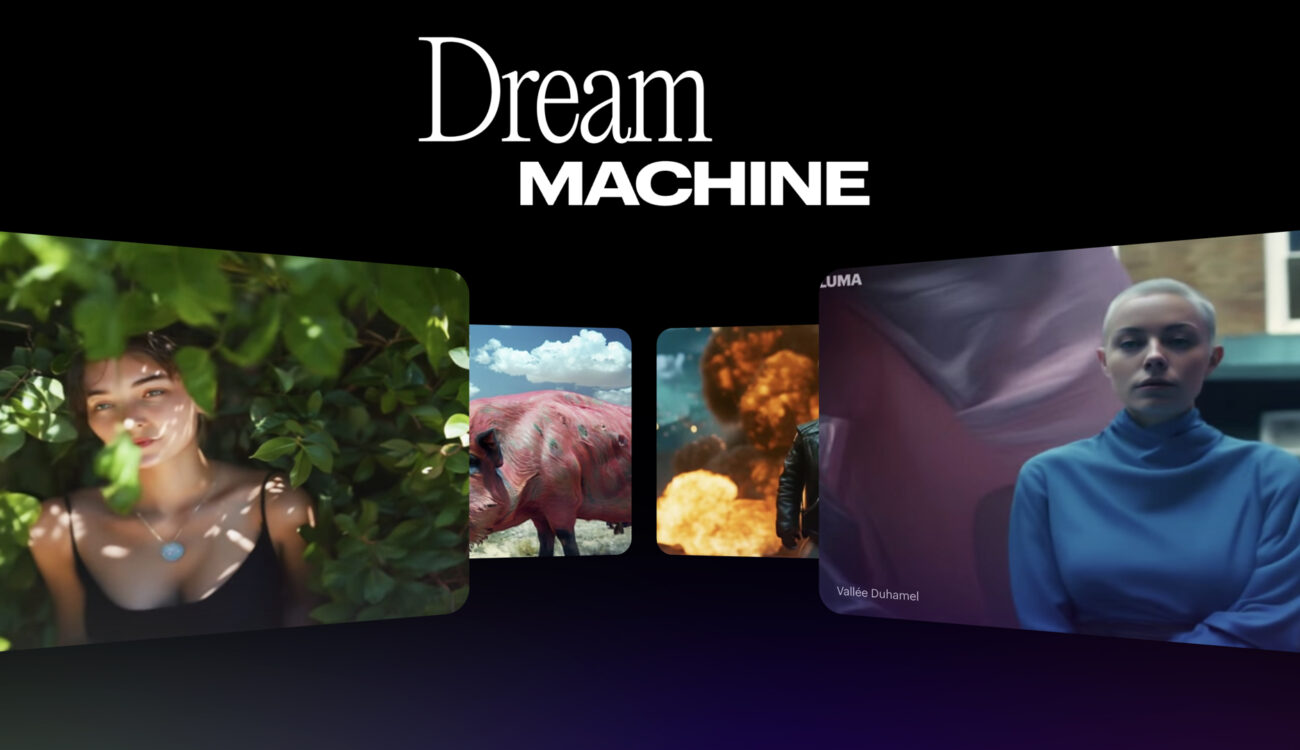
Not a month has passed since OpenAI's Sora made waves, without the announcement of a new AI video generator. This time, we're introducing Dream Machine from Luma AI. According to the product page, the newly released model creates high-quality, realistic videos from text at lightning speed. But what's even more exciting about this generator is that anyone can try it out for free right now. Let's give it a try.
This is not the first time I've written about Luma AI. I'm a big fan of their automated 3D scans that users can create from simple smartphone videos. Personally, I find this feature especially useful for location scouting (you can see the whole workflow explained in this video post). The developers even call themselves a “3D AI company,” so it was surprising to see them joining the video generation race. But then again, maybe they can transfer their knowledge and tons of scanned footage into a working model. You never know until you try.
The promise of Luma AI's dream machine
In its description, Luma AI presents Dream Machine as a high-quality text-to-video (and image-to-video) conversion model capable of generating physically accurate, consistent, and event-rich shots. It also praises its incredible speed: the neural network is said to be able to generate 120 frames in 120 seconds (spoiler alert: in my tests, it took up to 7 minutes to generate, so that's not always the case). Another notable benefit of the tool is its consistency.
Dream Machine understands how people, animals and objects interact with the physical world, allowing you to create videos with greater character consistency and accurate physics.
From the model description on the Luma AI webpage:
Side note: Most AI video generators available on the market suffer from consistency and accurate physical characteristics, as proven by thorough testing.
Currently, Dream Machine is said to be able to generate five-second long shots (which can be extended) and understand and recreate cinematic and natural camera motion.
Language Comprehension Test
Once you visit the Luma AI website and log in, Dream Machine launches automatically, with a simple interface consisting of a text field and an icon for uploading an image (more on this below).
To make a fair comparison, the first prompts we fed the model were the same ones we used in our previous AI video generator tests, but with a few tweaks, like adding descriptions of the camera movements and how the characters behave. After a few minutes, the neural network spit out the following results:
A dark-haired woman in a red dress stands motionless by a window, watching the night snow fall outside. The camera slowly moves in closer.
My prompt
As you can see, like its competitors, this video generator had a hard time keeping snow outside the window (which is probably why the woman looks sad and confused in the resulting scene). And even though we told the AI to keep the character motionless and by the window, Dream Machine decided to add some action and drama.
At the same time, the overall understanding of the depicted scene is excellent. It has everything I was looking for: a window, snow, a dark-haired woman in a red dress. When the woman turns around, her face and figure are not plagued by dysmorphic disorder. She remains consistent and looks quite normal. Personally, I have never seen such consistency in an AI video generator before (with the exception of Sora and Google's Veo, which are not available for public testing). What about you?
Improved prompts and prompt tips
For now, the only setting you can try in Luma AI's generator is “Extended Prompts.” When you enter a description in the text field, a corresponding checkbox appears. It's enabled by default, so previous results already included this option. According to Dream Machine's developers, this gives the model creative freedom, so you don't have to go into too much detail to get a beautiful, realistic result. The prompt can be short; the model will fill in the gaps with the most matching details.
If you disable this option, you will need to describe the scene, action, movement, and object as detailed as possible. Since the previous text request was already detailed enough, we will use it again in the second run and[プロンプトの強化]I unchecked the box and here is the result:
Ugh! What happened to my lovely lady? I don't know about you, but this result makes me shudder. The reason is not only the misalignment of the character's left hand, but also the movement of the shoulders and the turning of the head, which I would say is a sequence very fitting for a witch-hunt horror movie. Apart from that, the model had the same contextual issues as the reinforcement prompt above.
Image to Video Approach
Like other AI video generators, Luma AI's Dream Machine allows users to upload images as input and provide additional text, in which case the developers encourage users to enable the “Enhance Prompt” button to explain what movement and action (both camera and character) will occur in the scene.
Let's try it again. In this experiment, we asked the image generation tool Midjourney to create a still image of the same dark-haired woman, without the camera prompt, and without changing the original prompt. This time, we noticed that the text-to-image AI had issues with windows and weather conditions.

By adding some parameters I could get a better result, but somehow my character ended up being an anime figure, but it doesn't matter, the rest of the image was very good as a test, so let's stick with the first attempt.
Guess what? Snow is falling everywhere, but the woman stays still this time, with just a little movement of her hair. The bigger problem is that the video generator couldn't capture the camera movement properly. I tried it a few times, but for some reason it always just zooms in suddenly, instead of simply zooming in. So much for precision.
Current limitations of Luma AI's Dream Machine
As the developers themselves point out, this model is still in research and beta stages, so it has some limitations. For example:
- This AI video generator (like others already on the market) doesn't handle human or animal movements very well: if you try to generate a running dog, you'll notice that the dog doesn't move its legs at all.
- In its current version, Luma AI's Dream Machine is unable to insert or create coherent, meaningful text.
- Morphing is also an issue and can occur regularly, meaning that an object's shape can change during complex movements or actions.
- It's currently lacking in flexibility: you can't generate clips longer than 5 seconds from the beginning, add a negation prompt, or change the aspect ratio. At least for now. The developers say in the FAQ section that they're working on additional controls in future versions of Dream Machine and are open to feedback on their Discord channel.
Luma AI's dream machine is now available for testing
Overall, Luma AI's Dream Machine feels more advanced than other AI video generators I've tested so far. The results are more consistent, people's faces look more realistic, and motion isn't too bad. But it's still a long way from what OpenAI's Sora promises and shows off. But a promise is just a promise until you get it.
You can try Dream Machine here. Currently, users get 5 generations free per day, and there are also paid plans with no watermark downloads, commercial rights, and 30 generations free + 120 generations.
What are your first impressions of Luma AI's Dream Machine? Have you tried it yet? I know there's a big debate about AI video generators in our industry. What do you think? Let's discuss in the comments below. Please be kind and respectful to each other.
Featured Image Credit: Luma AI