This Gatekeep AI review will help you decide if this platform can deliver the quality and type of videos you are looking for. I've left some relevant samples so you don't have to take my word for it on the results.
Additionally, if you don’t have much experience using AI generators, check out the tutorial below.
Let's get started!
What is Gatekeep AI?
Gatekeep AI is Creating instructional videos.
As input, a short prompt (topic) Search for GATE-1.5 model, Narration and visualizationThere are a few other perks too, so let's take a look at them one by one.
Features
Below are the core features of Gatekeep AI and suitable samples to check the output quality.
Educational Video Generator
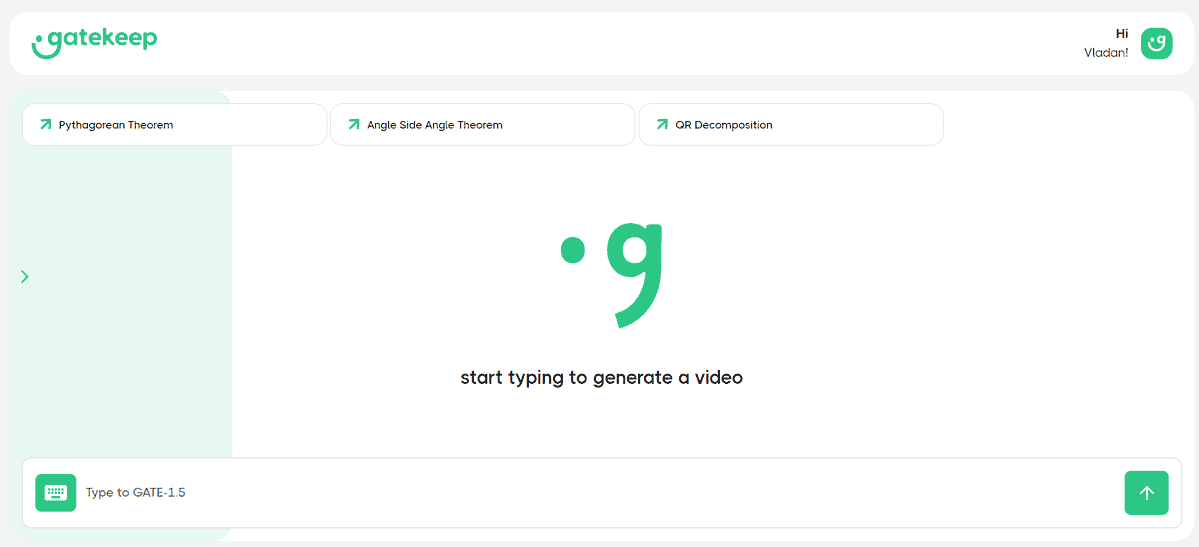
In the screenshot above, Complete platform interfaceIt's really easy.
But that doesn't mean it lacks quality. On the contrary, it is very Nice and catchy video.
All you have to do is: Text description A video on your desired topic will pop up. After a minute or two, the video will pop up. The video also comes with some extra features, which we'll talk about in more detail later.
Below is a sample video I generated:
As you can see, this video is simple, but it gets the job done. The narration sounded a bit roboticBut this is true of many AI video and audio generators.
If you liked it, keep reading, as I'll walk you through this simple process in detail so you can create similar videos on any topic you like.
Kepler AI Chat
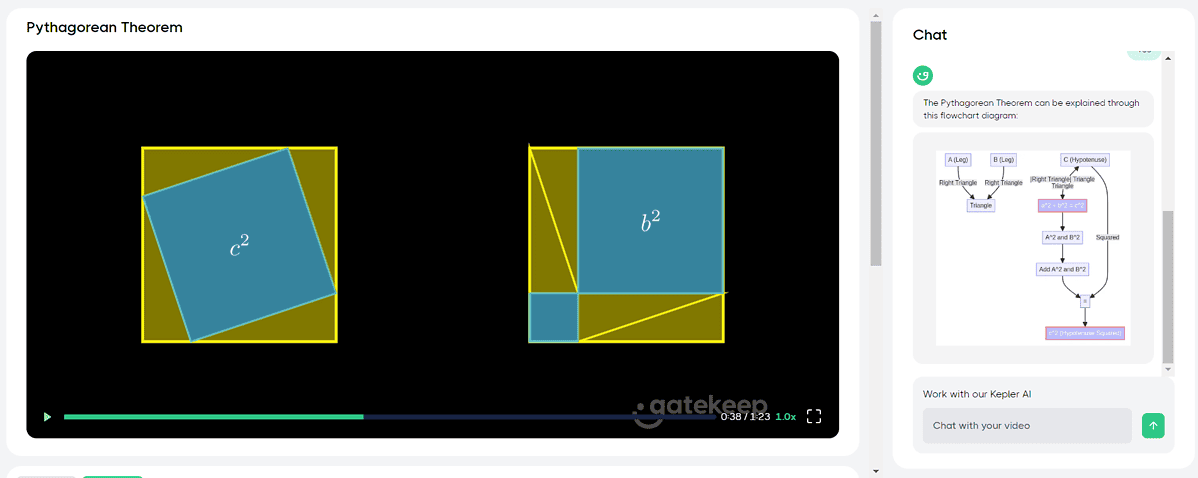
Kepler AI is a chatbot integrated into the Gatekeep platform. Once you create a video, you can chat with Deepen your understanding of the specified topic.
It works similarly to ChatGPT and other popular LLM bots: you provide it with an input prompt, and it responds based on that. The video contains information You don't have to explain it from the beginning, just what you create will be displayed.
If you plan to use Gatekeeper AI educates othersYou can use Kepler AI to generate some questions and answers.
Try the following prompt:
Generate 5 questions and answers based on the information provided in the video.
On the other hand, using this Create additional visualsBelow is an example of an illustration the Kepler AI created in response to my Pythagorean Theorem question.
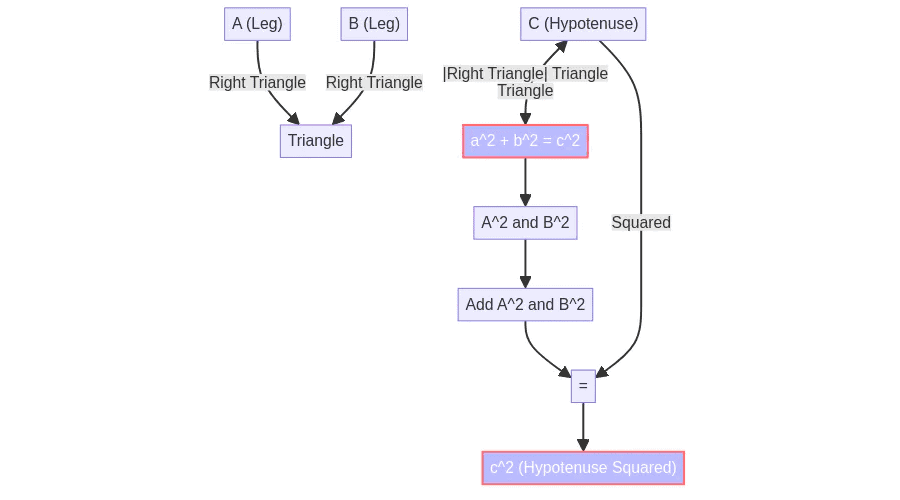
The best part is, you can ask as many follow-up questions as you like and the AI will respond quickly and on the spot, so you can always count on it. Visuals to support learning (First video or additional images, diagrams, etc.)
Intuitive interface
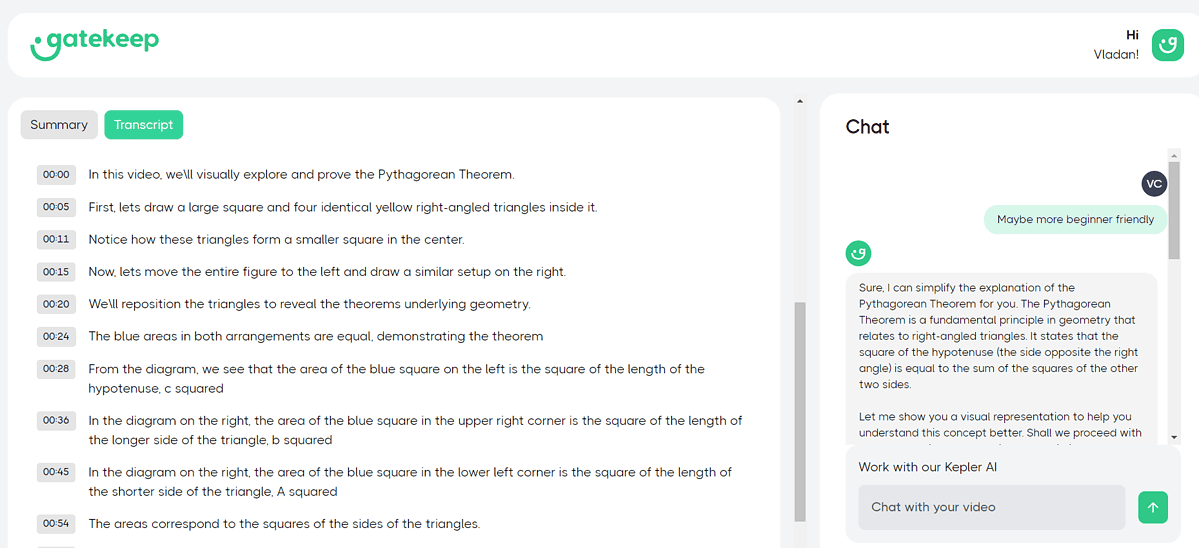
Below the generated video, summary and Transcript.
In summary, 50-word description of your video.
Transcript Follow the video narration It also includes a timestamp. There were a few small grammatical errors, but nothing to be concerned about.
Example: We\ll instead of We'll
Click on the timestamp Rewind the video Up to that particular point.
Here, Gatekeep AI has Discord CommunityFind fellow educators from over 3,000 users, Help Center If something goes wrong.
Additionally, you can support the development of this educational AI generator by leaving your feedback on Discord.
How to use Gatekeep AI
This platform is very easy to get started with, but we'll give you a quick tutorial to help you use it correctly.
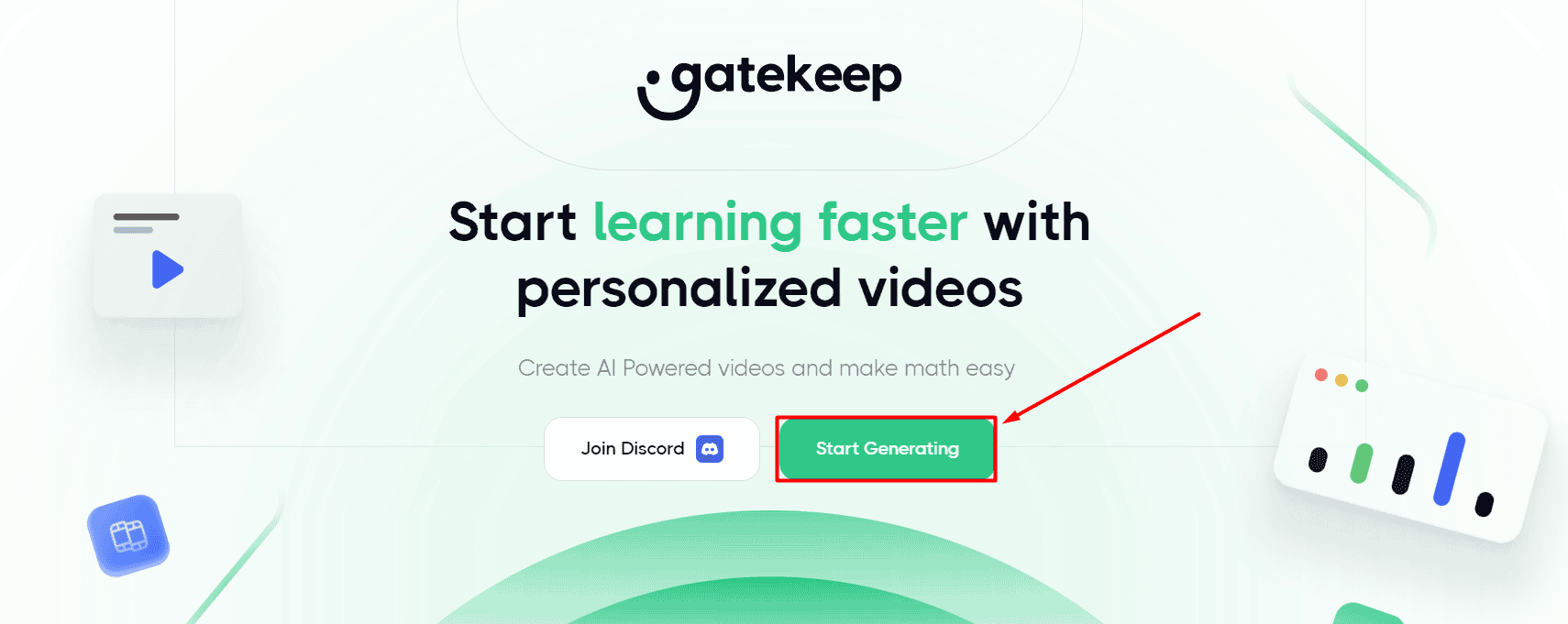
- go to Gatekeeper AI and, Start Generation button.
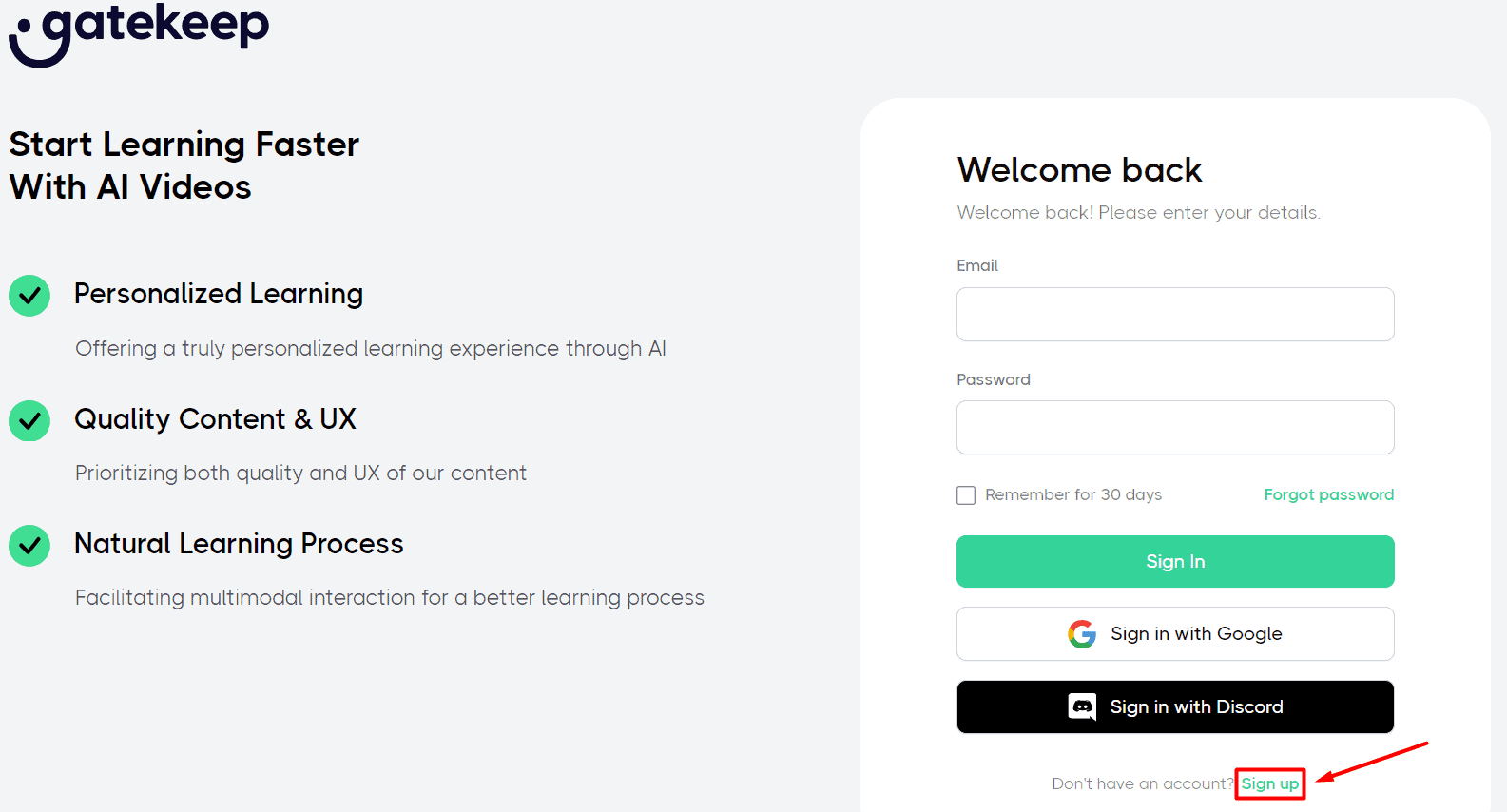
- Click here sign up button.
- Enter your details (Email address and password) to Create an account button.
Alternatively, you can use your Google account or Discord account.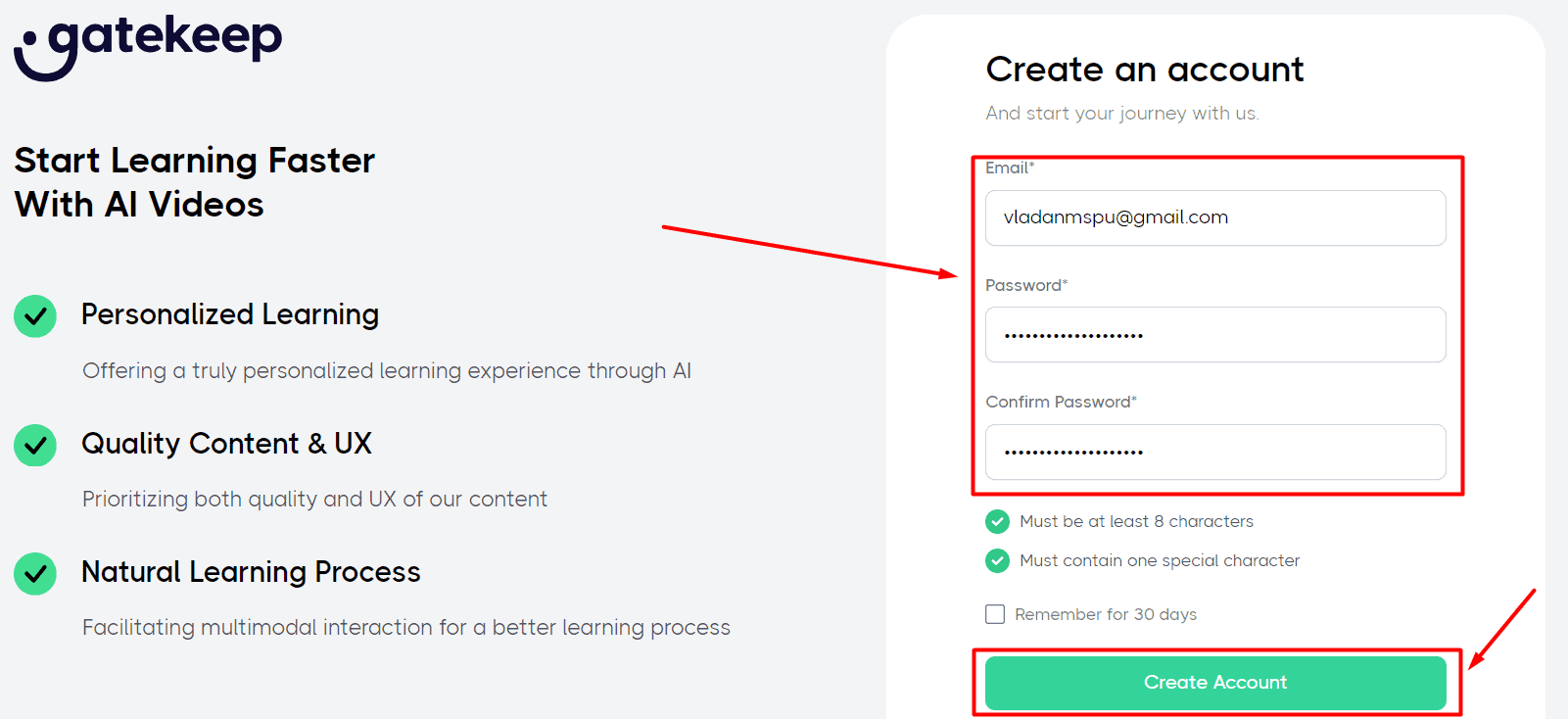
- Please enter Topics to be explained In Video send button.
Then wait a few minutes.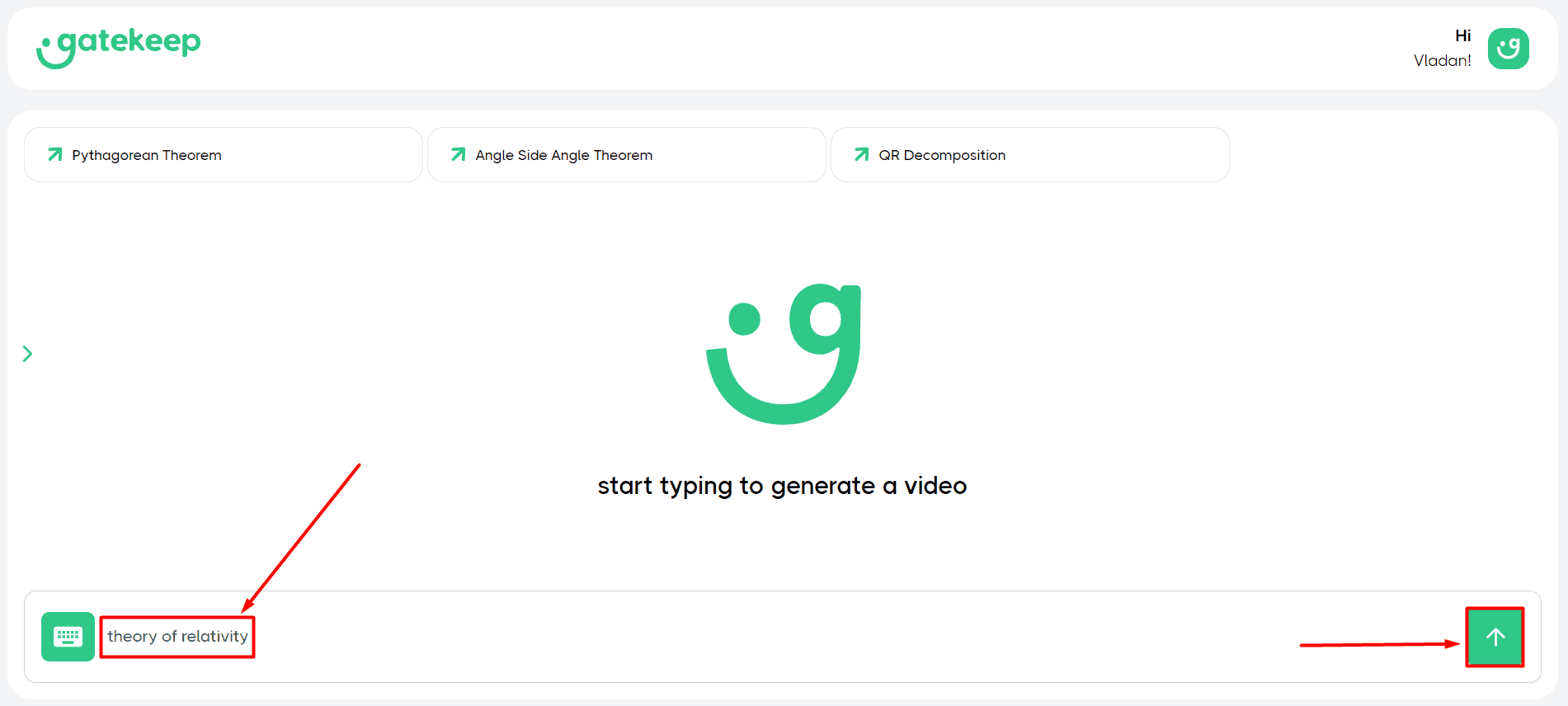
- Play Video From your browser.
Below are the additional steps to download: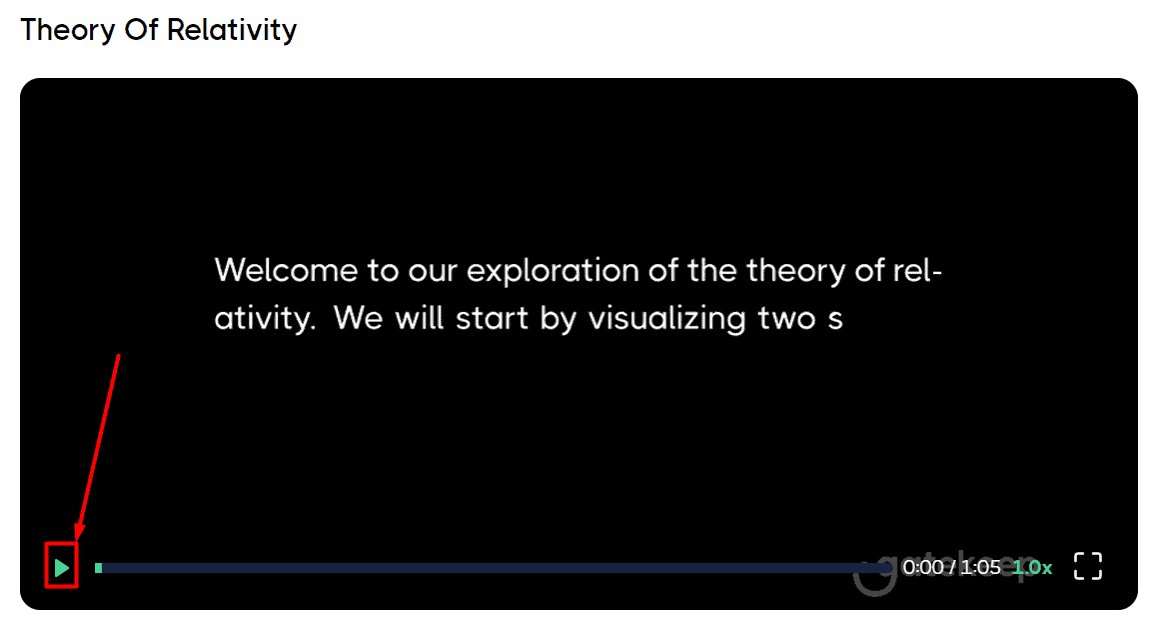
- (option) Right-click anywhere on the video and Save Video Select an option, Destination Folder On a PC.
This way you will get the MP4 file. This procedure works on Google Chrome desktop and may vary on other devices and browsers.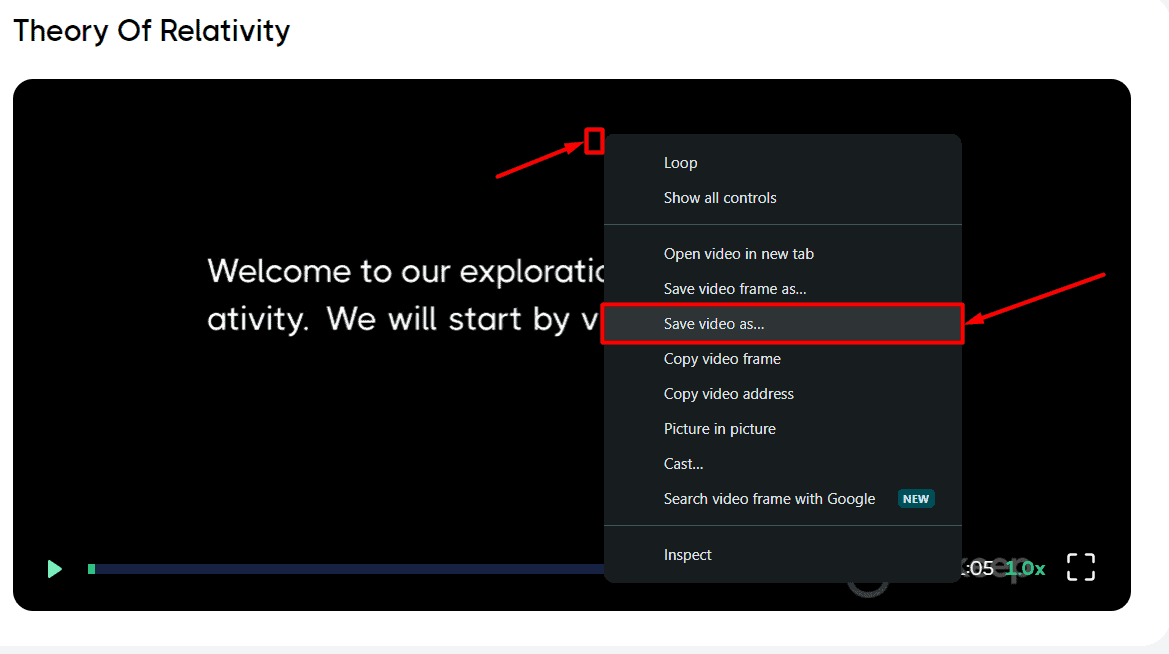
that's it! Below is a video about the theory of relativity that I created for this tutorial.
If you want to see more examples, Right SidebarAny previously generated videos will also be stored there.
price
To complete this Gatekeep AI review, we also need to mention the pricing structure of the platform.
first, Free Account it is 3 video generation per dayYou can also use Kepler AI Chat, which lets you get transcripts and summaries to navigate the video timeline.
cause Up to 30 videos Per dayYou need to subscribe to a paid plan. $20 Fees are charged monthly.
There Important Notices However, here, all the videos you generate (Whether you use the free trial or a paid plan)stay Exclusive property of Gatekeep.
That is, change the output to For personal or educational purposes only.
There is no mention of a money-back guarantee at this time.
Gatekeep AI Review – Verdict
So, to answer your first question, Gatekep AI generated videos are definitely good and can support your learning process.
That being said, the platform offers few customization options, so if you don't get the results you want on your first try,What happens), you have to keep prompting the tool without having much say in the matter.
But this simplicity is also a huge advantage: I've rarely seen an AI platform that can do so much with so little input.
If you want more control when generating your instructional videos, check out this Invideo AI review.