
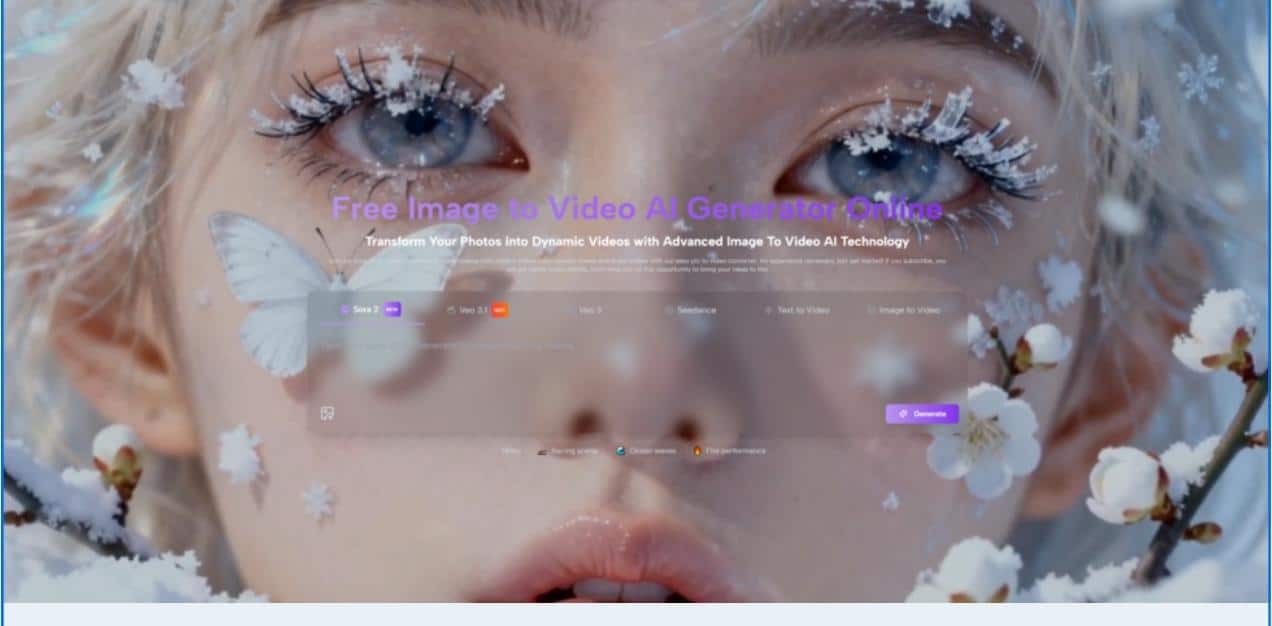
The shift from static frames to dynamic narratives has become the new standard for modern digital storytelling. A single photo captures a certain aesthetic, but often fails to convey the atmosphere, the subtle environmental physics, or the emotional rhythm that exists when the shutter clicks. The industry is currently being led by powerful architectures like Sora 2, which excels in complex physical interactions, and Google’s Veo 3.1, known for its amazing cinematic textures. Additionally, emerging models such as Seedance 2.0 and high-fidelity Nano Banana Pro are pushing the boundaries of what is possible in automated motion design. By leveraging Image to Video AI, creators can finally bridge this gap, acting as virtual directors to bring existing galleries to life without the need for traditional labor-intensive video production suites.
For many professionals, the main obstacle in content creation is not a lack of vision, but a lack of technical resources. Setting up a physical video shoot and mastering complex keyframe animations requires significant time and financial investment. This is where generative intelligence steps in and shifts the focus from physical labor to creativity. Instead of spending hours on frame-by-frame manipulation, you can now provide high-level instructions to a system that understands the physics of motion, lighting, and depth, allowing you to quickly create impactful visual assets.
The effectiveness of current generative tools is rooted in their ability to leverage world-class ensembles of generative models. From my observations, these models do more than just apply filters to photos. It actually reconstructs the scene in three dimensions. This helps the AI understand that mountains in the background should move differently than people in the foreground, creating a realistic sense of scale and depth. Integrating models such as Veo 3.1 and Seedance 2.0 ensures that the behavior is not just random but follows logical physical laws.
In my testing, I found this system to be particularly good at interpreting ambient lighting. When you upload a photo with a strong light source, AI calculates how that light interacts with moving objects. For example, if you animate a person walking in front of a light, the shadow will realistically move along the person’s face and the ground. This focus on physical accuracy gives the generated sequences a classy feel, moving them beyond simple animation and into the realm of true visual simulation.
Analysis of temporal stability and physics within key video generation models
One of the most important challenges in AI video generation is maintaining temporal stability. This means that objects in your video should not distort or disappear as you move them. With the introduction of Seedance 2.0 technology, these issues have been significantly reduced, resulting in cleaner transitions between frames. From my observations, this model provides a level of consistency that is essential for professional branding and character-driven storytelling, where visual continuity is non-negotiable.
This stability also extends to the environment. I noticed that even when the camera performs complex movements such as deep zooms, the background elements stay in the correct relative position. This mastery of spatial relationships allows AI to produce videos that look like they were shot on a professional set. For creators who need to produce large amounts of content for social media, this reliability means fewer failed generations and a much faster path from concept to finished MP4 file.
Evaluating the artistic texture of Sora and Nano Banana Pro
Different creative visions require different technical approaches. Additionally, a variety of AI models are available, allowing users to experiment with different cinematic personalities. While Sora 2 is widely known for its ability to simulate complex interactions, Nano Banana Pro is increasingly gaining traction for its cutting-edge visual composition and high-fidelity text rendering within scenes. Choosing between these engines is essentially similar to selecting film stock for a digital production.
The variety of these models makes the system versatile enough to handle a wide range of subjects. Whether you’re looking to animate historic old photos to preserve family memories or create high-energy dance clips for a social media campaign, there are specific models tailored for the purpose. This diversity prevents the monolithic look often seen in early stages of AI-generated content and allows each creator to find a specific aesthetic that matches the intent of the original photo.
Streamlined workflow for converting high-quality photos into dynamic sequences
The process of producing videos is designed to be lean and efficient, eliminating the hassle associated with professional video editing. Image to Video follows four logical paths to ensure consistency across different types of projects.
- Upload your original image: Start by providing a high-quality JPEG or PNG file. The AI uses this as a keyframe, so a clear subject and proper composition will always result in a more stable video output.
- Explain the intent of the motion: Enter a prompt that describes what you want to do. Here you act as the director and specify whether you want to gently pan the camera or have your subject do a certain action.
- Wait for neural synthesis: The platform typically takes about 5 minutes to process a request using cloud-based GPUs. During this phase, the AI performs millions of calculations to ensure that the 5-second sequence is smooth.
- Preview and Export: Once the status is ‘Completed’, you can review your work. The final video is delivered as an MP4, making it compatible with all major social platforms and editing software on the market.
Master instant engineering for accurate environment and subject movement
The secret to achieving professional results lies in the specificity of your prompts. In my testing, I’ve found that being specific about the speed and direction of movement produces more predictable and professional results. For example, instead of saying “Move the grass,” it’s better to have the grass sway gently in the breeze while the camera slowly zooms in. This level of detail helps the AI understand which parts of the image should be static and which parts should be animated.
By treating AI like a competent but literal-minded assistant, we can get the most out of every generation. It’s often helpful to describe not only movement, but also atmosphere and lighting. In my experience, adding descriptive words like cinematic lighting or soft sunsets greatly improves how the AI renders the final texture of your video. This iterative process of prompting and refinement allows users to master the art of AI direction.

Implementing precise camera trajectory control for cinematic depth and perspective
One of the most powerful features for advanced creators is the ability to control the trajectory of the virtual camera. This allows you to go beyond simple subject movement and add cinematic touches such as panning, zooming, tilting, and rotating. You can add intentionality to your videos by asking the AI to slowly zoom in or pan to the right. From my observations, subtle camera movements are often the difference between a video that looks like a live photo and a video that looks like a professional film clip.
These controls are especially useful when presenting products in e-commerce. Slowly rotating around the product reveals details that could not be captured in a single photo. For travel content, wide panning shots can give viewers a sense of the scale and grandeur of a location. Mastering these virtual camera movements allows users to truly step into the role of a director, allowing the AI to become an extension of the user’s creative intent rather than just an automation tool.
Recognize technical limitations and adjust prompts for optimal final results
This technology is incredibly advanced, but it’s important to understand its current limitations to get the best possible results. Currently, the videos produced are focused on impactful 5-second lengths. That makes it perfect as a component for social media stories or large-scale edits, but it’s not intended to replace a feature film just yet. Additionally, highly complex or cluttered images can cause unexpected visual artifacts as the AI guesses what will happen next.
From my observations, the key to success lies in repetitive prompts. If the initial results aren’t what you expected, try adjusting them to be more specific about the speed and direction of movement. We find that short, direct prompts often perform better than long, rambling explanations. Recognizing that AI may need two or three tries to fully capture a complex scene is part of a professional workflow.
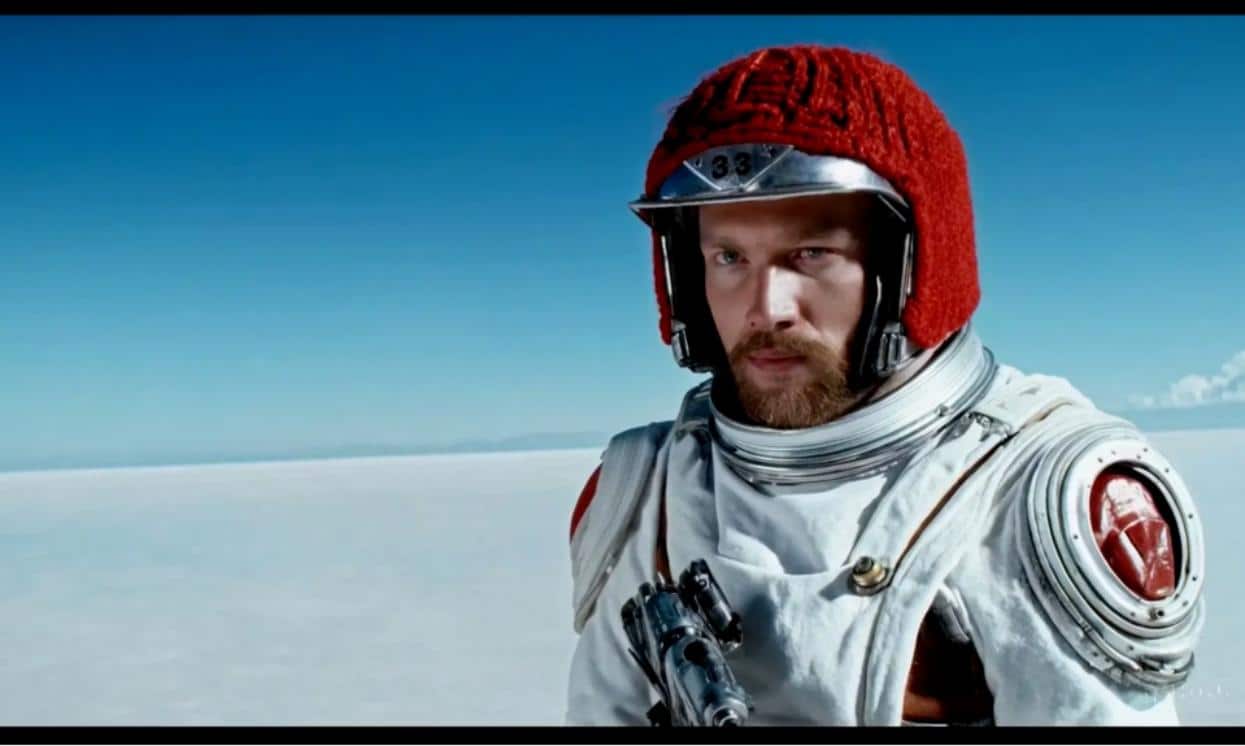
Analyzing performance metrics between static frames and generated motion content
To understand why so many professionals are turning to AI-generated video, it’s helpful to compare the impact of these clips to traditional photography on a variety of performance metrics.
| performance indicators | traditional still photography | AI generated motion sequence |
| maintaining alertness | Typically less than 2 seconds | Maintain focus for more than 5 seconds |
| algorithm reach | standard organic visibility | Reels and stories have high priority |
| production time | Instant capture only | 5 minutes automatic generation |
| engagement rate | Passive interactions are reduced | Increased active viewer retention |
| depth of emotion | What is captured in the composition | Capture through rhythm and life |
| Output format | JPEG, PNG, or JPG | MP4 universal video standard |
Expand your digital presence with automated short film content
Demand for video content will never go away, and the ability to produce it at scale is a huge competitive advantage. For social media managers, marketers, and personal storytellers, image-to-video workflows offer a way to meet this demand without burning out. By turning one successful photo shoot into dozens of unique video clips, you can effectively double the value of your existing content library.
This technology is more than just a novelty. It’s a fundamental shift in the way we interact with digital memories and assets. With the right tools, you’re no longer limited to what your camera can capture in an instant. You now have the power to revisit and expand on those moments, adding movement and life that was there in spirit but missing in the file. Whether for business or personal use, the path from still images to cinematic stories has never been shorter and more accessible.


