- english news
- technology science
- You can now check if a video is fake or real. Upload your videos to Gemini and verify that they were generated using Google AI.
36 minutes agoAuthor: Sourav Bagel
Google has introduced a new feature to its AI chatbot Gemini that makes it easier to see if a video was created or edited using artificial intelligence. The tool is currently available worldwide and can be used by anyone with access to Gemini.
The update comes just a month after Google introduced a similar feature to detect AI-generated images, showing the company's focus on content transparency.

Real or AI?
Why did Google create this tool?
As AI tools improve our ability to create realistic photos, videos, and audio, concerns about deepfakes are growing. Fake videos can spread misinformation, confuse viewers, and even damage people's reputations. To address this, Google has expanded its tools to help users understand where their content actually comes from.
What is SynthID and how can it help?
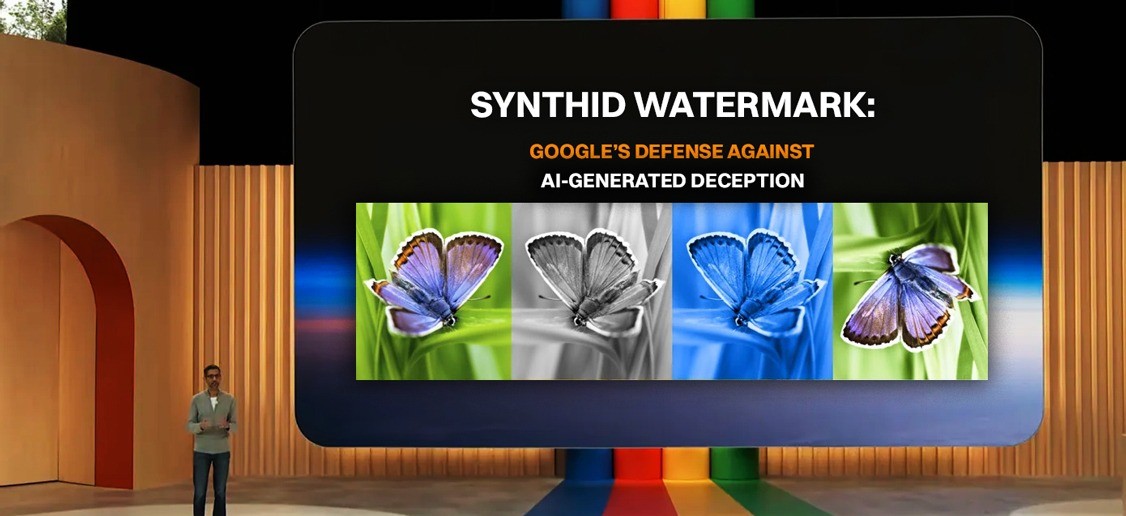
Back in 2023, Google introduced SynthID, a digital watermark that is invisible to the human eye. This watermark is added to content created or edited using Google's AI tools.
Over time, SynthID has been upgraded to work with text, images, audio, and video. Watermarks can be detected even if the content is cropped, copied, or edited outside of Google's platform.
Also read: Payal Gaming's viral video could lead to cyber fraud
How to tell if a video uses AI
Using the feature is easy. Upload a video to the Gemini app or website and ask questions like: “Was this video created or edited using AI?”
Gemini then checks both video and audio separately. For example, you might say that the visuals haven't changed, but the AI detected a certain second of audio.
Also read: Google launches 'AI Plus Subscription' in India for just ₹199
What you need to know
There are some limitations at this time. Video size must be less than 100MB and no longer than 90 seconds. Longer or larger files are not yet supported. The good news? The tool works in all countries and languages where Gemini is available, making AI detection more accessible than ever.