
Regardless of what you think about Microsoft’s plans to evolve from the previous Windows 11 and move to an “Agent OS” in the future, there seems to be some risk in using the new features. On the eve of rolling out new features to Windows Insiders, Microsoft issued a warning. Users are advised to enable new experimental features only “if you understand the security implications.” In fact, it’s potentially dangerous, so the agent component is turned off by default.
It’s alarming, but the reason is very simple. This is because AI applications pose a cross-prompt injection (XPIA) risk through the way they are granted access to user files. The agent account provided when the feature is enabled has limited access to the user profile directory located at Main Drive > Users > Username. So when an agent needs to access a file, Windows gives it read and write access to everything in that directory.
Because of this, Microsoft says that “malicious content embedded in UI elements or documents could override agent instructions” and have unintended consequences. The following are examples of data exfiltration and malware installation through AI applications. This means that these vulnerabilities can be used to install malware or access sensitive user files. Additionally, when using Agent Workspace, “Agent apps have access to apps that are available to all users by default.” Agentic AI applications can install or modify software without your knowledge, which is concerning.
What agent features will be added to Windows 11?
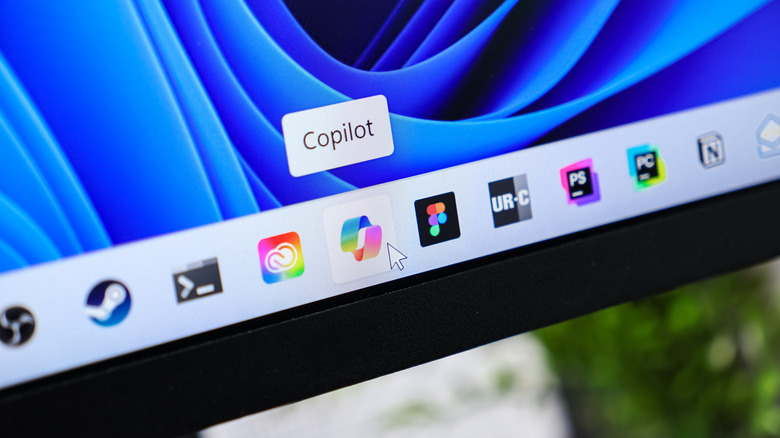
Microsoft explained in a recent support bulletin that this experimental feature is called Agent Workspace. It is available in a private developer preview for Windows Insiders and has already been rolled out to some. No apps yet support this new feature, but Copilot will soon have access to agent workspaces, and other apps will be coming soon. Specifically, AI Agent comes as an addition to Ask Copilot, a feature that allows you to summon an AI assistant in Windows 11.
Copilot is already a problem for people who value their privacy. For example, the AI can see the entire display. Indeed, Copilot can handle some useful tasks as well. But it all depends on whether you are willing to accept the risk, especially now. This initial build will launch with limited access to help developers “gather feedback and strengthen fundamental security.” Microsoft also outlines that security is not a “one-time feature” but an “ongoing effort” that adapts over time to meet technology needs.
An agent workspace is a separate, contained space that allows your AI application or agent to access files in the background while you continue using your device. Dedicated accounts, or isolation, “establish a clear boundary between an agent’s activities and one’s own,” enabling what the company calls “scoped authorization and runtime separation.” This gives you complete control, including the ability to “manage access at any time” while the agent works in the background. In theory I should be able to stop the agent, but I’m still worried. As more users gain access to these experimental features, more information will become available about them and how safe they are. But no one is really happy about it, and users are voicing their opposition online.


