
In an age where content creation is more accessible than ever, Adobe Firefly is pushing envelopes again with its newly launched AI-powered sound effect generator.
With this latest addition to Adobe's AI (AI) tools, Firefly's Sound Effect Generator allows users to create custom sound effects quickly, effectively, and with high quality accuracy without infinite searching through libraries or compromising sound quality.
The power of customization
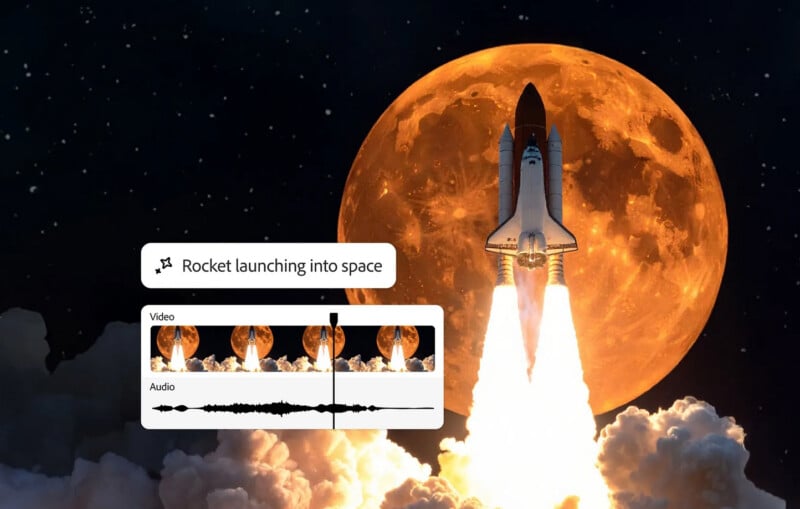
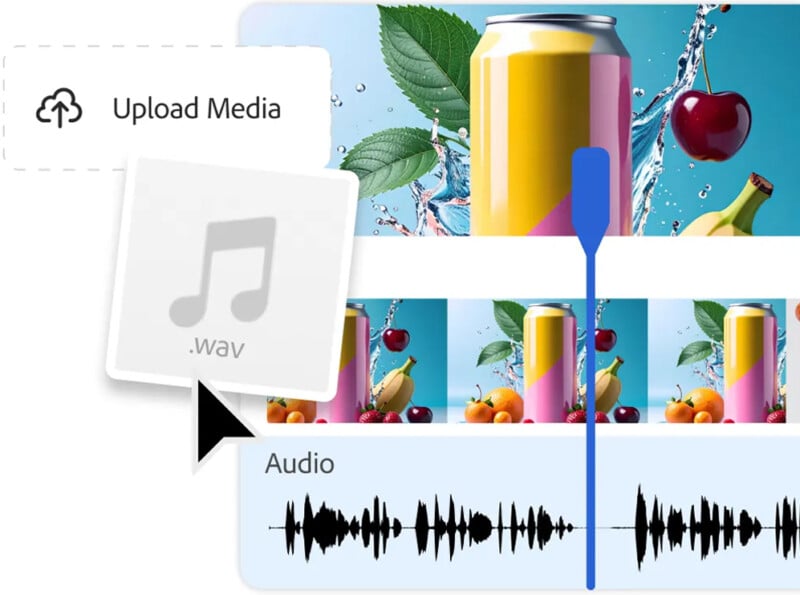
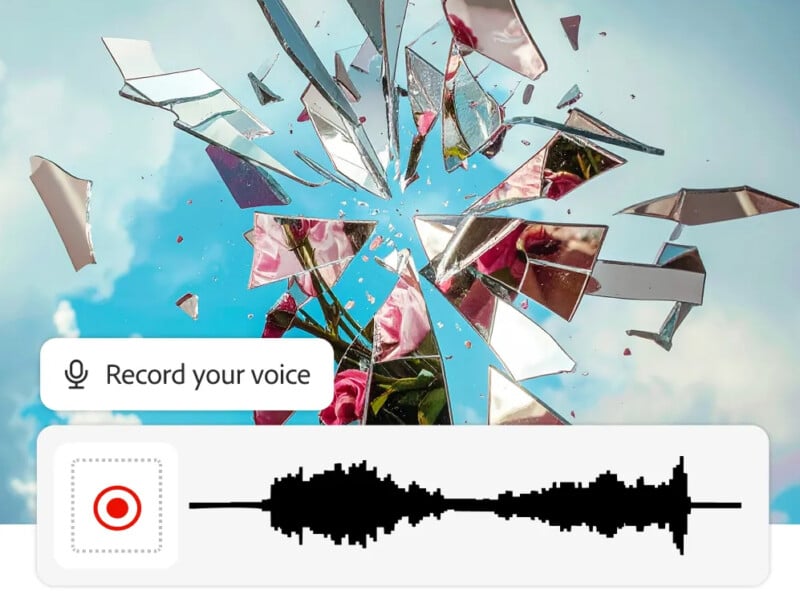
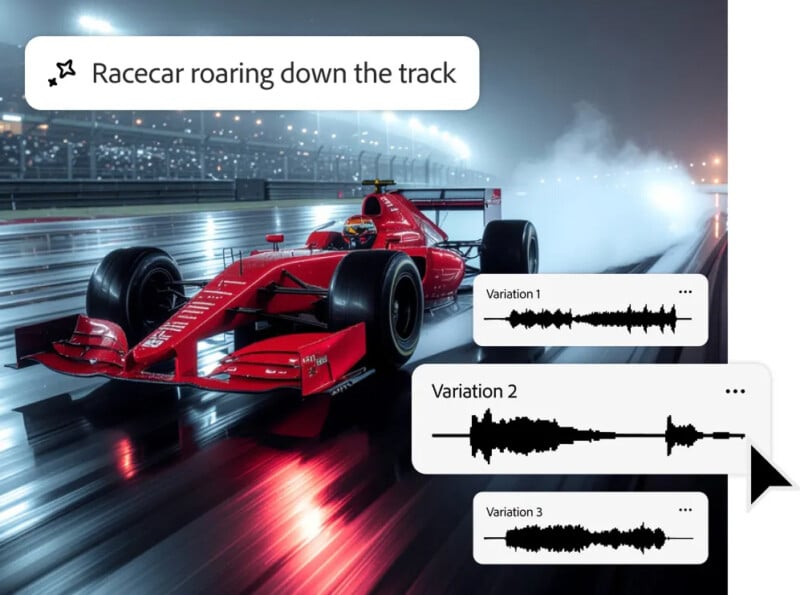
Firefly's AI Sound Generator is web-based and allows creators to develop sound effects tailored to their specific needs. Whether you're creating a high octane car chase scene or adding subtle raindrop sounds to your podcasts, Firefly offers an intuitive, powerful level of control. The process begins with a brief description or audio recording. Simply say “no thunder” or “shattering glass,” and the tool produces a matching effect. For those looking for even more accurate accuracy, users can upload their own reference audio and record sounds to the microphone, allowing AI to capture the timing and intensity of the effect with significant accuracy.
This dual input approach provides creators with unparalleled flexibility in shaping the final product, as both text prompts and audio recordings guide AI. This is a fusion of automation and personal creativity, ensuring that the generated sound effects match the creator's vision in close sync.
Streamlined workflow for maximum creativity
In the past, creators will spend hours scrutinizing their sound library to find the perfect match for their projects. Firefly eliminates this obstacle by allowing users to generate custom sounds on demand. Whether you're working on movies, podcasts, games, or social media content, Firefly allows users to focus on the creative process rather than searching for the right sound.
What's noteworthy is the fact that the custom sounds created are unique rather than sourced from an existing sound catalog. Creators will have sounds that were explicitly made for them.
The integration of sound effects and video is equally seamless. Firefly allows users to upload video or audio files and then place sound effects exactly where they want in the timeline. A simple drag-and-drop interface allows creators to layer multiple sound effects to create an immersive, cinematic soundscape that improves the overall experience. Additionally, the ability to adjust volume, timing and placement within the timeline ensures level of fine-tuning that adds a professional touch, regardless of skill level.
A hassle-free commercial-grade sound
What distinguishes Firefly from traditional sound libraries is its focus on both quality and ease of use. Adobe's AI allows sound effects to be used in any creative effort, whether commercial or personal. Additionally, the tool is designed for commercial use. Users can generate and incorporate sound effects into their projects without incurring royalty payments as long as they comply with Adobe Usage Guidelines. The freedom to use these AI-generated sounds in commercial projects opens new possibilities for creators in advertising, marketing, filmmaking and more.
“You can use Adobe Firefly's AI Sound Generator Royalty to comply with Adobe's guidelines and create sound effects for commercial use if the audio created is developed using a commercial version of Firefly.
Enhance creative processes across the industry
From podcasts to games and movies, the potential applications of Firefly's AI Sound Effect Generator are enormous. Podcasters can add laughs, ambient sounds, or dramatic pauses to enhance the storytelling experience. Game developers can create unique soundscapes for virtual worlds. Filmmakers can simulate natural sounds such as animal noise, weather effects, and urban atmospheres, without relying on a library of sound or expensive field recordings. The tool also supports social media creators who want to add dynamic sound effects to their videos, attracting attention in a crowded digital space.
easy to use
For those new to sound design, Firefly is extremely easy to use. Adobe's interface is streamlined, with simple instructions and intuitive workflows that eliminate the often steep learning curves associated with professional audio tools. The ability to generate sound effects in both text and audio prompts allows anyone to produce high-quality results regardless of their technical expertise.
The only drawback for some is the limitations of file formats. Currently, Firefly supports audio downloads in WAV format for Audio-only projects, while MP4 is supported for video projects using Audio. Although these formats are widely compatible, users with specific needs may have limited choices.
A new era of audio storytelling
Adobe Firefly's AI Sound Effect Generator, according to Adobe, is not just a tool, but an invitation to explore a new dimension of creativity. By combining AI-driven automation with practical input, this tool allows users to generate soundscapes that were once the exclusive domain of professional sound designers.
Image credits: Adobe